Hosting · WebHosting

WebHosting you manage in a few clicks

Fast NVMe SSDs, application installer for 17 popular apps, servers located in Germany and personal support. Three plans from 50 to 500 GB.

NVMe storageClear Web InterfaceApplication installerServers in Germany

From €5.95 per month

Not sure which plan fits your project?

Start the WebHosting Finder

Three WebHosting plans

Room for one project or twenty

All plans with Web Interface, NVMe storage, daily backups and application installer.

Monthly term and payment, cancelable at short notice.

WebHosting Solo

50 GB NVMe · 3 domains incl.

  • 50 GB NVMe storage
  • 10 FTP accounts · 10 MySQL databases
  • Unlimited email mailboxes
  • 3 domains included
  • Web Interface with application installer
  • Daily backups included
  • Free Let's Encrypt SSL certificates
  • Unmetered traffic (fair use)
  • Personal support by email and phone
5.95/ month
No setup fee

Most popular

WebHosting Plus

200 GB NVMe · 8 domains incl.

  • 200 GB NVMe storage
  • 50 FTP accounts · 50 MySQL databases
  • Unlimited email mailboxes
  • 8 domains included
  • Web Interface with application installer
  • Daily backups included
  • Free Let's Encrypt SSL certificates
  • Unmetered traffic (fair use)
  • Personal support by email and phone
10.95/ month
No setup fee

WebHosting Max

500 GB NVMe · 20 domains incl.

  • 500 GB NVMe storage
  • 250 FTP accounts · 250 MySQL databases
  • Unlimited email mailboxes
  • 20 domains included
  • Web Interface with application installer
  • Daily backups included
  • Free Let's Encrypt SSL certificates
  • Unmetered traffic (fair use)
  • Personal support by email and phone
25.95/ month
No setup fee

Plan comparison

All features in detail

FeatureWebHosting SoloMost popularWebHosting PlusWebHosting Max
NVMe storage 50 GB200 GB500 GB
Included domains 3× .de8× .de20× .de
Subdomains unlimitedunlimitedunlimited
External domains can be added free of chargefree of chargefree of charge
Traffic unmetered (fair use)unmetered (fair use)unmetered (fair use)
DNS management included 
DynDNS included 

In every plan

What comes with every WebHosting package

Fast NVMe storage

All plans on NVMe SSD in RAID, with higher read and write speeds than HDD or classic SSD. Your website loads noticeably faster.

Clear Web Interface

Application installer, domain and mailbox management in one place.

SSL via Let's Encrypt

Issued and renewed automatically. No setup, no reminders about expiry dates: standard in every plan.

Daily backups

We create daily backups of your account. Restoring is free of charge through our support team.

DDoS defense & filters

Incoming DDoS attacks are detected and filtered as quickly as possible. A spam and virus filter for all email mailboxes is included in every package.

Personal support

By email or phone, German-speaking, real people, no bot. We actively help with migration and configuration.

17 application installers

Installed with just one click: 17 popular applications

The Web Interface comes with ready-made installers for CMS, cloud, forums, shops and more. Database, admin account and SSL are set up automatically.

WordPress
CMS
Drupal
CMS
Joomla!
CMS
MODX
CMS
Grav
CMS
Nextcloud
Cloud
Flarum
Forum
phpBB
Forum
OpenCart
E-commerce
PrestaShop
E-commerce
MediaWiki
Wiki
BookStack
Wiki
Lychee
Gallery
Piwigo
Gallery
FreeScout
Help desk
BlaB! AX
Chat
MantisBT
Project

Web Interface

Managing your hosting is this easy

Connect domains, create mailboxes, create databases, activate SSL, install applications: all in a few clicks in the clear Web Interface.

Everything in your own hands

What you can do yourself, without waiting for anyone

Create domains, set the target, set up the SSL certificate, set up mailboxes. These views are part of every WebHosting plan.

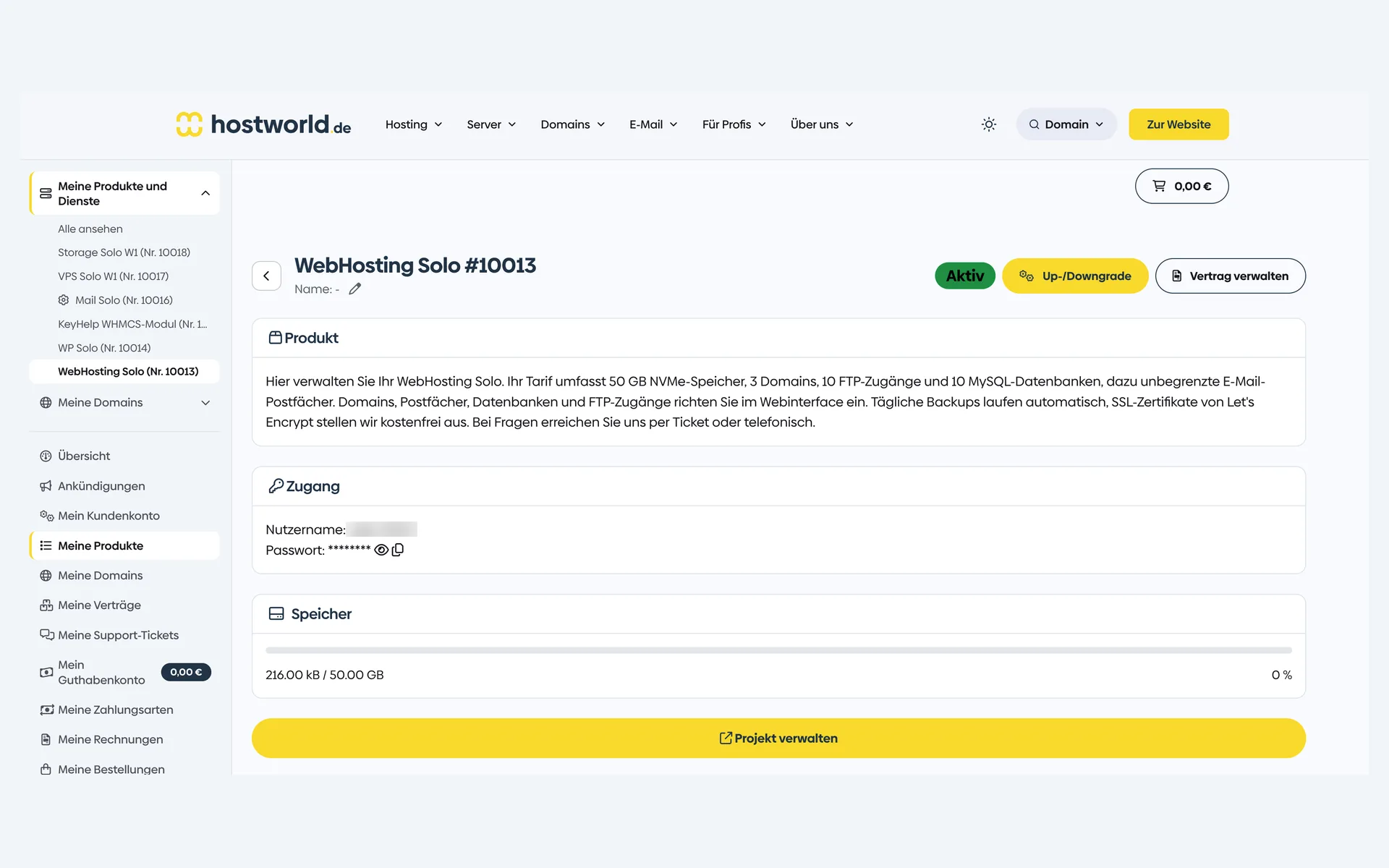
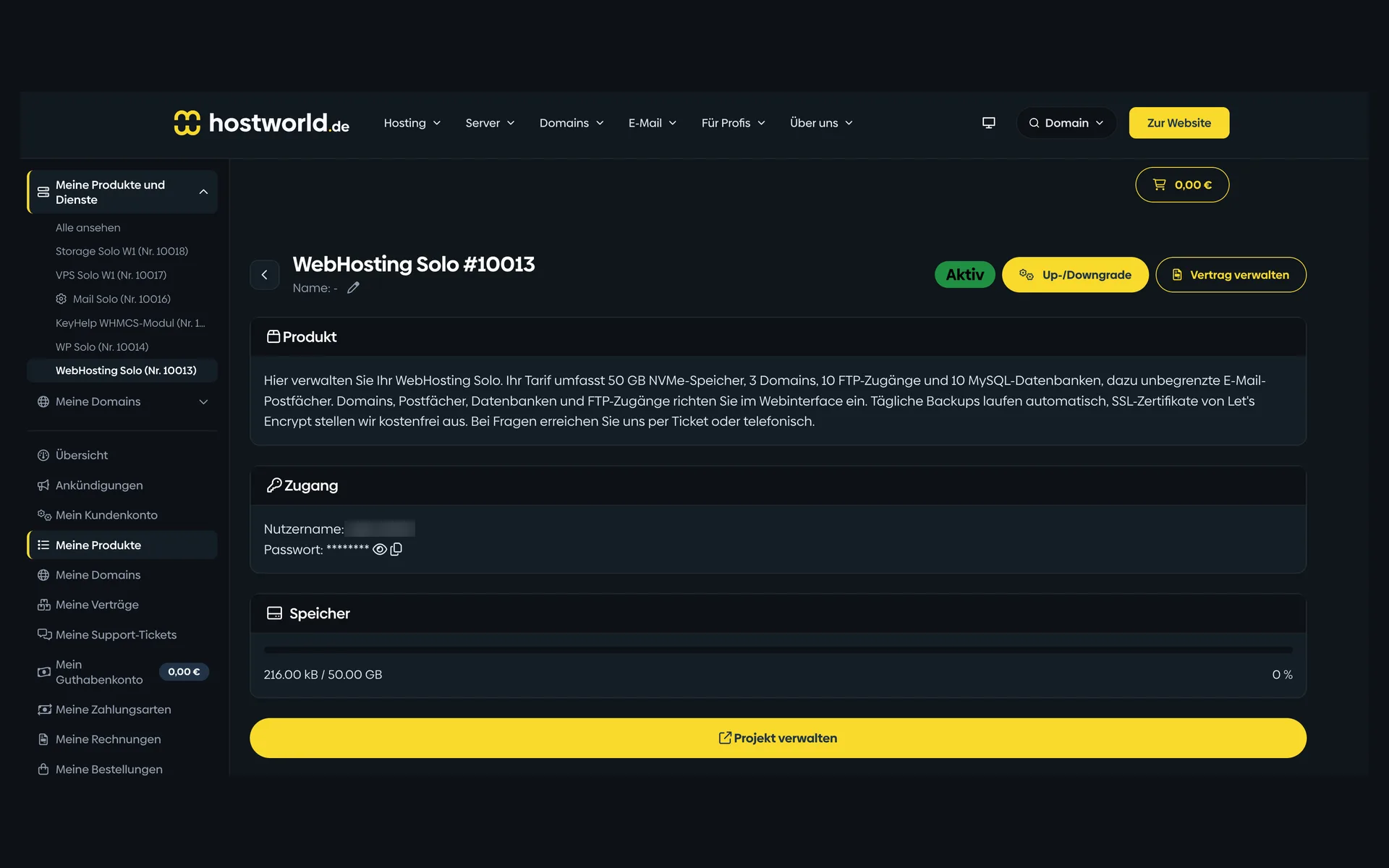
  • Product page of a WebHosting plan in the Customer Menu with the plan description, login details, storage display, and the “Projekt verwalten” (manage project) buttonProduct page of a WebHosting plan in the Customer Menu with the plan description, login details, storage display, and the “Projekt verwalten” (manage project) button

    1 of 7

    Plan, access, and usage in the Customer Menu

    Storage, login details, and current usage are shown with their current state in the Customer Menu. From there, the login button takes you straight to the Web Interface.

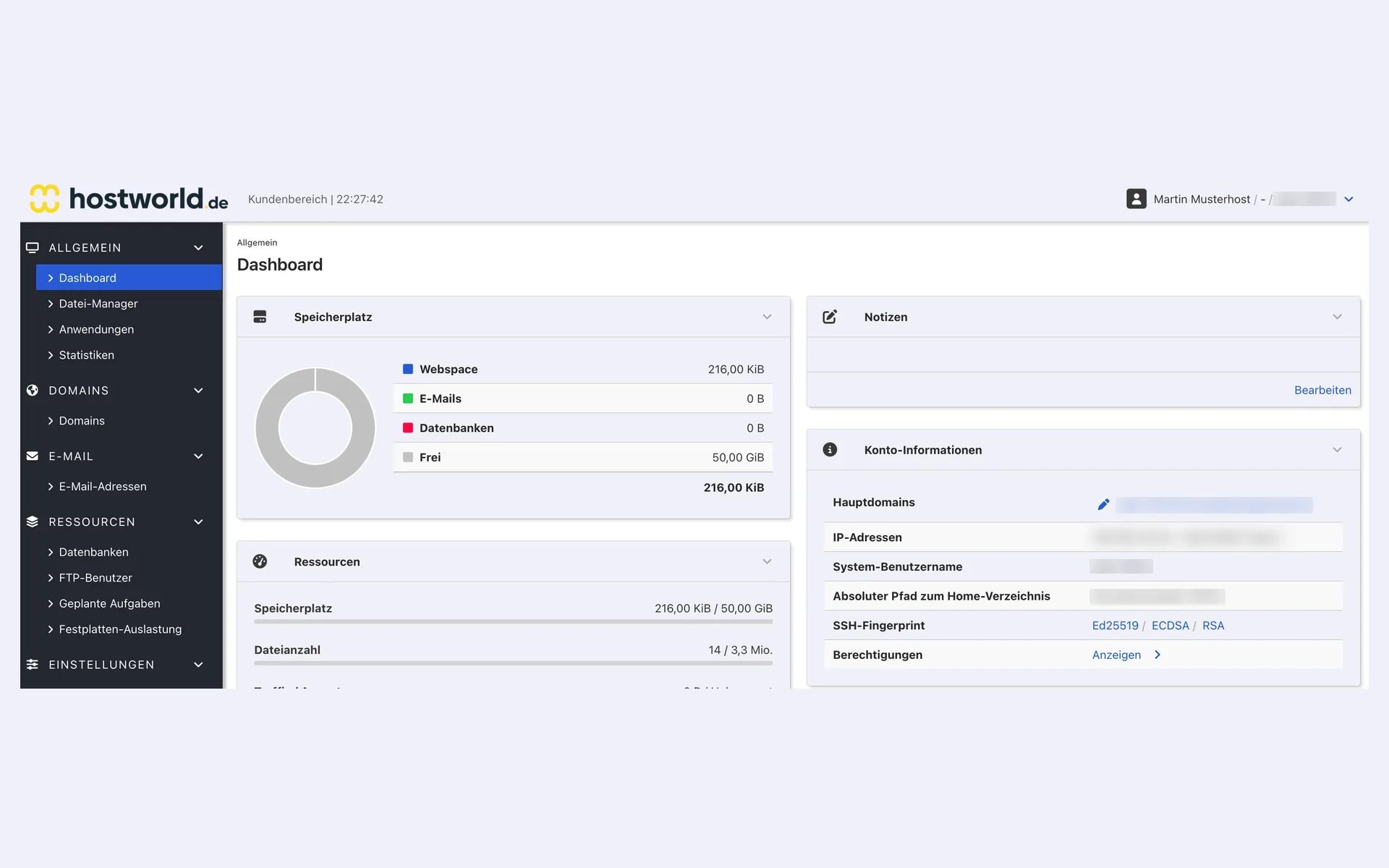
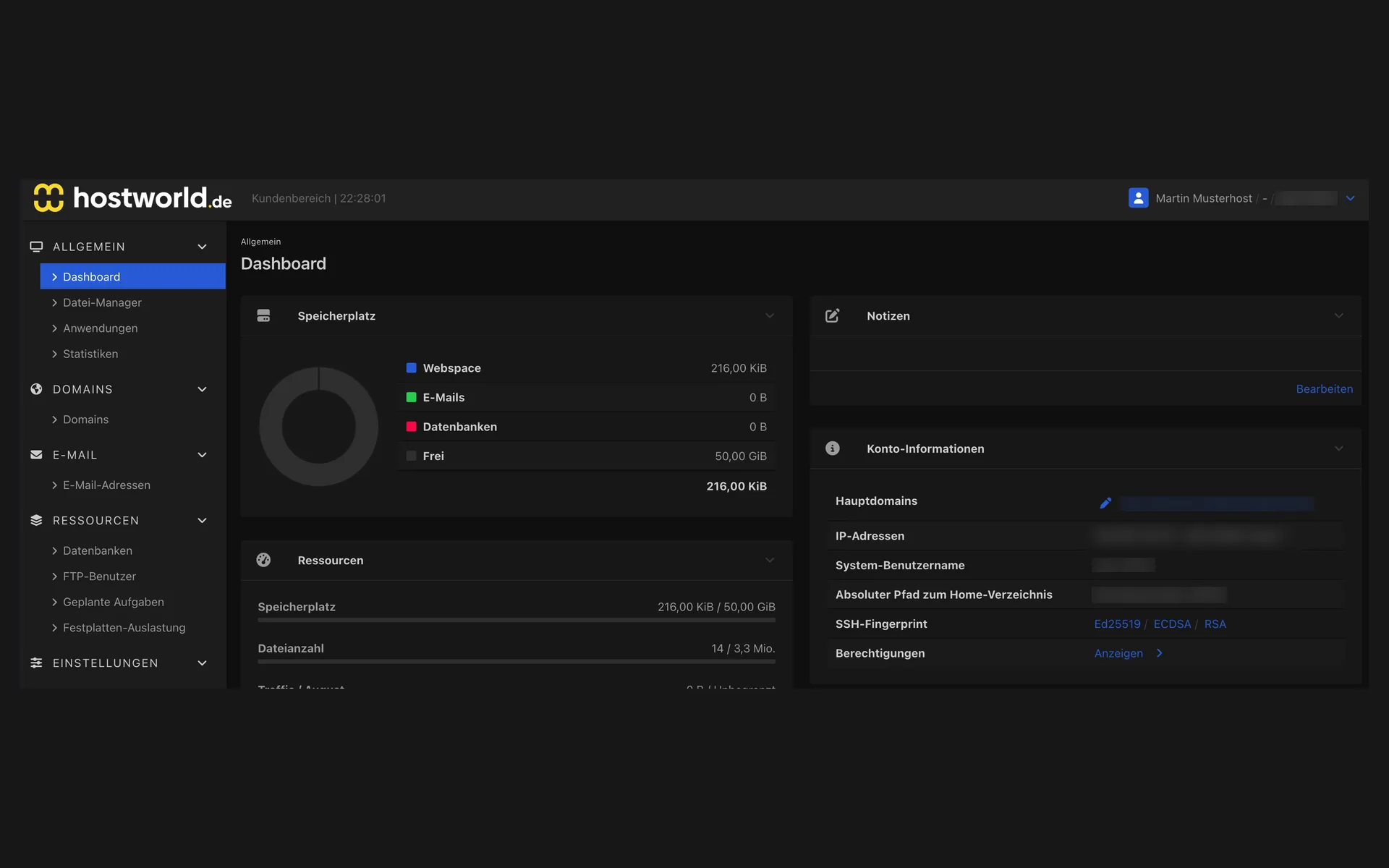
  • Start page of the Web Interface with the breakdown of storage, the resource list, and the account information for the main domainStart page of the Web Interface with the breakdown of storage, the resource list, and the account information for the main domain

    2 of 7

    All the numbers at a glance

    Used storage, email mailboxes and forwarders, databases, and much more, visible at a glance.

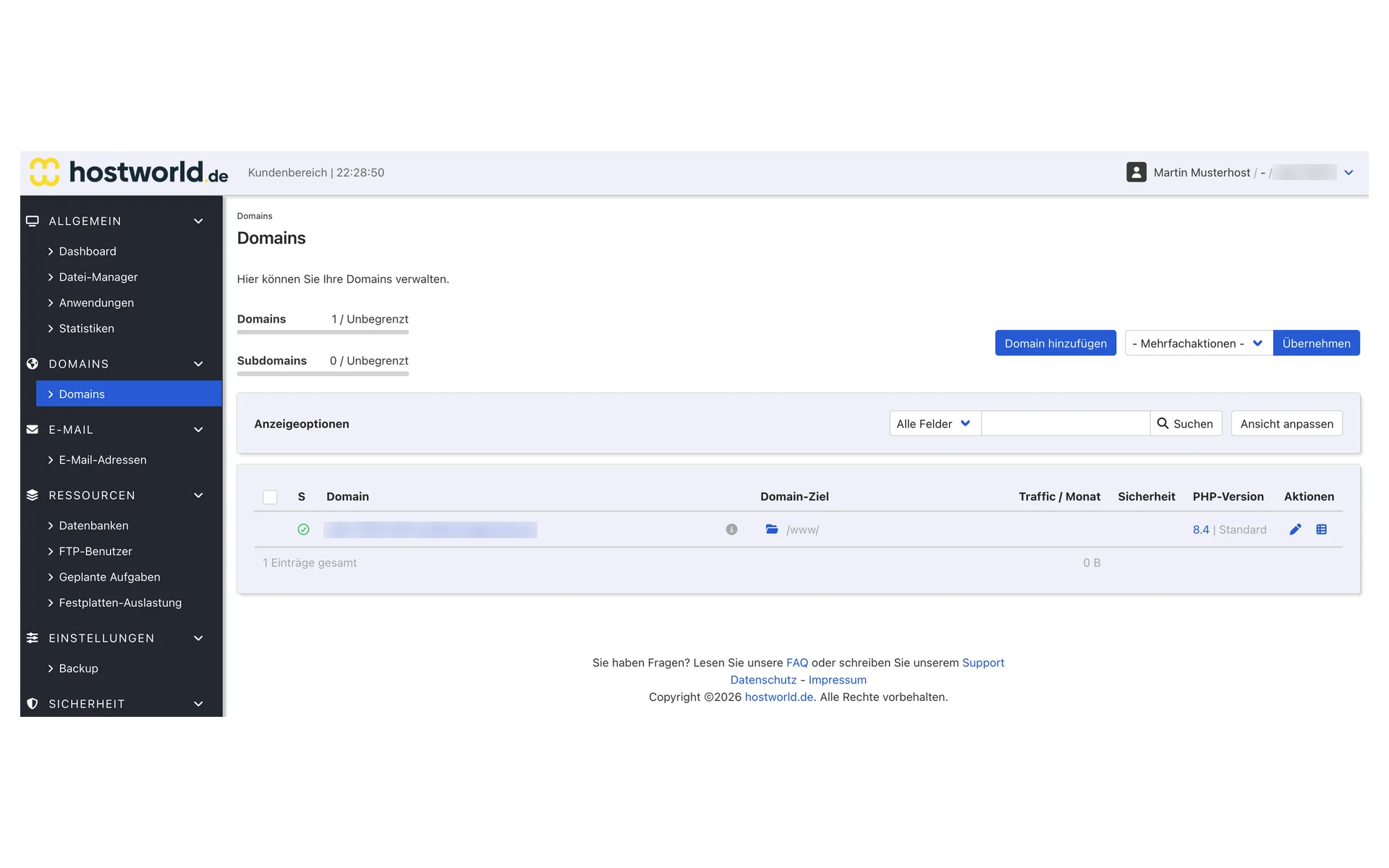
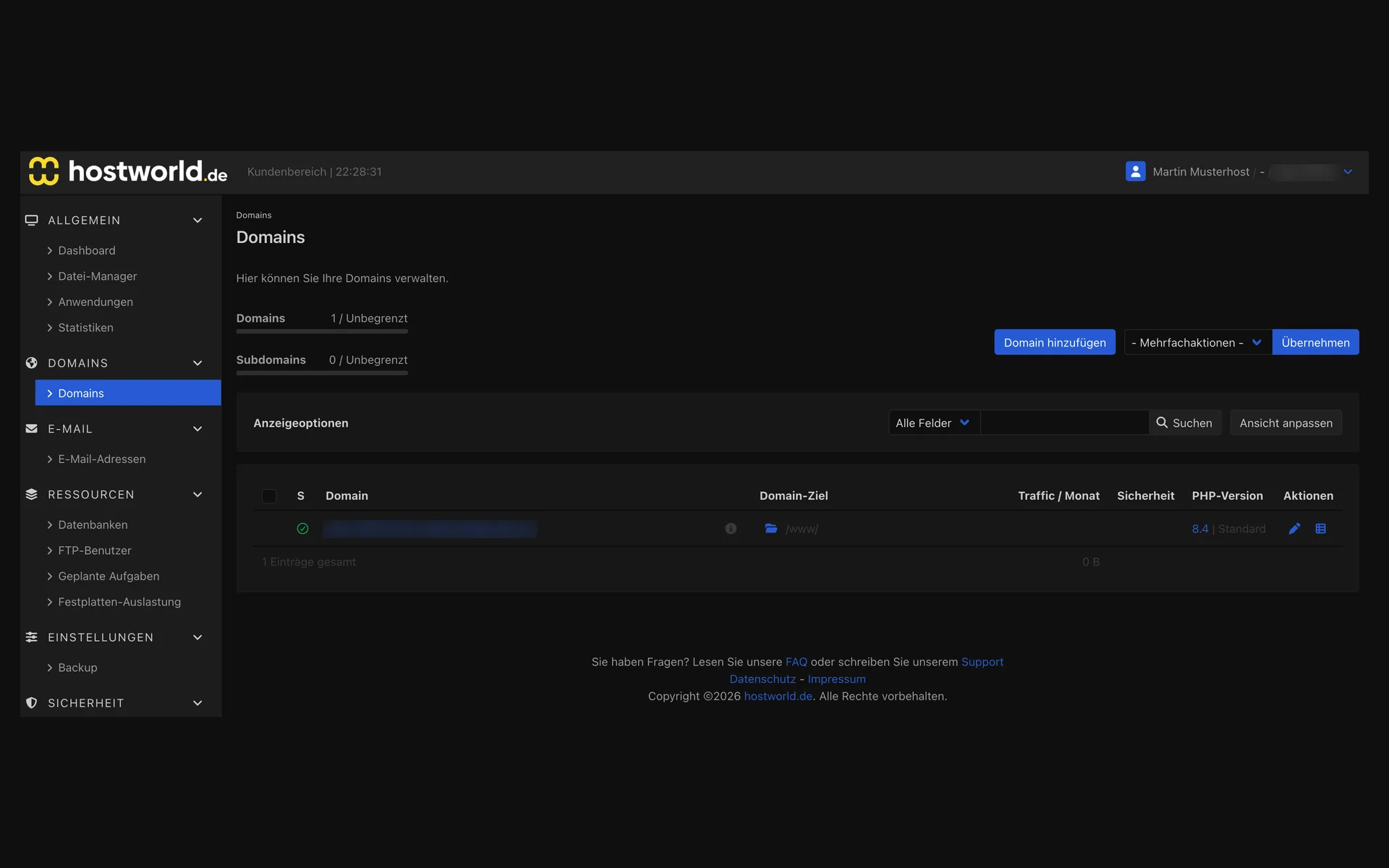
  • Domain overview in the Web Interface with domain name, domain target, traffic, security status, PHP version, and actionsDomain overview in the Web Interface with domain name, domain target, traffic, security status, PHP version, and actions

    3 of 7

    Your domains in one list

    Every domain with its target, traffic usage, SSL certificate status, and the configured PHP version. You create further domains and subdomains here yourself.

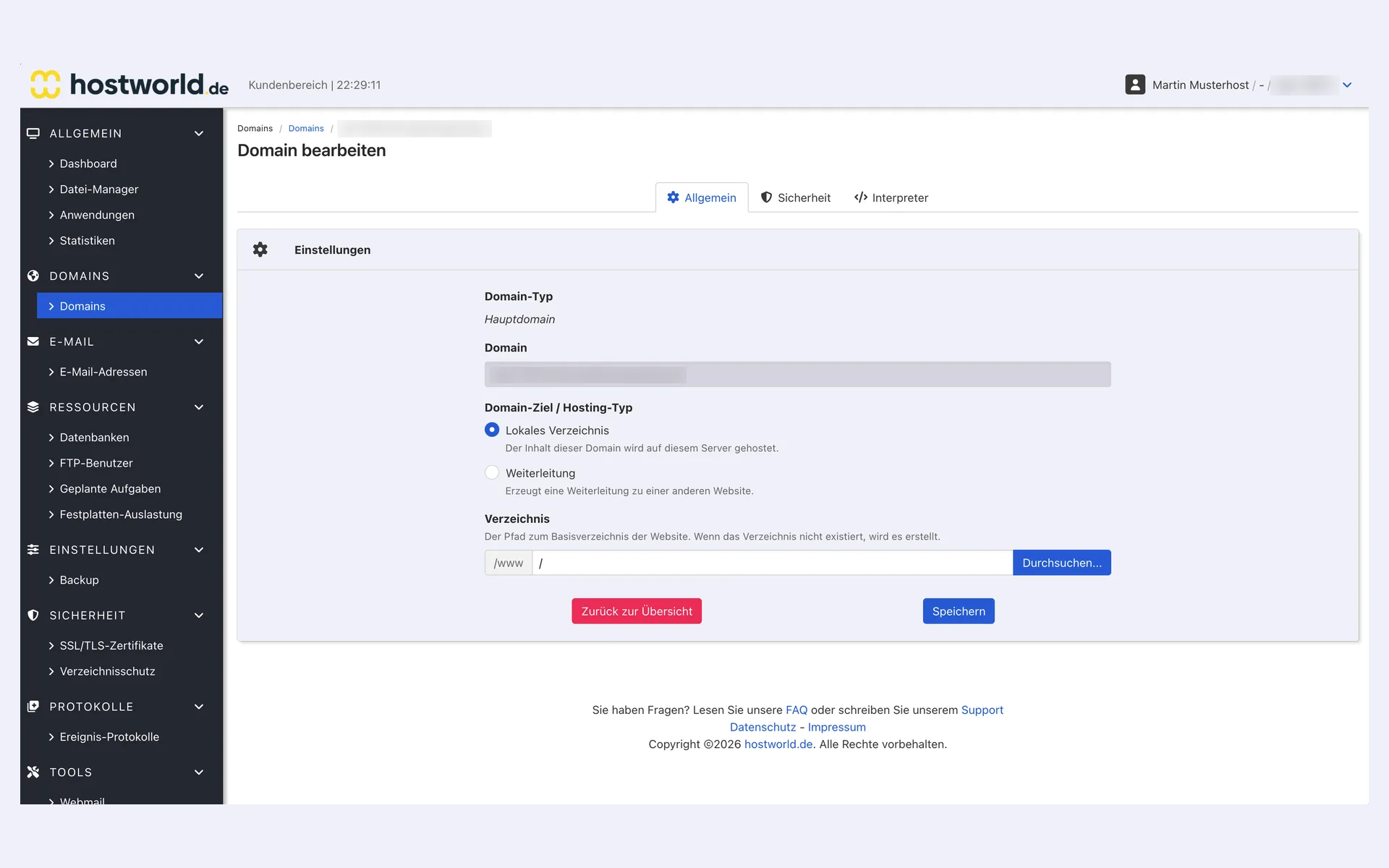
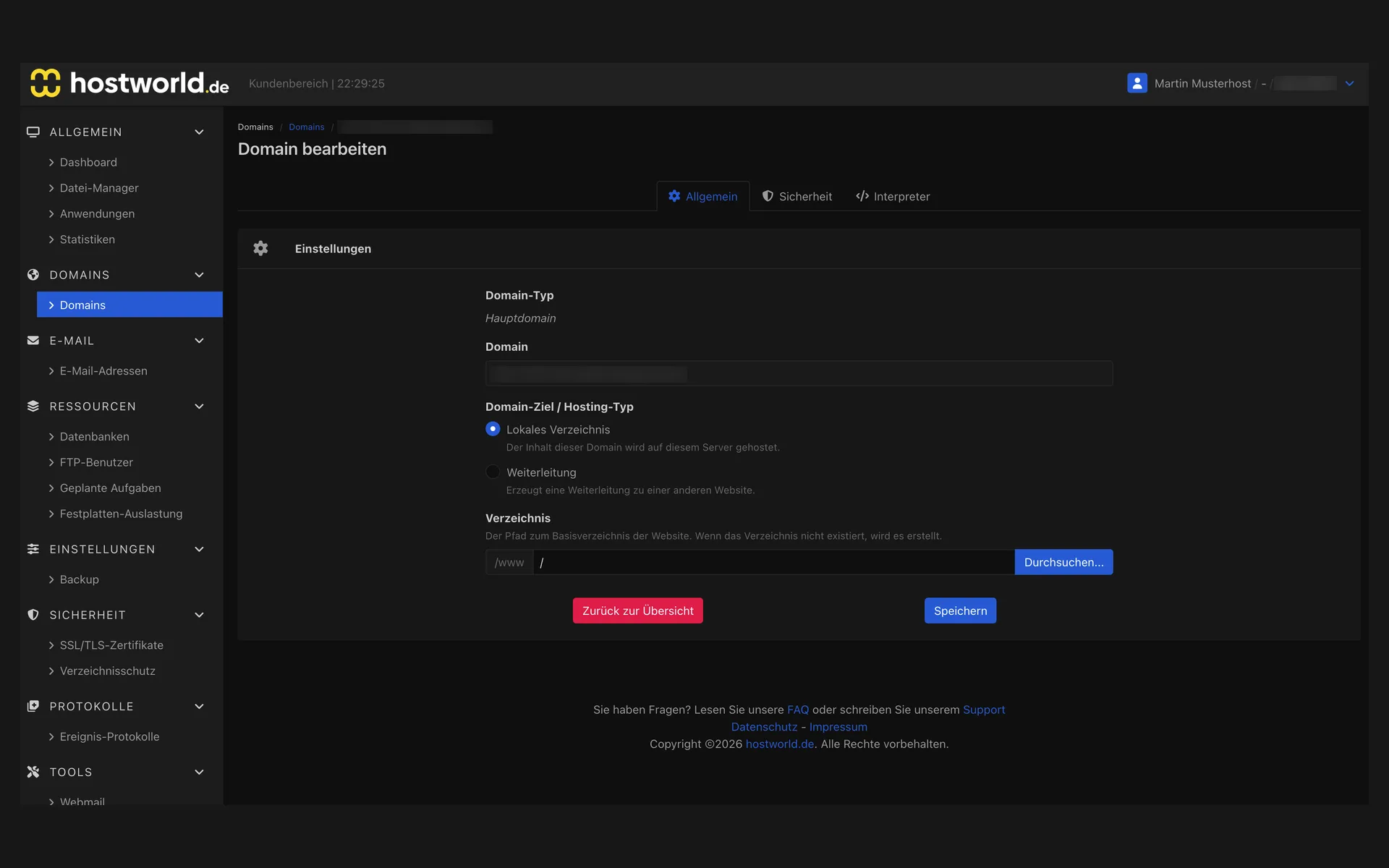
  • “Allgemein” (general) tab of the domain settings with domain type, domain target as a local directory or redirect, and the directory selection“Allgemein” (general) tab of the domain settings with domain type, domain target as a local directory or redirect, and the directory selection

    4 of 7

    You decide where the domain points

    To a directory on the server, or as a redirect to another website. You choose the target directory yourself.

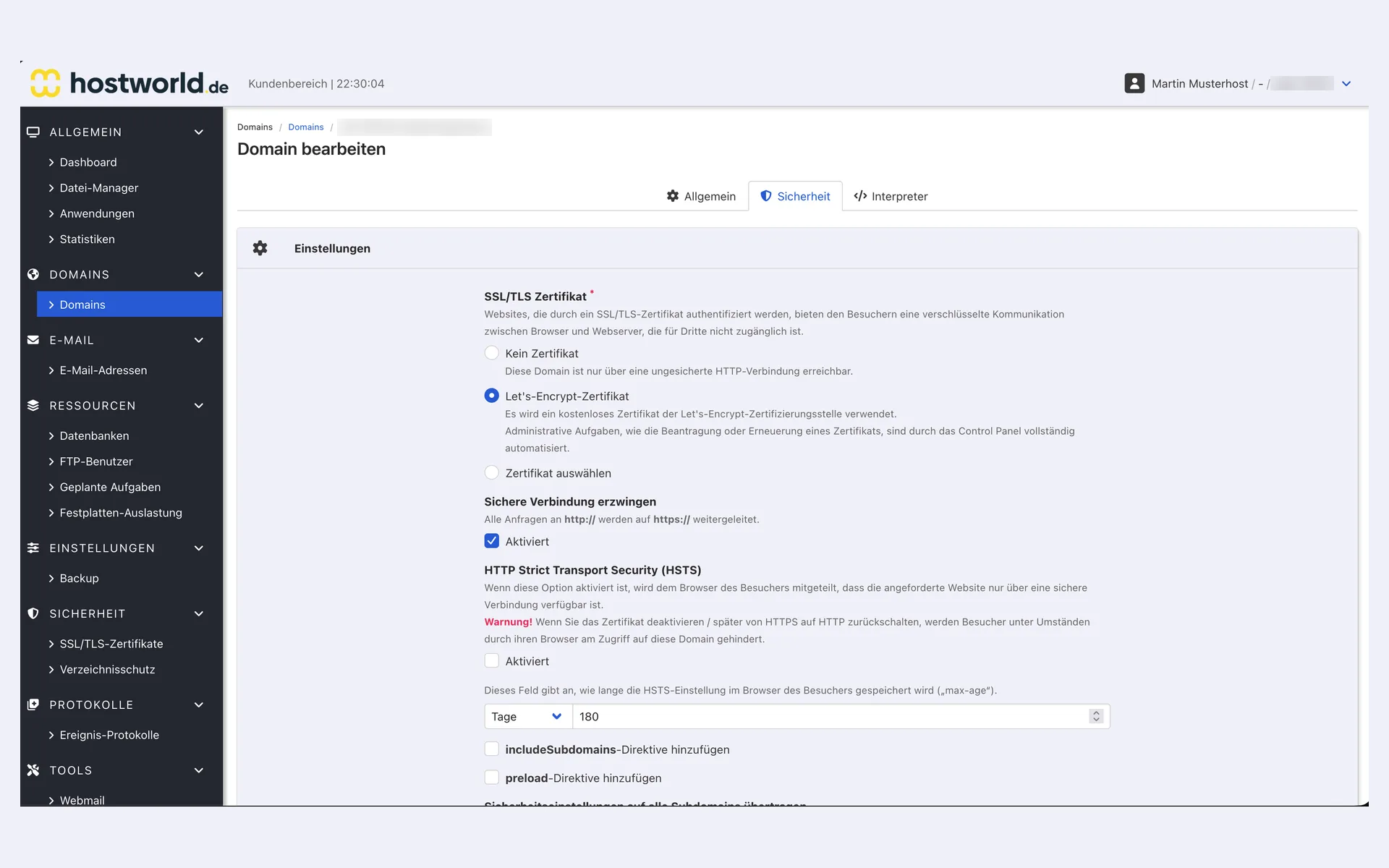
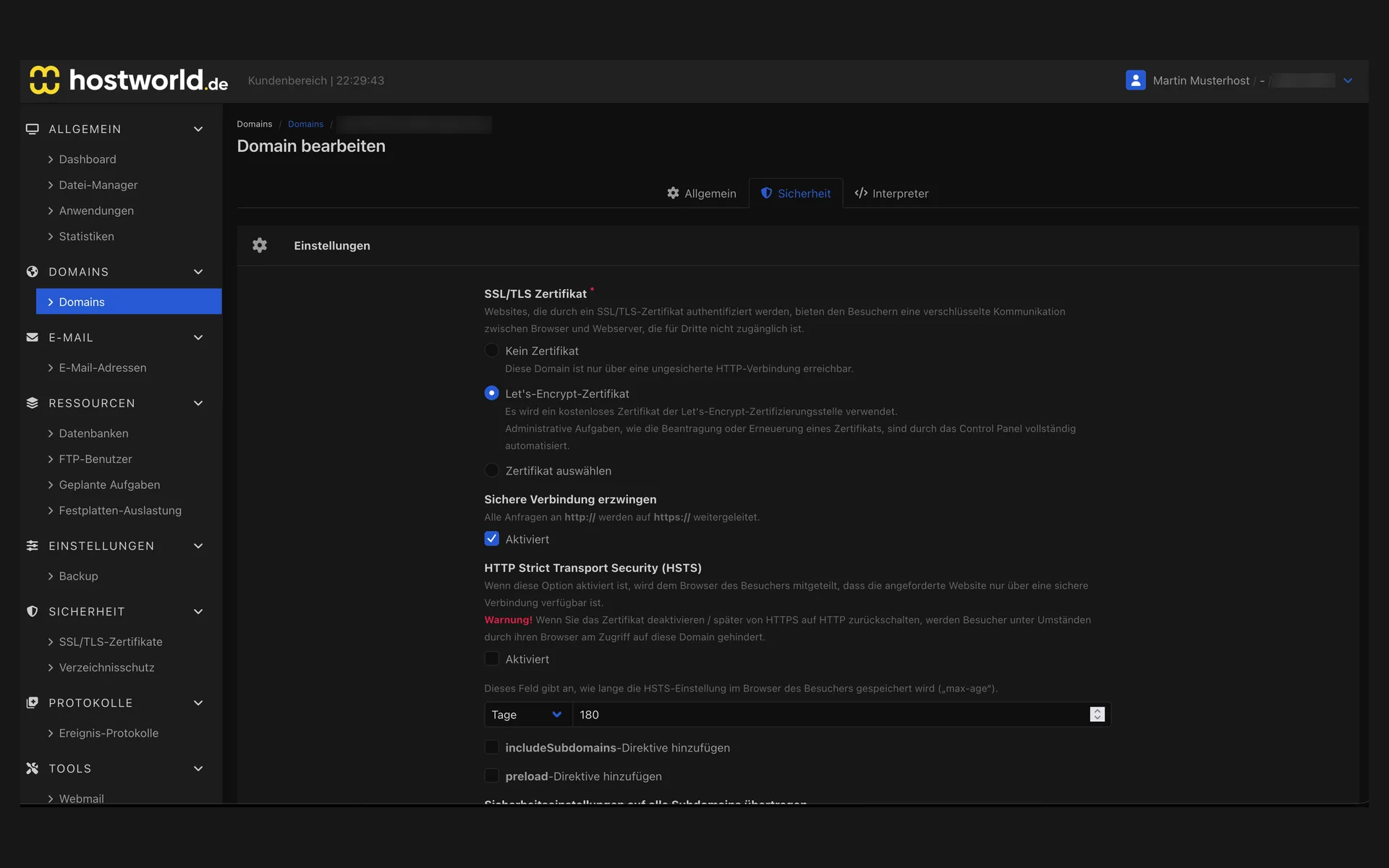
  • “Sicherheit” (security) tab of the domain settings with the Let's Encrypt certificate, forced HTTPS connection, and the HSTS settings“Sicherheit” (security) tab of the domain settings with the Let's Encrypt certificate, forced HTTPS connection, and the HSTS settings

    5 of 7

    SSL, HTTPS, and HSTS

    We issue the Let's Encrypt certificate free of charge and renew it automatically. You enforce HTTPS and activate HSTS yourself with a few clicks.

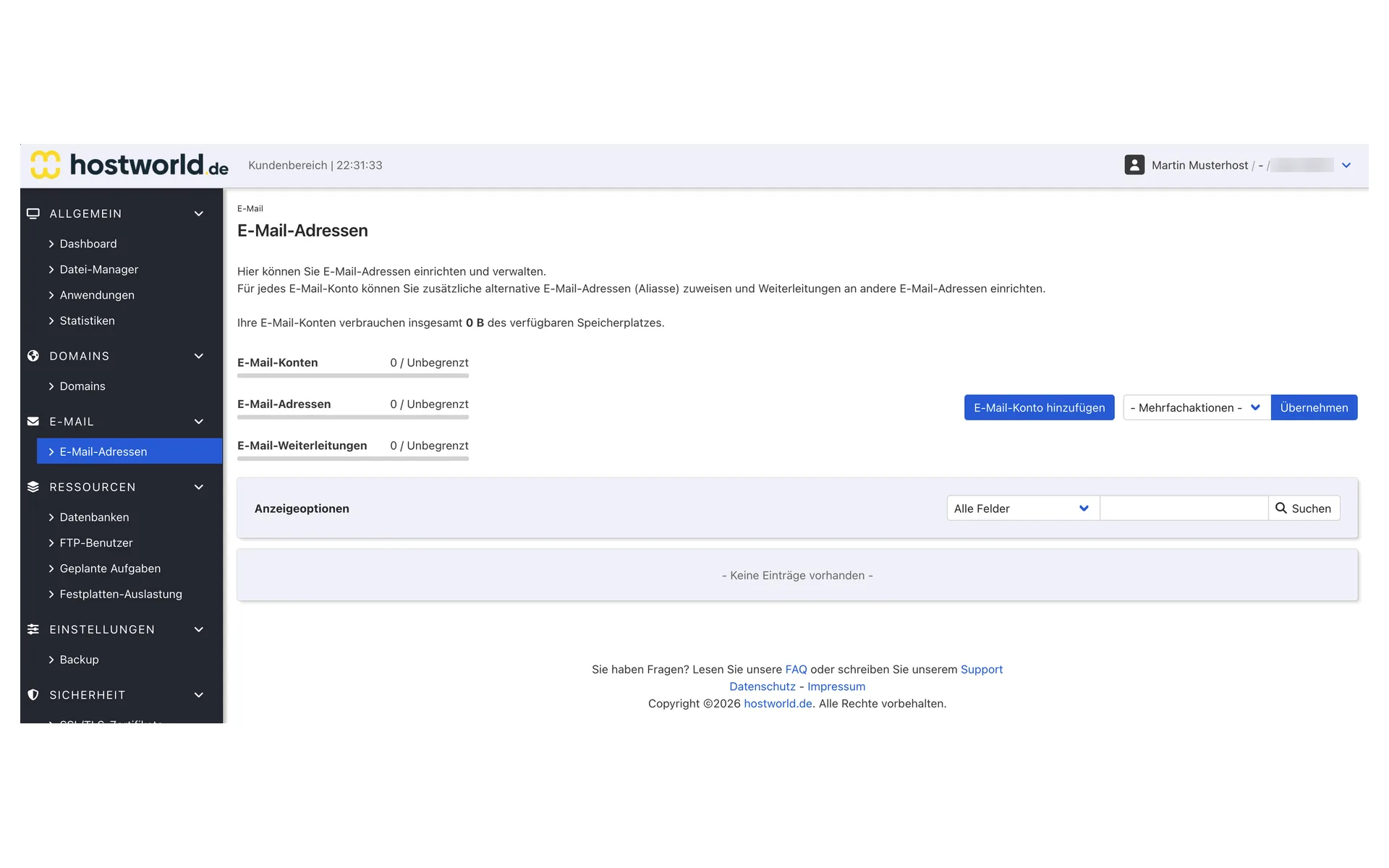
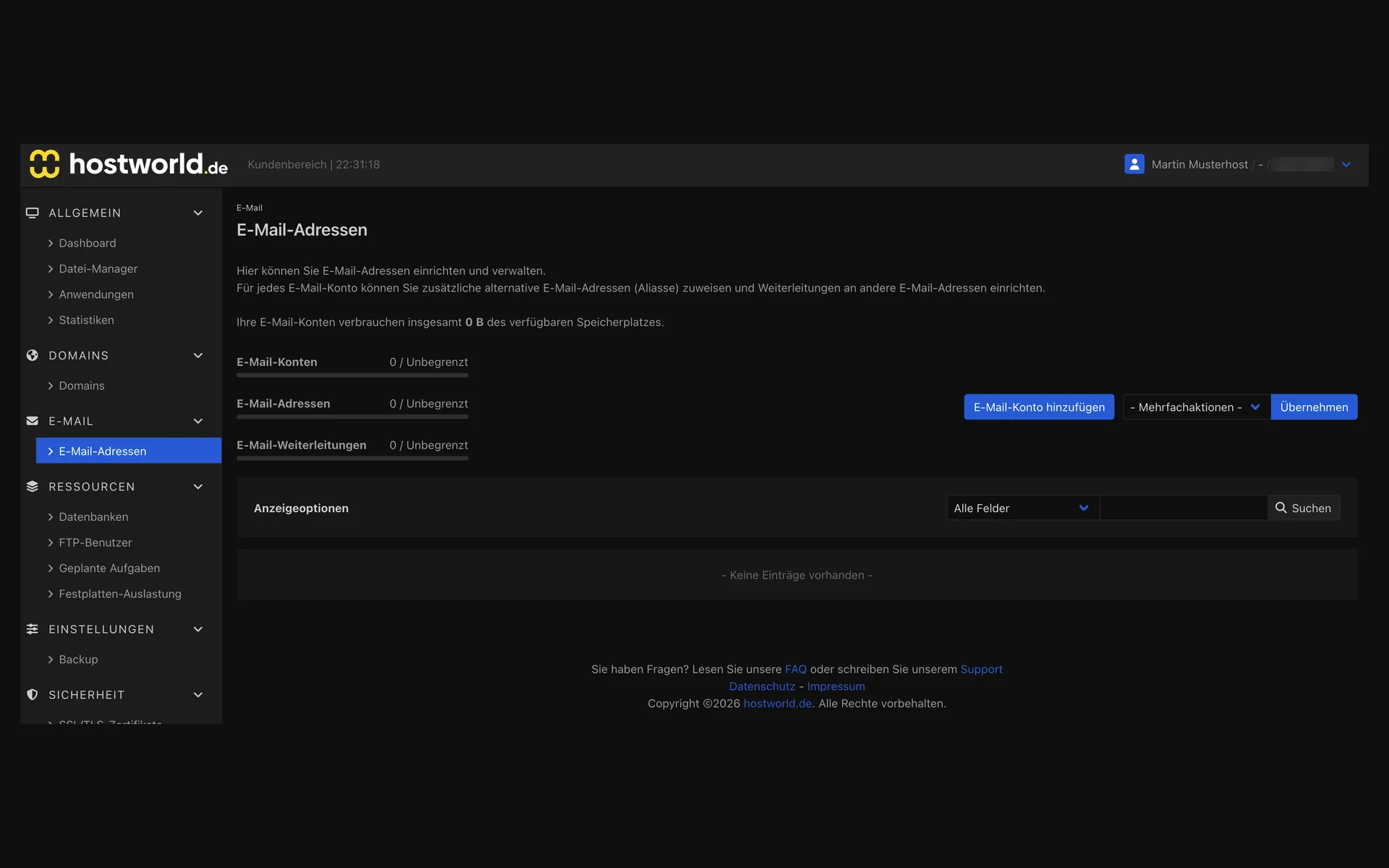
  • “E-Mail-Adressen” (email addresses) page in the Web Interface with the counters for email accounts, email addresses, and email forwarders, each unlimited“E-Mail-Adressen” (email addresses) page in the Web Interface with the counters for email accounts, email addresses, and email forwarders, each unlimited

    6 of 7

    Email mailboxes and forwarders

    You create email mailboxes and forwarders yourself with a few clicks.

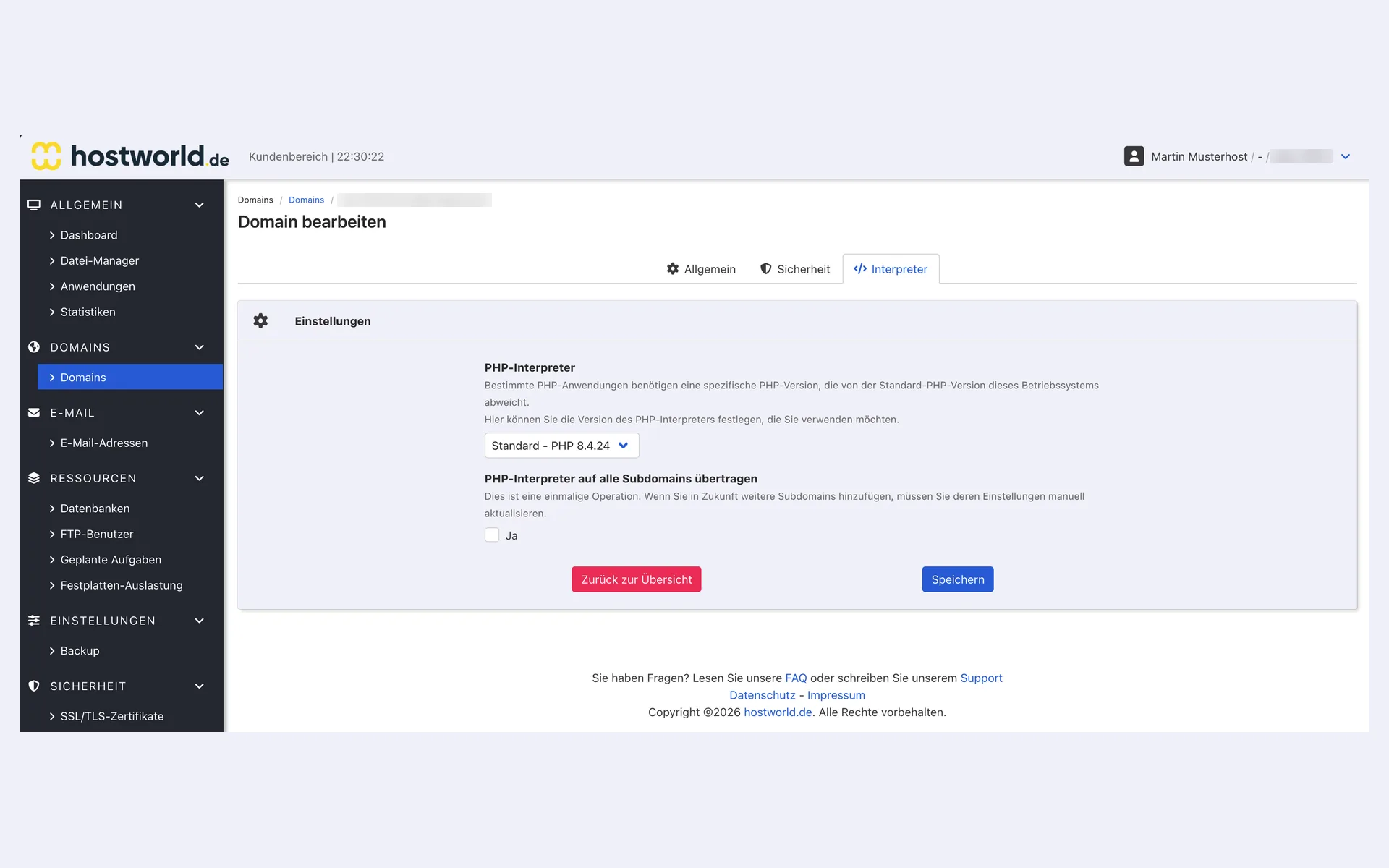
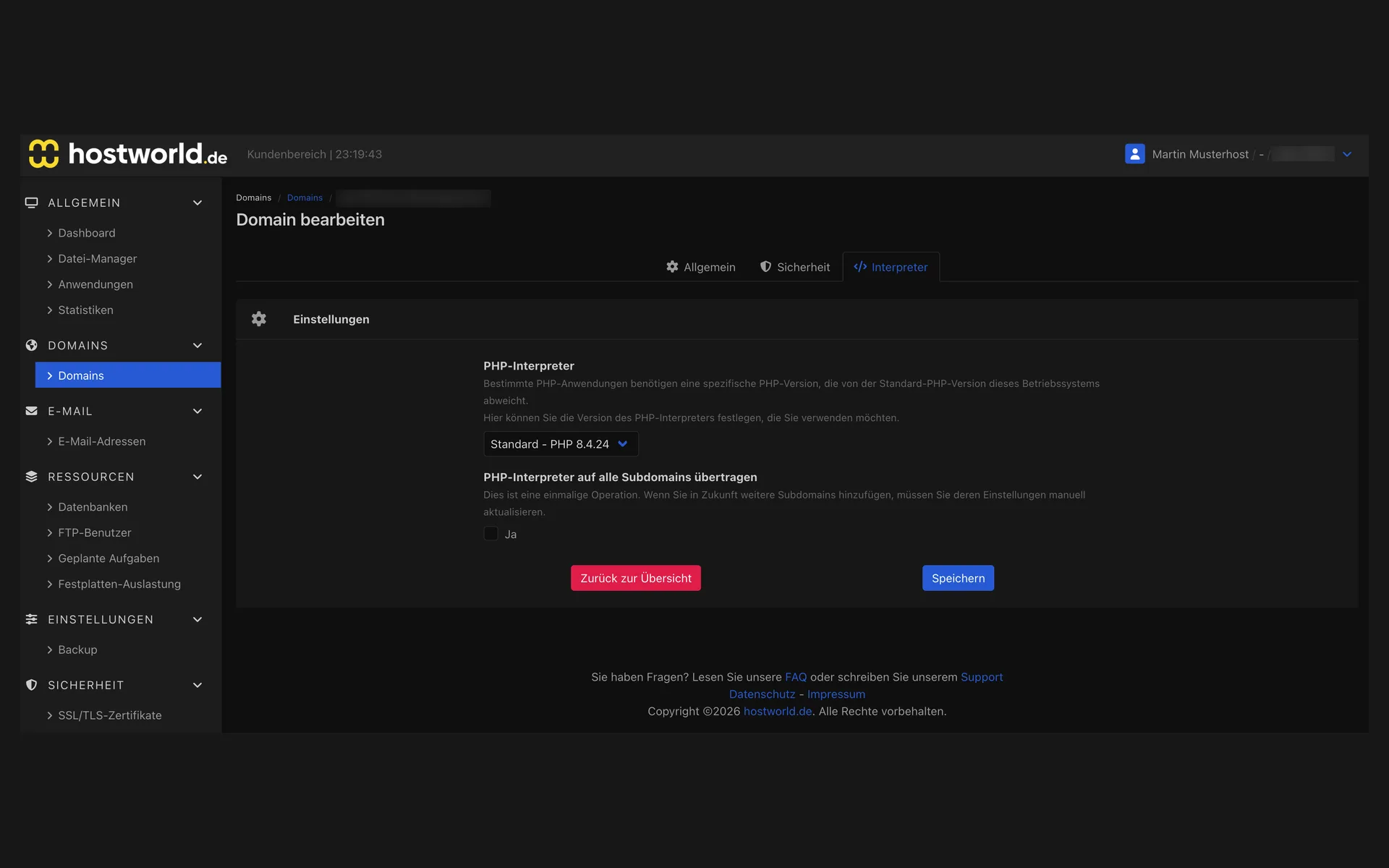
  • “Interpreter” tab of the domain settings in the Web Interface with the PHP version selection and the option to apply it to all subdomains“Interpreter” tab of the domain settings in the Web Interface with the PHP version selection and the option to apply it to all subdomains

    7 of 7

    PHP version per domain

    You set which PHP version a domain uses yourself and, if you wish, apply the choice to all subdomains.

Email included

Email is part of the deal, with no limit on mailboxes

For every domain, you create as many mailboxes as you need, at no extra charge and with no upper limit. Retrieve mail via IMAP or POP3, send over SSL-encrypted connections, and with webmail you read your email directly in the browser.

The learning spam filter and the virus check of incoming email are active in every plan. Your mailbox stays clean without you having to configure anything.

Security included

Security you do not have to worry about

The most important protection functions run automatically in the background, with no configuration and no extra charge.

  • Free SSL certificates, issued and renewed automatically
  • Daily backups
  • Automatic blocking of repeated login attempts
  • Spam and virus protection for all mailboxes

Storage technology

SSD was yesterday: all plans on NVMe

NVMe SSDs connect directly to the PCIe bus instead of the older SATA interface and therefore handle many times the accesses per second. Your website notices this wherever many small file and database accesses occur, which is practically every CMS, from WordPress to Joomla.

For us that is not a question of plan: every WebHosting plan runs on NVMe storage in RAID, from the WebHosting Solo to the WebHosting Max. All plans at a glance

Included with every plan

Backups, SSL and SSH cost nothing extra with us

  • Daily backups included
  • SSL certificate via Let's Encrypt
  • Email hosting included in the WebHosting plan
  • Servers located in Germany
  • Personal support
  • SSH access in every plan

Is your website still with another provider?

We handle the move, free of charge for private customers.

Migration service

Customer experiences

What customers say about us

4.9 out of 524 reviews96 % would recommend

Super Angebot - Exzellenter Service

„Der gesamte Umzug wurde mit viel Energie, Fachwissen und echter Hingabe vorbereitet und durchgeführt. Alle Fragen, die währenddessen aufkamen, wurden sofort beantwortet – freundlich, kompetent und sogar ausnahmeweise mal außerhalb der regulären Geschäftszeiten. Bis jetzt bin ich mehr als zufrieden mit meinem Wechsel zu hostworld.de!“

ZU 100% empfehlenswer

„Der Wechsel lief problemlos und so einen tollen Support habe ich noch nie erhalten. Kann ich zu 100 % empfehlen, alles läuft nun reibungslos! Preis-/Leistungsverhältnis ist mega!“

Hervorragender Support – genau so sollte Hosting funktionieren

„Was ich an Hostworld besonders schätze: Man hat hier nicht das Gefühl, bei einem anonymen Großanbieter in irgendeinem Ticketsystem zu landen. Die Kommunikation ist persönlich, kompetent, verständlich und lösungsorientiert. Für mich ist genau dieser Support einer der wichtigsten Gründe, bei Hostworld zu bleiben.“

More reviews on HOSTtest.de.

FAQ

Frequently asked questions about WebHosting

Which plan is right for me?
For one or two small websites, WebHosting Solo is enough. WebHosting Plus suits several parallel projects or a company with moderate traffic. WebHosting Max is the choice for agencies or resellers with many customer websites.
Which control panel do I use?
Every plan includes a Web Interface with the application installer for 17 apps, multi-domain management as well as security and backup functions. You reach it via single sign-on directly from the Customer Menu.
Can I adjust PHP settings?
Yes, individually per domain. PHP version 8.3, 8.4 or 8.5 selectable. memory_limit depends on the plan (512–2048 MB), post_max_size and upload_max_filesize are 1024 MB for all plans.
Is email included in WebHosting?
Yes, email mailboxes on your domains are included without limit in all plans. If you need pure email hosting without web space, you find that in our plans for email hosting.
Which backups are there?
Daily backups of your website and databases included. Before every installation via the application installer, an additional automatic backup is made. Restore with one click from the panel.
Can I switch to a larger plan later?
Yes, an upgrade is possible at any time, without moving data and without downtime, and amounts already paid are credited. A downgrade is possible at the end of the current billing period, provided the smaller plan covers your usage.
Where are the servers located?
High-performance server infrastructure in German data centers: GDPR-compliant, redundant connection, data processing agreement on request included.
Can I also use WordPress in WebHosting?
Yes, you install WordPress with a few clicks via the application installer in the Web Interface. If WordPress is the focus, you are better off with our WordPress Hosting, where staging and the integrated cache are already included.
Can I use WebHosting for email only?
That is possible: mailboxes are included without limit in every plan. If you do not need any web space at all, our less expensive Email Hosting is the better choice.
What is the minimum contract term?
You choose between a monthly term, 12 months and 24 months. The displayed price applies to the monthly term. With 12 months it drops by 10%, with 24 months by 20%. With prepayment, up to 10% more is deducted. There is no setup fee.

Do you need advice on choosing a plan?

We help you find the right plan and, on request, also handle the move from your previous provider.