Full DNS management
You create A, AAAA, ALIAS, CNAME, MX, TXT, SPF, SRV, CAA, HTTPS and TLSA records yourself in the Customer Menu at any time. For secure email delivery, you enter SPF, DKIM and DMARC directly.
Domains · Transfer
Bring your existing domain with you: enter the auth code, confirm the transfer, done. With full DNS control and constant prices.
Enter the domain to transfer
In brief
In a domain transfer, your existing domain moves from your previous provider to hostworld.de. The domain itself stays the same, only its management is with us afterwards. You keep your name, but get our DNS management, redundant name servers and fair, constant prices.
The transfer is authorized with the auth code, which you request from your current provider. Good to know: with the transfer, the name servers switch to us. You then set up your DNS records in your Customer Menu or enter your own name servers.
How the transfer works
Check whether the domain is ready to move (for some extensions e.g. at least 60 days old and not locked) and update the contact details in the Whois if necessary.
Request the auth code from your current registrar (also called EPP or transfer code).
Enter the domain and auth code with us. We initiate the transfer for you.
For some extensions (e.g. .com, .org, .net) you confirm the transfer by email. For .de and many others the transfer is active immediately, for generic extensions it can take a few days.
After the transfer, the name servers run on our side. To keep your website and email reachable, create your DNS records in your Customer Menu, or enter your own name servers.
Requirements
Requirements differ slightly depending on the extension. In most cases:
What's included
You create A, AAAA, ALIAS, CNAME, MX, TXT, SPF, SRV, CAA, HTTPS and TLSA records yourself in the Customer Menu at any time. For secure email delivery, you enter SPF, DKIM and DMARC directly.
For a home server, NAS or camera on a connection with a changing IP: as many DynDNS names as you like, for IPv4 and IPv6, at no extra charge.
Protects your domain against manipulated DNS responses, for extensions whose registry supports DNSSEC.
Your domain is served by several geographically separate name servers, fail-safe and fast.
Want to use your own name servers? No problem: enter them for your domain in the Customer Menu.
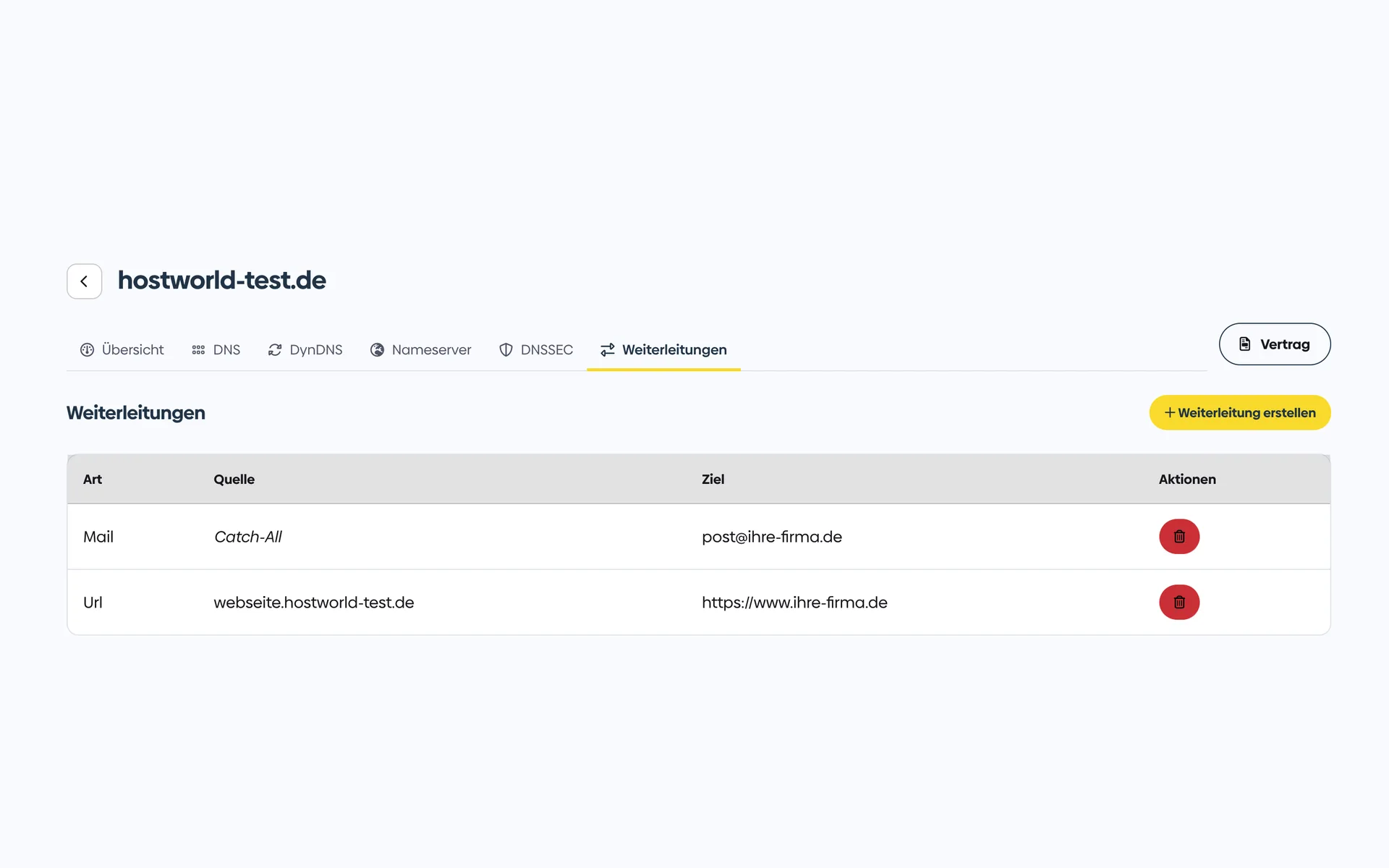
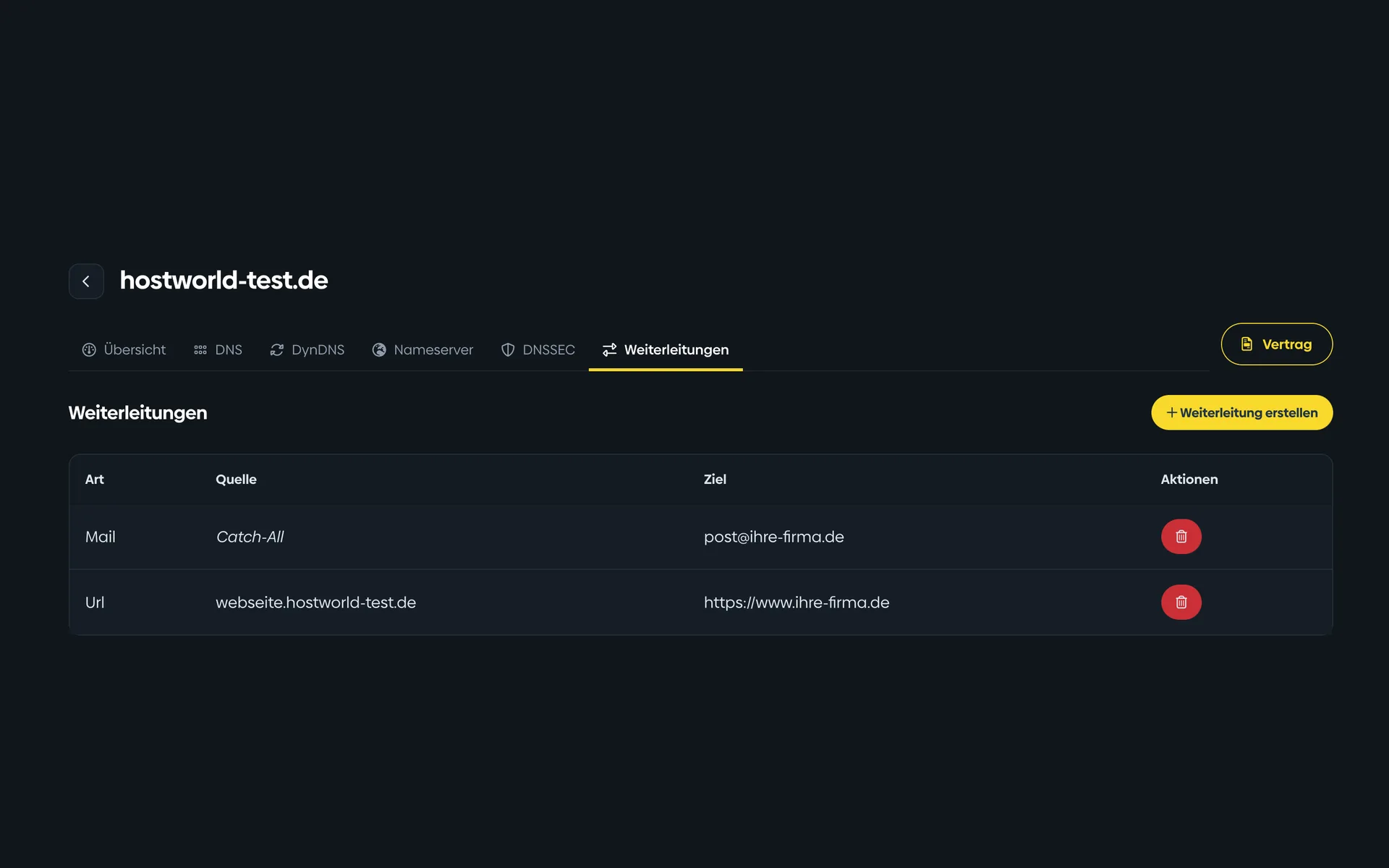
Redirect individual addresses such as info@your-domain.de, or all of them via catch-all, to an existing mailbox, or forward to another URL. Both possible without a hosting package and at no extra charge.
Want to move your domain away from us to another provider? You generate the auth code yourself in the Customer Menu at any time, without asking support.
Protects your domain against an unwanted transfer to another provider. You switch the lock on and off yourself in the Customer Menu, provided the registry of the extension supports it.
Protection of your personal data in the public Whois lookup, available for extensions whose registry allows it. At no extra charge.
We show renewal and transfer prices openly next to the registration price: no hidden surcharges in the second year.
Everything in your own hands
Change name servers, set DNS records, create forwards, switch DNSSEC on. Once the domain is with us, you do all of that yourself.
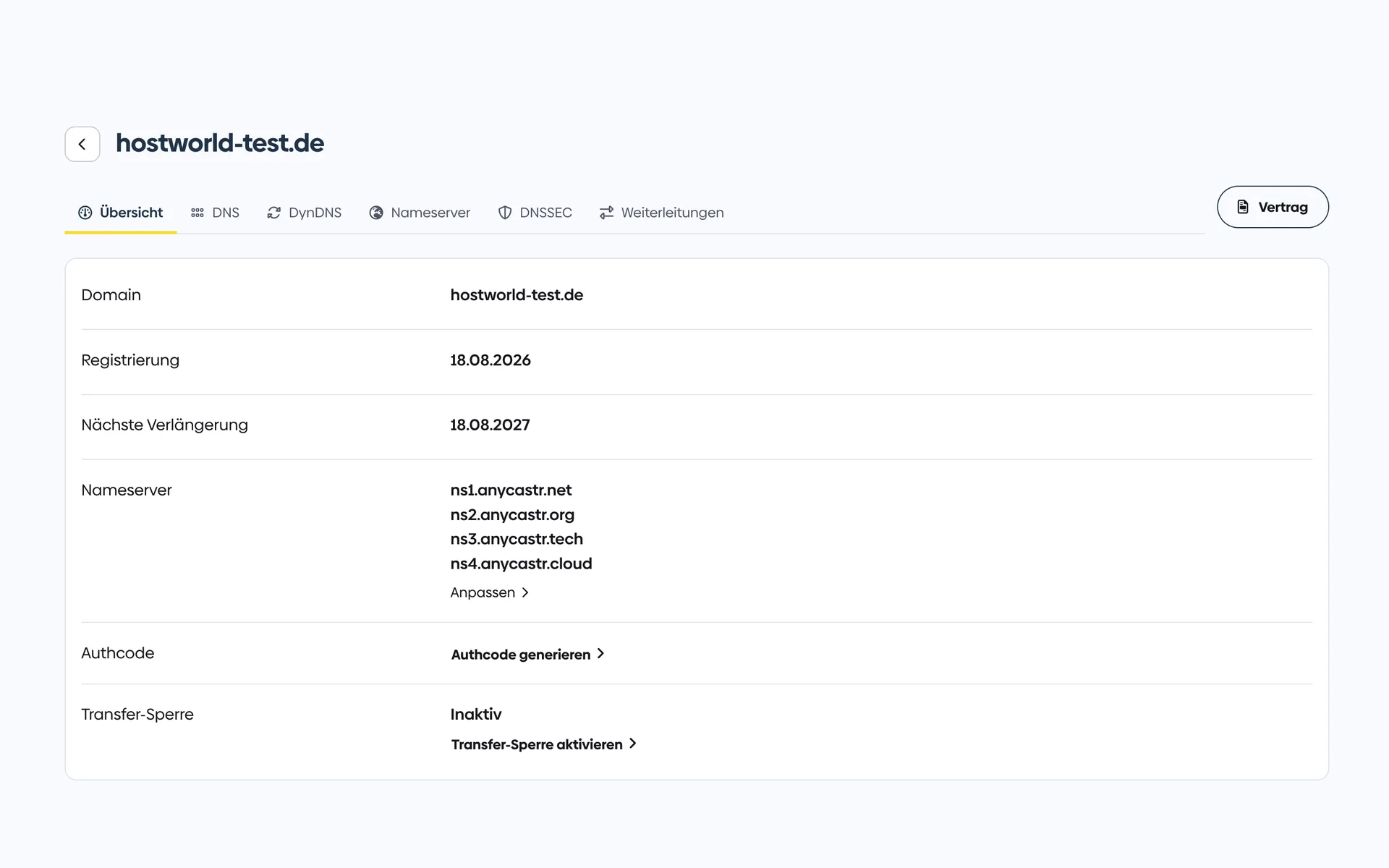
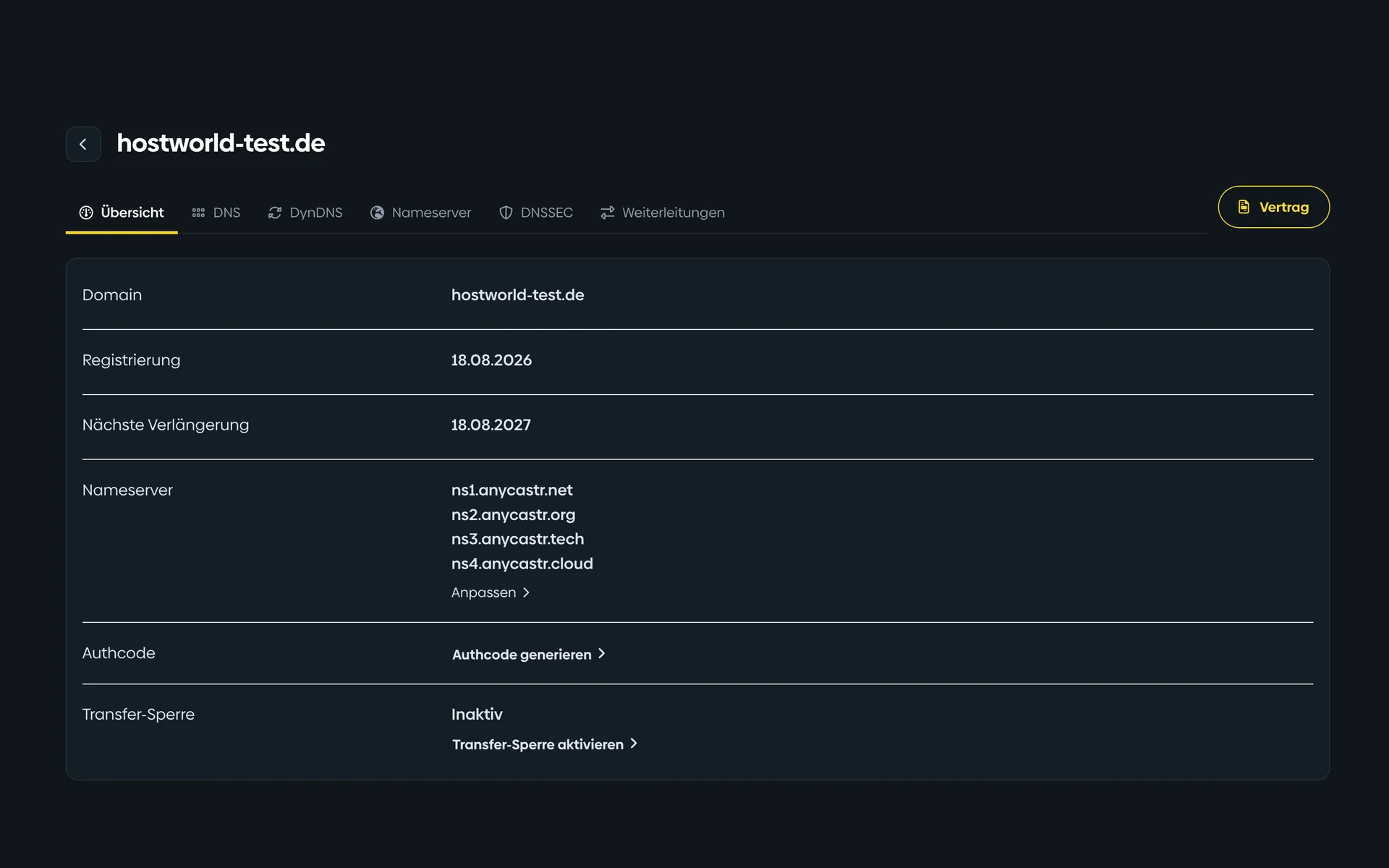
1 of 5
Registration, next renewal, name servers, and contacts are on one page. You generate the auth code and toggle the transfer lock from here yourself.
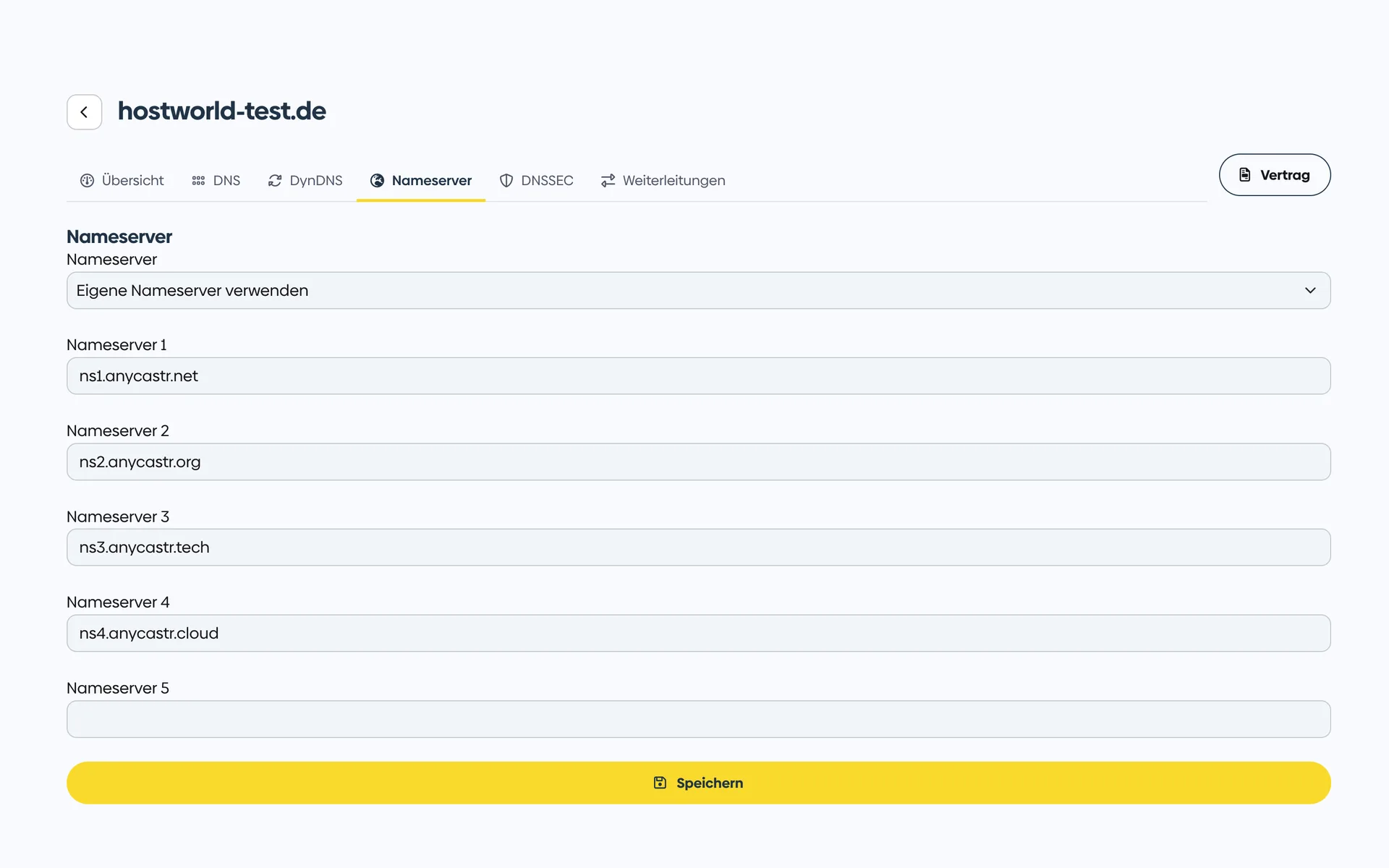
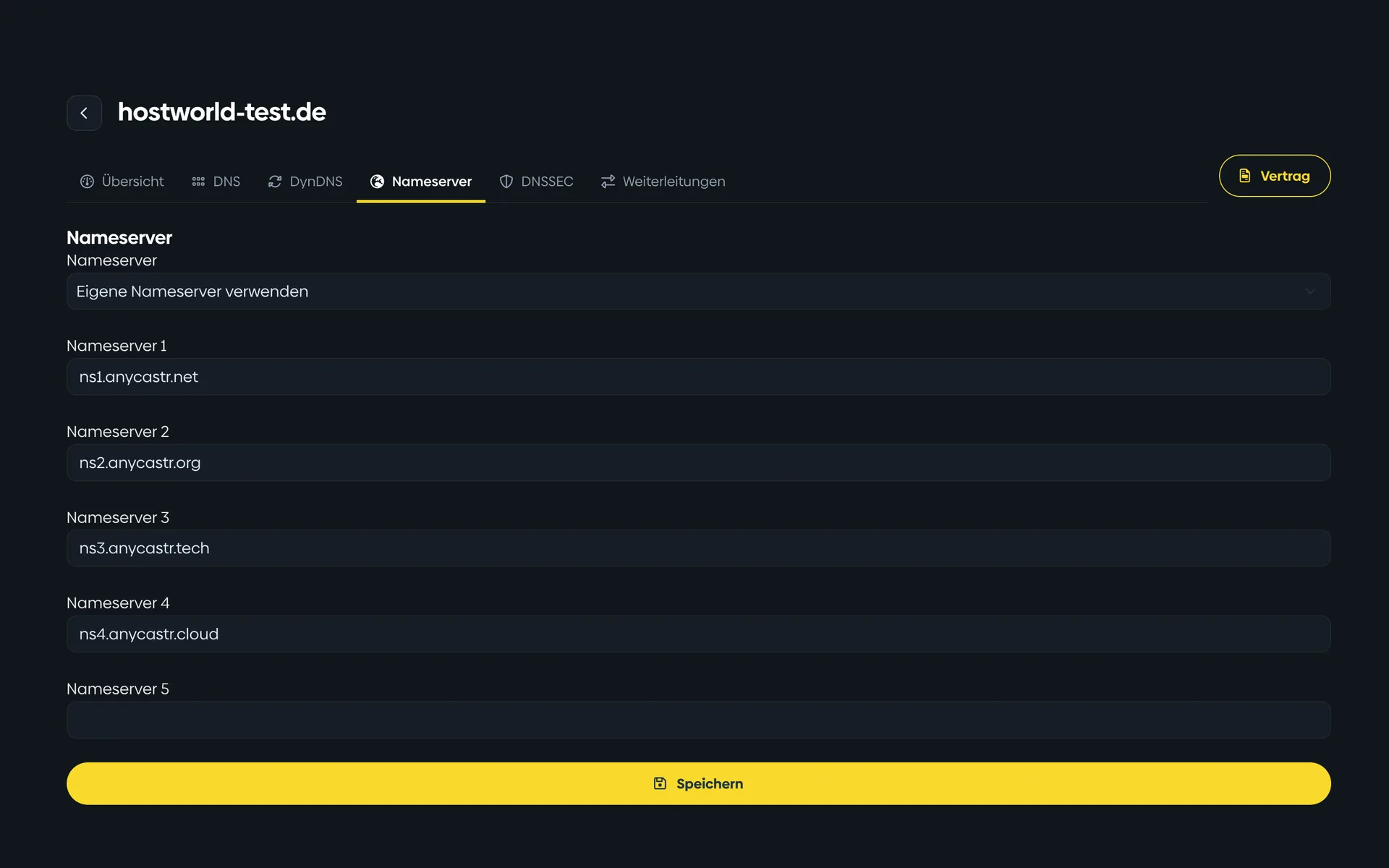
2 of 5
You run your DNS elsewhere? Enter up to five of your own name servers. Switching back to our name servers takes one click.
3 of 5
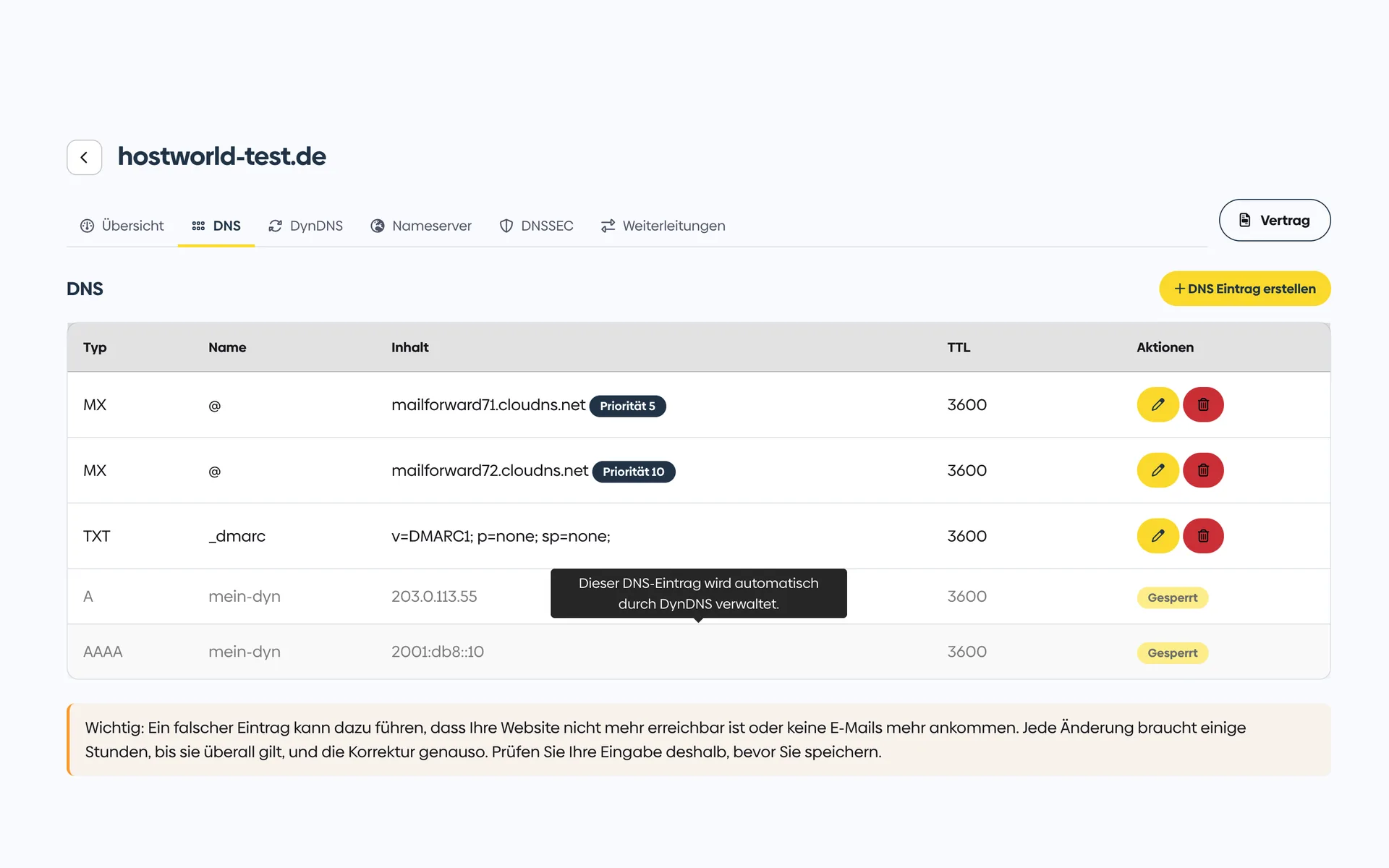
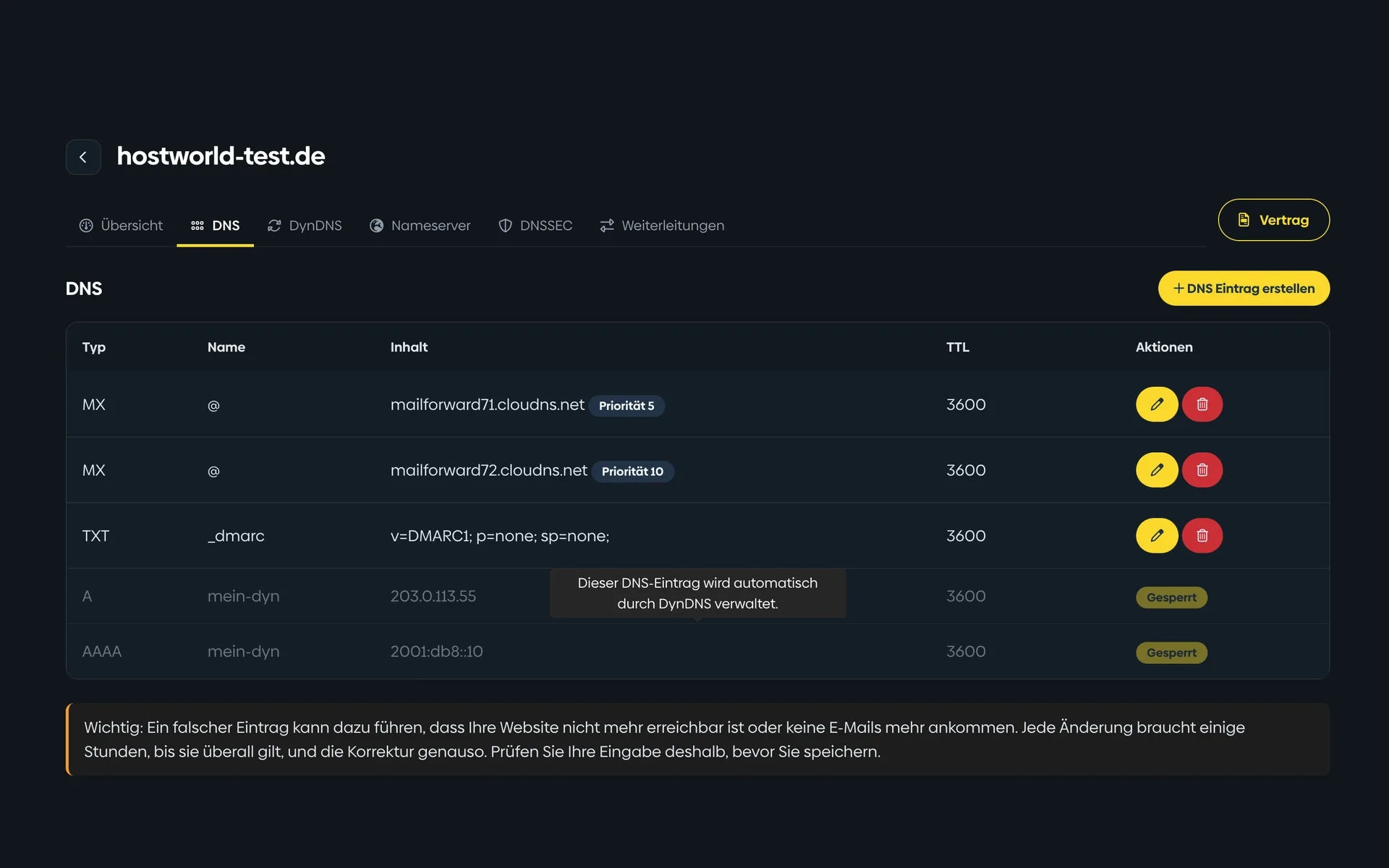
Create, change, delete: your zone is yours, with no request to support. Records that DynDNS maintains automatically are locked against accidental changes.
4 of 5
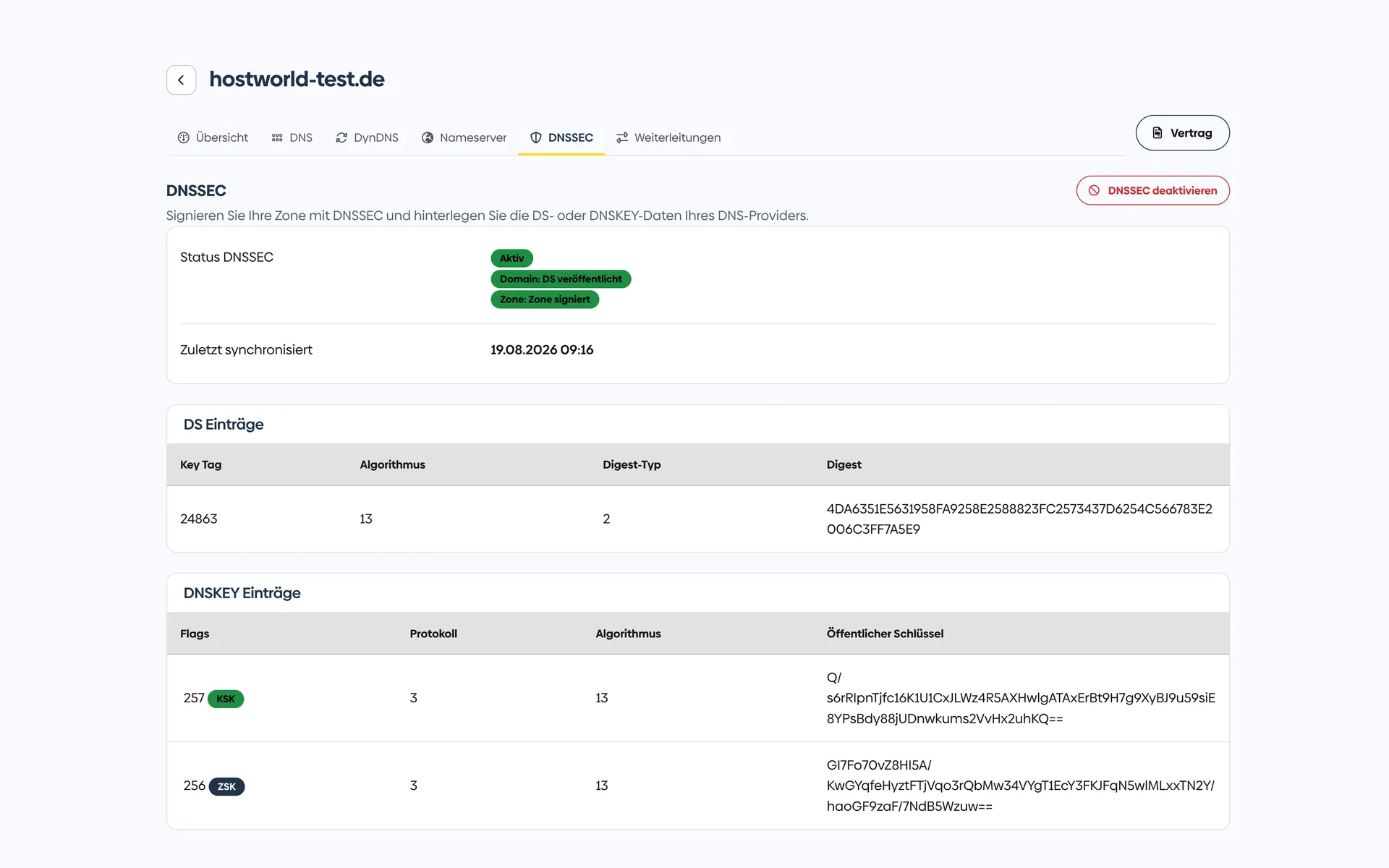
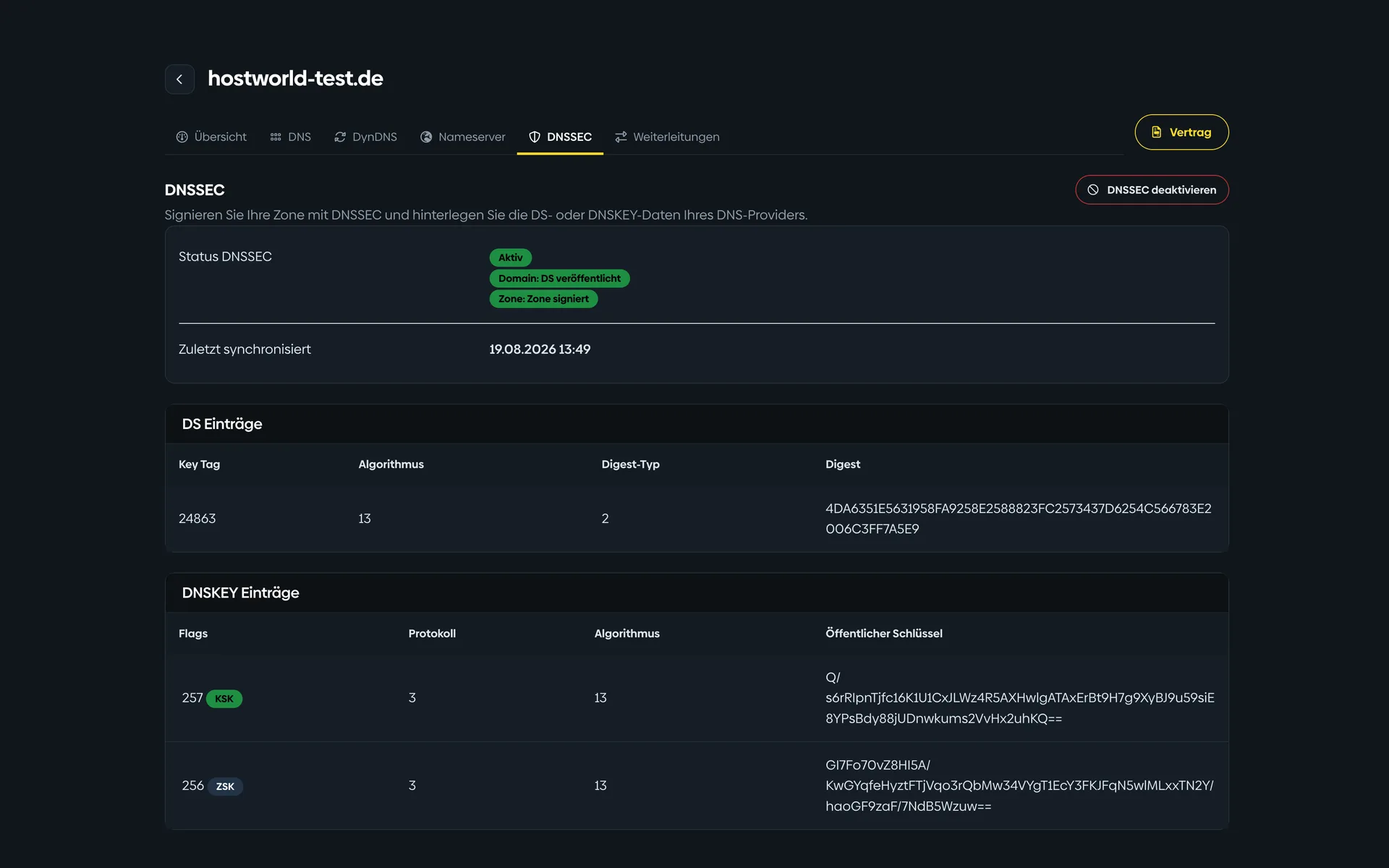
Whether your zone is signed and the key is stored with the registry, you can see at a glance. No guessing whether the protection is really in place.
5 of 5
Forward individual email addresses or a catch-all to an existing mailbox, point a subdomain or the entire domain to another site. With us, without an extra hosting package and at no extra charge.
Transfer prices
All extensions
Find the right extension for your project, with transparent prices for registration, transfer and renewal.
| Extension ▲ | Registration | Transfer | Renewal |
|---|
Many domains?
If you want to move several domains in one go, we coordinate it together: order, schedule and DNS takeover. Simply book an appointment for that.
Customer experiences
4.9 out of 525 reviews96 % would recommend
„Sehr schneller, kompetenter und freundlicher Support. Domaintransfer sowie Website- und Mailpostfach-Umzug wurden trotz Zeitdruck innerhalb eines Tages erledigt. Besonders die persönlichen Rückrufe und die gute Erreichbarkeit waren top. Klare Weiterempfehlung – vielen Dank für den tollen Service!“
„Notwendige Neueinrichtung einer Domain und dazu eine hervorragende Unterstützung. Das ist eine Unterstützung, wie man sich eine solche wünscht : Schnell, kompetent, nett. Man fühlt sich gut aufgehoben.“
„Habe nach einem Email Hoster gesucht bei dem ich auch gleich mein CalDav/CardDav liegen habe. Die Bestellung war dann einfach, hatte fünf Minuten danach eine Mail das Domain Umzug angestossen wurde, drei Minuten später war der Abgeschlossen und nach weiteren kaum fünf Minuten war mein Email Server schon für mich fertg.“
More reviews on HOSTtest.de.
FAQ
Have your auth code ready, enter the domain, transfer. If you have questions about the process, you can reach us personally.