HOSTtest.de · Hosting

Your website with a domain and email

For your blog, club or first business website: a .de domain, mailboxes and WordPress tools are included. Host your website on our servers in Germany with LiteSpeed Cache and daily backups.

PleskLiteSpeed CacheWP ToolkitDaily backups

From €1.79 per month · With a 12-month term

WordPress · WP Toolkit
Your WordPress websiteihre-domain.de
Your companyProjects · Contact
Your websiteRoom for new ideas
Staging copyTest changes first
Test environment
Illustrative example. Manage your website in WP Toolkit.

HOSTtest offers

Choose the space your project needs

Manage your website in Plesk and try WordPress changes on a copy first. Both plans include these tools and daily backups. Choose the space you need for your website and emails.

12-month term, paid in advance. Save 10%.

HT Mini W2

10 GB NVMe · 5 mailboxes

  • 10 GB NVMe storage
  • 1 .de domain included
  • 2 WordPress installations including staging copies
  • 5 email mailboxes
  • 2 databases · 2 FTP accounts
  • Plesk · WP Toolkit · Staging
  • LiteSpeed Cache
  • SSL certificates included
  • Daily backups, kept for 7 days
  • Support by email and phone
€1.991.79€/ month

€21.49 paid annually, incl. VAT

No setup fee
HT Spezial W2

30 GB NVMe · 20 mailboxes

  • 30 GB NVMe storage
  • 1 .de domain included
  • 2 WordPress installations including staging copies
  • 20 email mailboxes
  • 10 databases · 10 FTP accounts
  • Plesk · WP Toolkit · Staging
  • LiteSpeed Cache
  • SSL certificates included
  • Daily backups, kept for 7 days
  • Support by email and phone
€3.993.59€/ month

€43.09 paid annually, incl. VAT

No setup fee
WP Toolkit

Your WordPress under control, with tools that take work off your hands

Staging

Test updates, themes and plugins safely on a copy of your website.

WordPress · WP Toolkit
Your WordPress websiteihre-domain.de
Your companyProjects · Contact
Your websiteRoom for new ideas
Staging copyTest changes first
Test environment
Illustrative example. Manage your website in WP Toolkit.

Cloning

A 1:1 copy of your installation on another domain, ready in minutes.

Backup and restore

You back up every installation directly from the interface and restore it in a few minutes when needed. Before every major update, an additional backup is made automatically.

One-click login

Straight into your WordPress dashboard without entering a password, one click is enough.

PHP version

Choose the PHP version you want (8.3 to 8.5) for your WordPress website, switchable with a click.

Password protection

Protect an entire website with a username and password, e.g. during development.

Search engine visibility

Control per installation whether search engines include the website in their results.

Everything in your own hands

What you can do yourself, without waiting for anyone

Install, clone, back up, and harden WordPress. These views are part of every WordPress plan.

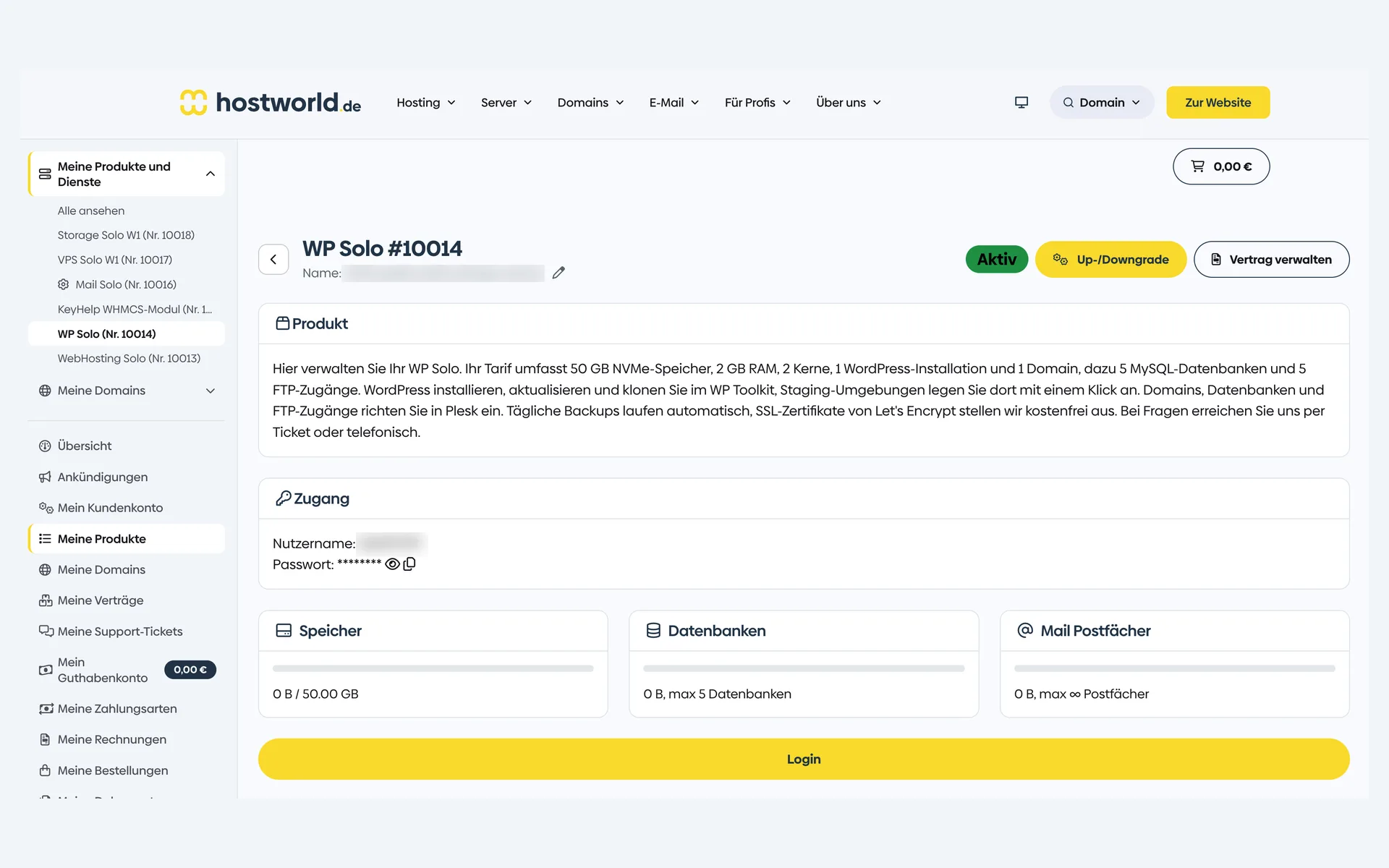
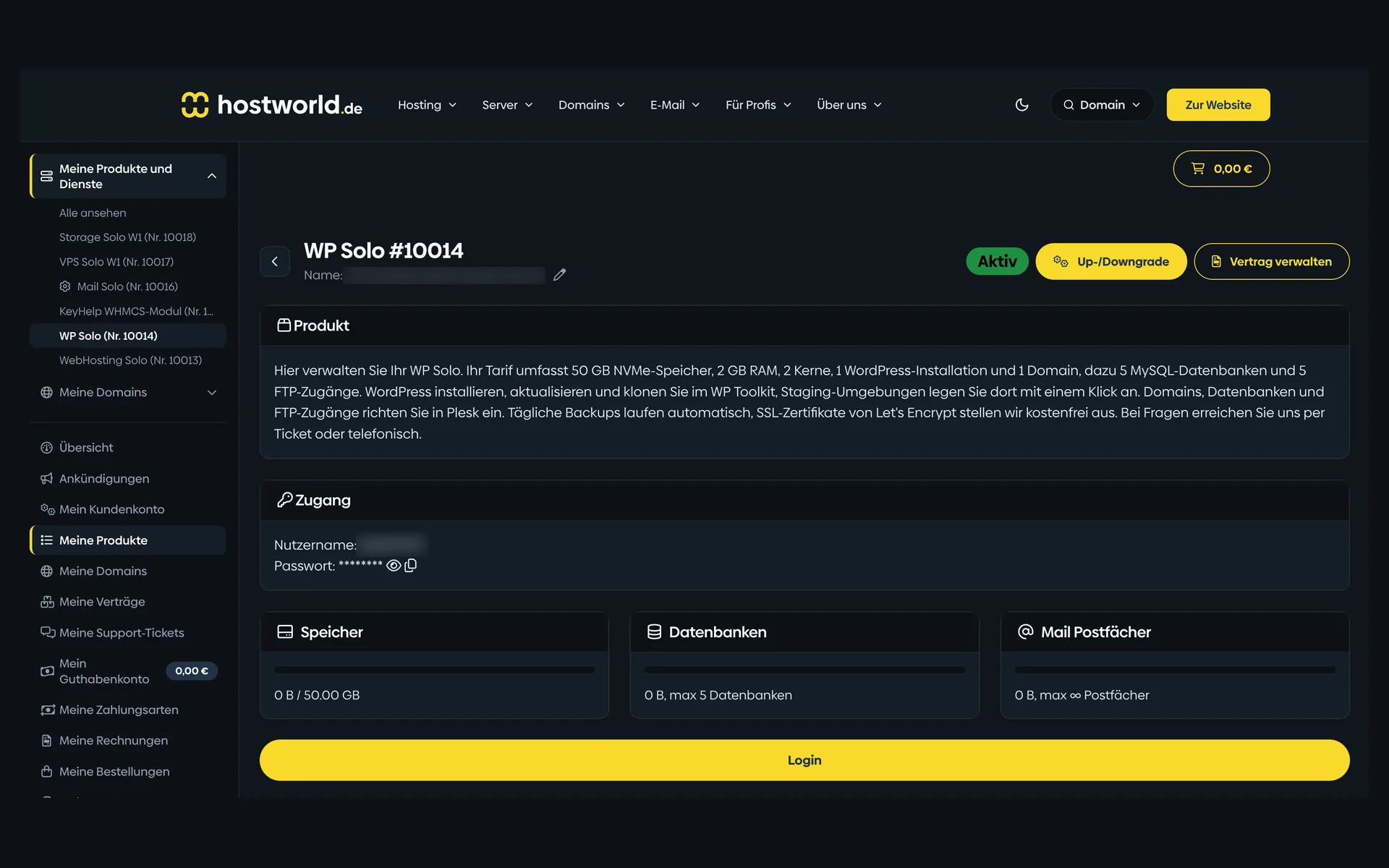
  • Product page of a WordPress plan in the Customer Menu with the plan description, login details, storage, database, and mailbox counters, and the “Login” buttonProduct page of a WordPress plan in the Customer Menu with the plan description, login details, storage, database, and mailbox counters, and the “Login” button

    1 of 8

    Plan, access, and usage in the Customer Menu

    Storage, databases, and mailboxes are shown with their current state in the Customer Menu. From there, the login button takes you straight to Plesk.

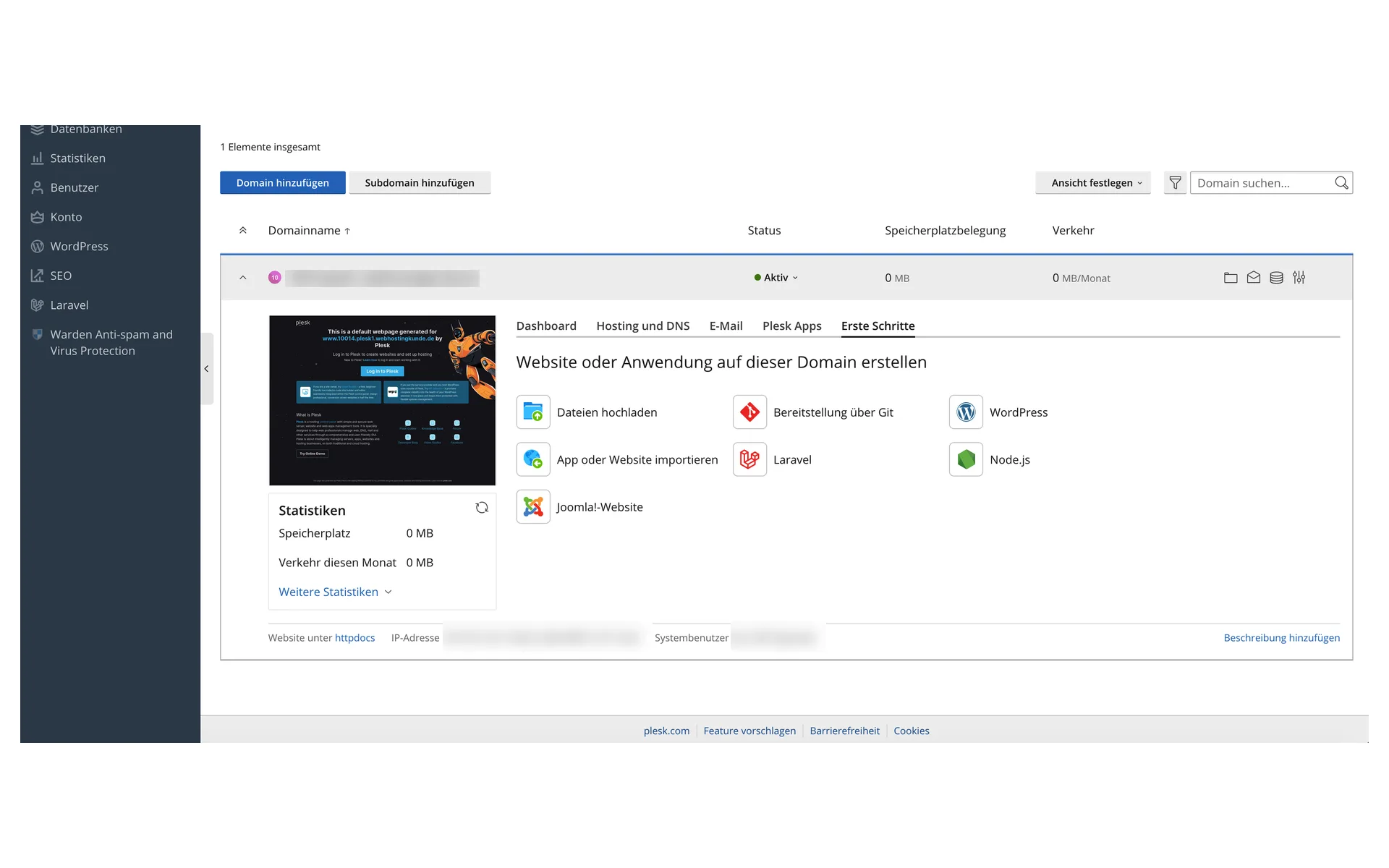
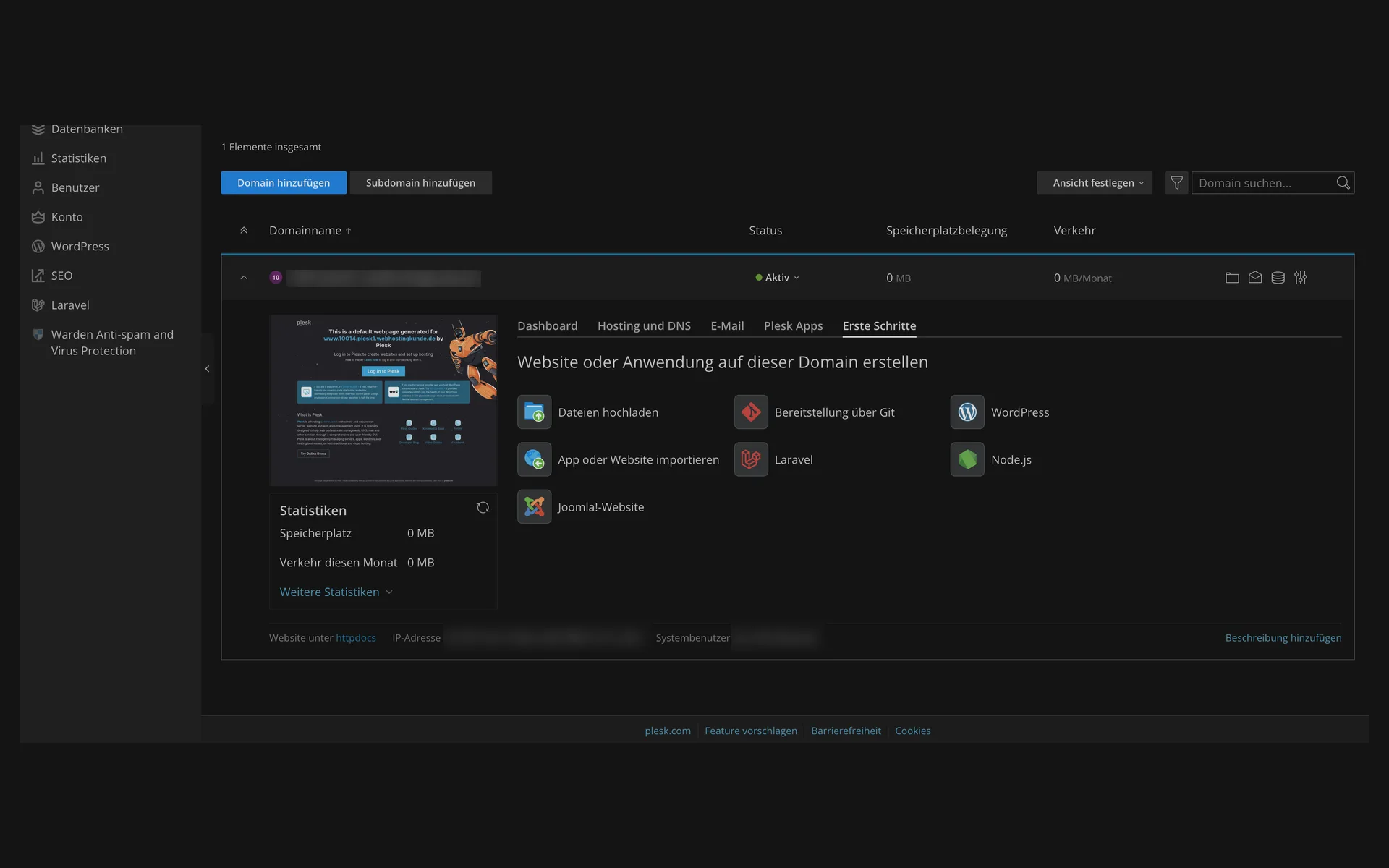
  • “Erste Schritte” (getting started) tab in Plesk with the starting points for uploading files, deploying via Git, WordPress, importing an app or website, Laravel, Node.js, and a Joomla website“Erste Schritte” (getting started) tab in Plesk with the starting points for uploading files, deploying via Git, WordPress, importing an app or website, Laravel, Node.js, and a Joomla website

    2 of 8

    Create a website, with or without WordPress

    Plesk offers the right starting point for every domain: WordPress, Laravel, Node.js, Joomla, uploading files, or importing an existing website.

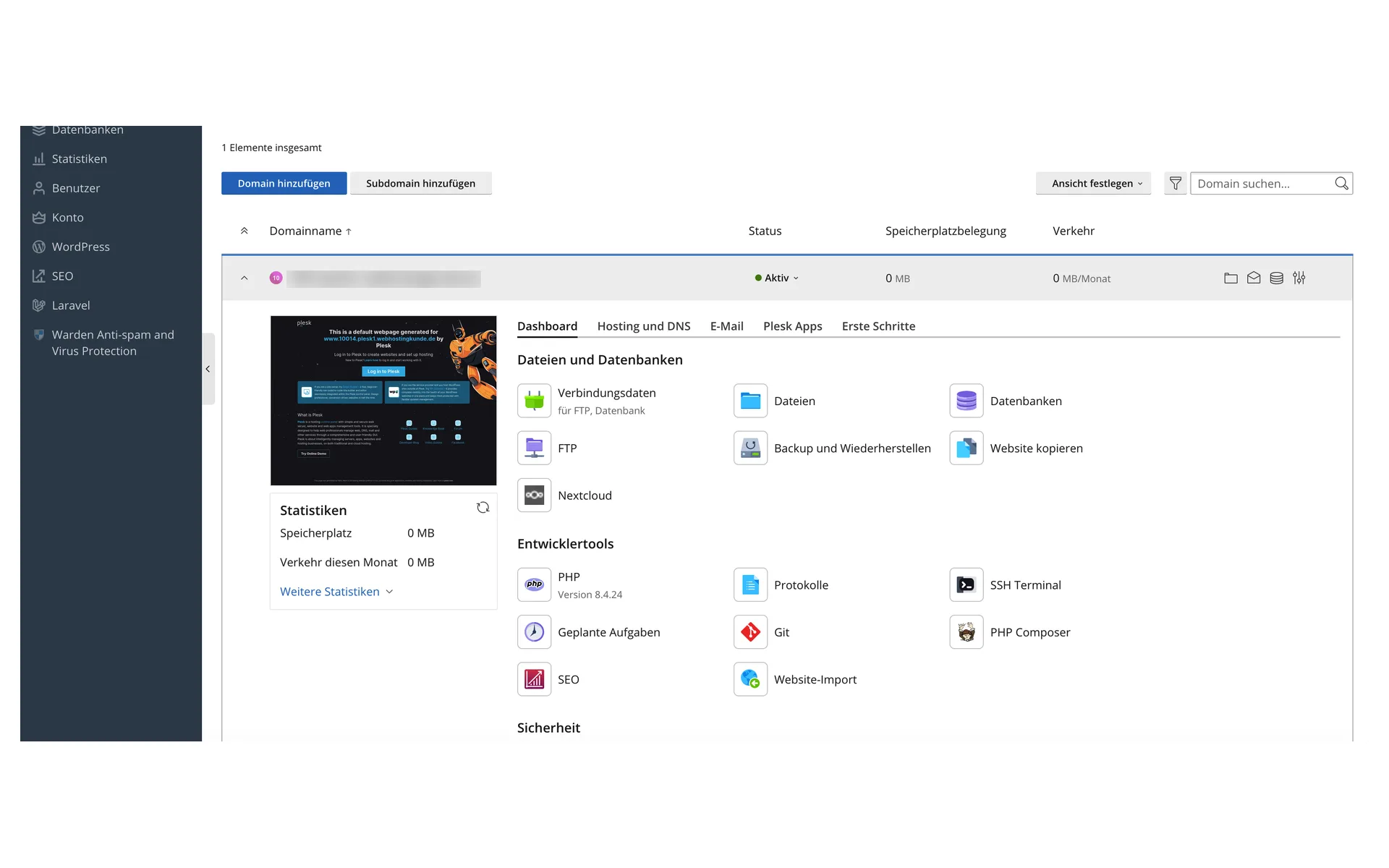
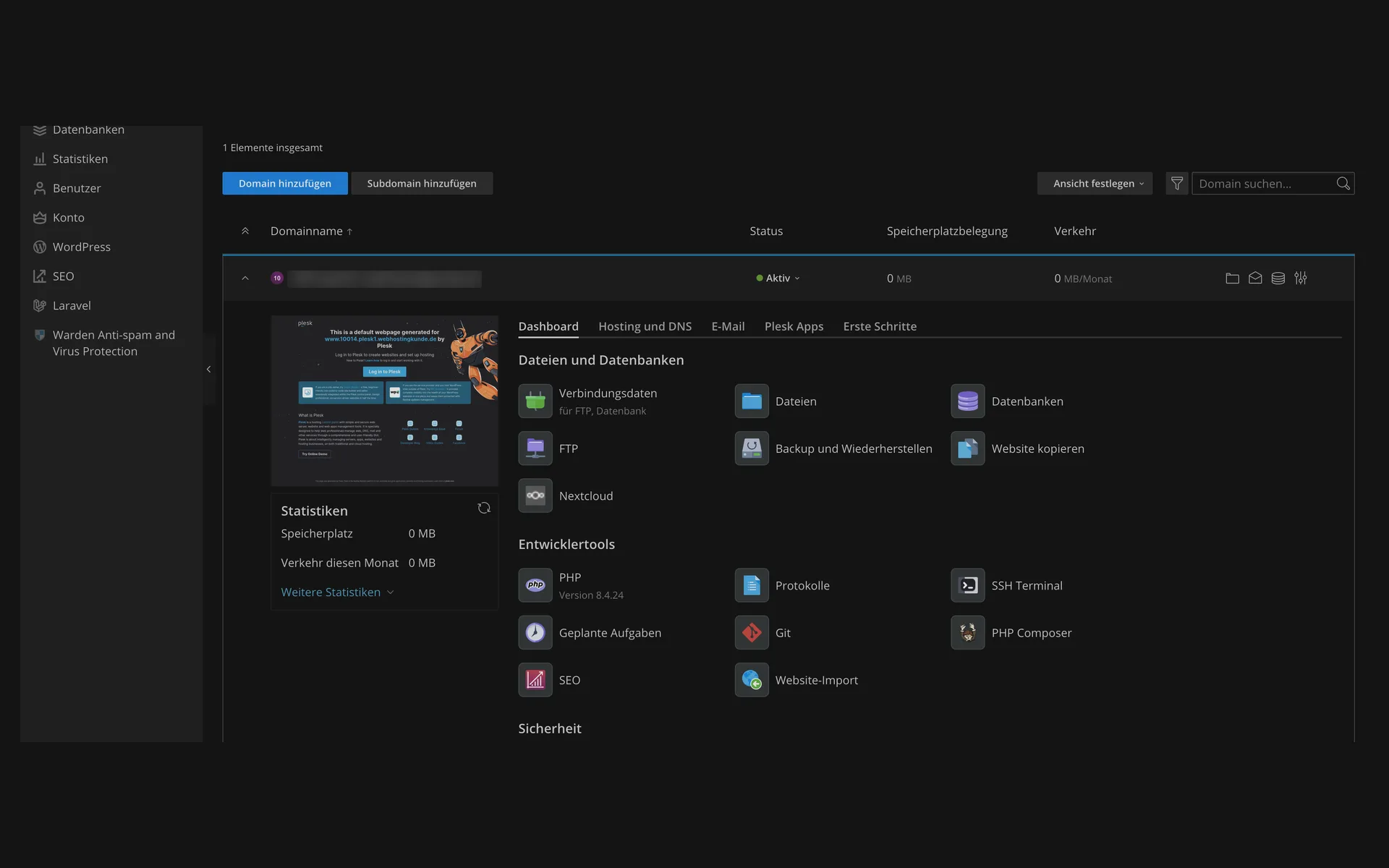
  • Dashboard of a domain in Plesk with the sections for files and databases, plus developer tools with PHP version, logs, SSH terminal, scheduled tasks, Git, and PHP ComposerDashboard of a domain in Plesk with the sections for files and databases, plus developer tools with PHP version, logs, SSH terminal, scheduled tasks, Git, and PHP Composer

    3 of 8

    Files, databases, and developer tools

    File manager, databases, FTP, plus backup and restore, all on one page. Below that: PHP version, logs, SSH terminal, scheduled tasks, Git, and Composer.

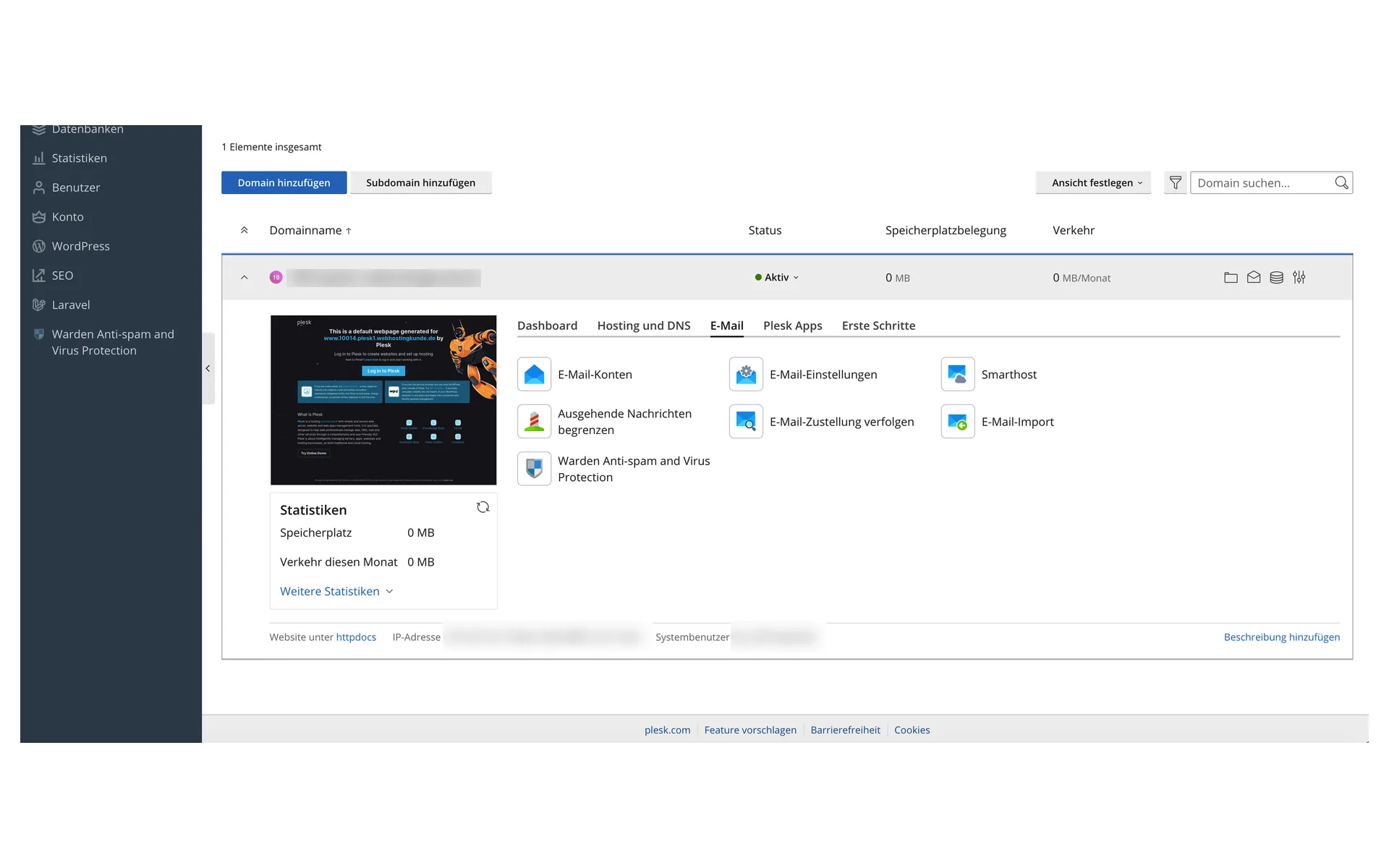
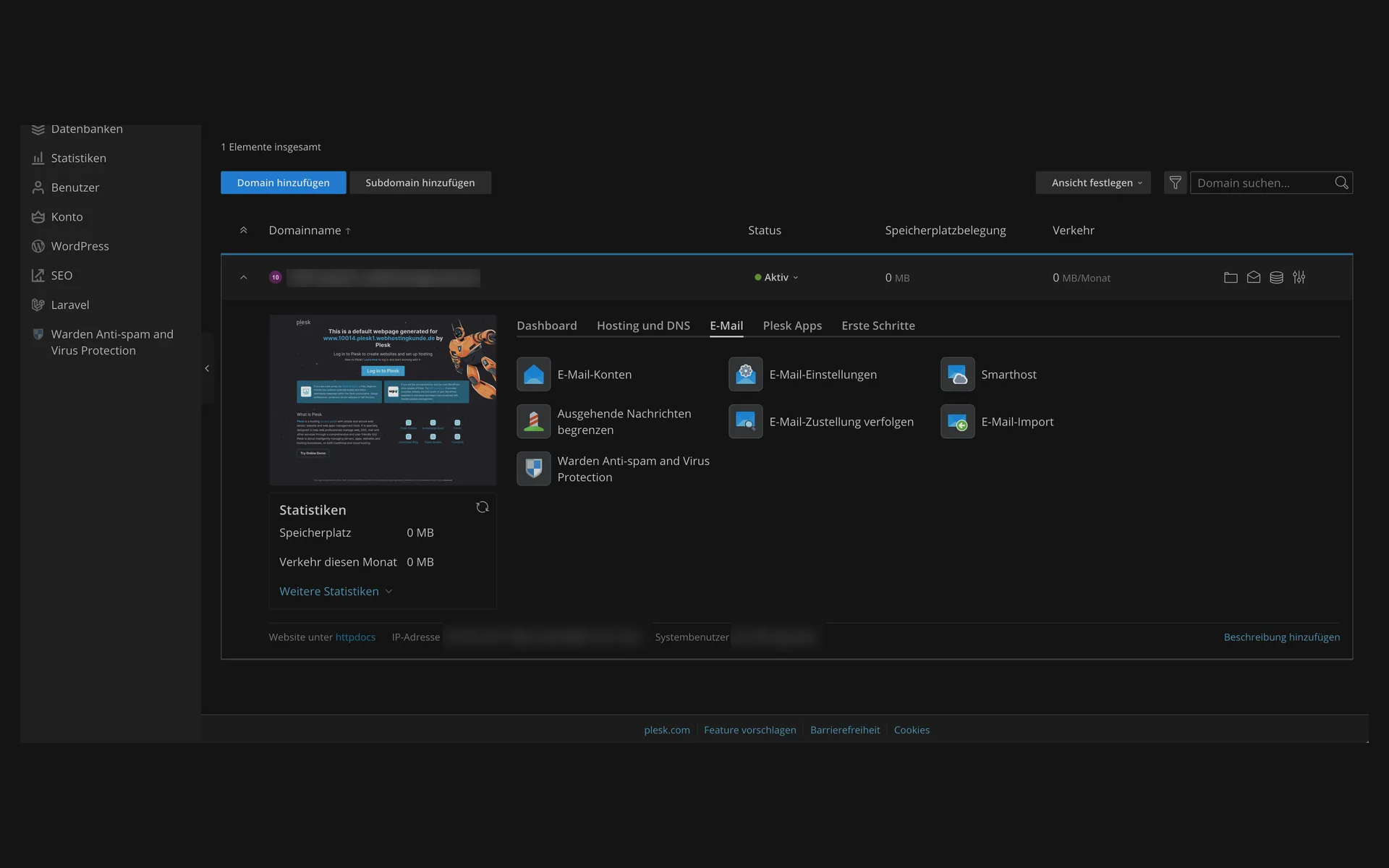
  • “E-Mail” (email) tab in Plesk with email accounts, email settings, smarthost, outgoing message limits, delivery tracking, email import, and anti-spam protection“E-Mail” (email) tab in Plesk with email accounts, email settings, smarthost, outgoing message limits, delivery tracking, email import, and anti-spam protection

    4 of 8

    Mailboxes for your own domain

    Create email accounts, adjust settings, limit outgoing messages, and track delivery. Spam and virus protection is in the same section.

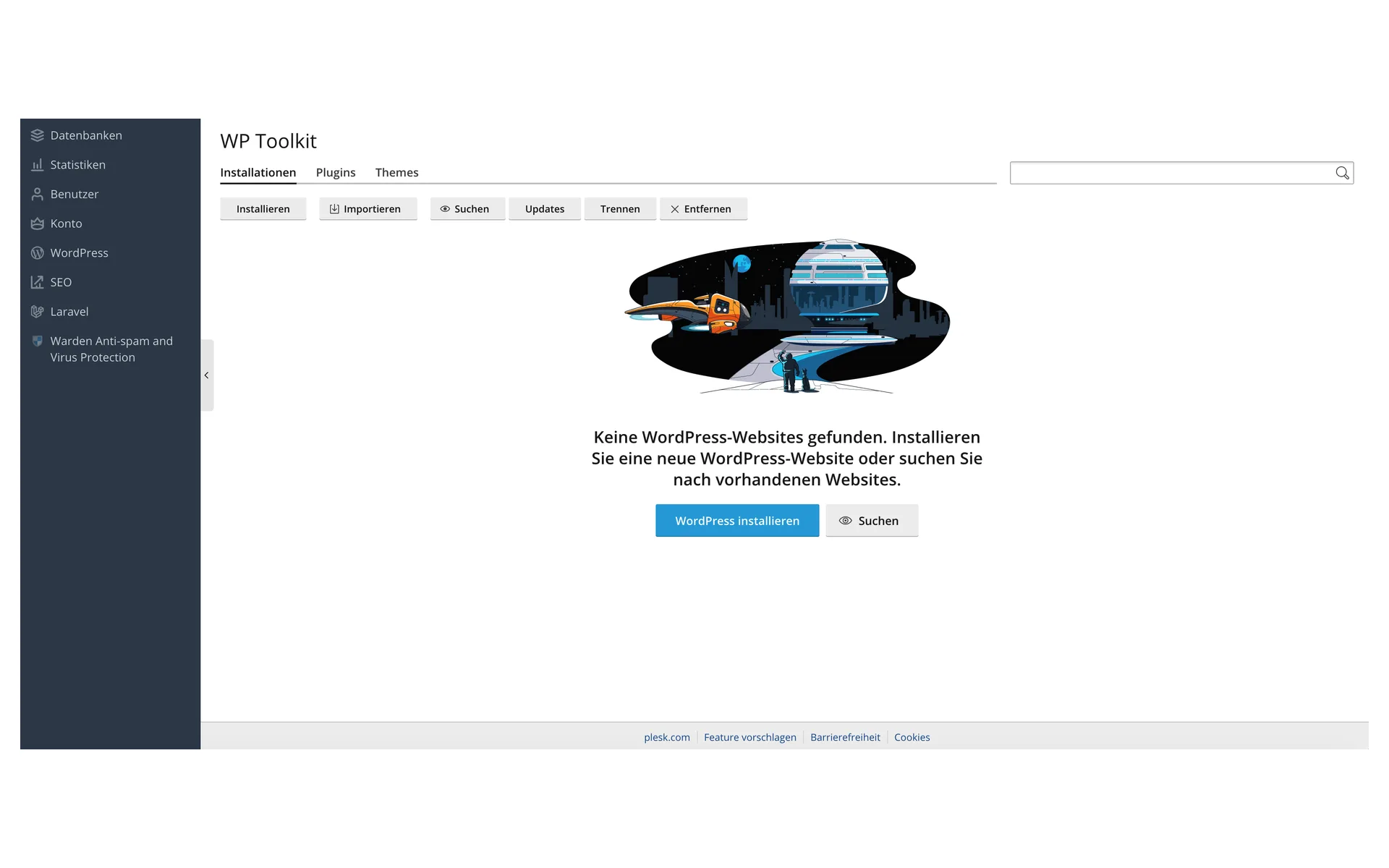
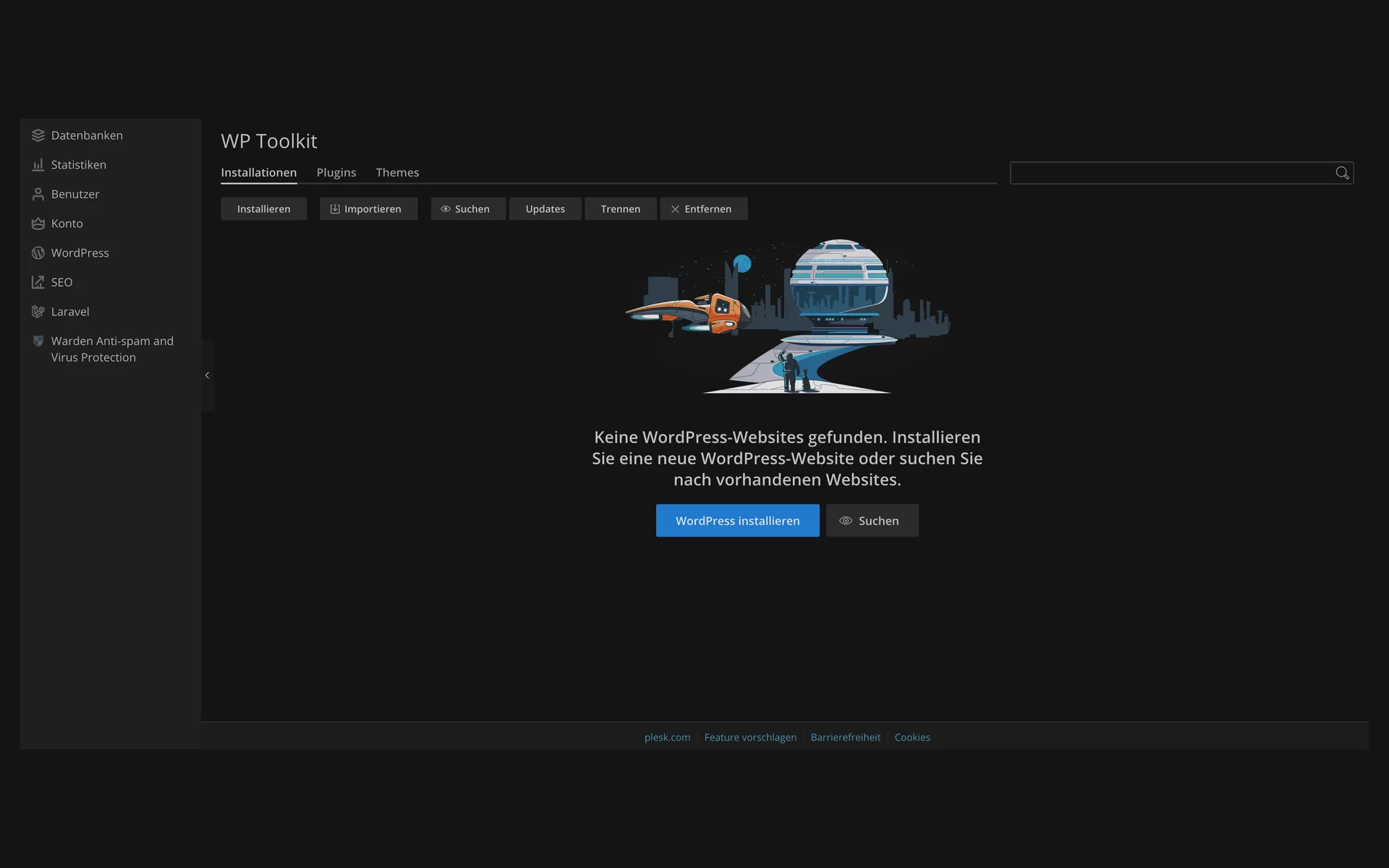
  • WP Toolkit without an installation, with the message “Keine WordPress-Websites gefunden” (no WordPress websites found) and the buttons “WordPress installieren” (install WordPress) and “Suchen” (search)WP Toolkit without an installation, with the message “Keine WordPress-Websites gefunden” (no WordPress websites found) and the buttons “WordPress installieren” (install WordPress) and “Suchen” (search)

    5 of 8

    The starting point: install WordPress

    WP Toolkit collects all WordPress installations of your package. You create the first WordPress installation with one click or import an existing one.

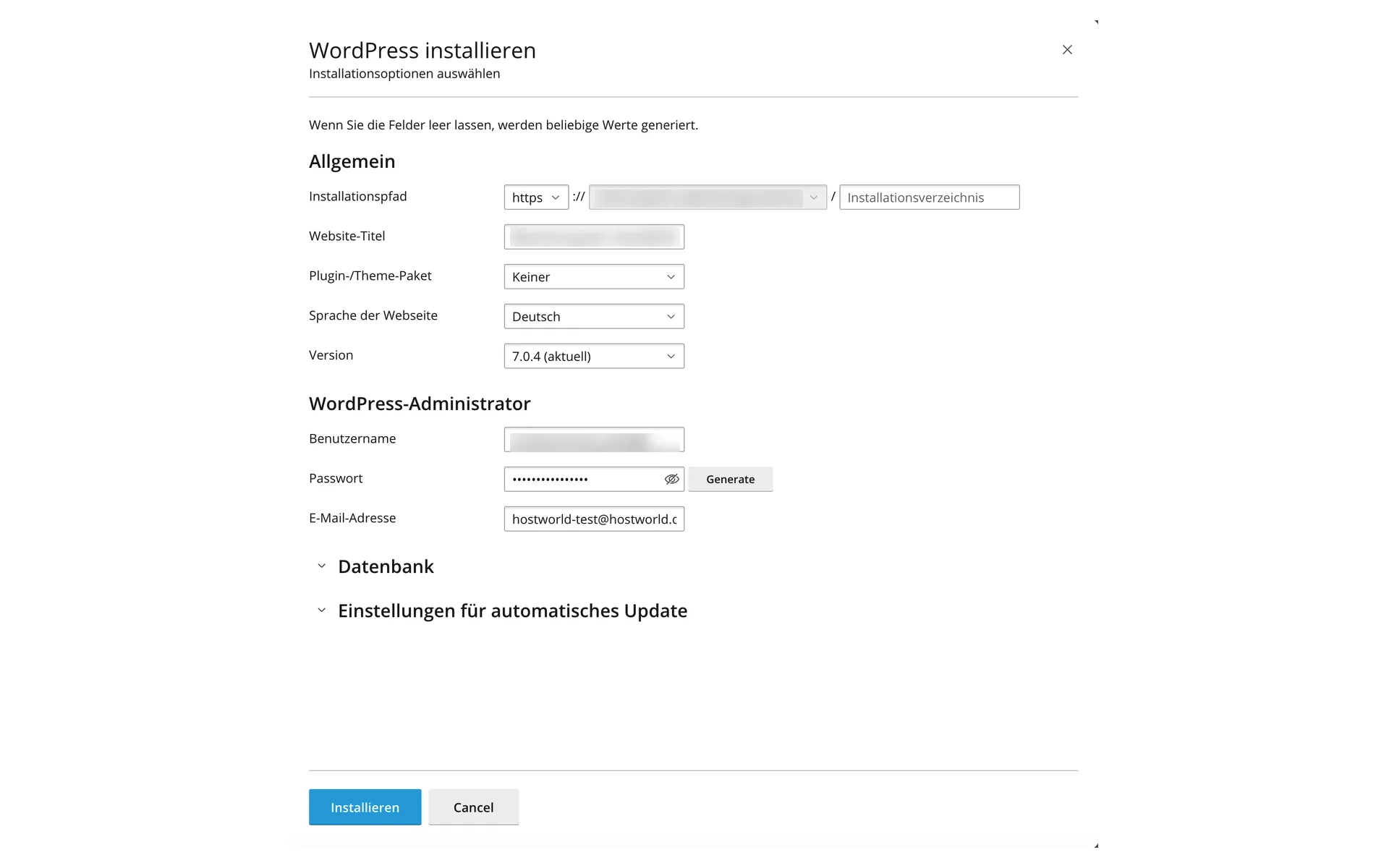
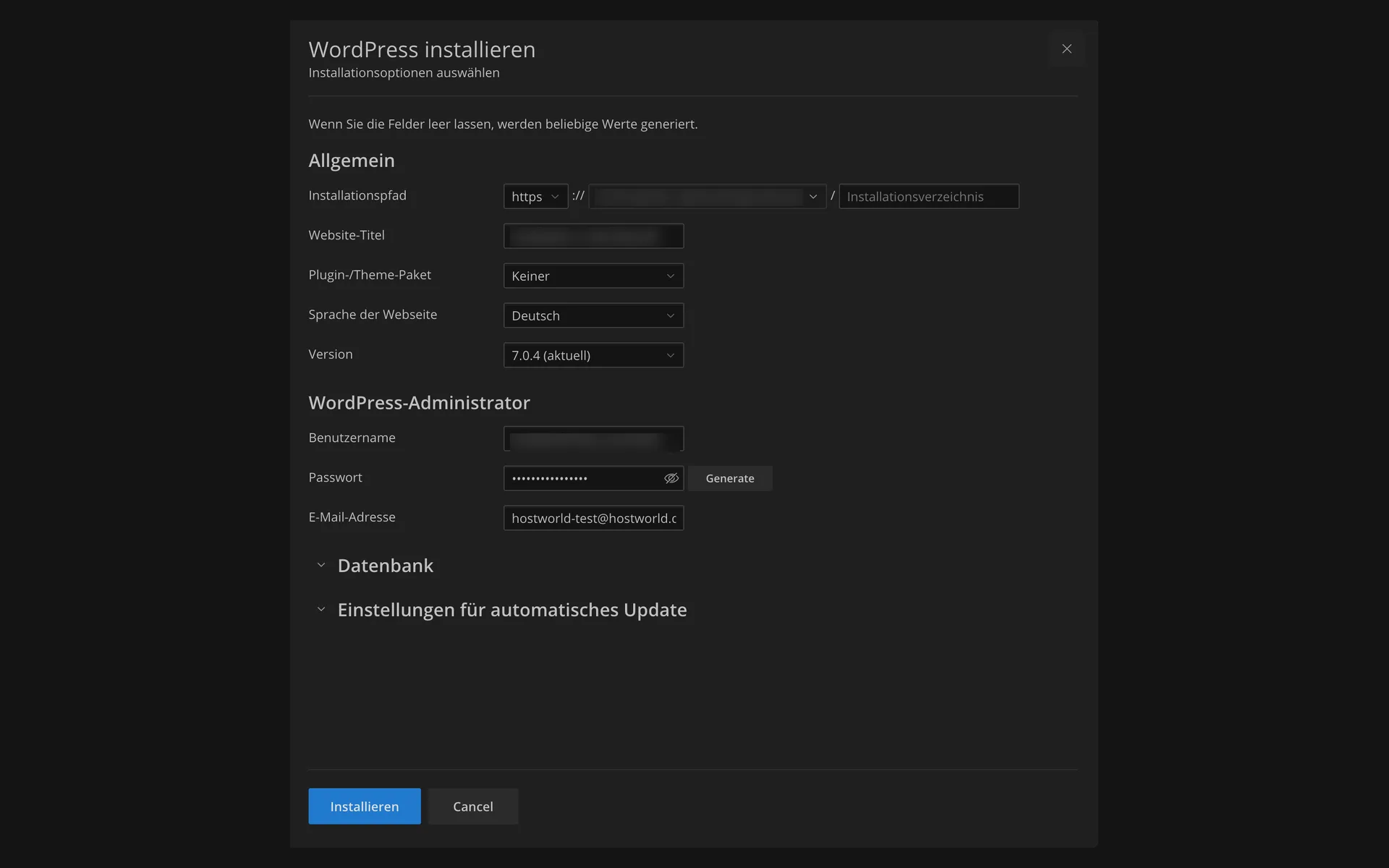
  • “WordPress installieren” (install WordPress) dialog with installation path, website title, plugin and theme set, language, version, and the fields for the WordPress administrator“WordPress installieren” (install WordPress) dialog with installation path, website title, plugin and theme set, language, version, and the fields for the WordPress administrator

    6 of 8

    WordPress in a single dialog

    Choose the installation path, title, language, and version, set the administrator, done. If you leave fields empty, Plesk fills in the values itself.

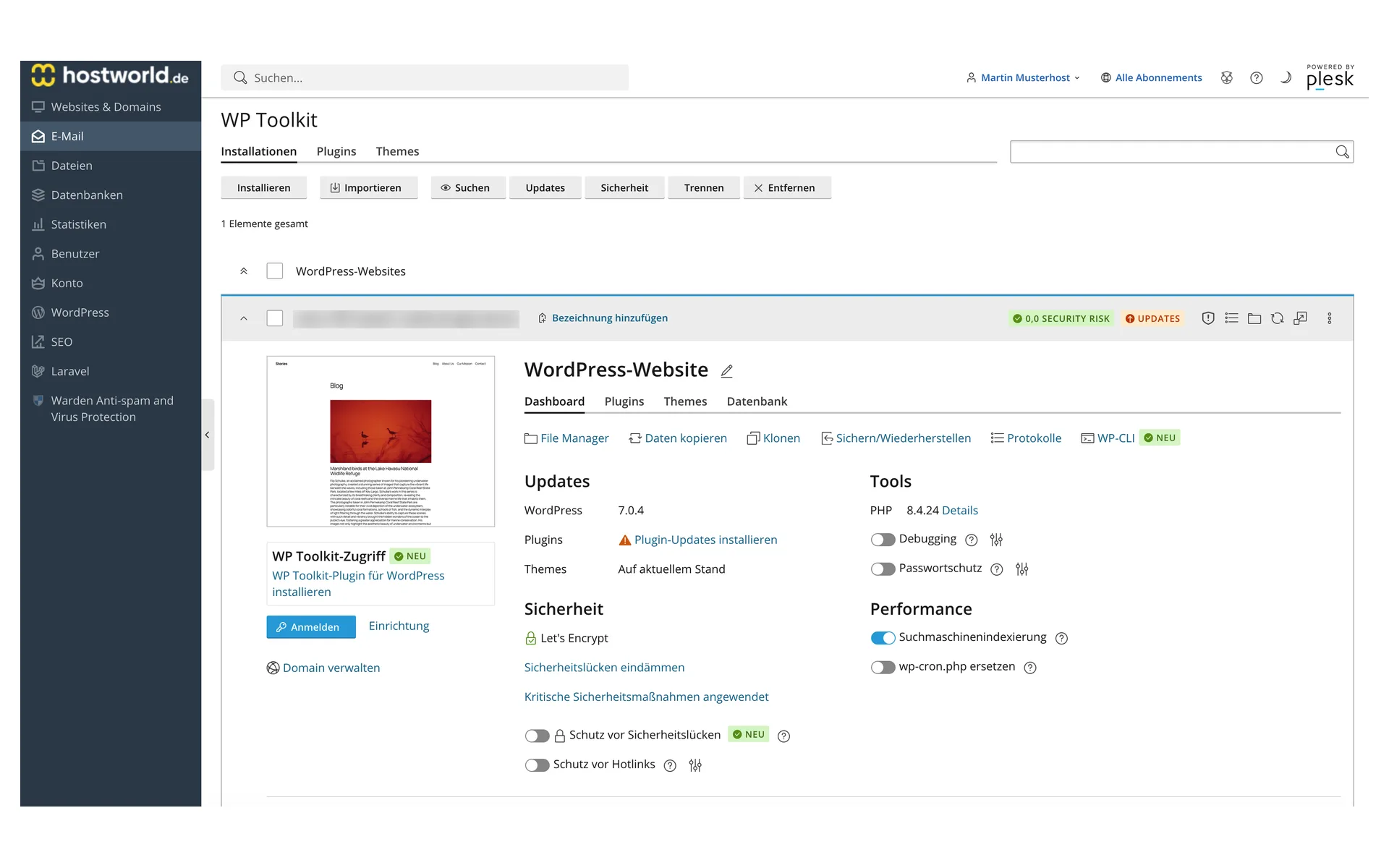
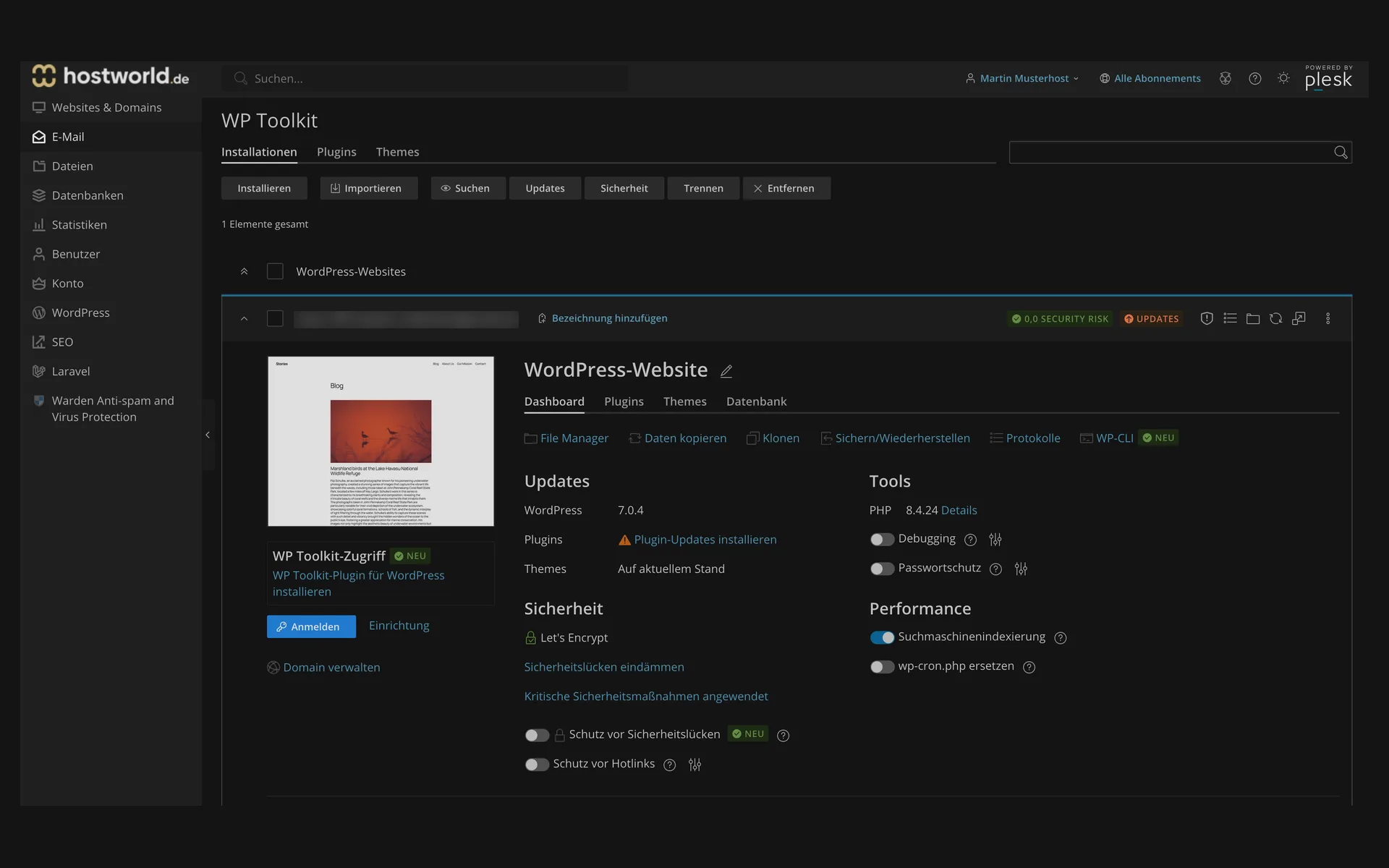
  • WP Toolkit with an installed WordPress website, updates, security status, the tools for cloning, backing up and restoring, and WP-CLI, plus the switches for search engine indexing and password protectionWP Toolkit with an installed WordPress website, updates, security status, the tools for cloning, backing up and restoring, and WP-CLI, plus the switches for search engine indexing and password protection

    7 of 8

    Clone, back up, harden, without a plugin

    From WP Toolkit you clone the website, back it up, open WP-CLI, and toggle search engine indexing or password protection. The Let's Encrypt certificate sits right next to it.

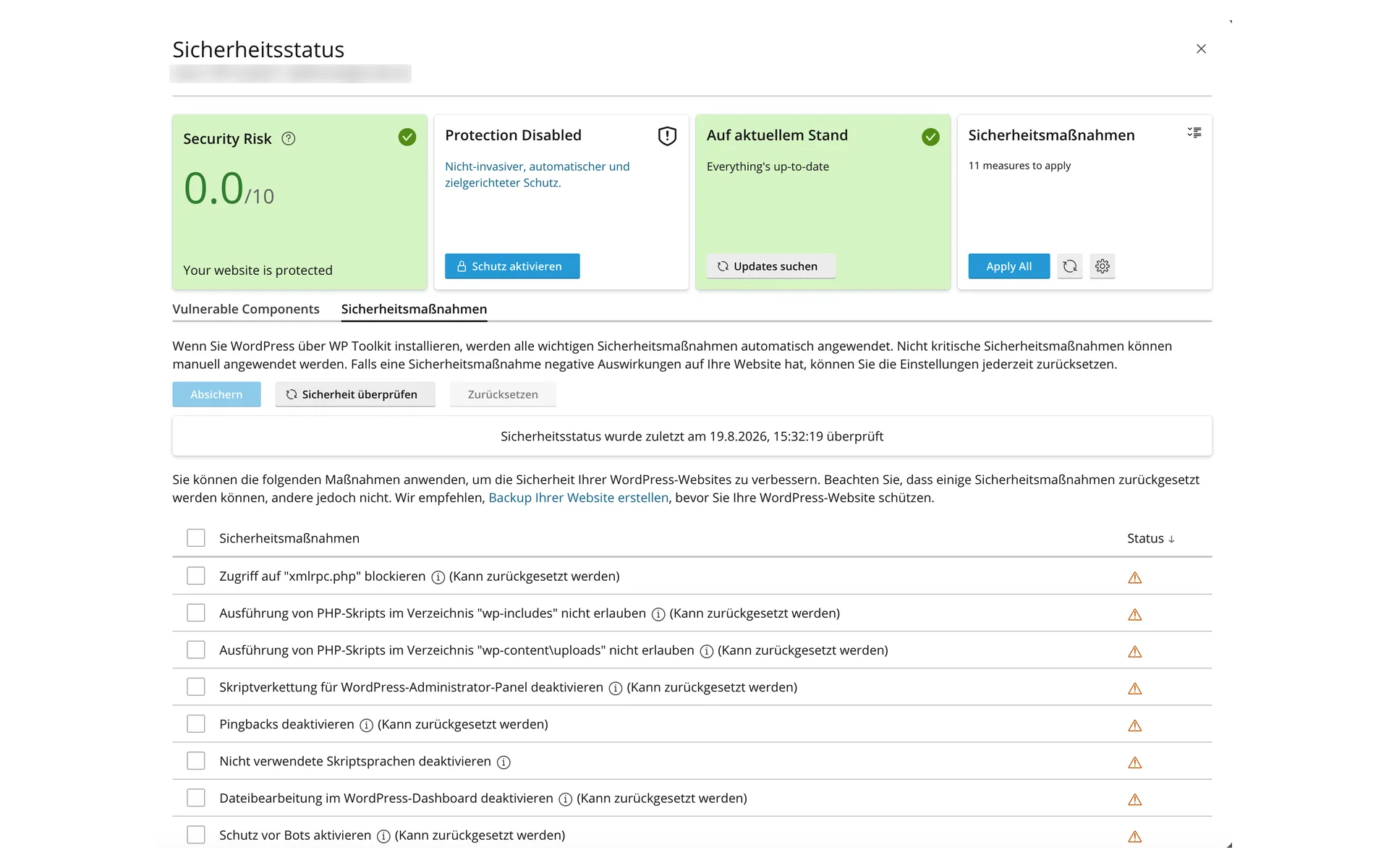
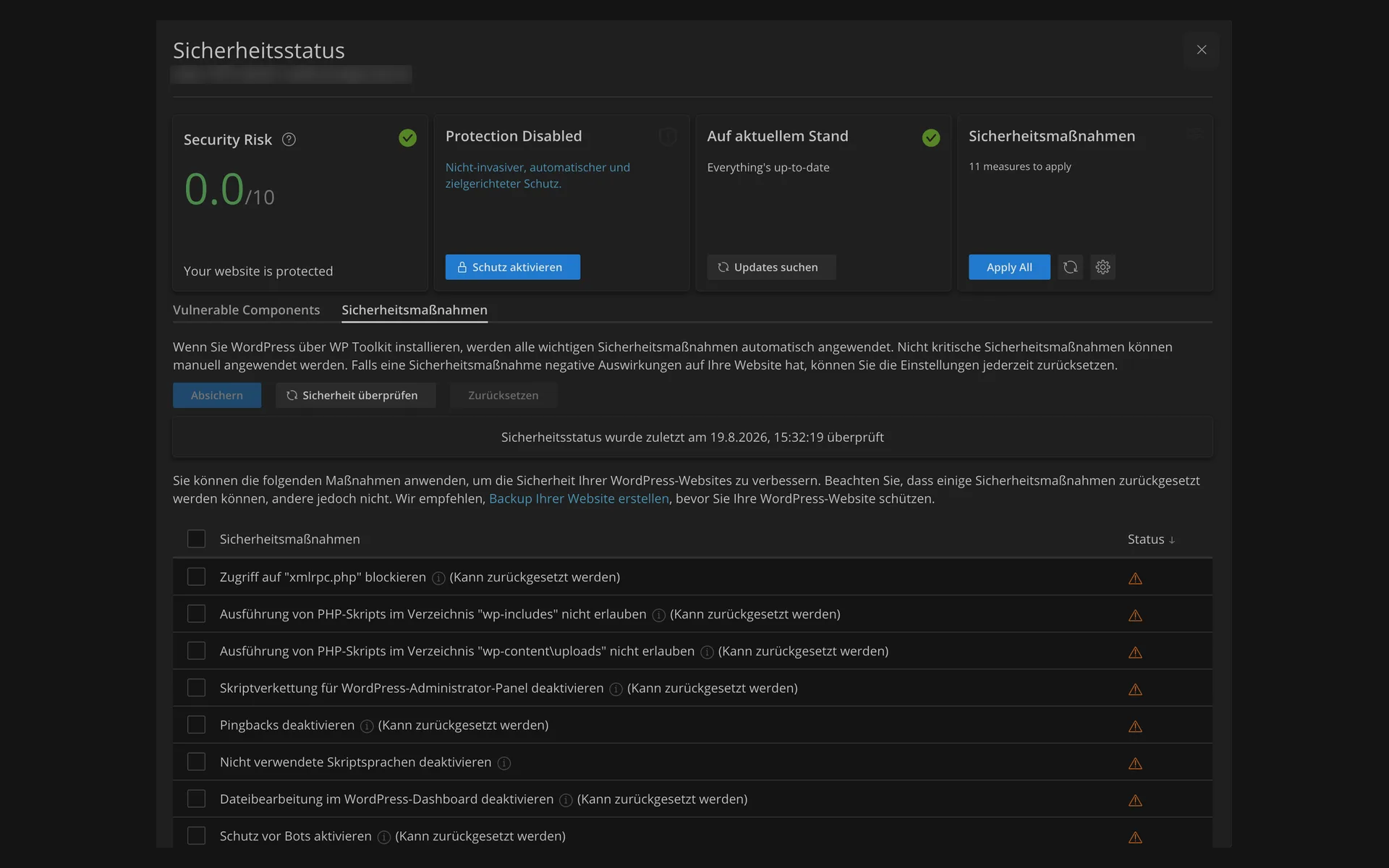
  • “Sicherheitsstatus” (security status) dialog with the risk rating 0,0 of 10, the note about eleven applicable measures, and the list of the individual security measures“Sicherheitsstatus” (security status) dialog with the risk rating 0,0 of 10, the note about eleven applicable measures, and the list of the individual security measures

    8 of 8

    Security check with one click

    WP Toolkit checks the installation and rates the risk on a scale. Below that are the measures you can apply one by one or all at once.

For beginners and professionals

Your WordPress website in a few steps

Choose a theme, edit content in the block editor via drag and drop, go live: with WordPress you build everything from a simple blog to an online shop without writing a line of code.

Block editor with drag and drop

You design texts, images and videos without prior knowledge, directly in the browser.

Hundreds of design themes

Ready-made templates for every industry, individually adjustable in colors, fonts and layout.

More than 50,000 plugins

Online shop, newsletter, SEO and much more: you install extensions in minutes.

Performance

Noticeably faster, without any plugins

The LiteSpeed web server with HTTP/3 delivers your website, and the WordPress cache is integrated directly in the server. You need no cache plugin and no separate configuration.

More power as your project grows

CPU and RAM are usage limits on shared hosting, not exclusively reserved resources. Choose more capacity for multiple websites or an online shop.

HT Mini – 100% CPU power (1 core), 1 GB RAM
HT Spezial – 100% CPU power (1 core), 2 GB RAM

Security

Multi-layered protection for your website

Protected from day one: malware scanner, firewall and backups, without you having to do anything.

  • Malware scanner with automatic cleanup
  • Imunify360 WAF against attacks on your website
  • Spam and virus protection for all mailboxes
  • Daily backups
  • Free SSL certificates, issued and renewed automatically

Email included

Mailboxes for your domains are part of it

Website and email from one source: your mailboxes run under your own domain, accessible on your computer, on your phone or directly in the browser.

WooCommerce

Your online shop with WooCommerce

WooCommerce is the most popular shop solution for WordPress, free of charge as an open-source plugin. Your data belongs to you, and the shop grows with your business.

Everything under control

You manage payments, stock and delivery status on one platform.

Scalable

From the first product to the full range: the shop grows with your business.

Extensible

You add payment methods, email marketing and more via extensions.

To WooCommerce Hosting

Is your website still with another provider?

We handle the move, free of charge for private customers.

Migration service

Plan comparison

All features in detail

FeatureHT MiniHT Spezial
NVMe storage 10 GB30 GB
Included domains 1× .de1× .de
Subdomains unlimitedunlimited
External domains can be added free of chargefree of charge
Traffic unmetered (fair use)unmetered (fair use)
DNS management included ✓✓
DynDNS included ✓✓

Customer experiences

What customers say about us

4.9 out of 525 reviews96 % would recommend

Skalierbare, individuelle und stabile Hosting Infrastruktur

„Wir sind nun seit knapp 3 Jahren Kunde. Generell sind wir sehr zufrieden mit dem modernen und skalierbaren Hosting unserer Wordpress-Projekte. Besonders herauszustellen ist der schnelle, individuelle und unkomplizierte Support bei Fragen & Herausforderungen. Alles ist transparent und auf die eigenen Bedürfnisse zurechtgeschnitten. Klare Empfehlung besonders für kleine und mittelständige Jungunternehmen, die Unterstützung beim Aufbau ihrer individuellen Infrastruktur benötigen.“

A HOSTtest.de review from

Perfekte Leistungen & Service

„Die Performance der WordPress-Hostingpakete ist hervorragend: schnelle Ladezeiten, stabile Erreichbarkeit und eine insgesamt sehr zuverlässige Infrastruktur. Gerade bei WordPress merkt man deutlich, dass die Systeme optimal darauf abgestimmt sind.“

Super für Wordpress und sehr guter Support

„Der Umzug meiner Domain ging reibungslos und meine Webseite erzielt eine super Geschwindigkeit. Besonders erleichtert bin ich, da ich nun endlich ohne lange Ladezeiten im Wordpress-Backend arbeiten kann und der Support war mir schon bei mehreren Anliegen eine schnelle und echte Hilfe. Sehr zu empfehlen!“

More reviews on HOSTtest.de.

FAQ

Questions about our HOSTtest offers

How do Mini and Spezial differ?
Mini includes 10 GB of storage and 5 mailboxes. Spezial includes 30 GB, 20 mailboxes and more databases. Both include Plesk, LiteSpeed and the WordPress tools.
Can I create a staging copy?
Yes. Both plans allow two installations in WP Toolkit, for example one website and a staging copy. They share the plan’s storage and databases.
How do contract terms and payment work?
Choose 1, 12 or 24 months and pay for the full period in advance. Save 10% with 12 months or 15% with 24 months compared with monthly booking.
Can I choose a larger plan later?
Yes. Compatible larger plans are available in the Customer Menu under Change plan. Your websites and mailboxes remain on the same platform.
How do I restore a backup?
We back up websites, databases and email daily and keep backups for seven days. Contact support for a free restore. You can also create a backup in WP Toolkit before making changes.

Start your own website

Choose the storage and mailboxes your project needs.