Use case · Cloud storage

OpenCloud Hosting in Germany

Self-hosted alternative to Dropbox and Google Drive on your own VPS: GDPR-compliant, full control, no storage limit other than your disk. With NVMe storage, snapshots and personal support.

GDPR-compliantSelf-hostedSnapshots includedPersonal support

From €35.95 per month

What is OpenCloud?

Open-source cloud storage, self-hosted

OpenCloud is an open-source project for self-hosted cloud storage and file sharing. It emerged in 2024 from parts of the ownCloud team and uses the new oCIS architecture with an S3-compatible backend, a considerably more modern code base than the established alternatives.

OpenCloud offers GDPR-compliant file sync across all devices (desktop, iOS, Android, web), including collaboration, sharing via link and an optional office integration.

Ideal as a Dropbox or Google Drive alternative for teams, families or individuals who care about data protection: your data, your server, your control.

Recommended for OpenCloud

Our plan recommendation

The VPS Max W1 is the right choice for OpenCloud: 32 GB RAM for many parallel sync clients, 8 vCPU for indexing and thumbnails, 500 GB NVMe as working storage, expandable at any time with additional disks or a Storage Server.

Monthly term and payment, cancelable at short notice.

Recommended for OpenCloud

VPS MaxW1

8 vCPU · 32 GB RAM · 500 GB NVMe

  • 8 vCPU AMD EPYC 9645
  • 32 GB DDR5 ECC RAM
  • 500 GB NVMe storage
  • KVM · full root access
  • 2.5 Gbit/s connection · unmetered traffic
  • Snapshots included
  • 1× IPv4 + IPv6 /64
  • DDoS protection · servers located in Germany
35.95/ month
No setup fee

Why this plan?

Why the VPS Max W1 fits OpenCloud

32 GB RAM for many sync clients

OpenCloud runs a separate pipeline per sync client. With 32 GB RAM, all parallel syncs stay smooth even with 15 or more active users.

8 vCPU for indexing & previews

Thumbnail generation, full-text indexing and server-side encryption benefit from multiple cores: fast search and fast previews for all users.

500 GB NVMe for files plus database

Working storage with plenty of reserve. For even more capacity: additional disk add-on (100–1,000 GB) or a Storage Server as an additional mount point.

GDPR-compliant servers located in Germany

Decisive when you store personal data, business documents or family photos there: GDPR-compliant, data processing agreement included on request.

Everything in your own hands

What you can do yourself, without waiting for anyone

Reinstall, create a snapshot, set up the firewall, open the console. All the functions for managing your server.

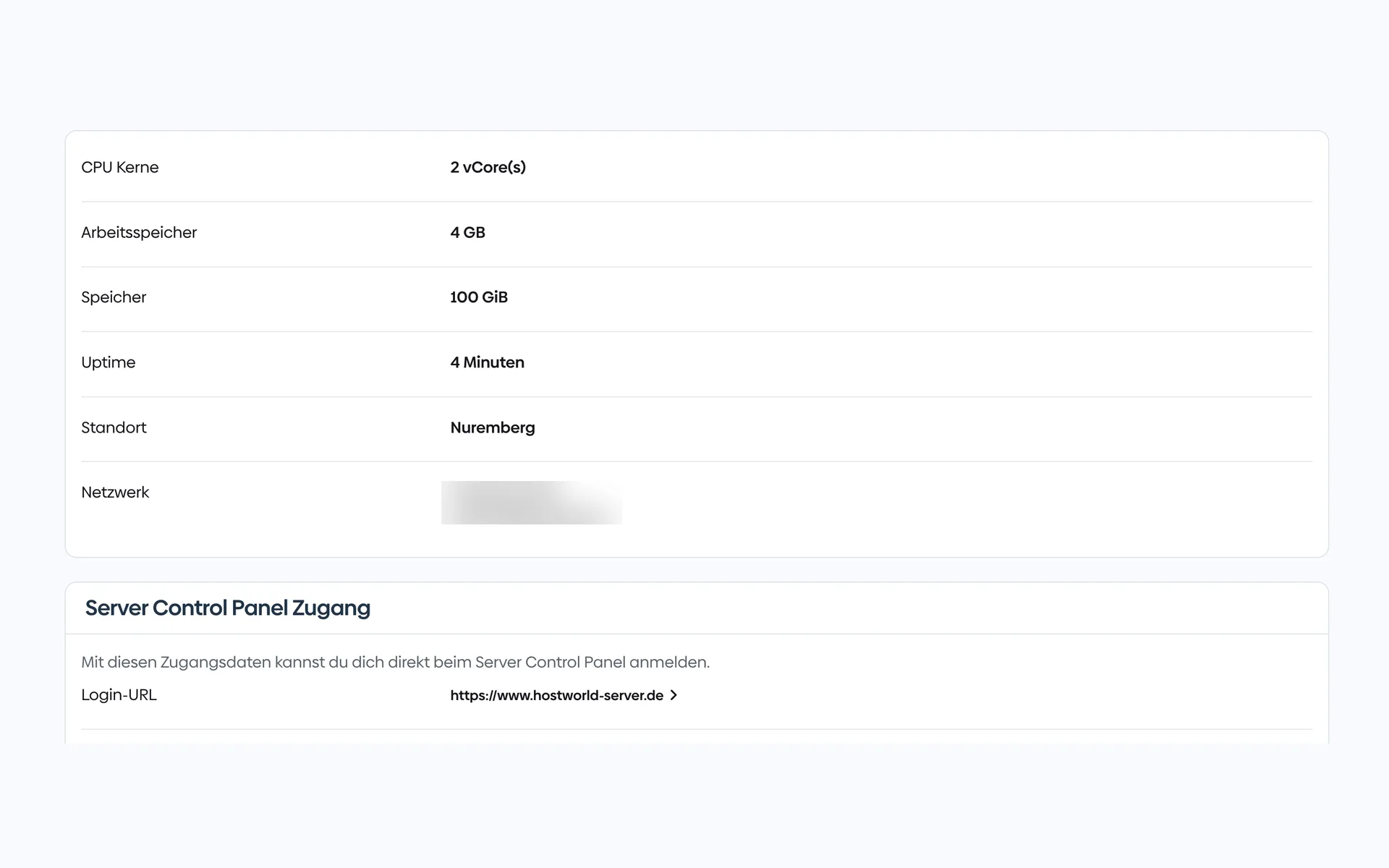
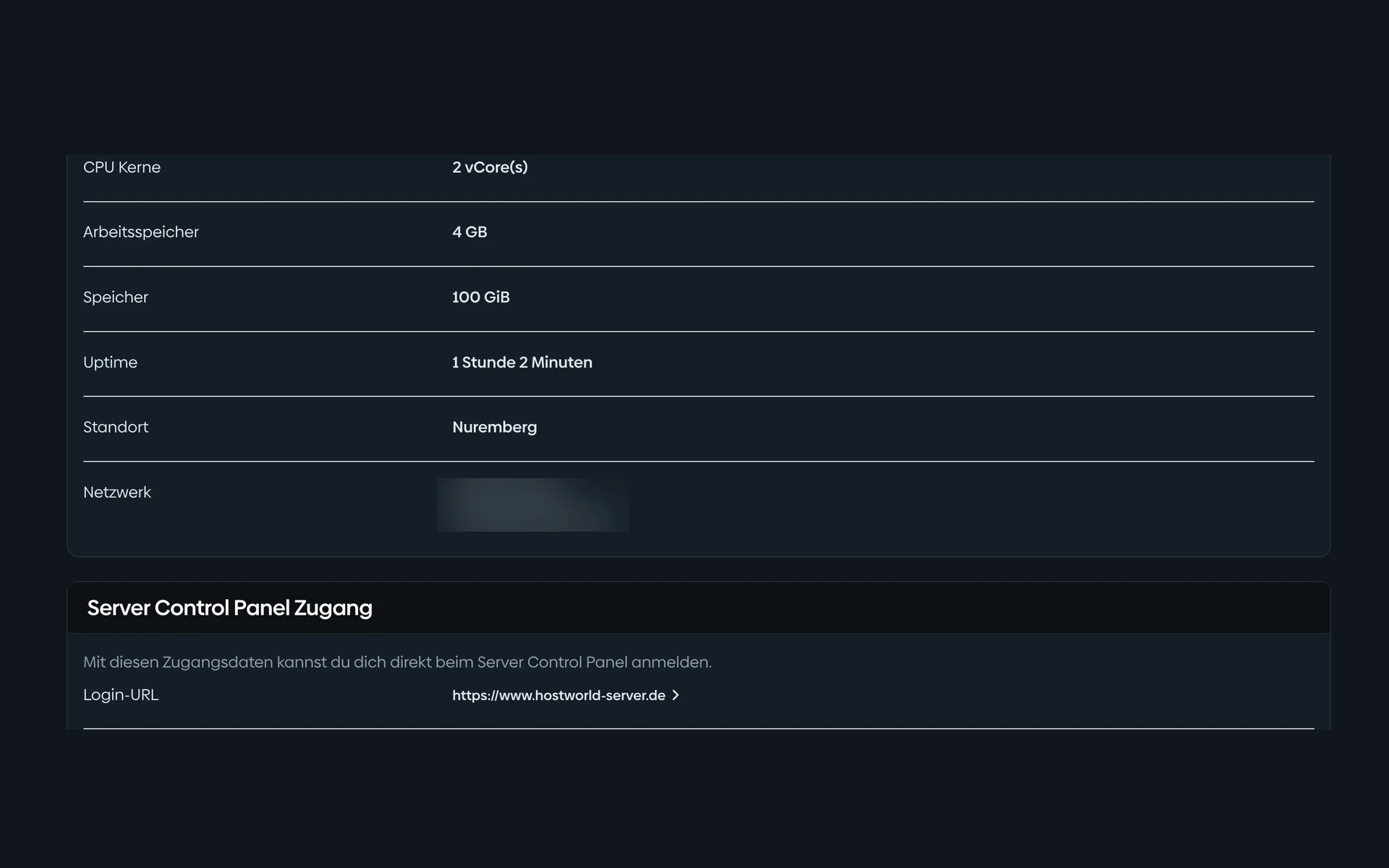
  • Overview of a virtual server in the Customer Menu with CPU cores, memory, storage, location, IP addresses, and the login details for the Server Control PanelOverview of a virtual server in the Customer Menu with CPU cores, memory, storage, location, IP addresses, and the login details for the Server Control Panel

    1 of 7

    Specs and access at a glance

    CPU, memory, storage, location, and your IP addresses are listed in the Customer Menu. From there, one click takes you to the Server Control Panel.

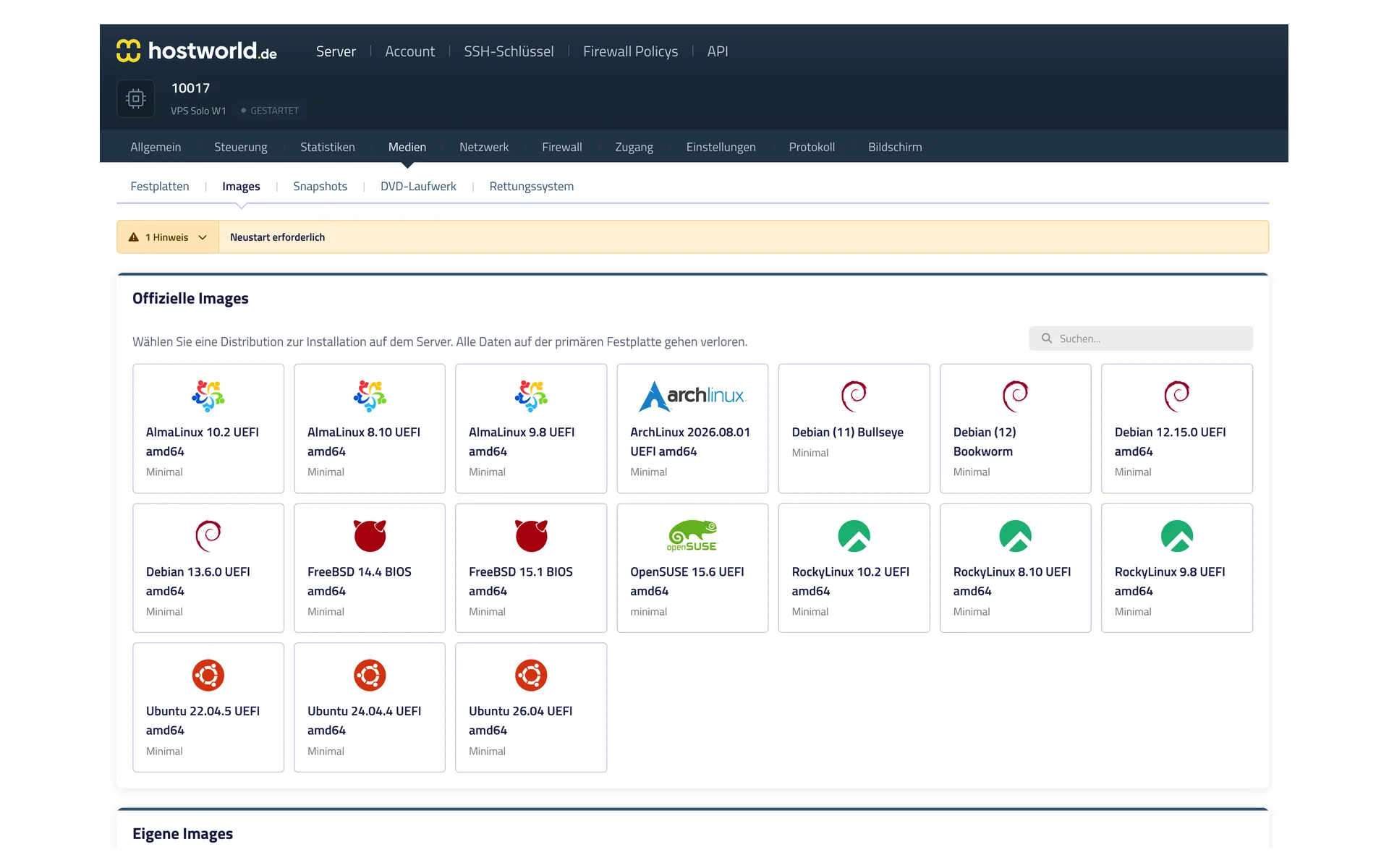
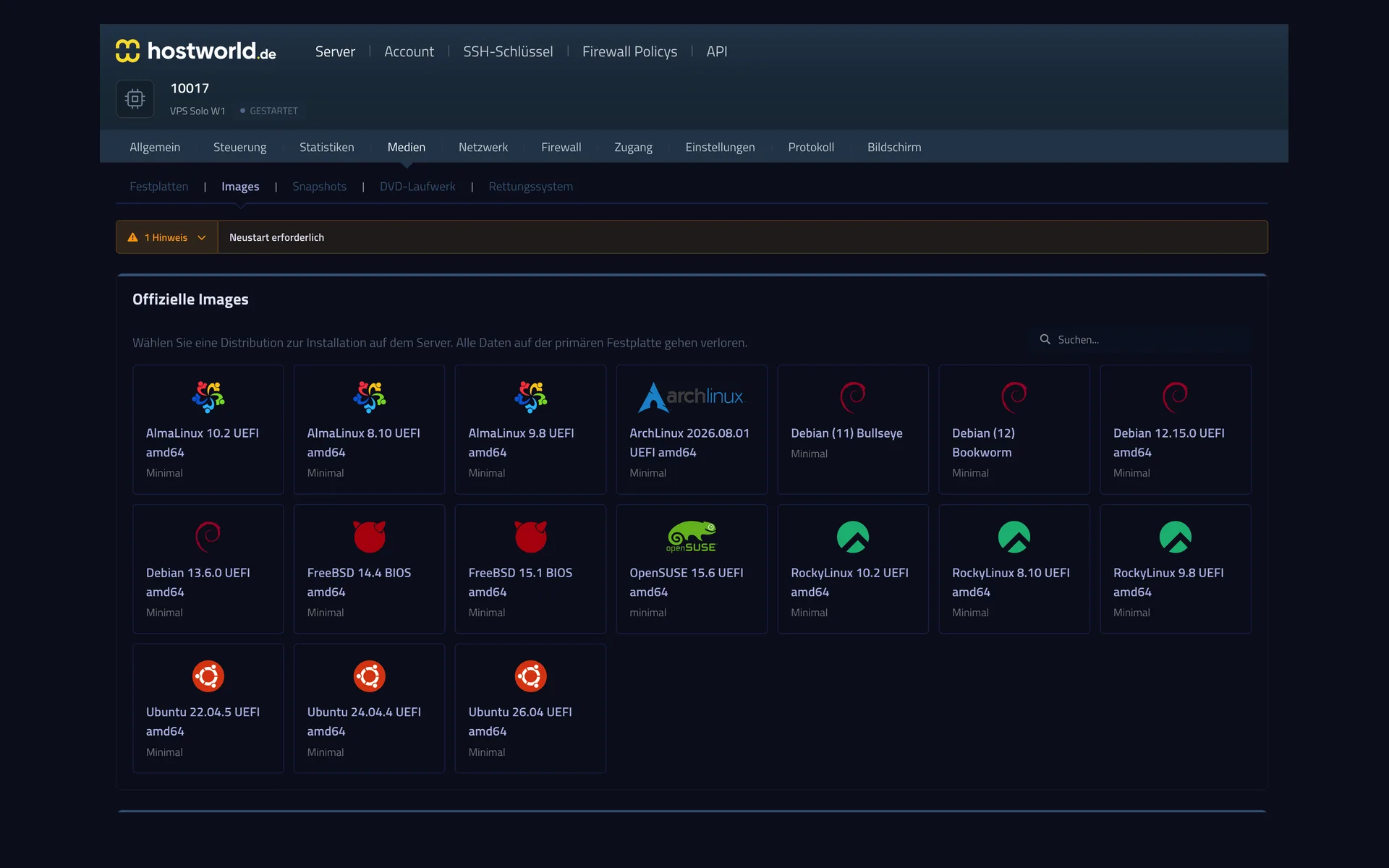
  • Selection of official operating system images in the Server Control Panel with AlmaLinux, Arch Linux, Debian, FreeBSD, OpenSUSE, Rocky Linux, and UbuntuSelection of official operating system images in the Server Control Panel with AlmaLinux, Arch Linux, Debian, FreeBSD, OpenSUSE, Rocky Linux, and Ubuntu

    2 of 7

    Choose the operating system yourself

    AlmaLinux, Arch, Debian, FreeBSD, OpenSUSE, Rocky, Ubuntu: you start the installation yourself, with no ticket and no waiting.

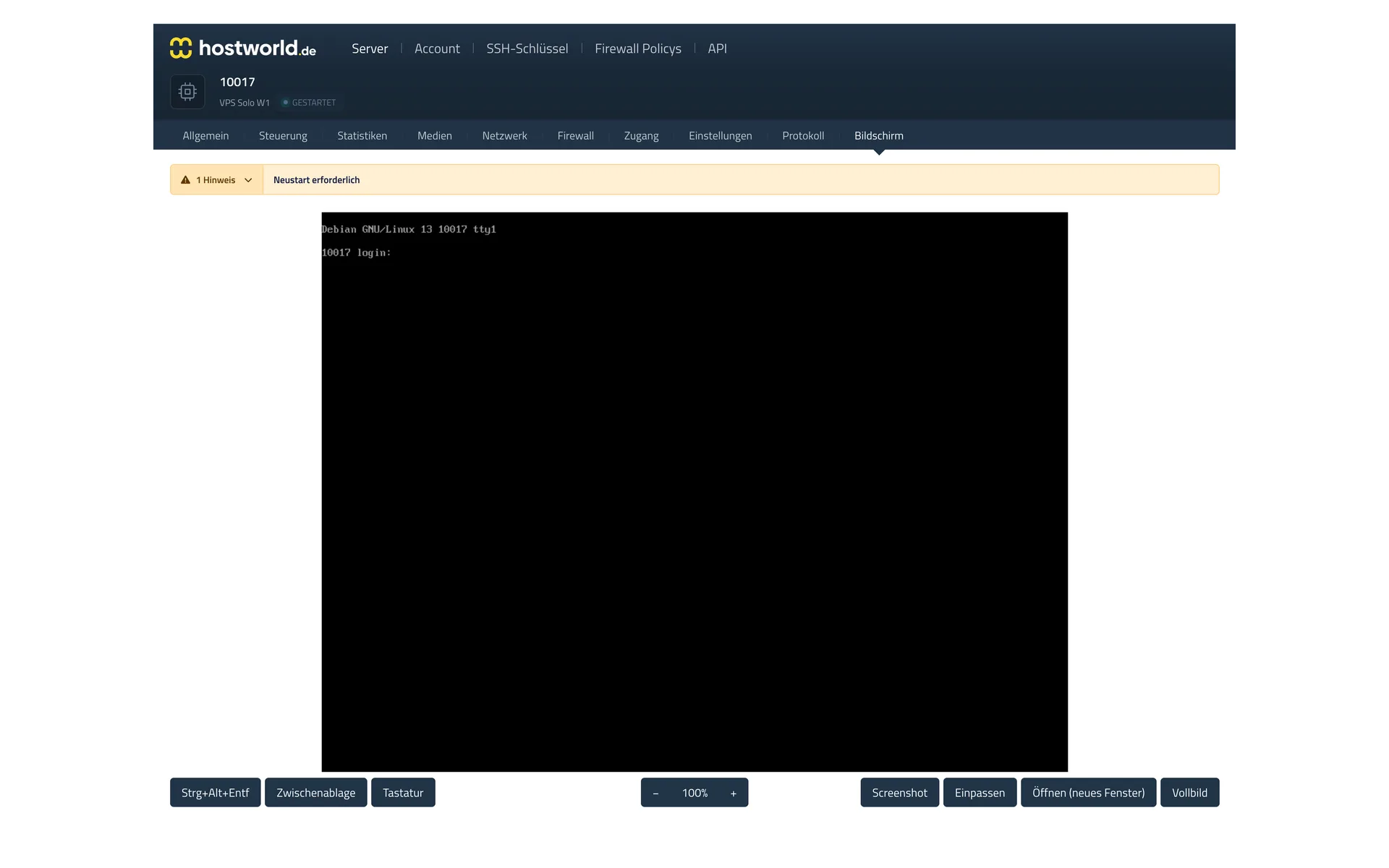
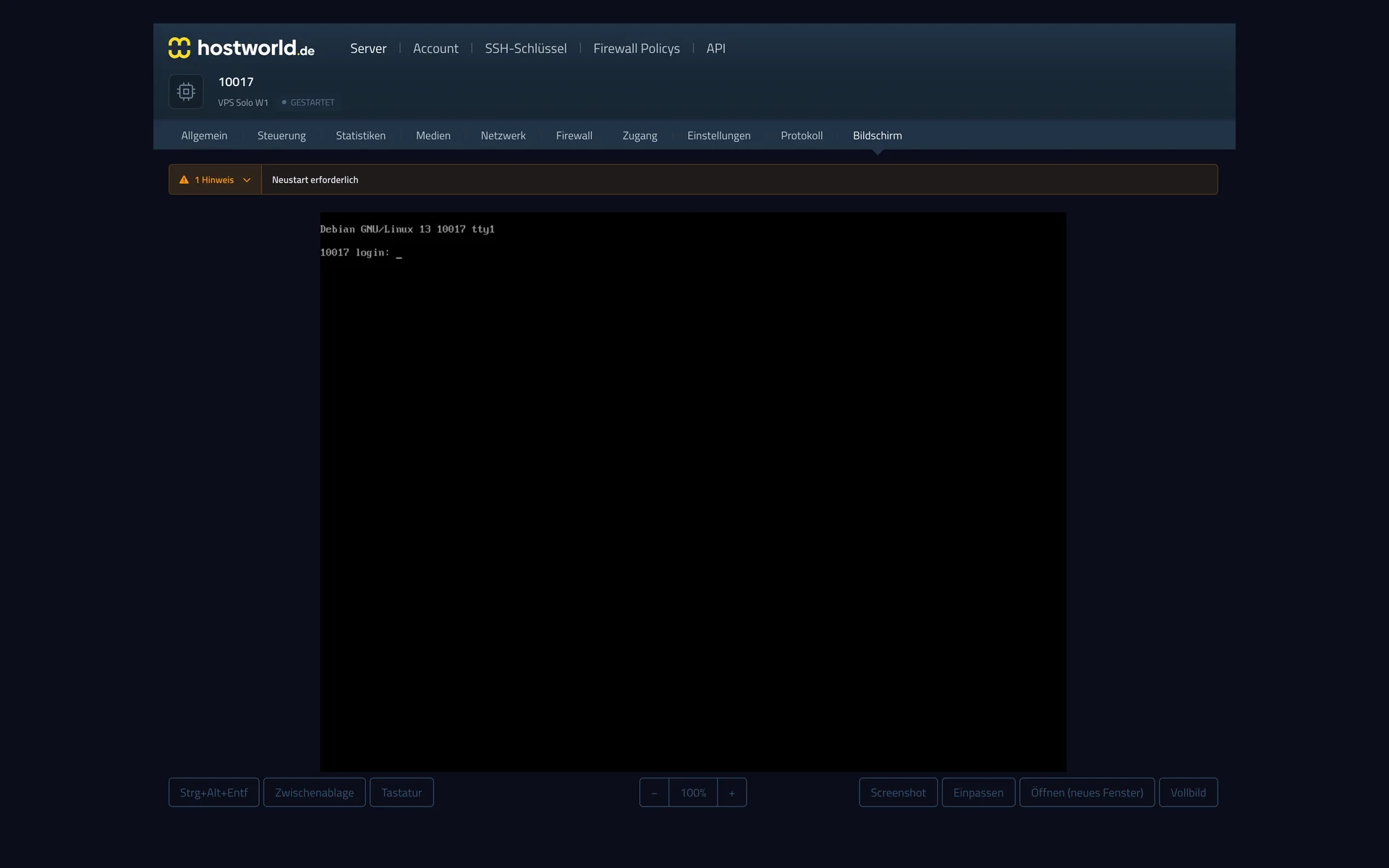
  • Web console in the Server Control Panel with the login screen of the running operating system and buttons for “Strg-Alt-Entf” (Ctrl-Alt-Del), screenshot, and full screenWeb console in the Server Control Panel with the login screen of the running operating system and buttons for “Strg-Alt-Entf” (Ctrl-Alt-Del), screenshot, and full screen

    3 of 7

    VNC console in the browser

    The VNC console shows you your server's screen right in the browser. That way you can reach your server even when it is not reachable over the internet.

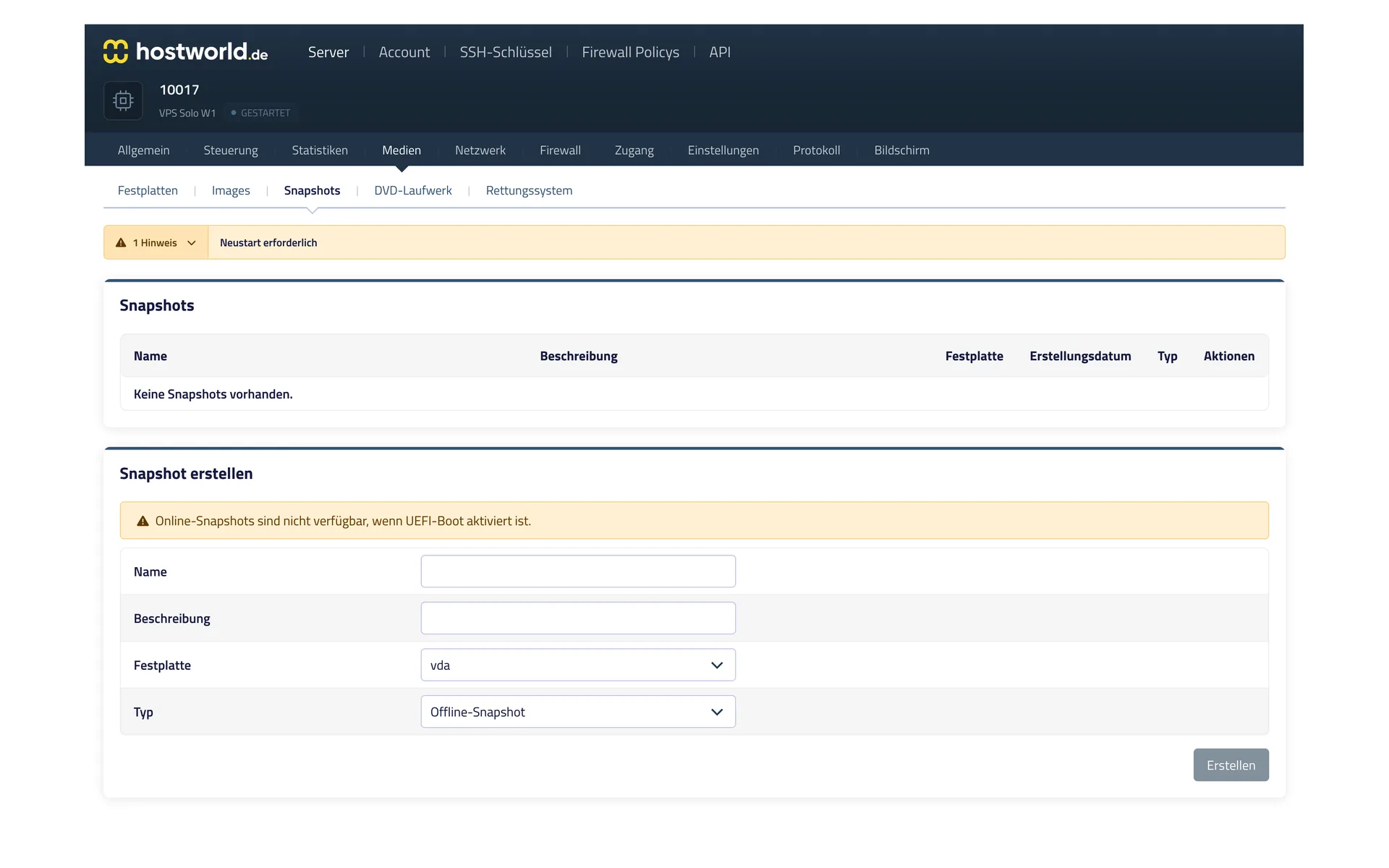
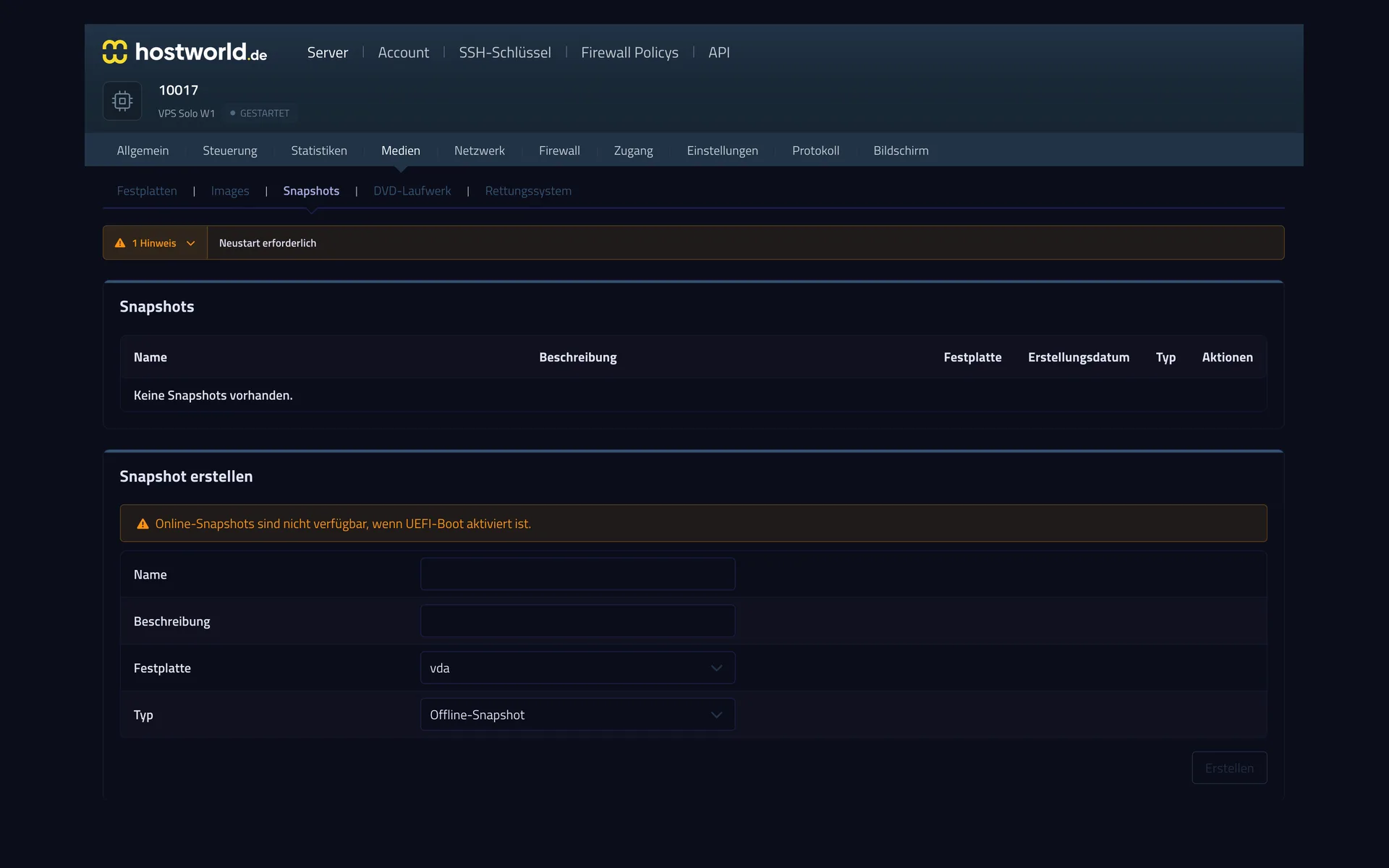
  • Snapshot management in the Server Control Panel with the list of existing snapshots and the form for creating a new snapshotSnapshot management in the Server Control Panel with the list of existing snapshots and the form for creating a new snapshot

    4 of 7

    A snapshot before you make changes

    Before an update or a risky change, capture the state of the server with a snapshot. If something goes wrong, you go back to it.

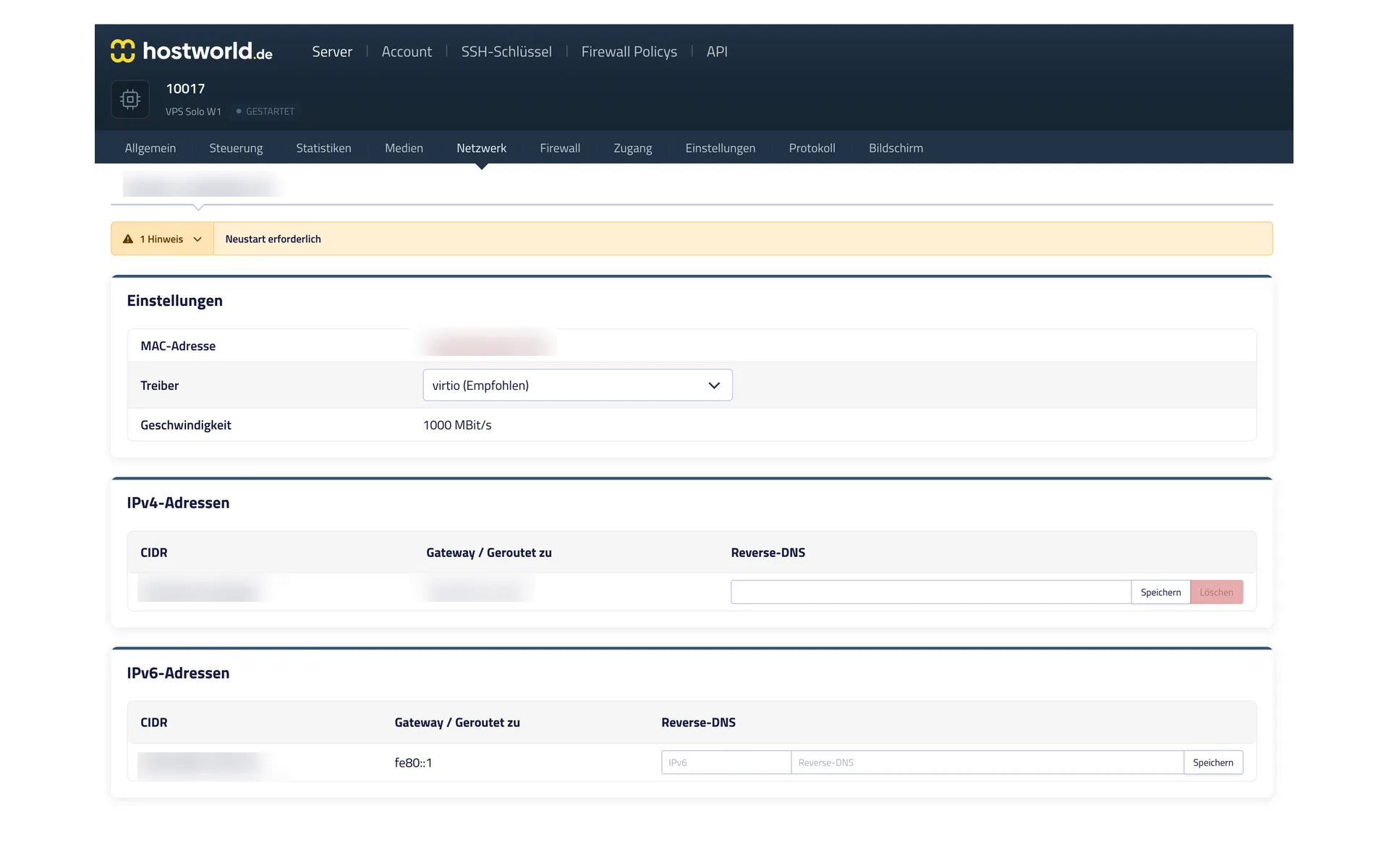
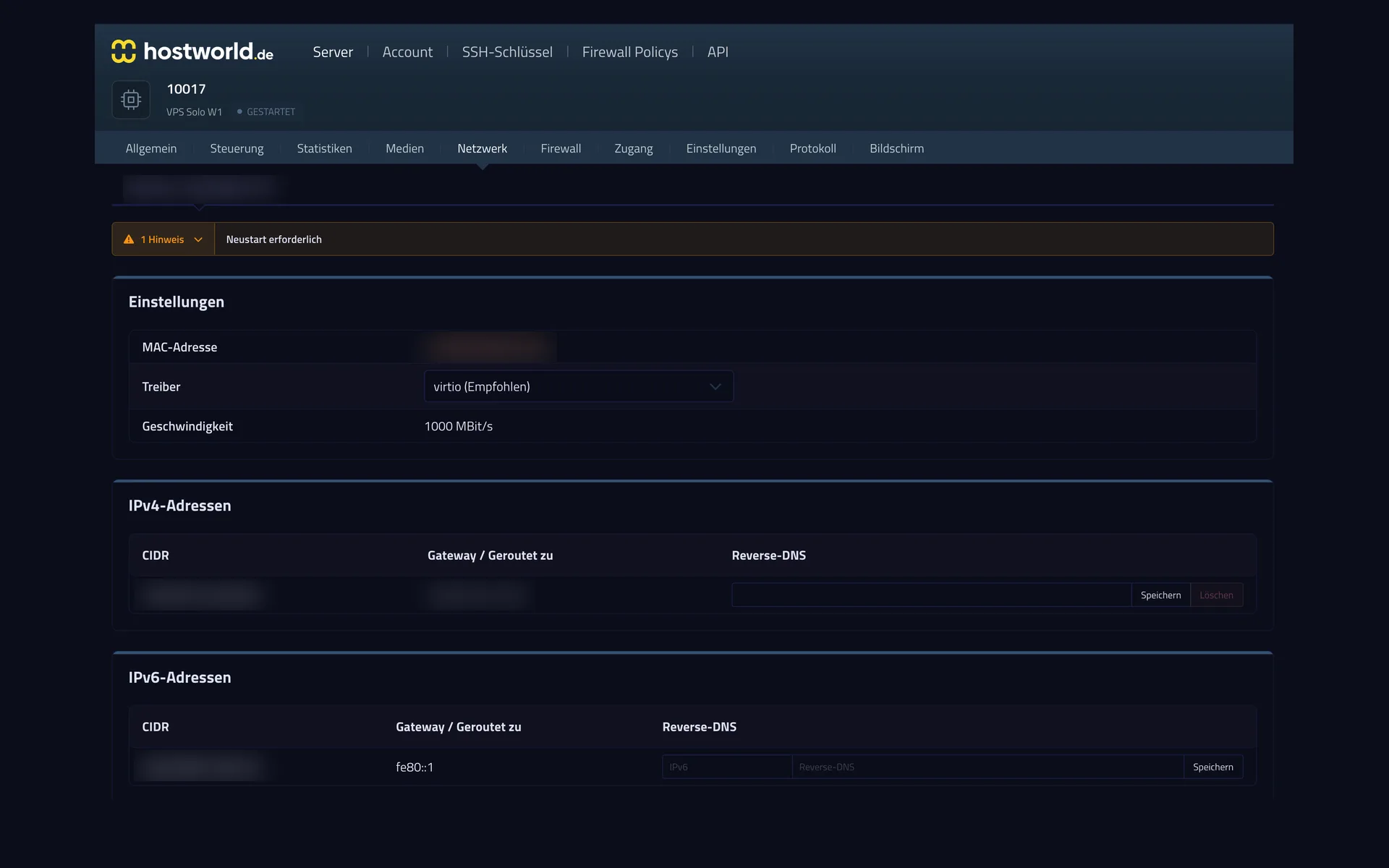
  • Network settings in the Server Control Panel with MAC address, driver selection, IPv4 address, and IPv6 prefix, including fields for reverse DNSNetwork settings in the Server Control Panel with MAC address, driver selection, IPv4 address, and IPv6 prefix, including fields for reverse DNS

    5 of 7

    IPv4, IPv6, and reverse DNS

    Every server comes with an IPv4 address and its own IPv6 network. You set the reverse entry yourself, which is often decisive for sending mail.

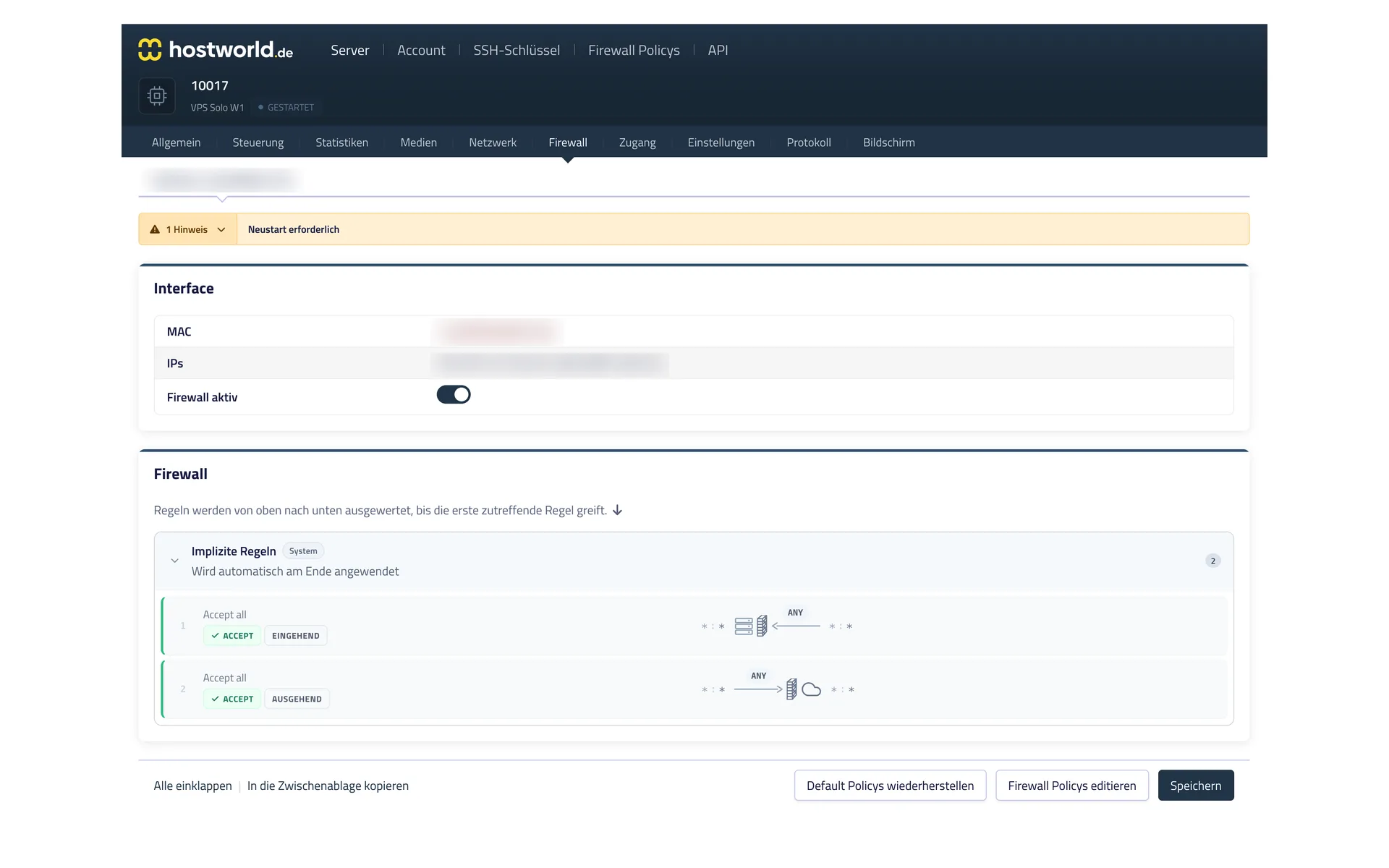
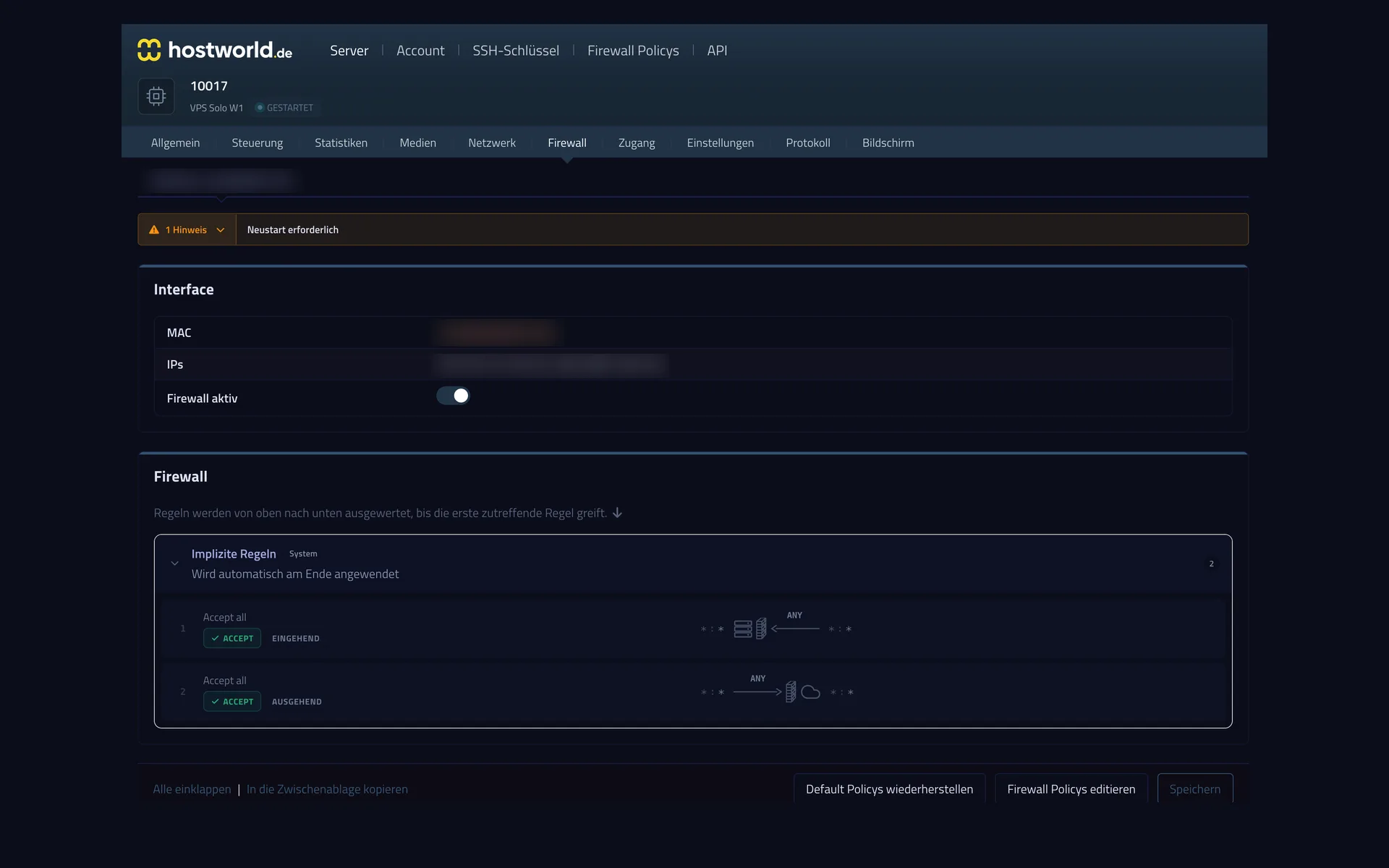
  • Firewall settings in the Server Control Panel with the firewall switch and the rules of the assigned policyFirewall settings in the Server Control Panel with the firewall switch and the rules of the assigned policy

    6 of 7

    A firewall for your server

    The firewall rules take effect in front of your server, so they also apply when something goes wrong inside the server itself. You can switch the firewall on and off at any time.

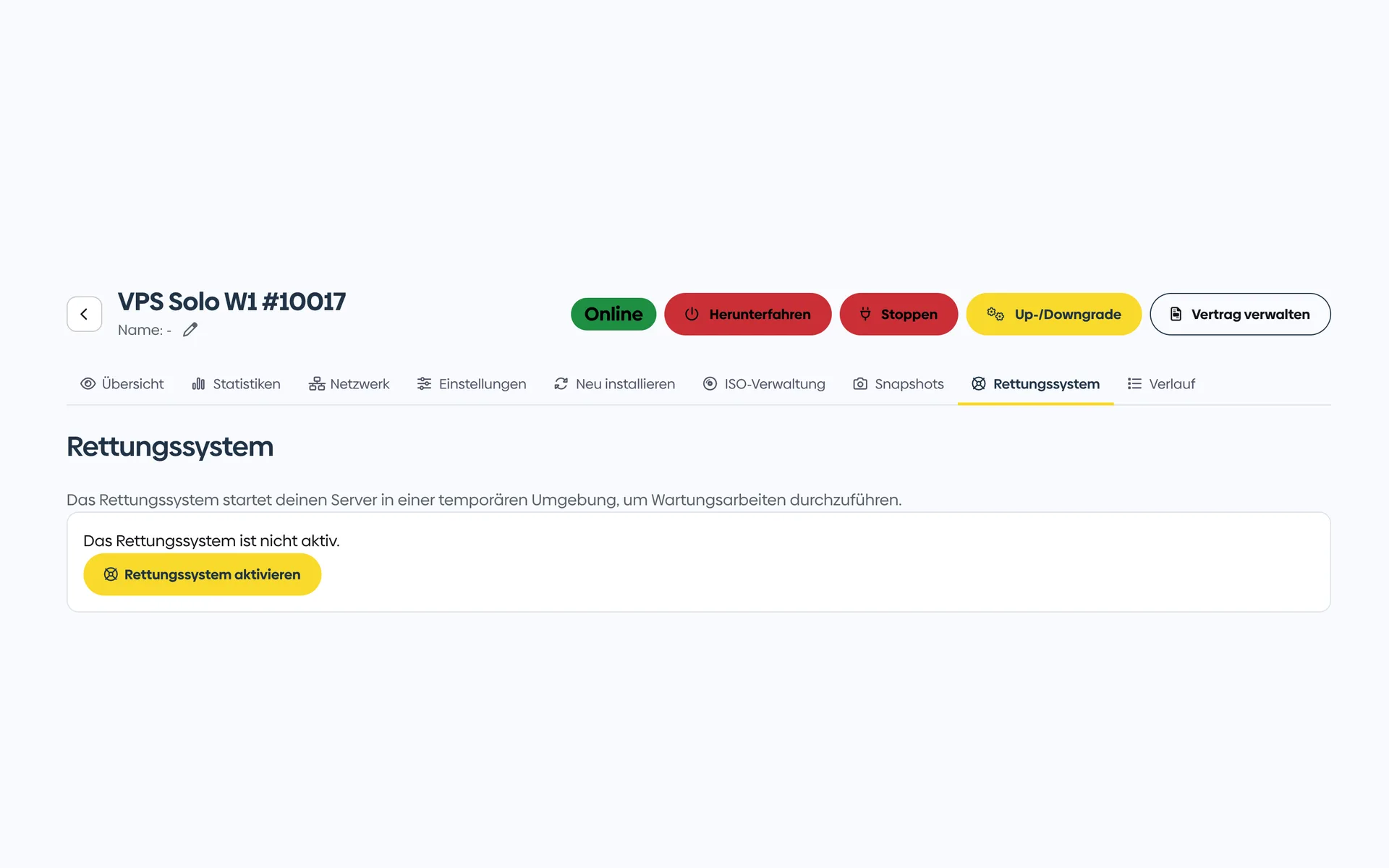
  • Rescue system in the Customer Menu with a note about the minimal Linux environment and the button to activate itRescue system in the Customer Menu with a note about the minimal Linux environment and the button to activate it

    7 of 7

    A rescue system for emergencies

    If the server no longer starts, you boot a small Linux, mount your disks, and get to your data. You activate the rescue system with one click.

Setup highlights

What is special about OpenCloud hosting at hostworld.de

  • KVM virtualization, full root access
  • Docker / Docker Compose ready
  • Preinstallable Linux distributions (Debian 12 recommended for OpenCloud)
  • Your own ISO images possible
  • Snapshots before system updates
  • Plesk available as an optional add-on
  • Servers located in Germany · GDPR-compliant
  • Personal support

FAQ

Frequently asked questions about OpenCloud hosting

What is the difference between OpenCloud, ownCloud and Nextcloud?
Nextcloud started in 2016 as a fork of ownCloud. OpenCloud started in 2024 from parts of the ownCloud team as a modern restart with the oCIS architecture. Functionally all three are similar. OpenCloud is the youngest and most modern code base.
Is the VPS Max W1 enough for my users?
Well suited for 5–30 active users with files in the usual office and photo range. For more users or very large amounts of data, we also recommend a storage add-on or a Storage Server as a separate mount.
How do I install OpenCloud?
Recommended via Docker Compose. OpenCloud provides official Docker images and a Helm chart. Setup takes about 30 minutes including an SSL certificate via Let's Encrypt.
Do I need additional storage?
500 GB is enough for a long time in most setups. If you want more storage from the start: additional disks (100 GB / 250 GB / 500 GB / 1,000 GB) can be booked in the VPS configurator, or a Storage Server as a separate mount point.
GDPR and data protection?
Servers located in Germany in a certified data center. You are the GDPR controller for your instance: your own VPS, your own database, no third-party access.
Can I migrate from Nextcloud or ownCloud to OpenCloud?
Yes. OpenCloud provides import tools for both sources. For a migration of several TB, we recommend contacting our support in advance for a free migration consultation.
What happens in case of hardware failure?
Snapshots are included, for a quick restore to an earlier state. For real backups we also recommend saving to a Storage Server or an external backup target with `rclone` or `restic`.

Ready for your own cloud?

VPS Max W1 configured in a few minutes. Snapshots, DDoS protection and servers located in Germany included.