+
What is the difference between Cloud Backup and Cloud Storage?
Cloud Backup includes storage and software for backing up one computer or server. Choose your files and a schedule, and backups run automatically while your device is switched on, connected to the internet and the software is active. Cloud Storage provides online space for a compatible program that you choose and configure yourself. If you do not already use backup software, we recommend Cloud Backup.
+
Which devices can I back up with Cloud Backup?
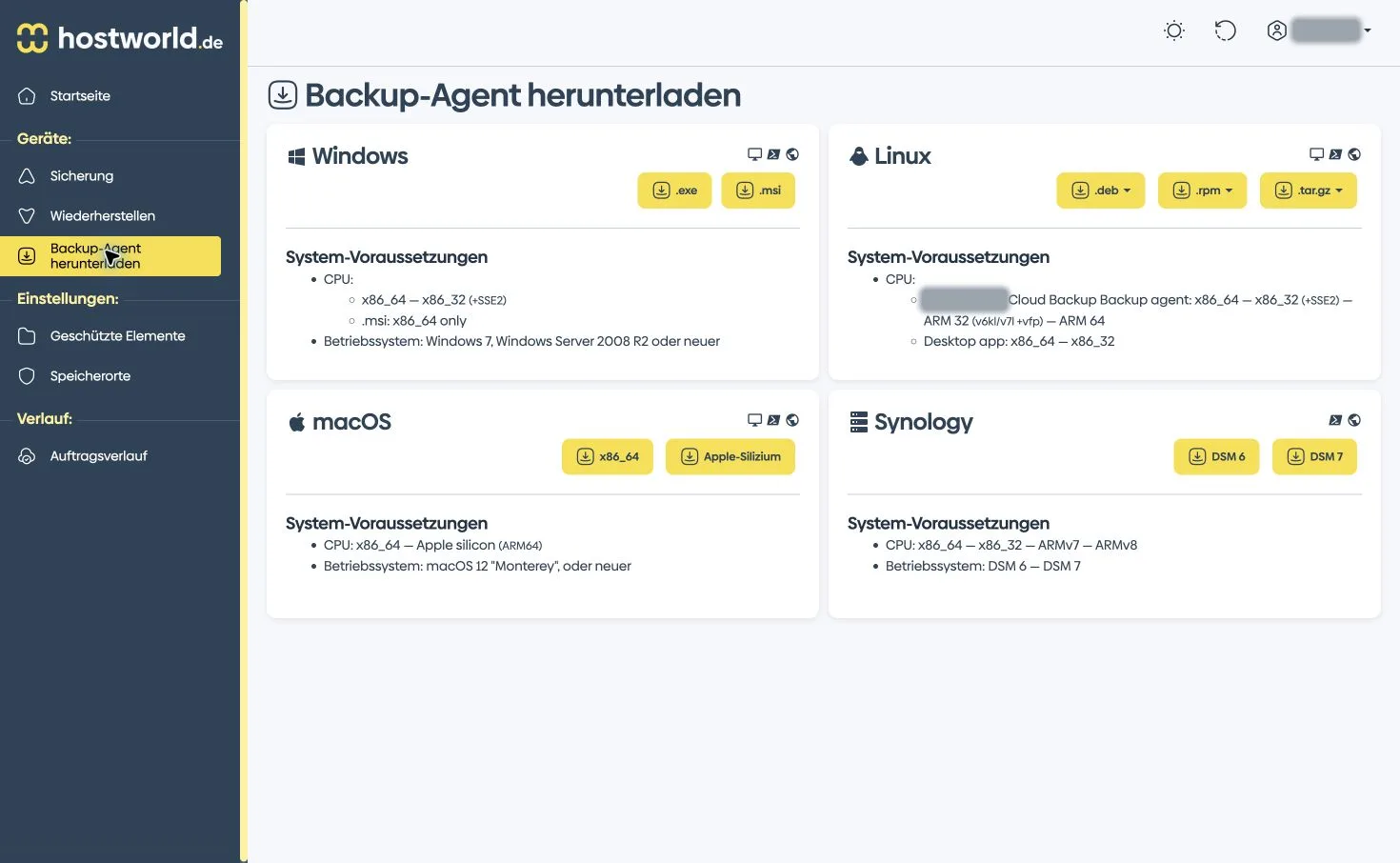
Cloud Backup protects files and folders on Windows PCs, Macs, Linux computers and supported servers. Use it for your laptop at home or a server with hostworld.de or another provider. One device is included. You can add more computers and servers.
+
Can I order Cloud Backup separately or add it to my server?
Both options are available: order Cloud Backup as a standalone product or add it to your VPS or Storage Server. Prices and features are the same. Cloud Backup is not included in the price of a VPS or Storage Server.
+
What is included in my backup plan?
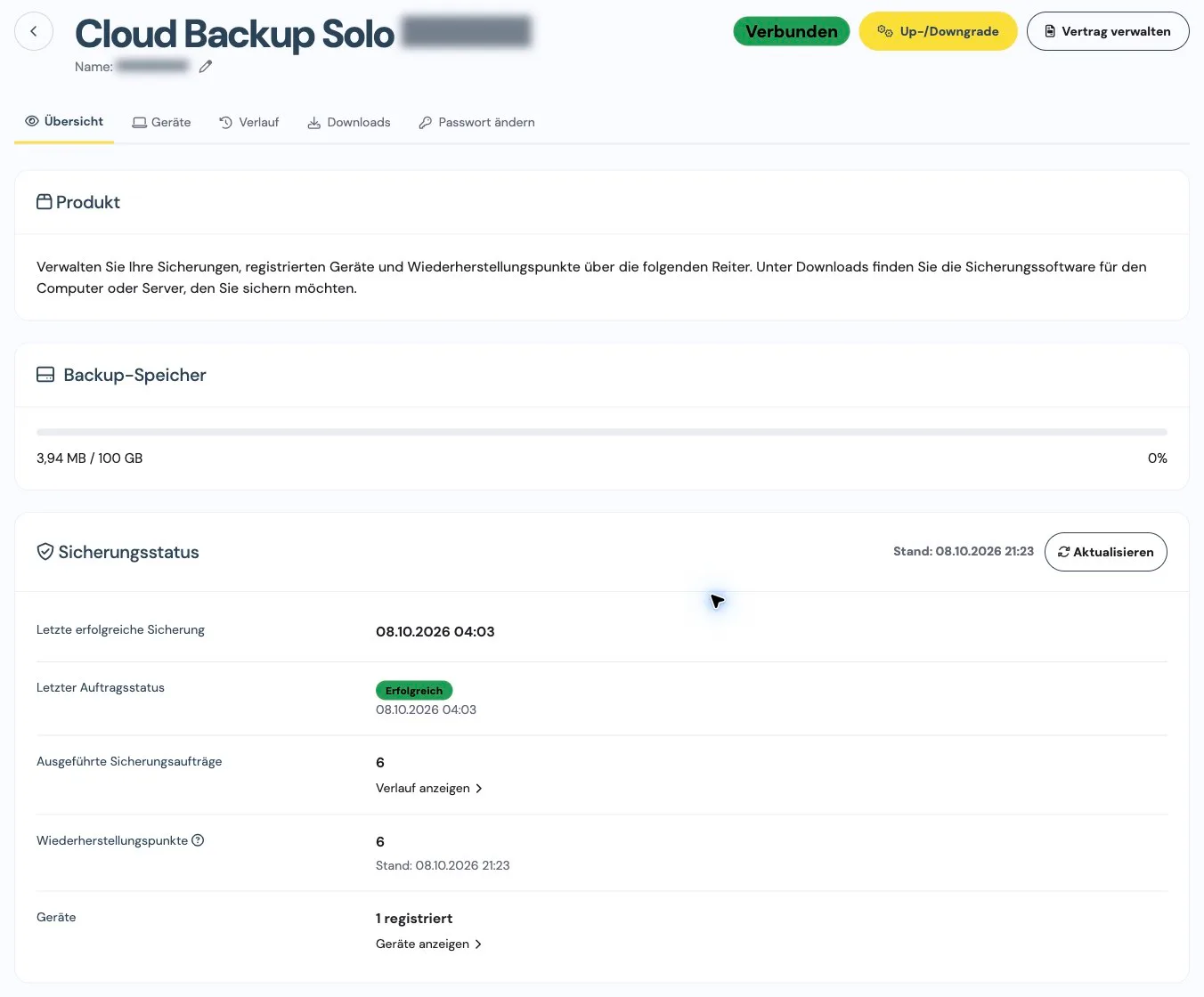
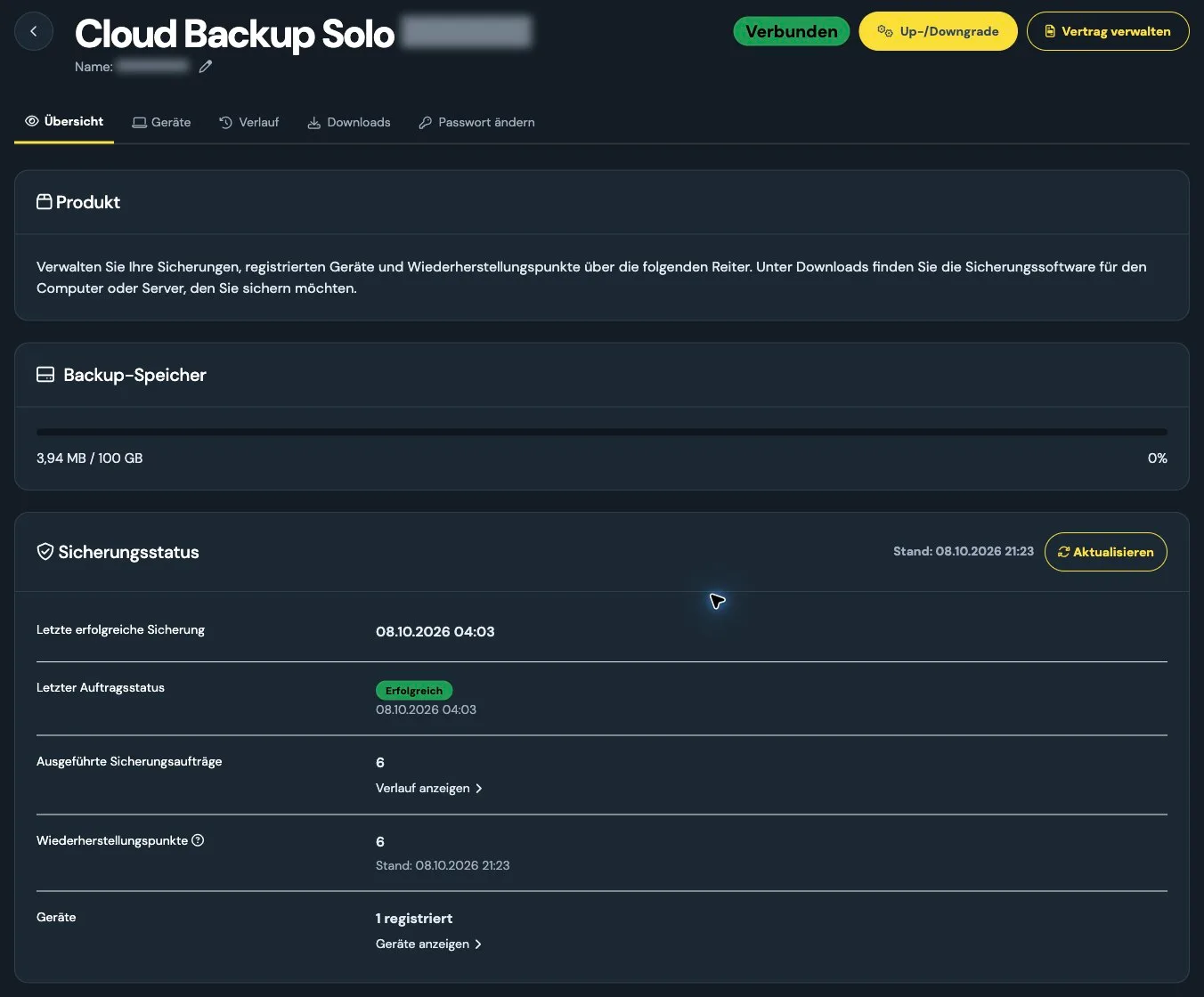
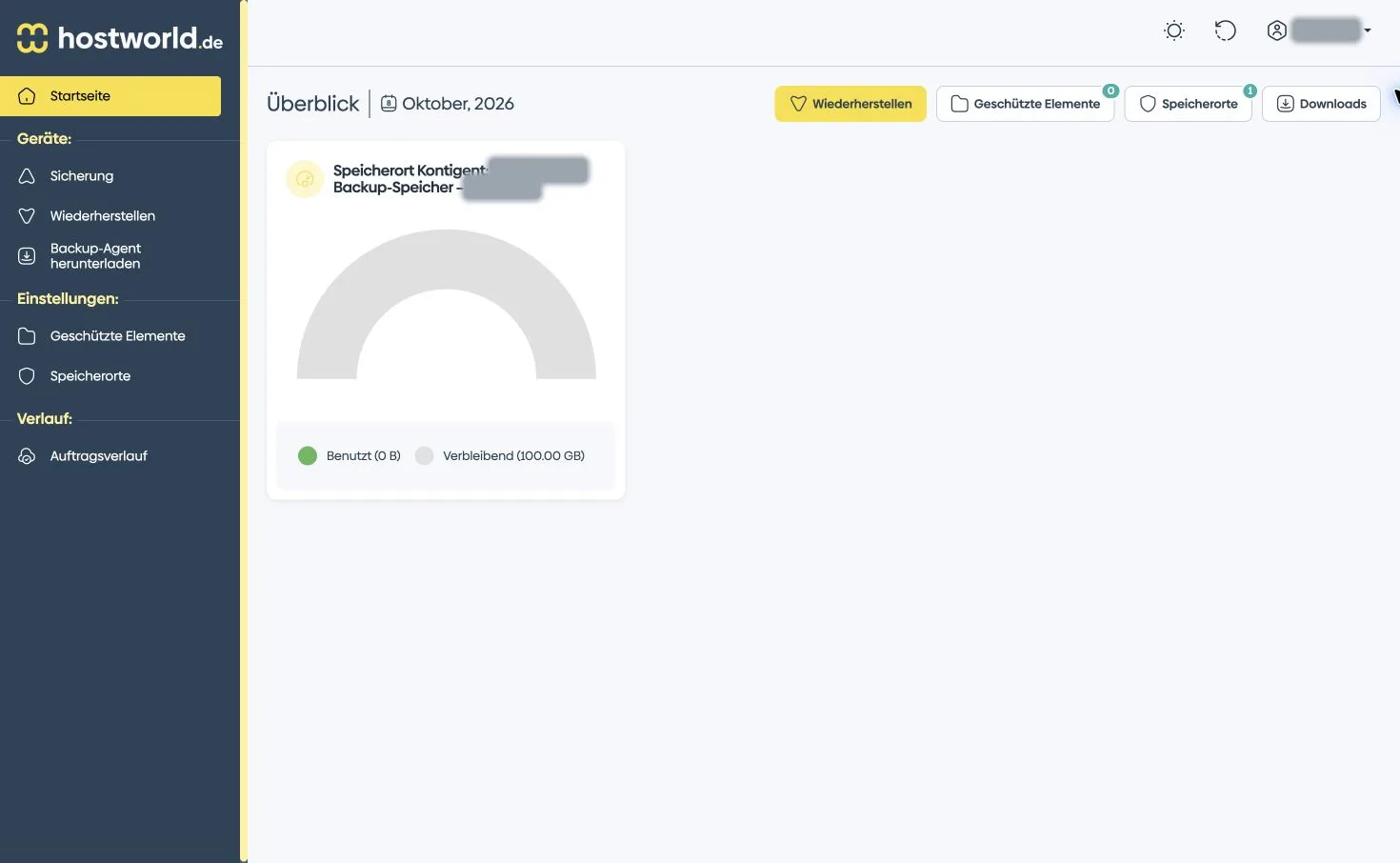
You receive your selected backup storage in Europe, backup software for one device and access to the backup portal. Back up files and folders on your schedule and restore saved versions when needed. There is no setup fee.
+
What does Windows System Backup add, and why does it cost extra?
File backups are included in every plan. Optional Windows System Backup also saves Windows, installed programs and settings, so you do not have to set everything up again after a system failure. These additional features carry a monthly surcharge. The configurator shows the total price for your selection. For full recovery, your computer or server must support booting from suitable recovery media. Your storage allowance stays the same.
+
How do I set up my first backup?
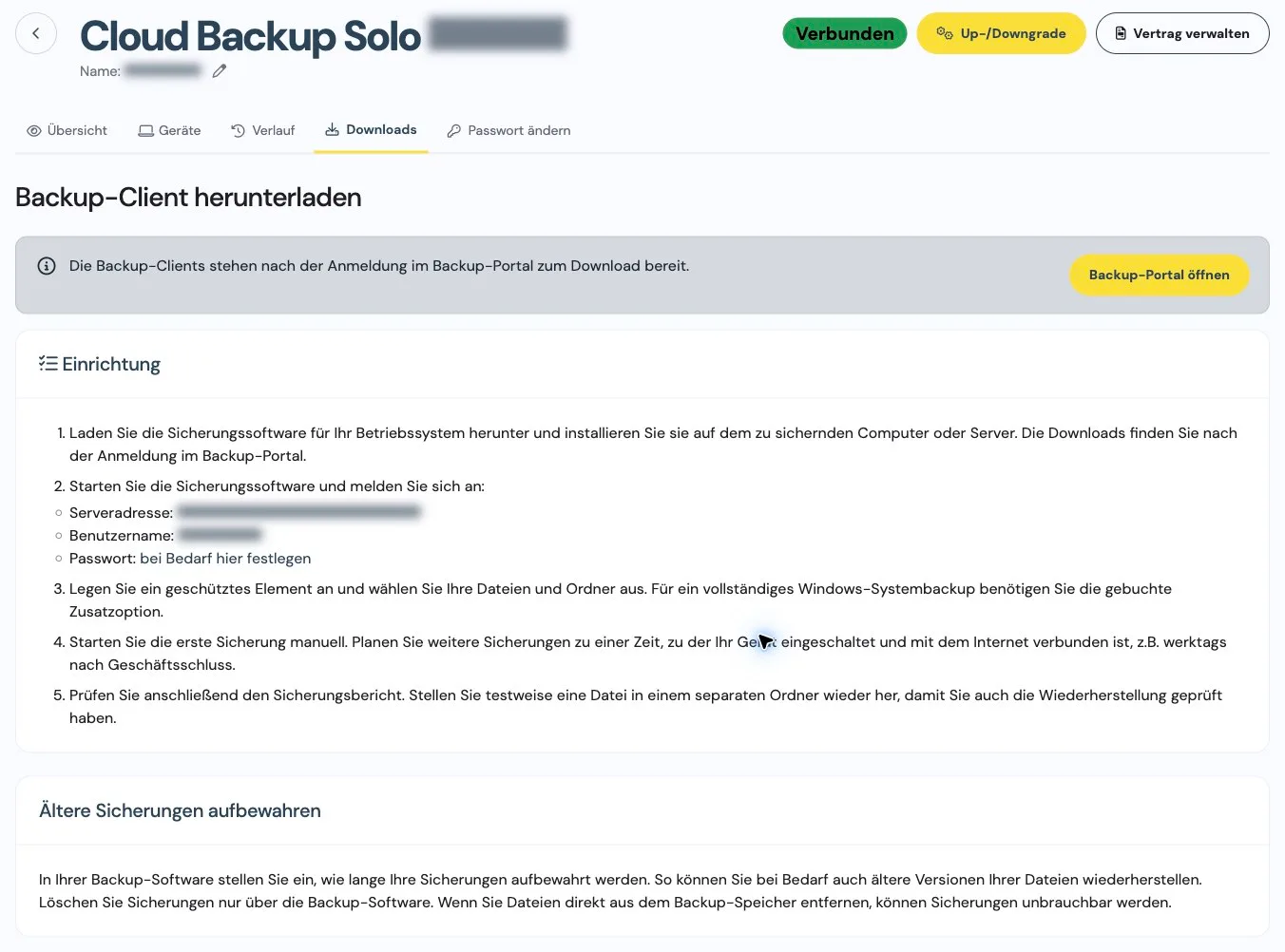
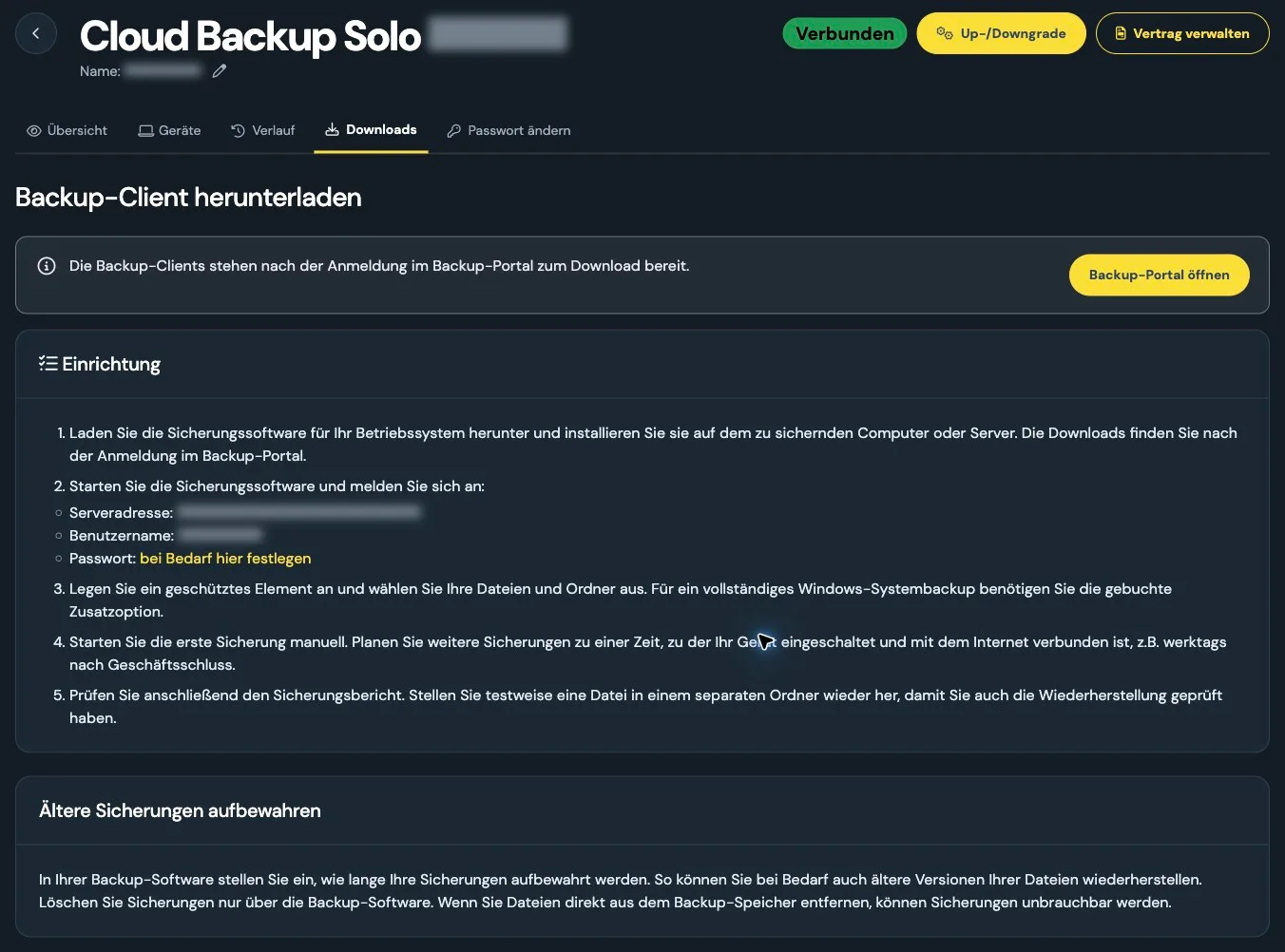
Find your username and software downloads in the customer menu. Set your backup password there. Install the software on your computer or server, then choose the folders and schedule for your backups. You need permission to install software. On a Mac, you also grant the required disk access. For scheduled backups, your device must be switched on, awake and connected to the internet.
+
How much backup storage do I need?
Start with the data you want to back up. The total capacity of your disk is not what determines your storage needs. Allow extra room for older file versions, as all retained backups share your storage allowance.
+
How long are my backups kept?
You decide how long to keep older backups. Retention depends on your settings and the backup storage available. There is no fixed number of days.
+
What happens if my backup storage is full?
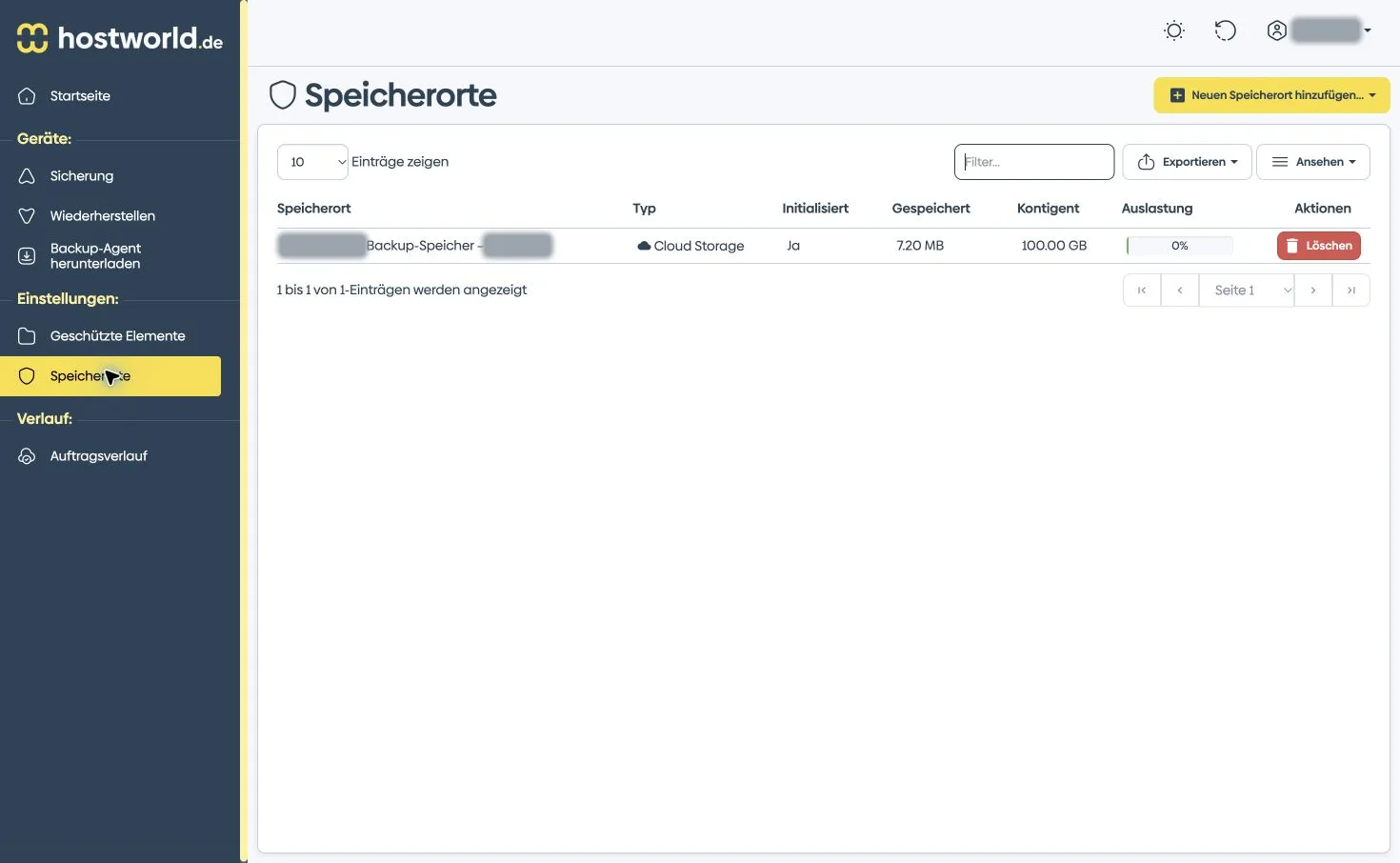
Further backups may fail. The backup portal shows how much storage you are using. You can increase your booked storage in the customer menu. For larger storage requirements, we can provide an individual quote.
+
How do I restore deleted or overwritten files?
In the backup software, select an available backup version and the files or folders you want to restore. You can only recover data that was successfully backed up and is still retained. After your first backup, restore a single file to check that recovery works as expected.
+
Who looks after my backups?
We run the backup service and help with your questions. You manage your backups in the backup software and backup portal. Ongoing monitoring of your backups by us is not included.
+
Can I back up several computers or servers?
One device is included. Add more computers or servers when ordering or later in the customer menu. All devices share your booked storage.
+
How much does an additional device cost?
Each additional device costs €3.99 per month including VAT. One device is included in the base price. If you book Windows system backup, that option is also charged for each booked device.
+
Is there a backup app for iPhone or iPad?
We do not offer direct device backups for iPhones or iPads. The backup software is for Windows, macOS and Linux. You can also open the backup portal in a mobile browser.
+
Can I back up databases too?
The plans are designed for files and folders. Simply copying the files of a running database is often not enough. Use your database tools to create an export and include it in your file backup.
+
What is the contract term for Cloud Backup?
Cloud Backup has a one-month contract term with monthly renewal and monthly billing. The notice period is seven days before the end of the term. There is no setup fee.