Servers · Storage Server

Storage VPS for backups, archives and your own cloud

With our storage servers you get maximum storage capacity at a low price per terabyte, the ideal basis for all projects where storage space comes first.

Fixed monthly priceFull root rightsExpandable at any timeServers in Germany

From €10.95 per month

Not sure which server fits your requirements?

Start the Server Finder

Plan overview

From backup to your own cloud

All plans run as their own KVM machine with SSD storage and a 1 Gbit/s connection.

Monthly term and payment, cancelable at short notice.

Storage SoloW1

2 vCPU · 4 GB RAM · 250 GB SSD

  • 2 vCPU
  • 4 GB ECC RAM
  • 250 GB SSD storage
  • KVM · full root access
  • VNC console + rescue system
  • 1 Gbit/s connection
  • 1× IPv4 + IPv6 /64 subnet
  • DDoS protection included
  • Unmetered traffic (fair use)
  • Personal support by email and phone
10.95/ month
No setup fee
Most popular

Storage PlusW1

2 vCPU · 6 GB RAM · 500 GB SSD

  • 2 vCPU
  • 6 GB ECC RAM
  • 500 GB SSD storage
  • KVM · full root access
  • VNC console + rescue system
  • 1 Gbit/s connection
  • 1× IPv4 + IPv6 /64 subnet
  • DDoS protection included
  • Unmetered traffic (fair use)
  • Personal support by email and phone
18.95/ month
No setup fee

Storage MaxW1

4 vCPU · 12 GB RAM · 1,500 GB SSD

  • 4 vCPU
  • 12 GB ECC RAM
  • 1,500 GB SSD storage
  • KVM · full root access
  • VNC console + rescue system
  • 1 Gbit/s connection
  • 1× IPv4 + IPv6 /64 subnet
  • DDoS protection included
  • Unmetered traffic (fair use)
  • Personal support by email and phone
39.95/ month
No setup fee

Hardware platform

Our own hardware for storage applications

Every node comes with a large SSD array, designed for storage capacity and stable availability for archive and backup workloads.

CPU
Intel Xeon · 40 Cores / 80 Threads
RAM
768 GB ECC RAM per node
Storage
SSD storage in a multi-disk array
Network
1 Gbit/s connection
Platform
KVM · servers located in Germany

Use cases

Backup target, archive or your own cloud: that is what storage servers are made for

Backup target for other servers

The off-site copy for your local backups, compatible with rsync, Restic, Duplicati, BorgBackup or rsnapshot. Push and pull operation possible.

Nextcloud or OwnCloud for teams

Your own cloud for files, calendars and contacts, with plenty of SSD storage for all users. The data resides on your server in Germany instead of with a third-party provider.

Photo and media archive

Keep images, videos and media library holdings for years. Considerably less expensive than a VPS of the same size, because storage is the focus here.

Document archive

Paperless-ngx, Mayan EDMS or a classic document repository, GDPR-compliant in German data centers, with the Linux of your choice.

File server for internal data

The classic SMB, NFS or SFTP server for your team, with full Linux configuration freedom, your own authentication and your own quotas.

Repository mirror and build cache

Your own APT or container registry mirror, build caches for CI pipelines, software mirrors for distributions. Storage where it pays off.

Root access

Full root access on your own KVM machine

You set up the server the way your use case requires, as an rsync target, Samba share or Nextcloud base. What gets installed is up to you.

VNC console and rescue system help when the system is no longer reachable. You mount your own ISO via URL.

Everything in your own hands

What you can do yourself, without waiting for anyone

Choose the operating system, start the server, set reverse DNS, check the hard disks. These views are part of every Storage Server.

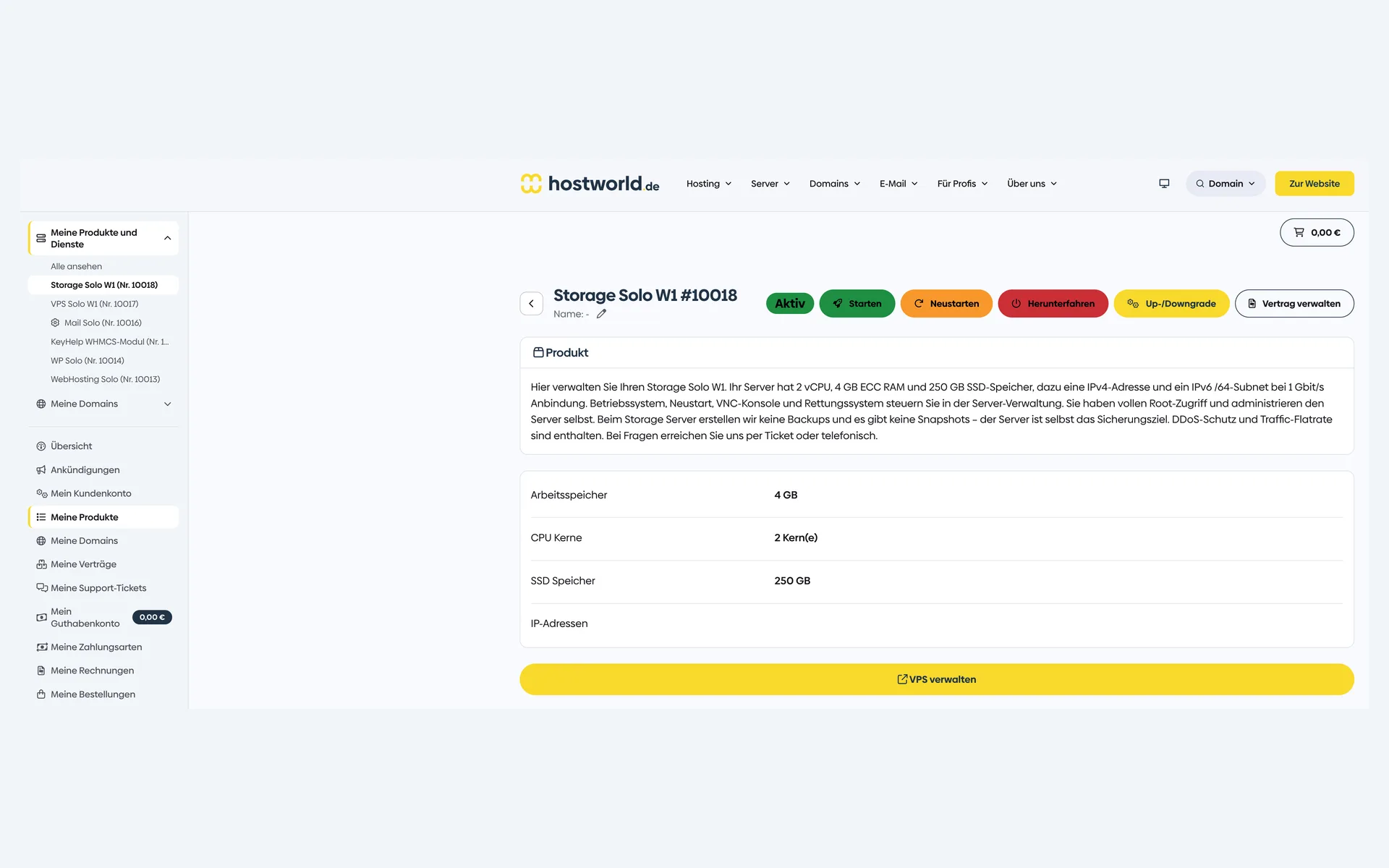
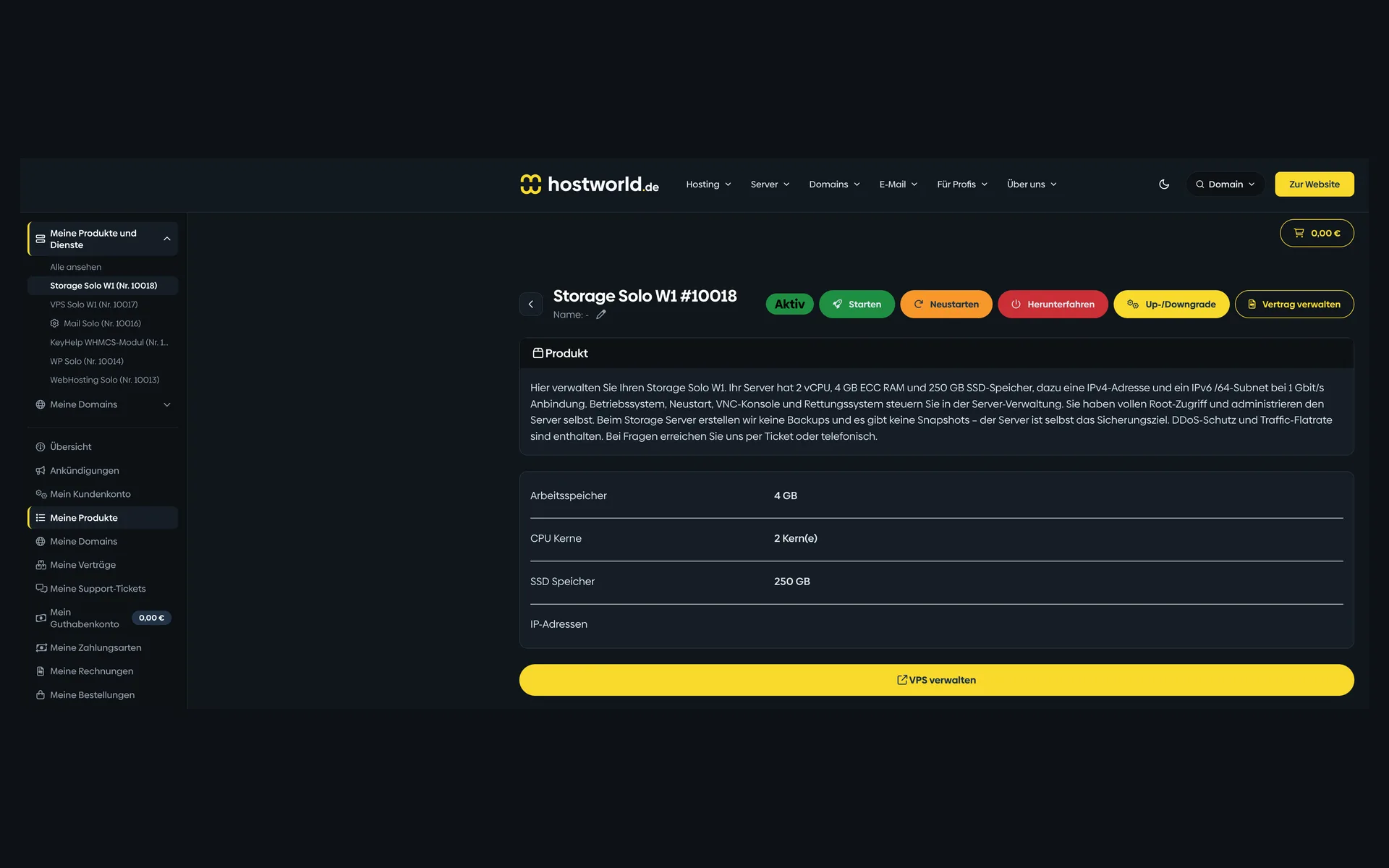
  • Product page of a Storage Server in the Customer Menu with memory, CPU cores, SSD storage, and the buttons for starting, restarting, and managingProduct page of a Storage Server in the Customer Menu with memory, CPU cores, SSD storage, and the buttons for starting, restarting, and managing

    1 of 12

    Specs and contract in the Customer Menu

    Memory, CPU cores, SSD storage, and your IP addresses are listed in the Customer Menu. From here you start and stop the server, order an upgrade or downgrade, and open Server Management.

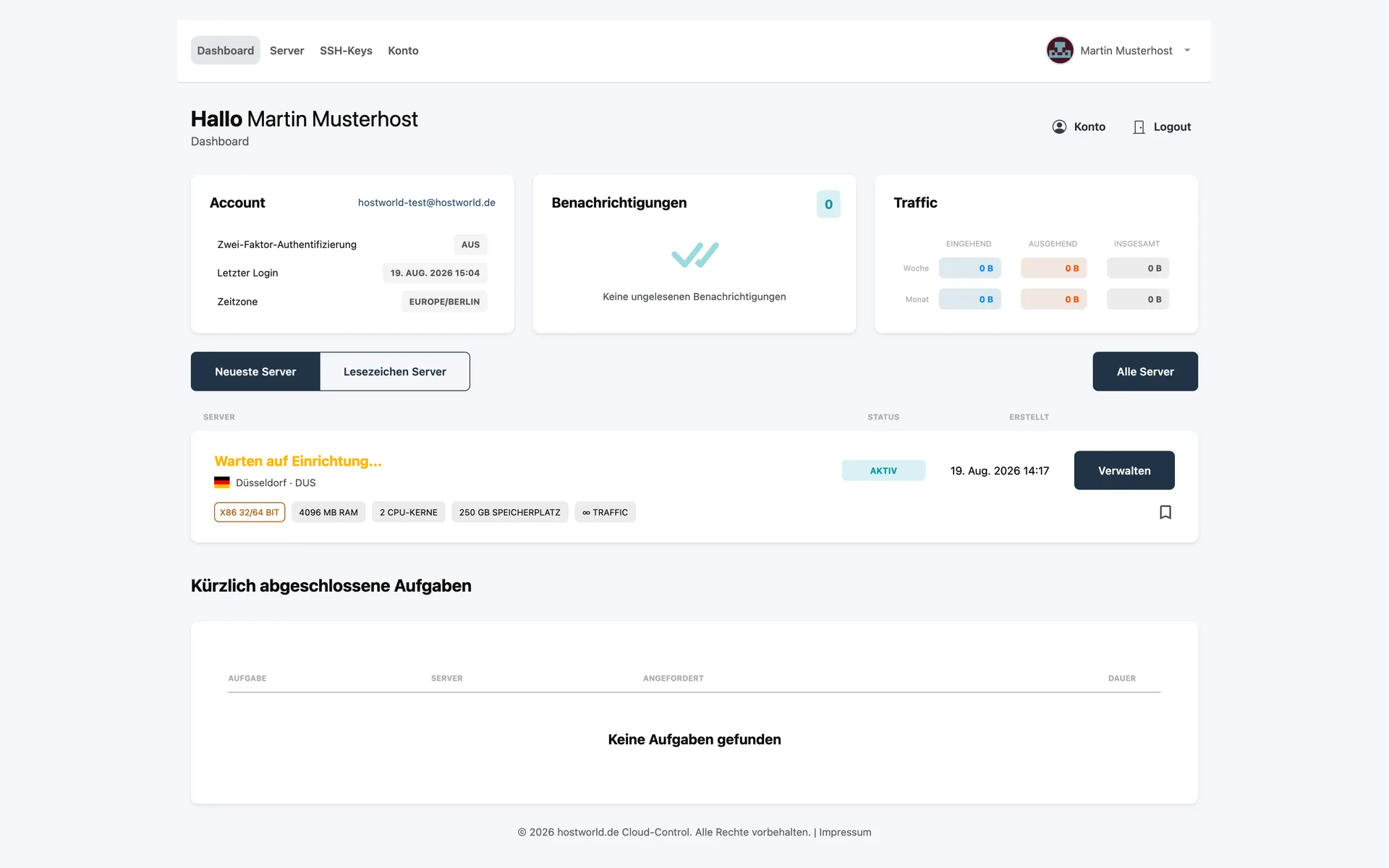
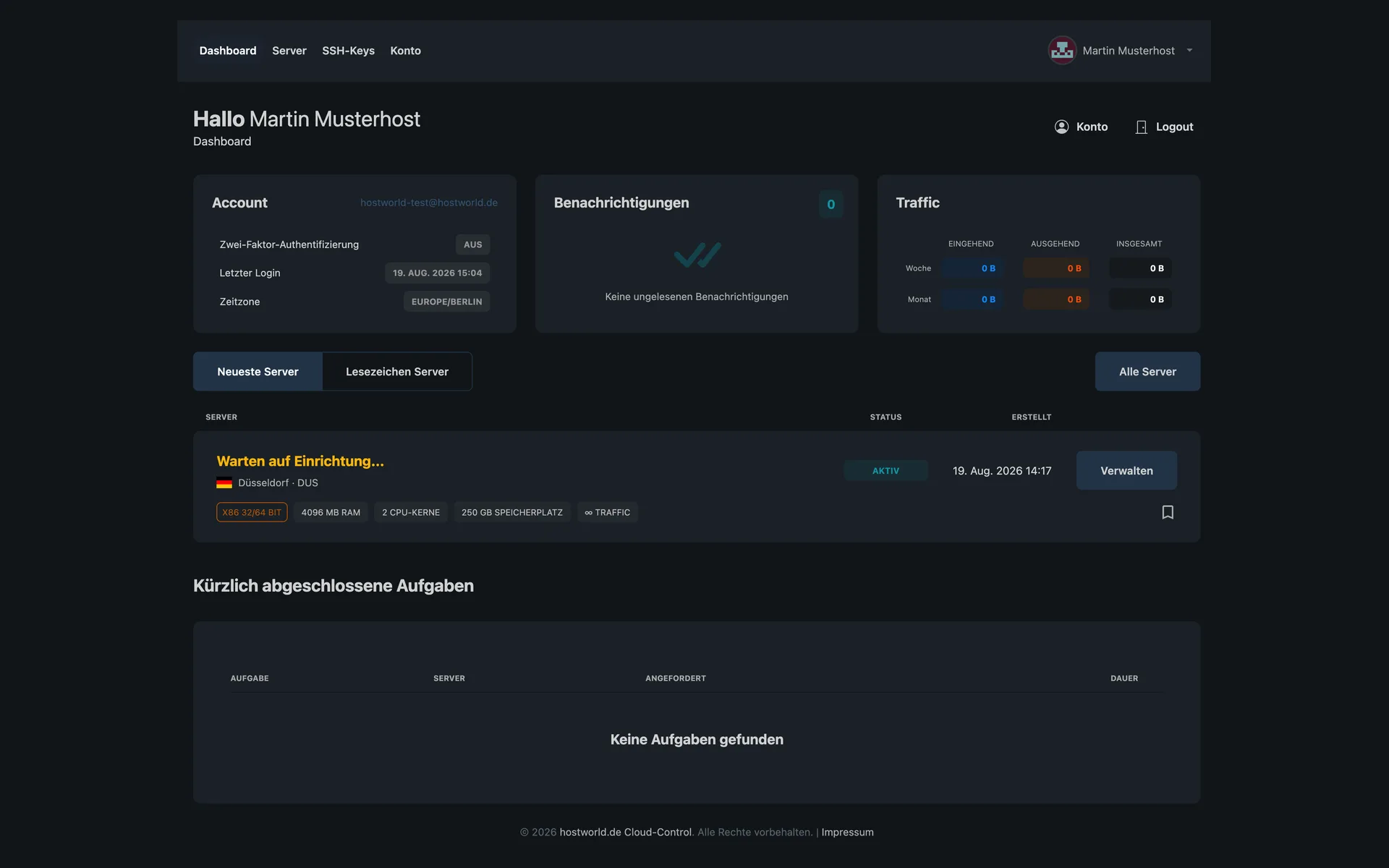
  • Overview page of Server Management with account details, network traffic, and a server list with status and specsOverview page of Server Management with account details, network traffic, and a server list with status and specs

    2 of 12

    All servers on one page

    Server Management shows your account, the network traffic, and every server with its status and specs. A click on “Verwalten” (manage) opens the individual server.

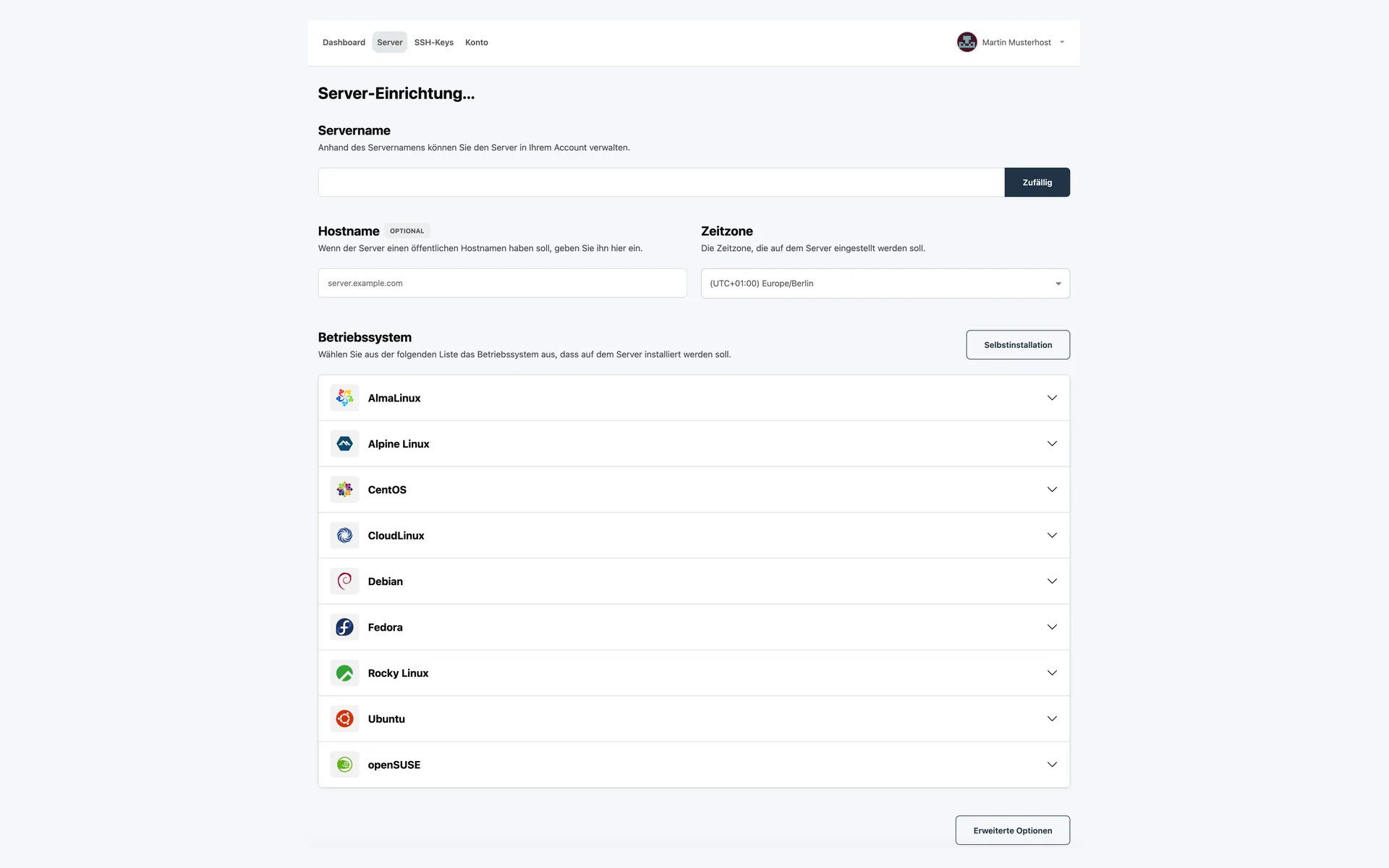
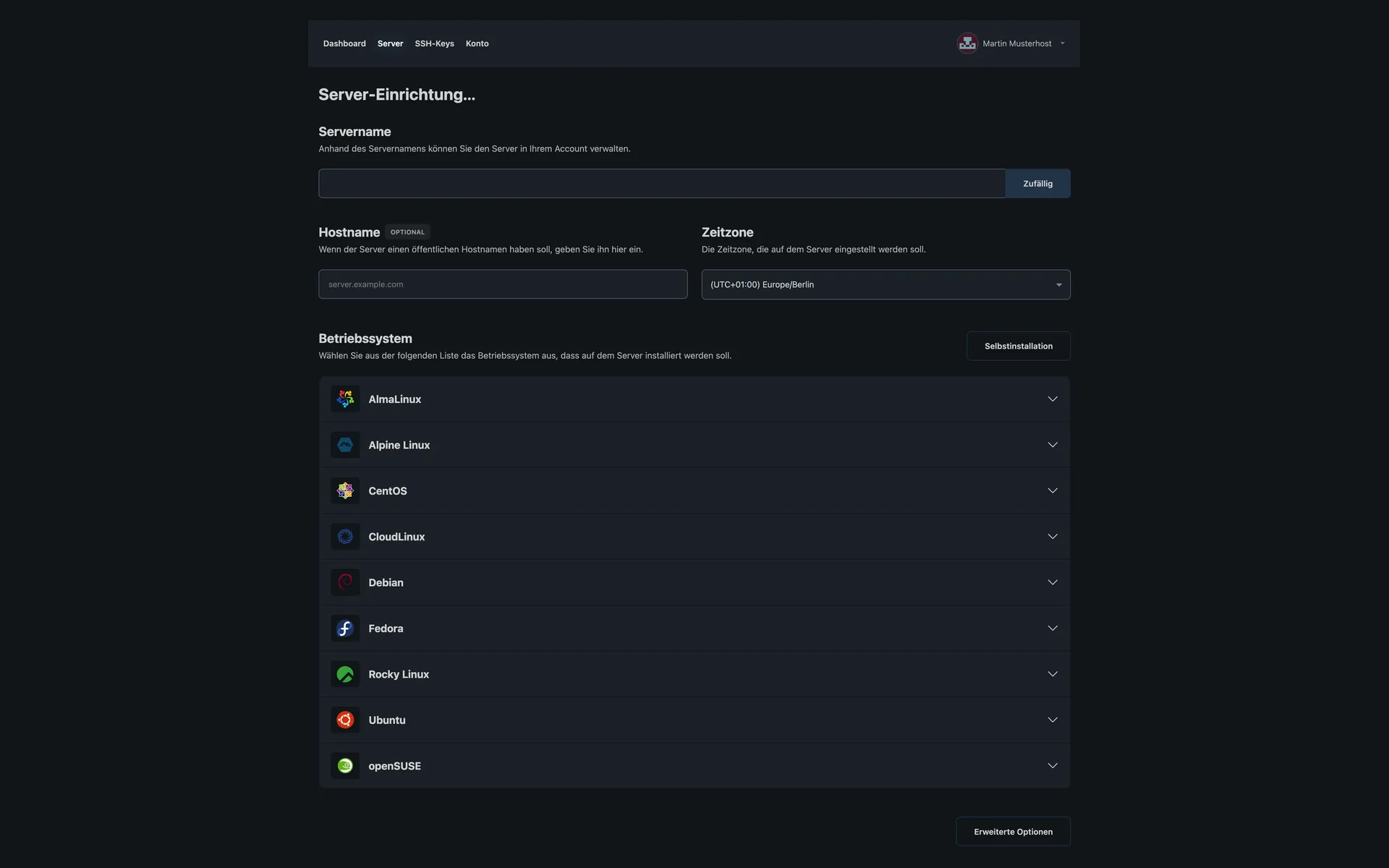
  • Setup page of a Storage Server with fields for server name, hostname, and time zone, plus the list of Linux distributionsSetup page of a Storage Server with fields for server name, hostname, and time zone, plus the list of Linux distributions

    3 of 12

    Set the server name, hostname, and time zone yourself

    During setup you assign the server name, enter a public hostname if needed, and choose the time zone. Below that is the list of operating systems.

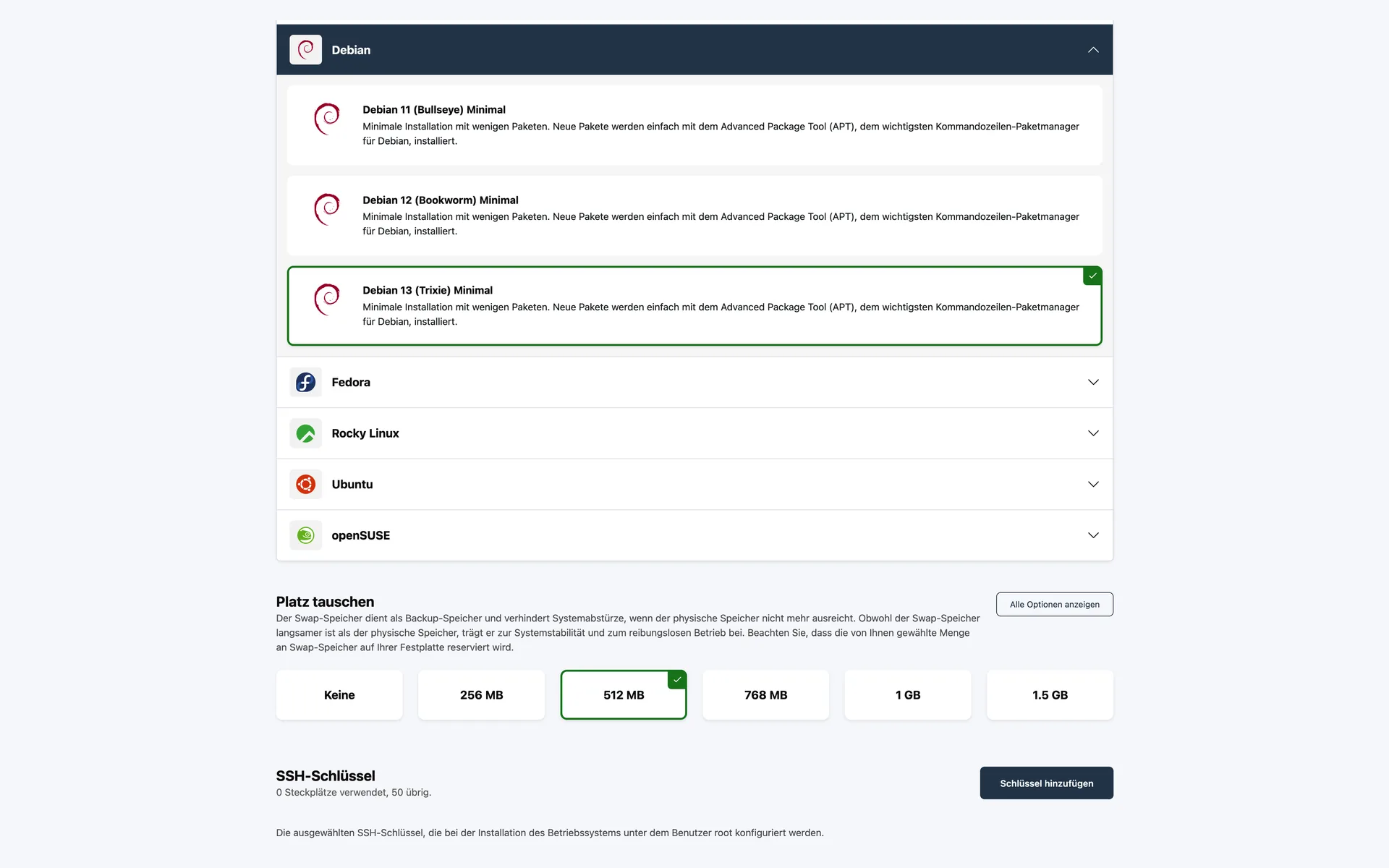
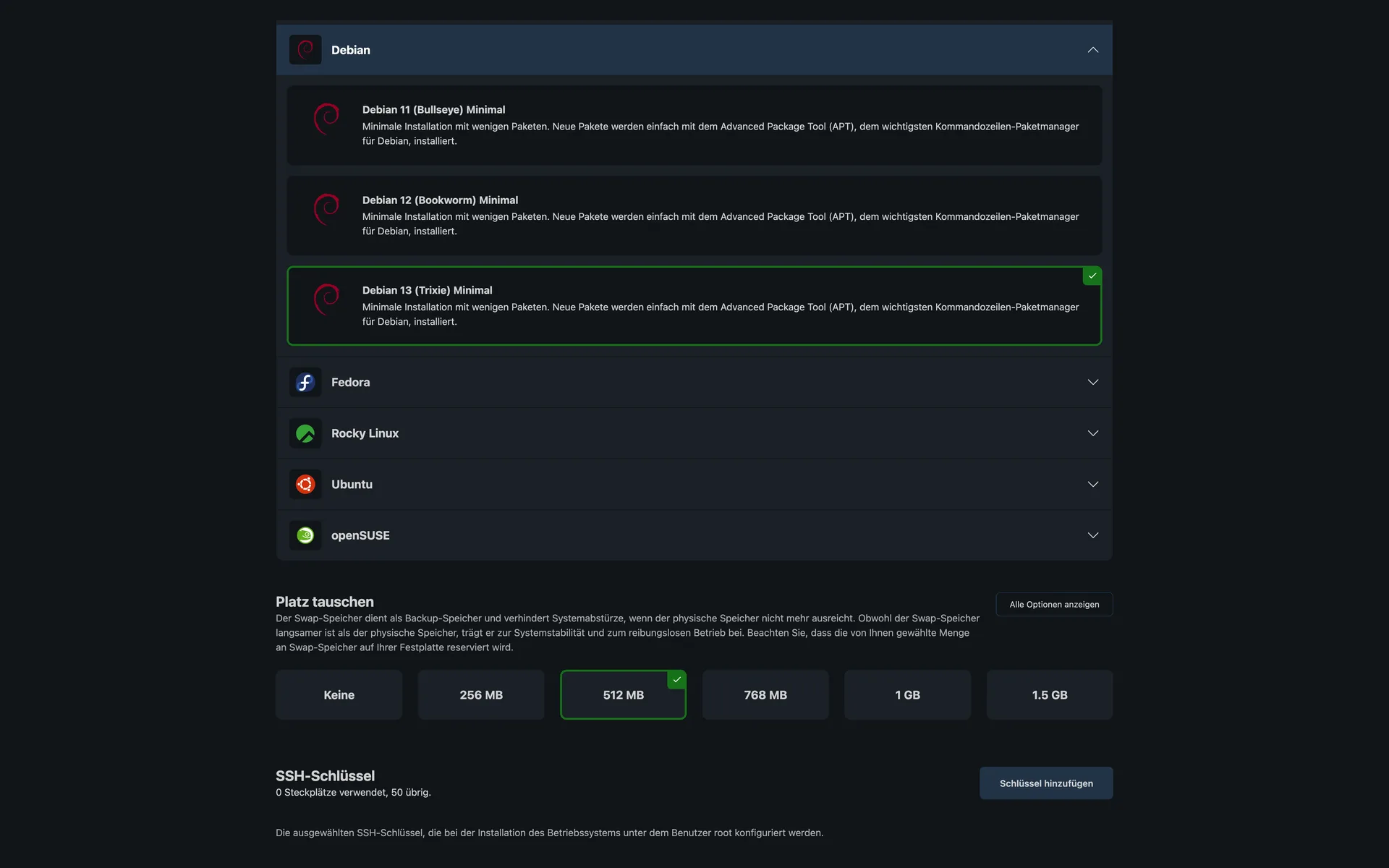
  • Selection of Debian versions 11, 12, and 13 with descriptions, below that the swap setting and the section for SSH keysSelection of Debian versions 11, 12, and 13 with descriptions, below that the swap setting and the section for SSH keys

    4 of 12

    Debian 11, 12, or 13 with one click

    Each distribution expands to show its versions. You choose one, set the swap space, and store your SSH keys before the installation starts.

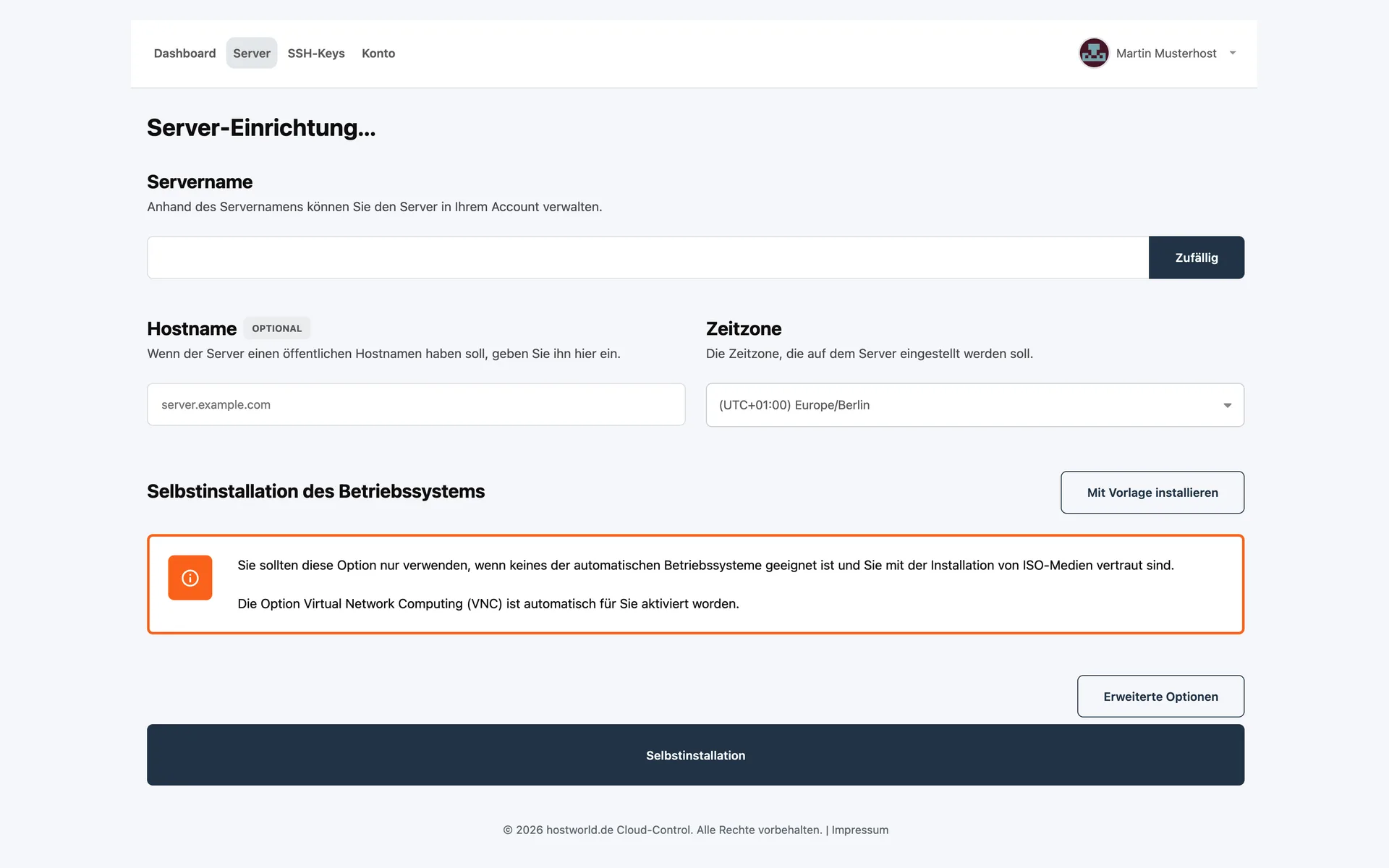
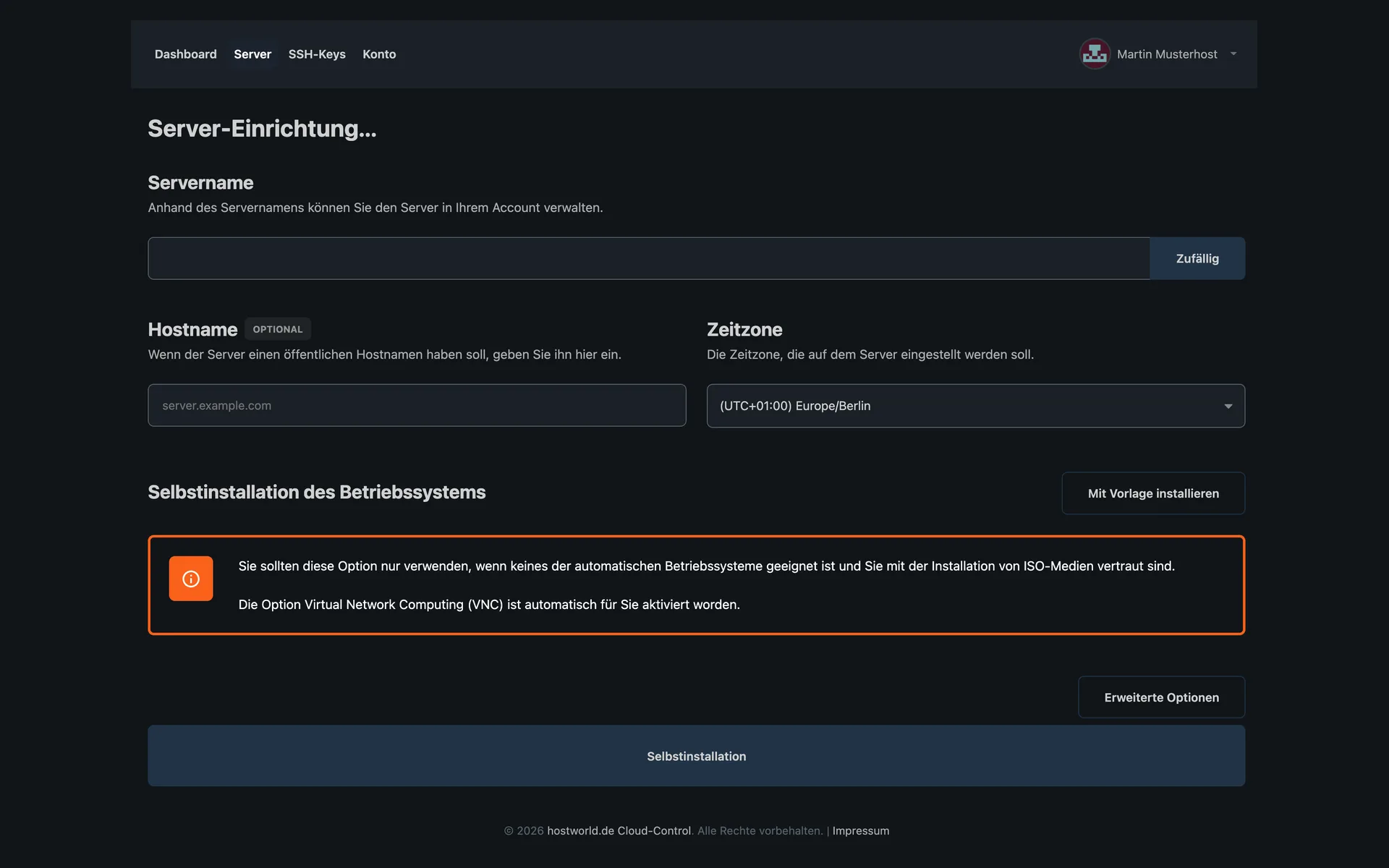
  • Page for installing the operating system yourself, with the note that VNC access is activated automaticallyPage for installing the operating system yourself, with the note that VNC access is activated automatically

    5 of 12

    Your own ISO instead of a ready-made image

    If none of the images fits, you install it yourself. VNC access is activated automatically for this, so you can follow the installation on screen.

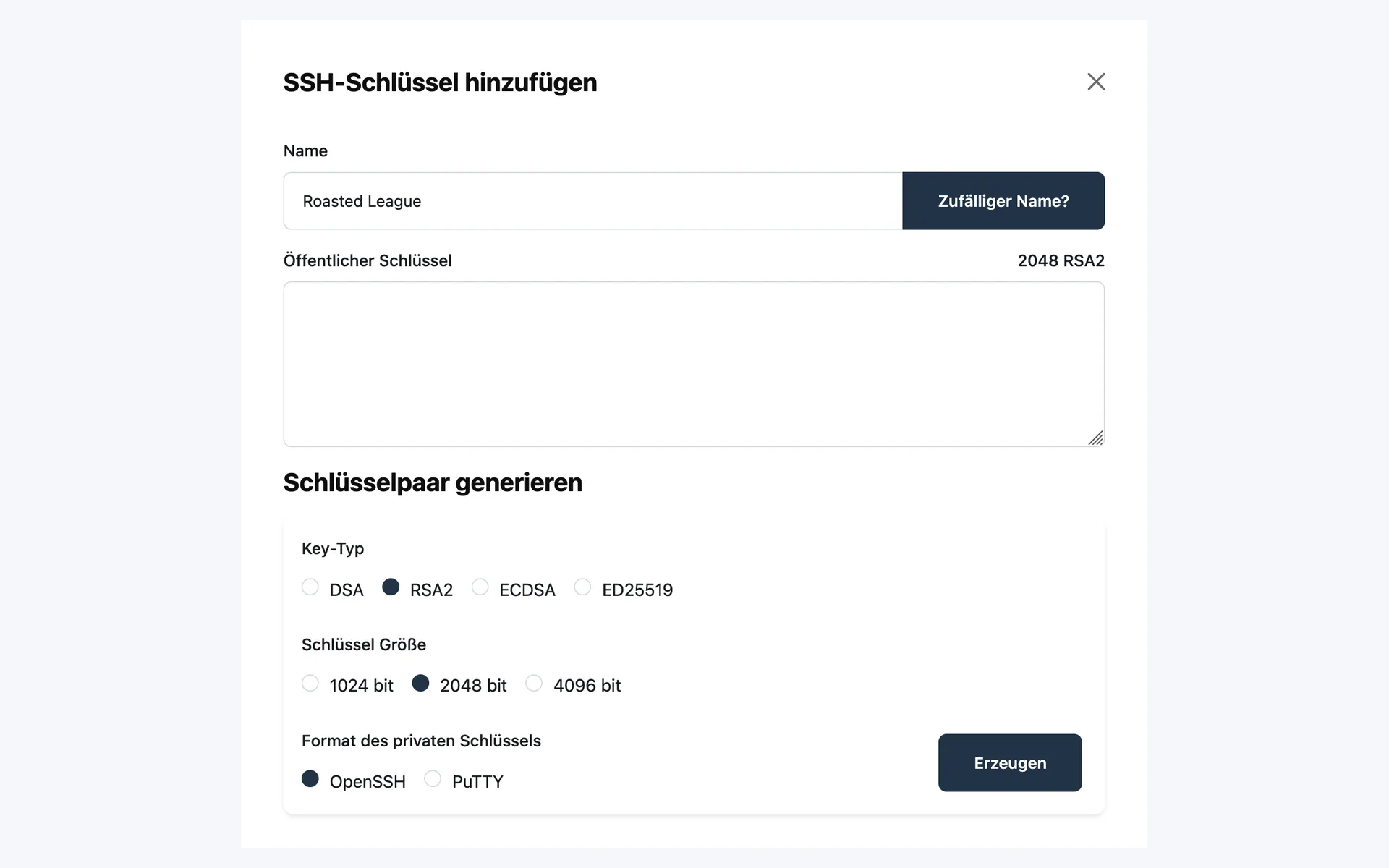
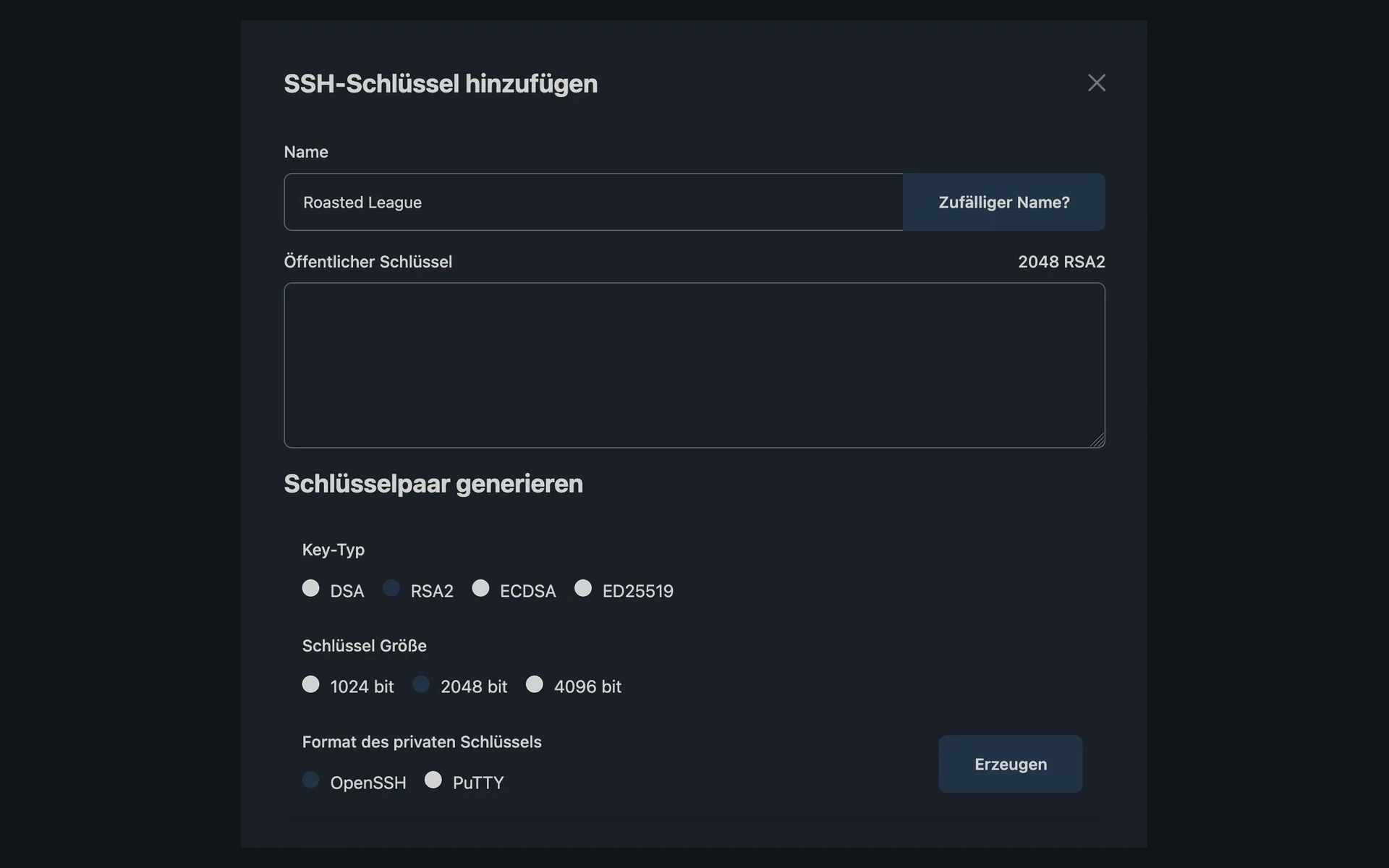
  • “SSH-Schlüssel hinzufügen” (add SSH key) dialog with a field for the public key and a generator for key pairs with key type, key size, and format“SSH-Schlüssel hinzufügen” (add SSH key) dialog with a field for the public key and a generator for key pairs with key type, key size, and format

    6 of 12

    Store an SSH key or have one generated

    You paste an existing public key or have a key pair generated: DSA, RSA, ECDSA, or Ed25519, in OpenSSH or PuTTY format as you prefer.

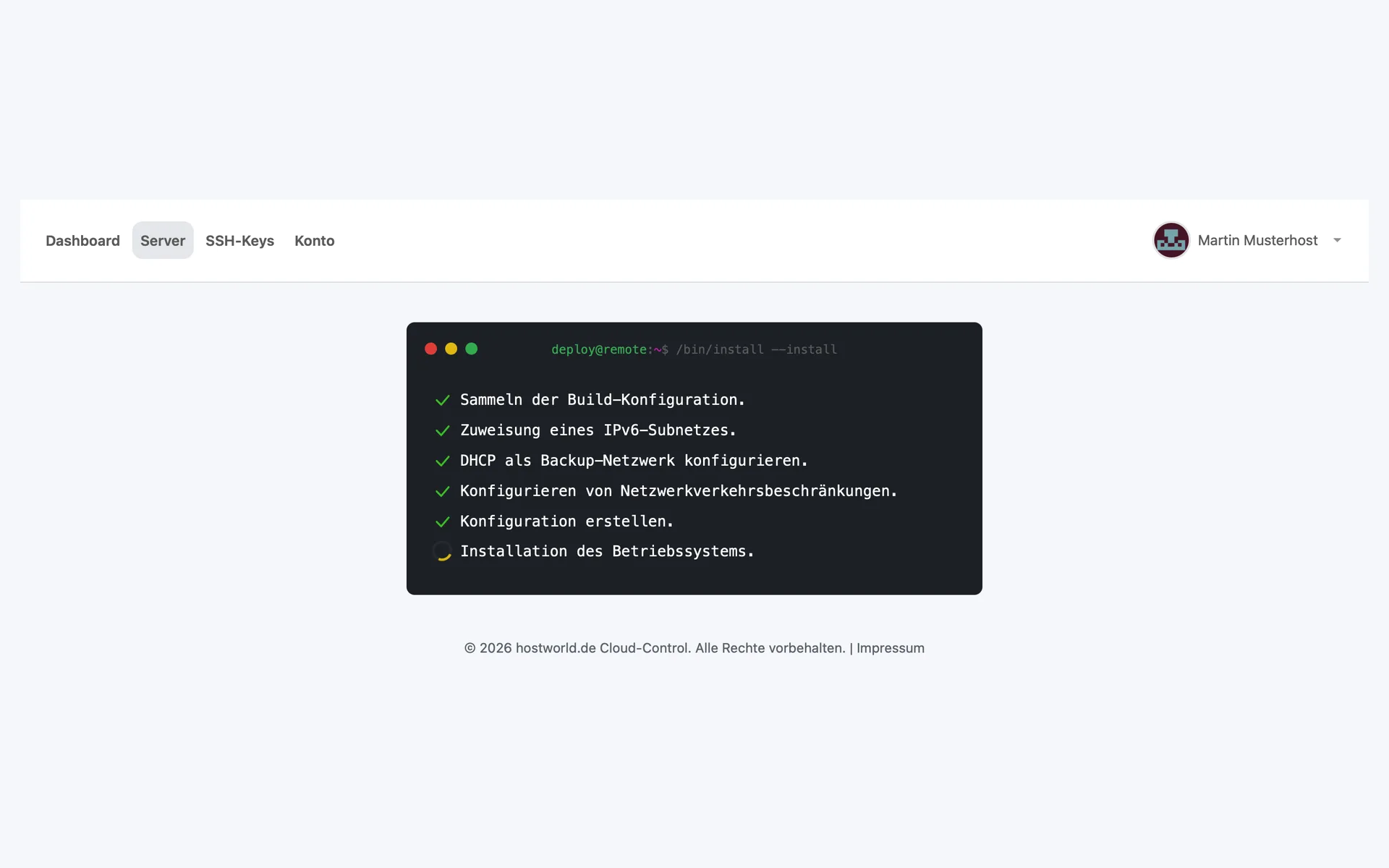
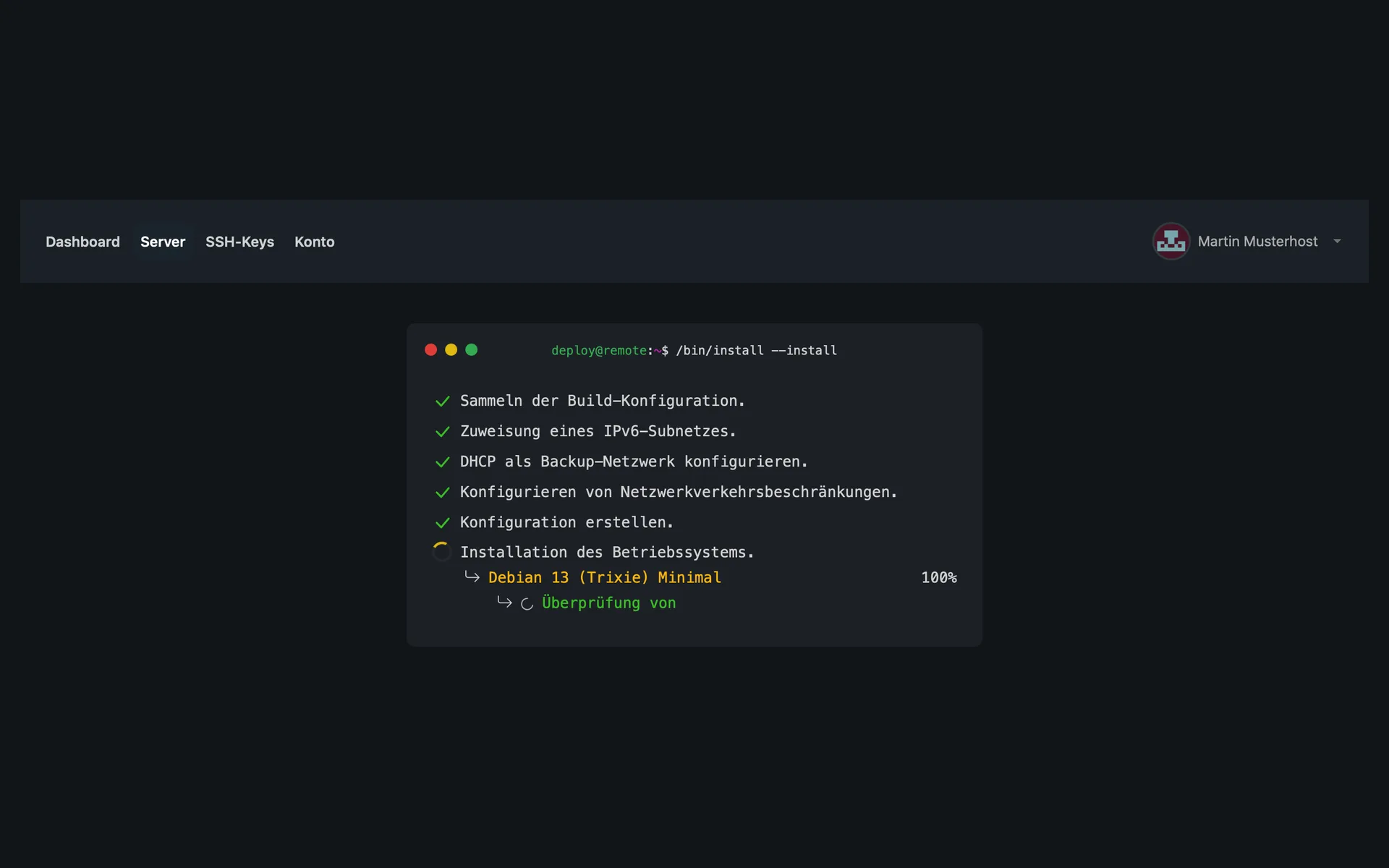
  • Console output of the running installation with checked-off steps from the build configuration to the installation of the operating systemConsole output of the running installation with checked-off steps from the build configuration to the installation of the operating system

    7 of 12

    The installation runs before your eyes

    During setup you see every step: preparing the network and IPv6 subnet, creating the configuration, installing the operating system.

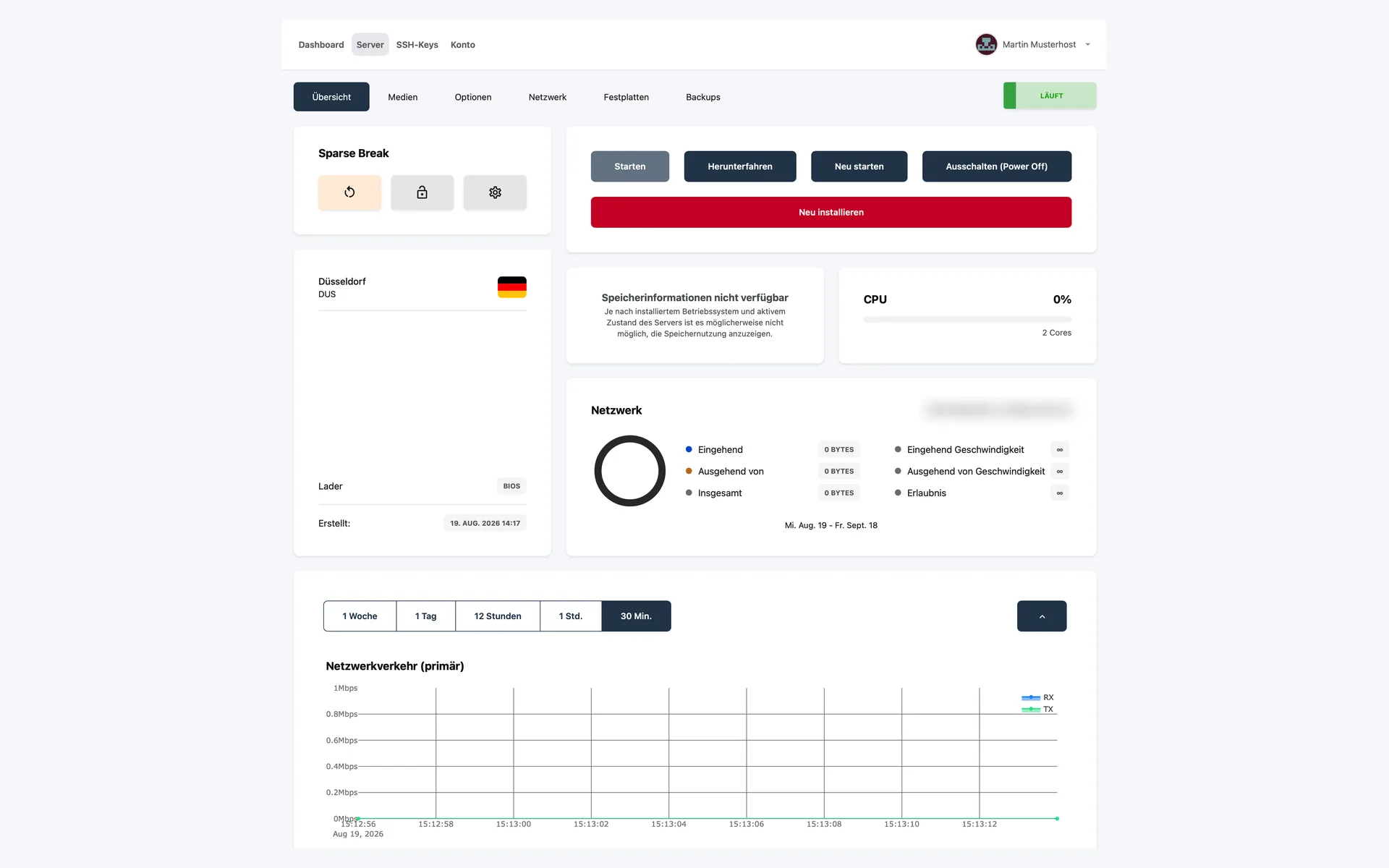
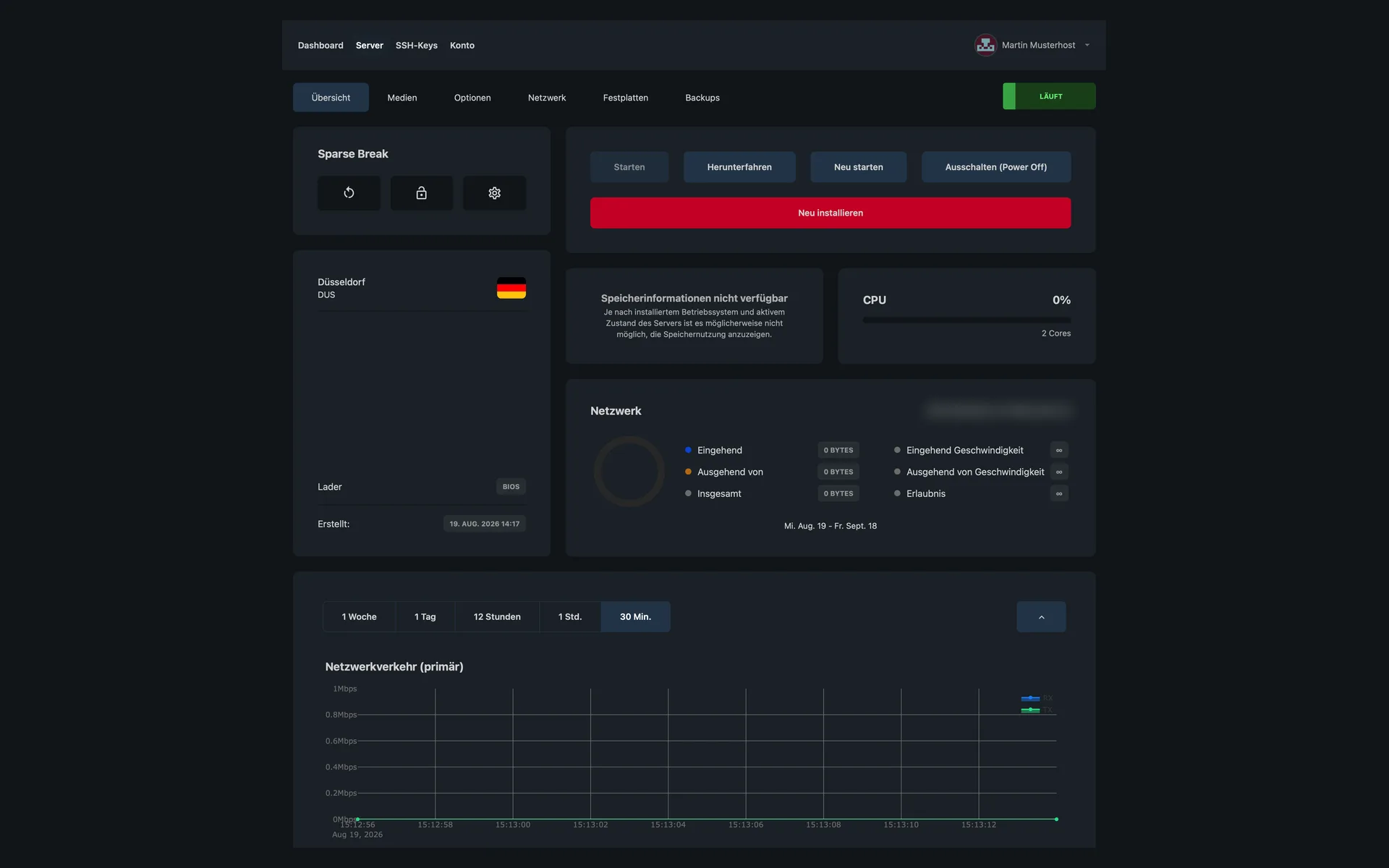
  • Overview of a Storage Server with the location Düsseldorf, CPU load, network data, and a chart of the network trafficOverview of a Storage Server with the location Düsseldorf, CPU load, network data, and a chart of the network traffic

    8 of 12

    State, load, and network traffic

    The overview shows the location, CPU load, IPv6 subnet, and the network traffic for the selected period. Start, shut down, and reinstall are right next to it.

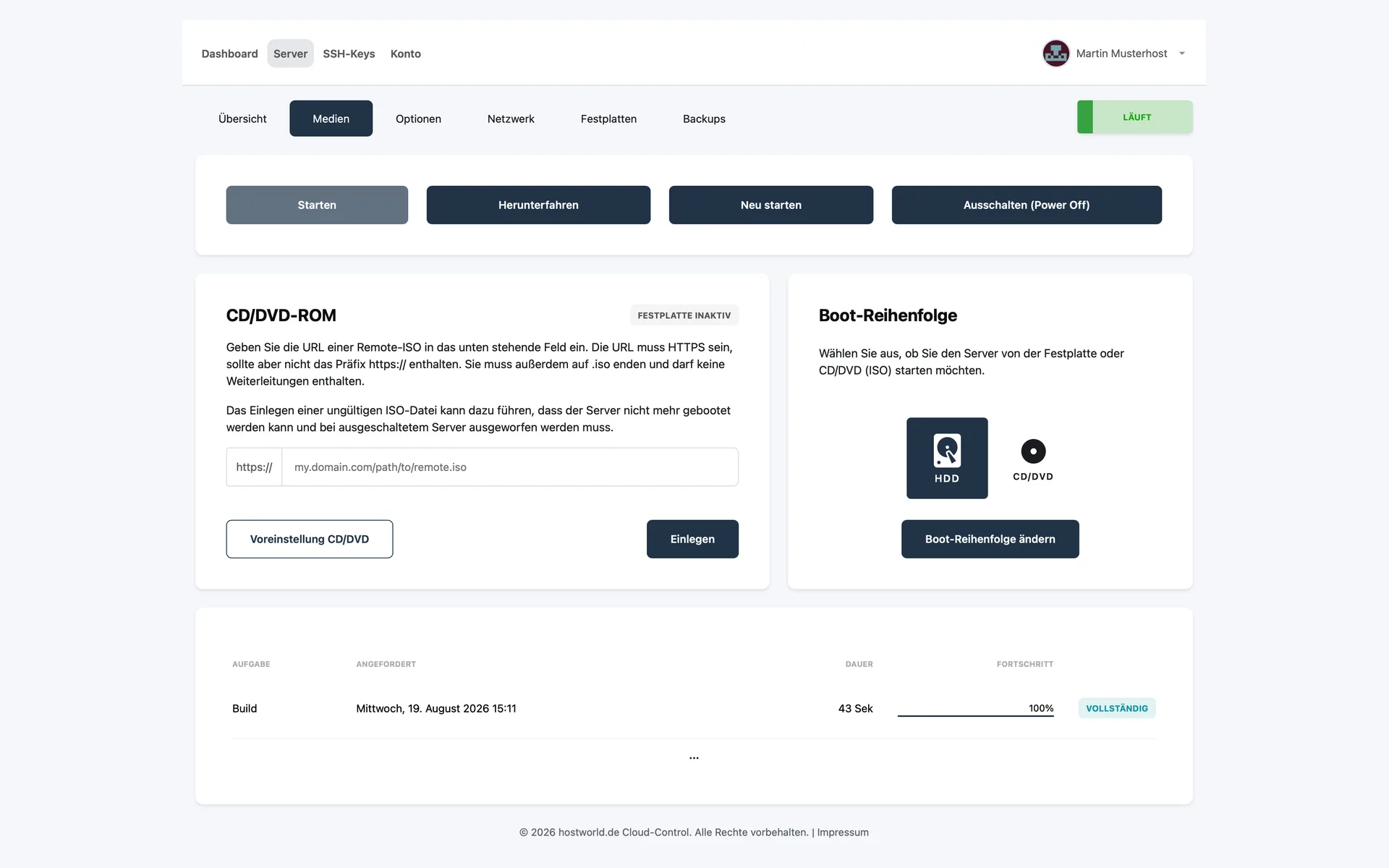
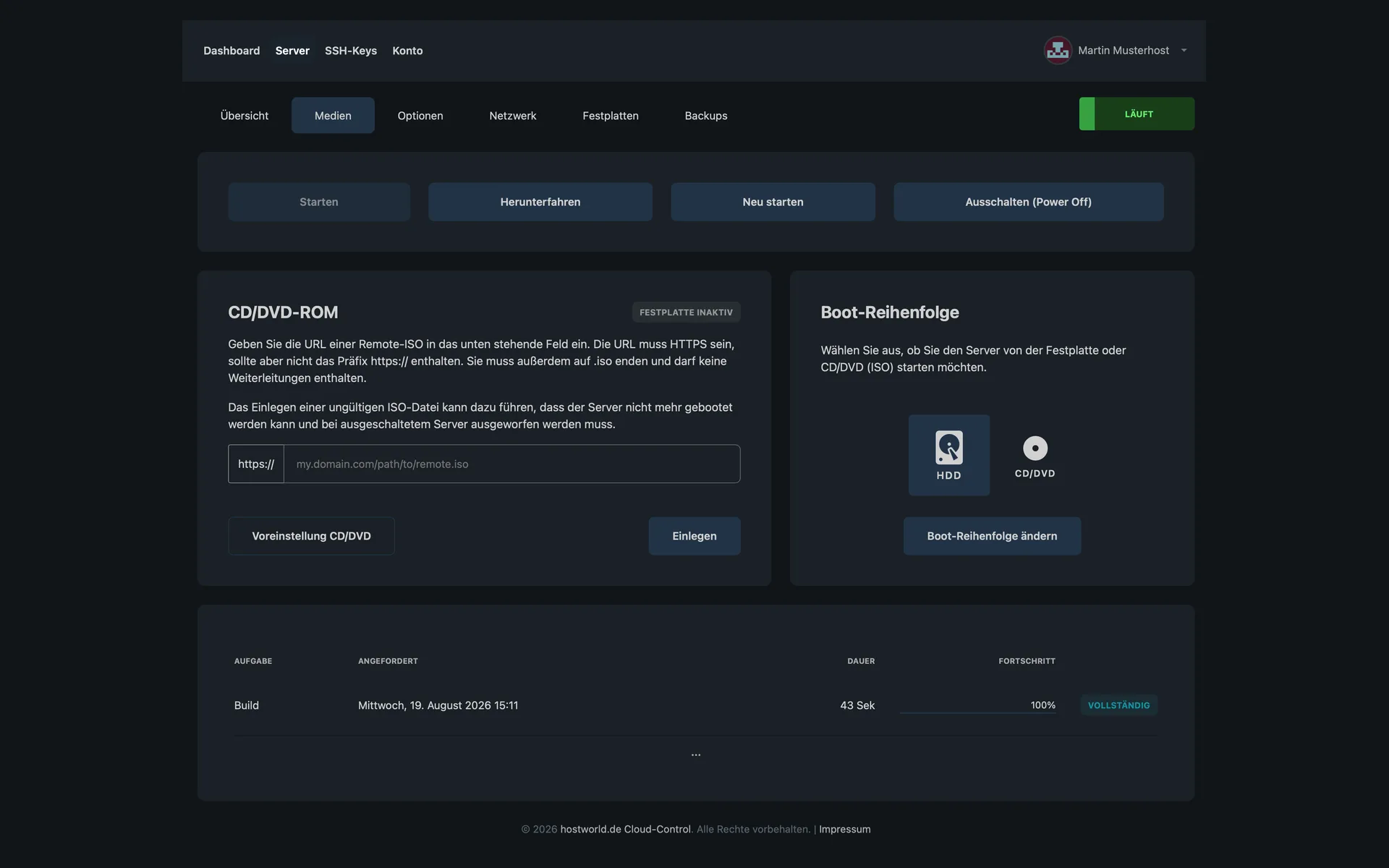
  • “Medien” (media) tab with a field for a remote ISO via URL and the choice of boot order between hard disk and CD/DVD“Medien” (media) tab with a field for a remote ISO via URL and the choice of boot order between hard disk and CD/DVD

    9 of 12

    Insert a remote ISO and change the boot order

    Under “Medien” (media) you insert an ISO file via HTTPS URL and decide whether the server boots from the hard disk or from the CD/DVD drive.

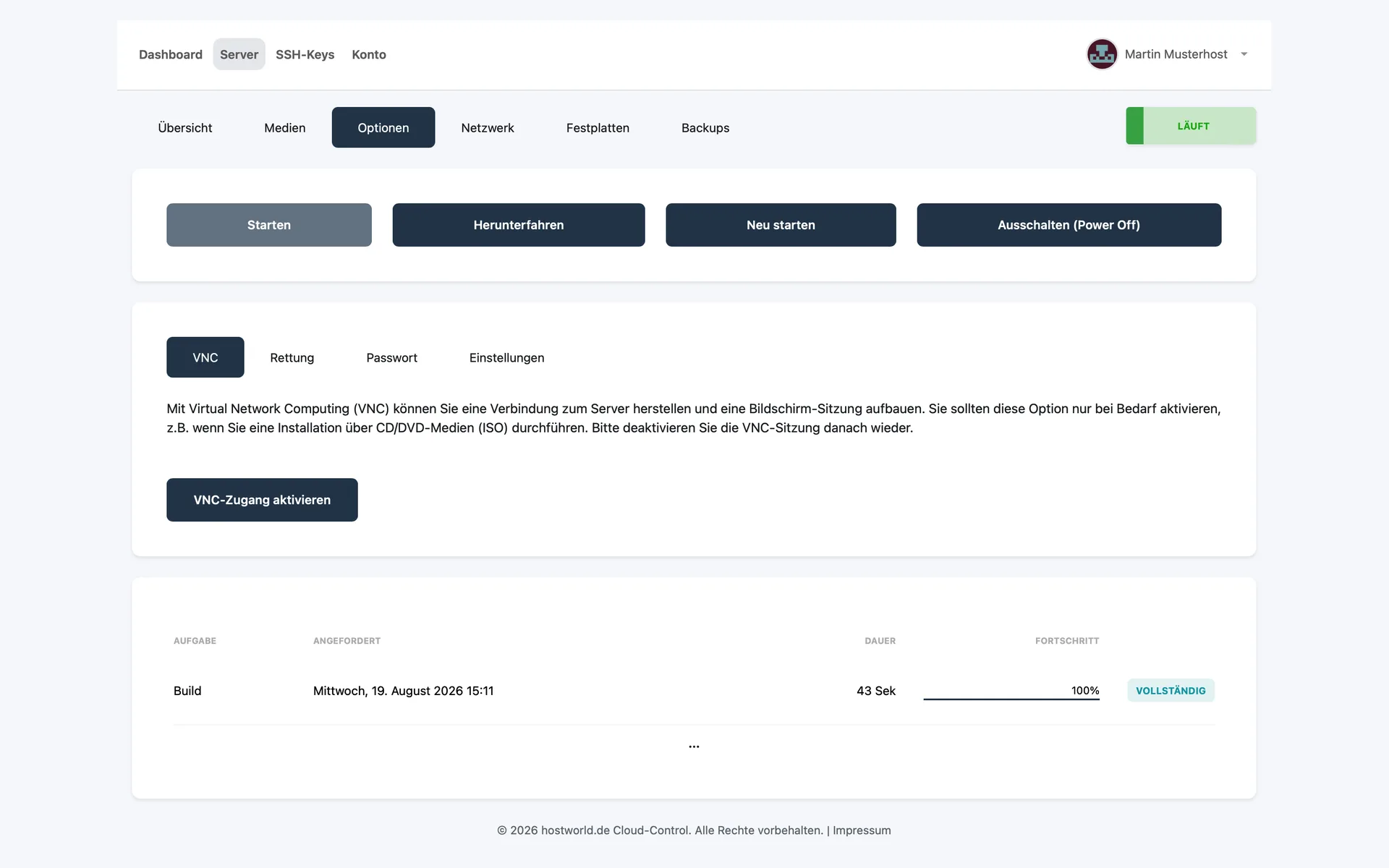
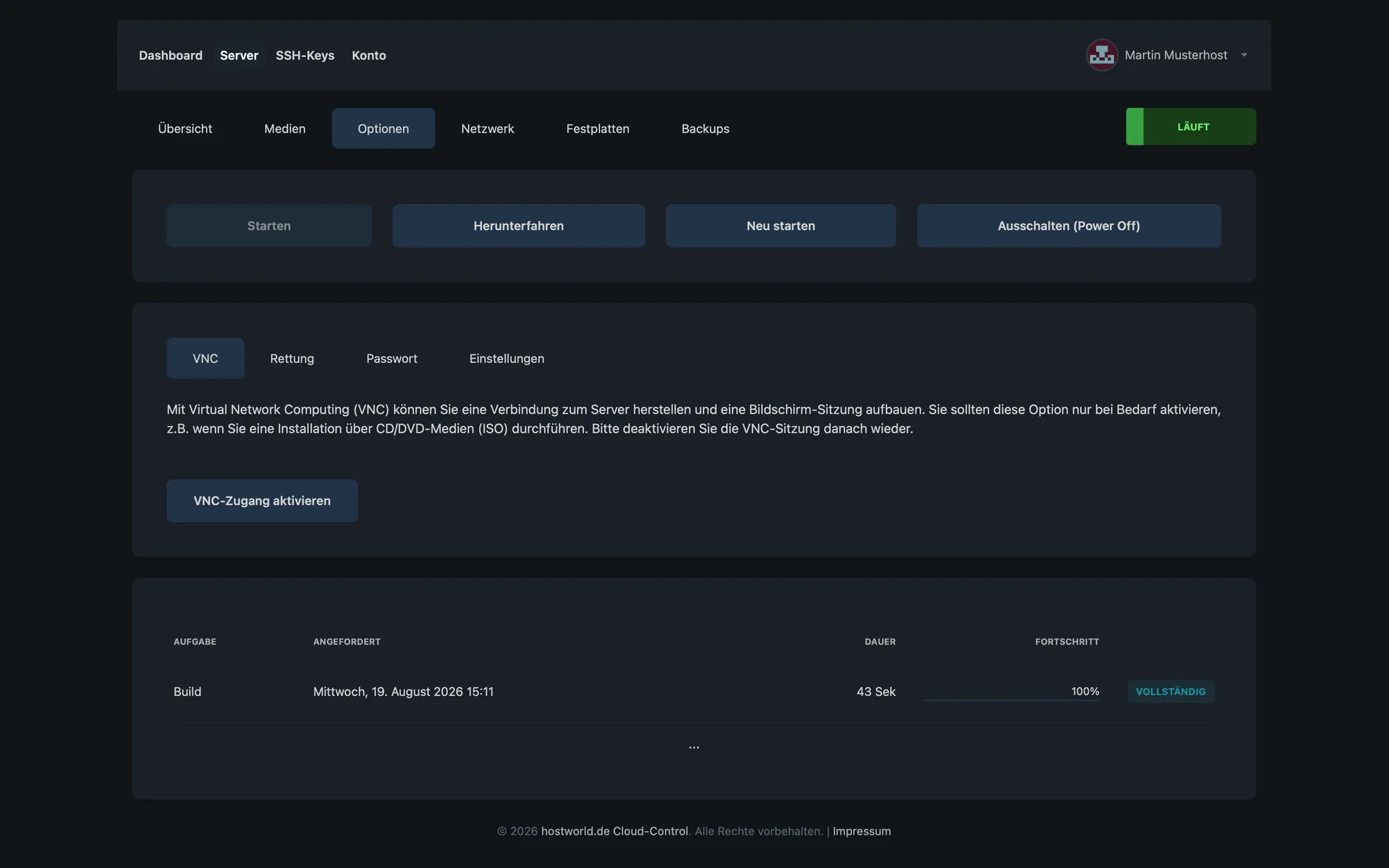
  • “Optionen” (options) tab with the sections VNC, “Rettung” (rescue), “Passwort” (password), and “Einstellungen” (settings), and the button “VNC-Zugang aktivieren” (activate VNC access)“Optionen” (options) tab with the sections VNC, “Rettung” (rescue), “Passwort” (password), and “Einstellungen” (settings), and the button “VNC-Zugang aktivieren” (activate VNC access)

    10 of 12

    VNC, “Rettung” (rescue), “Passwort” (password), and “Einstellungen” (settings)

    Four sections sit side by side here. You open the VNC session with one click, for instance when installing from an ISO medium or when the server is no longer reachable over the network.

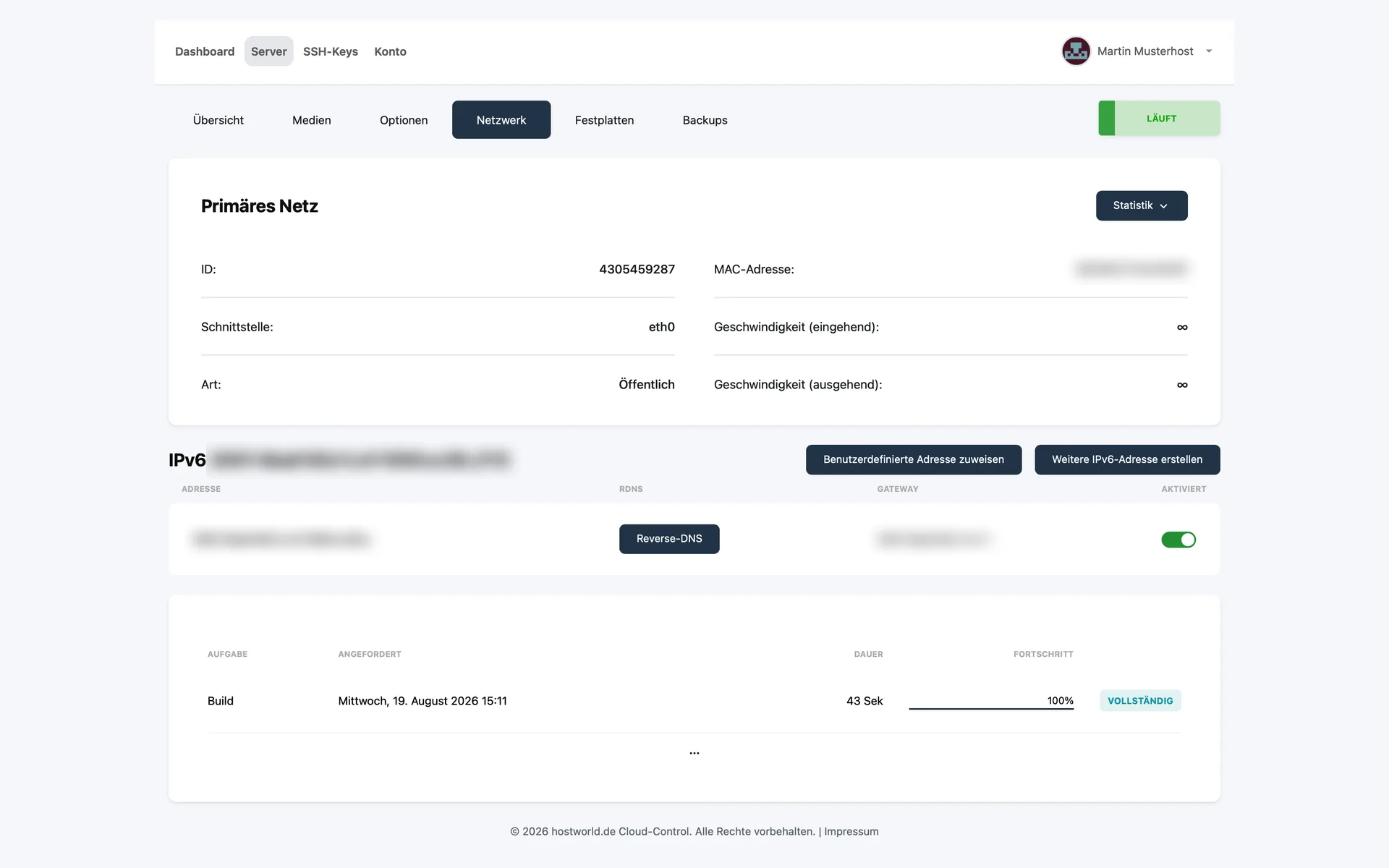
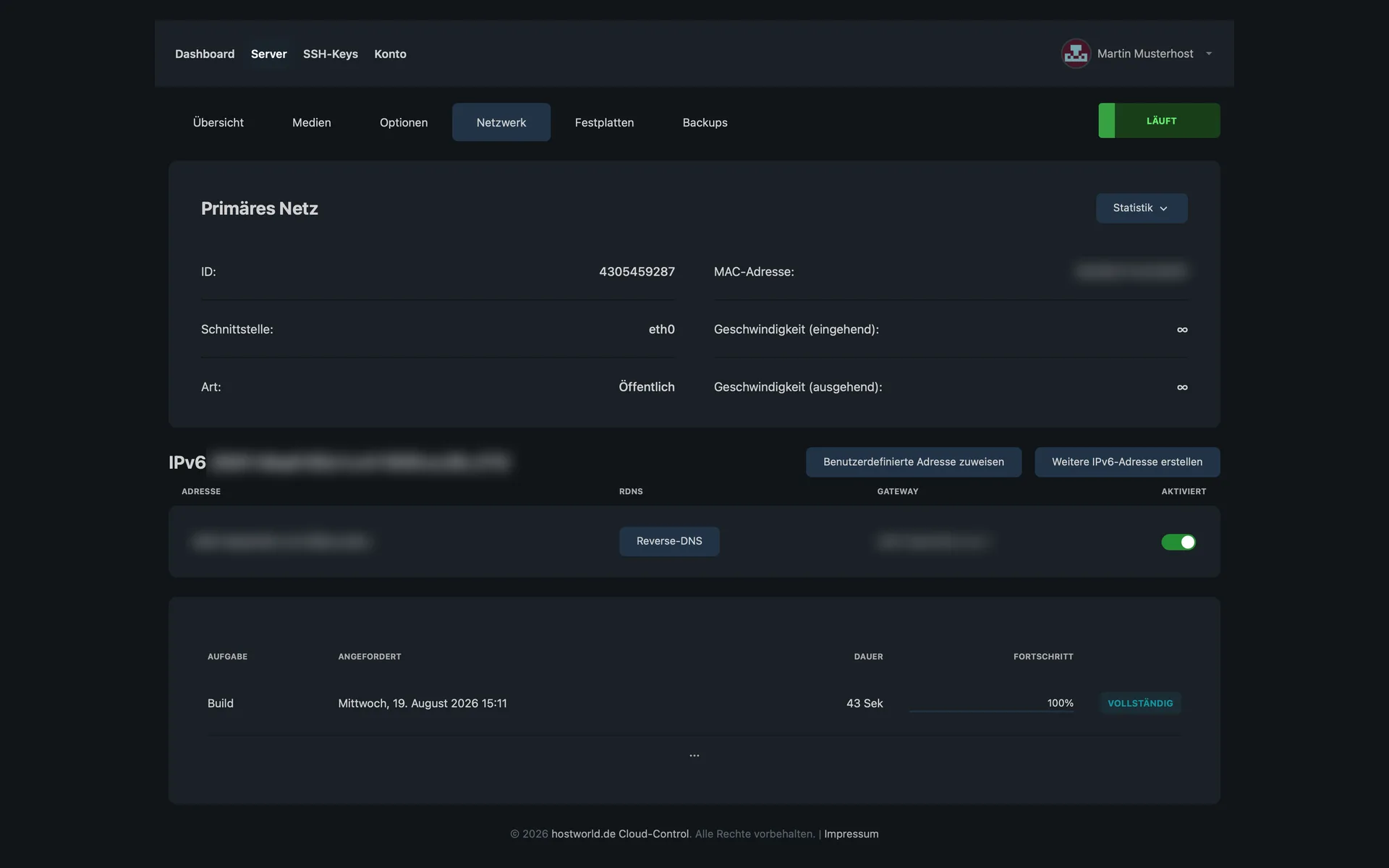
  • “Netzwerk” (network) tab with the details of the primary network, the IPv6 subnet, and the button for reverse DNS“Netzwerk” (network) tab with the details of the primary network, the IPv6 subnet, and the button for reverse DNS

    11 of 12

    Your own IPv6 subnet and reverse DNS

    Every server comes with an IPv6 subnet. You assign further addresses from it yourself, and you set the reverse DNS entry yourself as well.

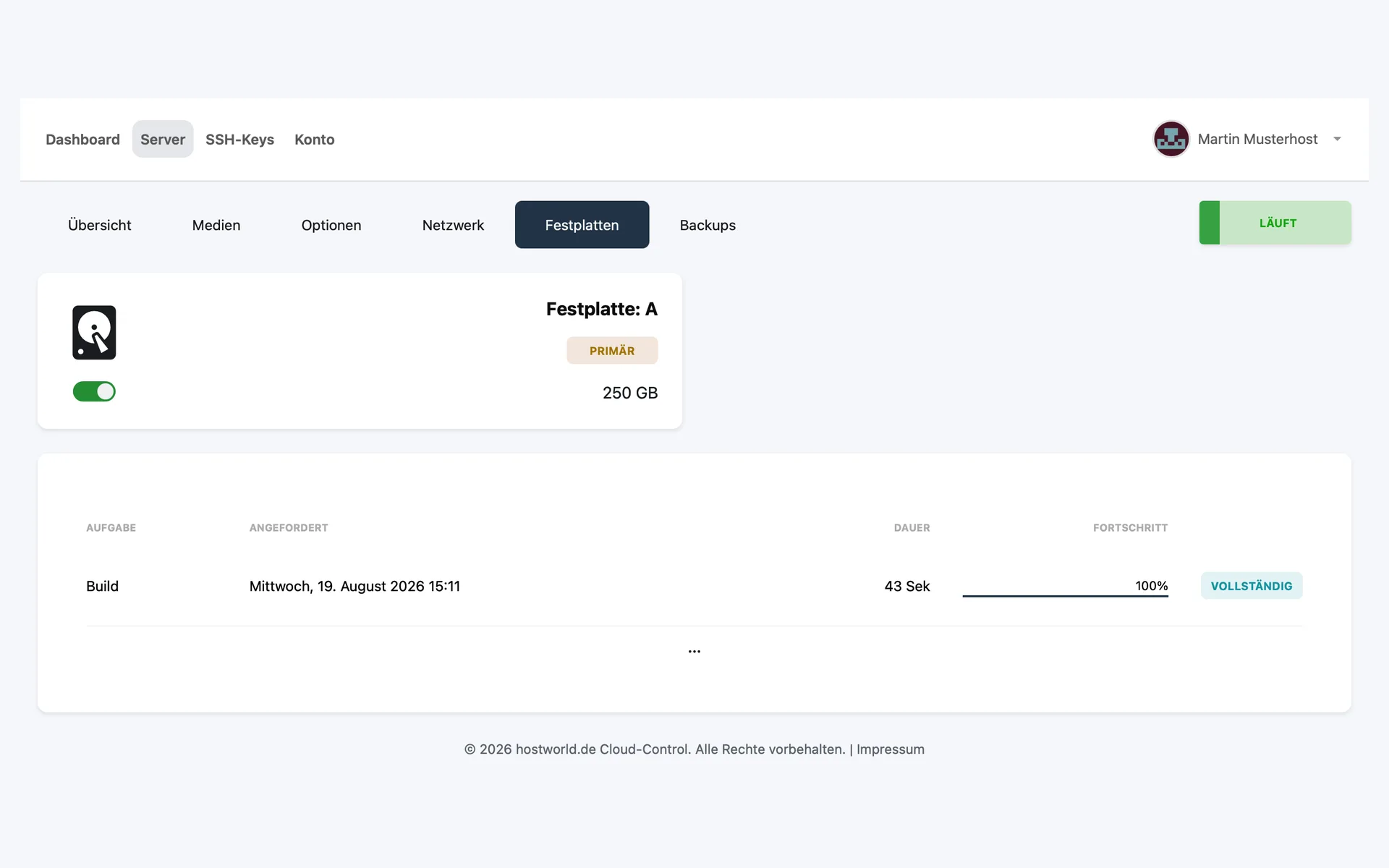
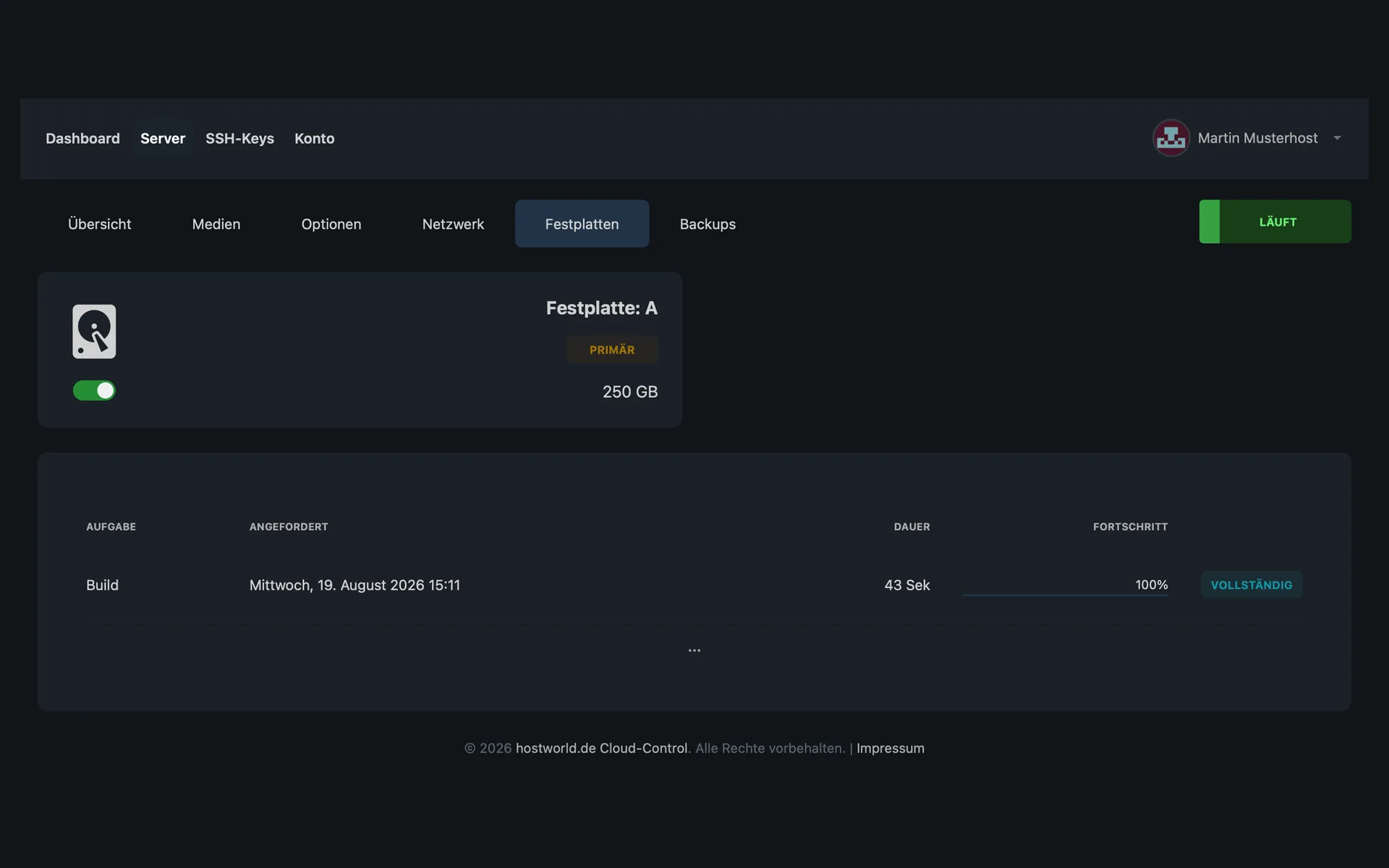
  • “Festplatten” (hard disks) tab with the primary hard disk A and a size of 250 GB“Festplatten” (hard disks) tab with the primary hard disk A and a size of 250 GB

    12 of 12

    Your hard disks in view

    The “Festplatten” (hard disks) tab lists every disk of the server with its size and marks the primary one.

Linux distributions

Images for installation on your server

Enterprise Linux

  • AlmaLinux8 / 9 / 10
  • CentOS Stream8 / 9
  • CloudLinux9
  • Rocky Linux8 / 9

Debian and Ubuntu

  • Debian11 / 12 / 13
  • Ubuntu Server LTS20.04 / 22.04 / 24.04

Other distributions

  • Alpine Linux3.15 / 3.19
  • Fedora38 / 39 / 40 / 41 / 42
  • openSUSE Leap15
Your own ISO: Can be mounted via URL. Browser upload is not provided on storage servers.
No Windows on storage servers.The plans are designed for Linux-based storage workloads (rsync, Nextcloud, Samba, NFS).

Expand storage

Additional disks from 100 GB to 500 GB

If your archive outgrows the plan, you can add an additional disk at any time.

Add-onAdditional storageincl. VAT / month
Additional disk 100 GB+100 GB SSD€1.99
Additional disk 250 GB+250 GB SSD€4.49
Additional disk 500 GB+500 GB SSD€7.49

Expand performance

RAM and CPU as add-ons

Memory and computing power can also be added later, when the archive turns into a Nextcloud or a Samba server with many accesses.

Add-onAdditional performanceincl. VAT / month
Additional RAM 4 GB+4 GB RAM€2.99
Additional RAM 8 GB+8 GB RAM€4.99
Additional CPU 2 cores+2 vCPU€1.99

Connection and protection

1 Gbit/s connection with unmetered traffic

Every Storage Server is connected at 1 Gbit/s, deliberately the only expansion level, unlike the VPS. Traffic runs unmetered on a fair-use basis.

We take care of attacks: DDoS protection is included with every plan, and your data resides in German data centers.

No snapshots, no backups included.

Storage servers are designed as large-volume storage for archive solutions, backup purposes or cloud storage. Snapshots or backups are not part of the package. Bring your own backup strategy or use the storage capacity yourself as a backup target for your main systems. That makes the plans considerably less expensive than VPS plans of the same size.

Plan comparison

All features in detail

FeatureStorage Solo W1Most popularStorage Plus W1Storage Max W1
vCPU 224
RAM (ECC) 4 GB6 GB12 GB
SSD storage 250 GB500 GB1,500 GB

Included with every plan

You do not pay extra for KVM, root access and DDoS protection

  • KVM virtualization with full root access
  • 9 Linux distributions preinstallable
  • Your own ISO can be mounted via URL
  • DDoS protection included
  • 1× IPv4 + IPv6 /64 subnet
  • VNC console + rescue system
  • Servers located in Germany
  • No setup fee

Customer experiences

What customers say about us

4.9 out of 524 reviews96 % would recommend

Produkte und Support *TOP*

„Hier ist nicht nur die Preis Leistung gut sondern auch der Support ist super. Der Support ist sehr kompetent und steht immer mit Rat und Tat zur Seite. Was ich aber mit am besten finde das man auch Spezial Konfigurationen bekommt.“

Kundenservice, wie man sich diesen wünscht

„Ich wusste nicht weiter, um meinen Fehler zu korrigieren und mir wurde durch den Kundenservice von hostworld.de ganz unkompliziert und schnell geholfen. Die Antwort war so eindeutig verfasst, dass ich es sofort verstanden habe. Der Fehler ist nun beseitigt. Auf Grund dieser positiven Erfahrung kann ich hostworld.de wirklich empfehlen. Ich gebe für jede Kategorie 5-Sterne“

A HOSTtest.de review from

Absoluter Top Support

„Selbst als zeitlich begrenzter Testkunde wird man hier vom Support rundum versorgt. Die Anfragen werden sorgfältig geprüft und Satz für Satz beantwortet, anstatt mit Standardtexten abgewiesen zu werden, wie es anderswo oft der Fall ist. Daher eine klare Kaufempfehlung!“

A HOSTtest.de review from

More reviews on HOSTtest.de.

FAQ

Frequently asked questions about storage servers

How do storage servers differ from normal VPS?
Storage servers offer more SSD storage per euro and in return do without snapshots and included backups. They are built as pure large-volume storage, for archives, backup targets or your own cloud. If you need computing power and snapshots, the VPS is the right choice.
What are the servers made for?
For archive and backup workloads, Nextcloud or OwnCloud, photo and media archives, document systems such as Paperless-ngx, classic file servers and repository mirrors. They are not intended as hosting for production websites. For that, there are our WebHosting and VPS plans.
Why are no snapshots or backups included?
Snapshot and backup storage would make the plans considerably more expensive at these storage volumes. We deliberately build them as pure large-volume storage. Bring your own backup strategy or use a second Storage Server as a mirror.
What connection do the servers have?
1 Gbit/s per server with unmetered traffic on a fair-use basis. That is enough for most storage workloads. If you need sustained high throughput, you are better served by the VPS.
Can I install Windows?
No, storage servers are pure Linux systems. The plans are built for Linux-based storage workloads: rsync, Nextcloud, Samba or NFS.
Can I install Plesk?
Self-installation is technically possible, but we do not offer Plesk as an add-on here as we do for the VPS. Plesk is not intended for pure storage workloads. If you need a panel, go for the VPS or Managed Server.
What happens in the event of a hardware failure?
Since no snapshots or backups are included, you need your own backup strategy: for example, a second Storage Server as a mirror, an external backup service or regular off-site copies. Without your own backup, data loss is possible in an emergency.
How long do the contracts run?
You choose between a monthly term and 12 months. The displayed price applies to the monthly term. With 12 months it drops by 10%. With annual prepayment, 5% more is deducted. No setup fee.

Ready for more storage?

Storage Server configured in a few minutes, or get advice on the right size.