Use case · Workflow automation

n8n Hosting in Germany

Self-hosted workflow automation on your own VPS, with no limit on workflow runs, unlike the hosted edition. KVM virtualization, NVMe storage, snapshots and personal support, tuned for n8n.

Self-hostedGDPR-compliantSnapshots includedPersonal support

From €12.95 per month

What is n8n?

Open-source workflow automation, self-hosted

n8n is an open-source alternative to Zapier, Make or IFTTT for automating business processes. Instead of sending your data through the servers of a US provider, the workflow engine runs on your side: on your VPS, in your data center, with your credentials.

n8n uses the “Sustainable Use License” (fair-code): self-hosting for your own business processes is permitted without restriction. More than 400 integrations are directly available: APIs, databases, cloud services, webhook triggers, AI providers.

The decisive advantage over cloud providers: no run limits, no workflow caps. You decide what runs and when. Your data stays on your own server.

Recommended for n8n

Our plan recommendation

The VPS Plus W1 is the balanced choice for n8n: enough RAM for many parallel workflows, fast NVMe storage for the execution database and full root control for custom setups.

Monthly term and payment, cancelable at short notice.

Recommended for n8n

VPS PlusW1

4 vCPU · 8 GB RAM · 200 GB NVMe

  • 4 vCPU AMD EPYC 9645
  • 8 GB DDR5 ECC RAM
  • 200 GB NVMe storage
  • KVM · full root access
  • 2.5 Gbit/s connection · unmetered traffic
  • Snapshots included
  • 1× IPv4 + IPv6 /64
  • DDoS protection · servers located in Germany
12.95/ month
No setup fee

Why this plan?

Why the VPS Plus W1 fits n8n

4 vCPU for parallel workflows

n8n runs workflows in parallel. Four cores let several demanding workflows run at the same time without individual tasks blocking each other.

8 GB RAM for many workflow instances

n8n's worker architecture needs a lot of memory once many workflows run at the same time. For small and medium installations, 8 GB is enough.

200 GB NVMe for logs and data

Workflow history, execution logs and persistent data grow quickly. NVMe keeps read access to the SQLite/PostgreSQL database fast.

Full root access

Install n8n the way you like: via Docker Compose, npm/PM2 or as a systemd service. Your setup, your updates.

Everything in your own hands

What you can do yourself, without waiting for anyone

Reinstall, create a snapshot, set up the firewall, open the console. All the functions for managing your server.

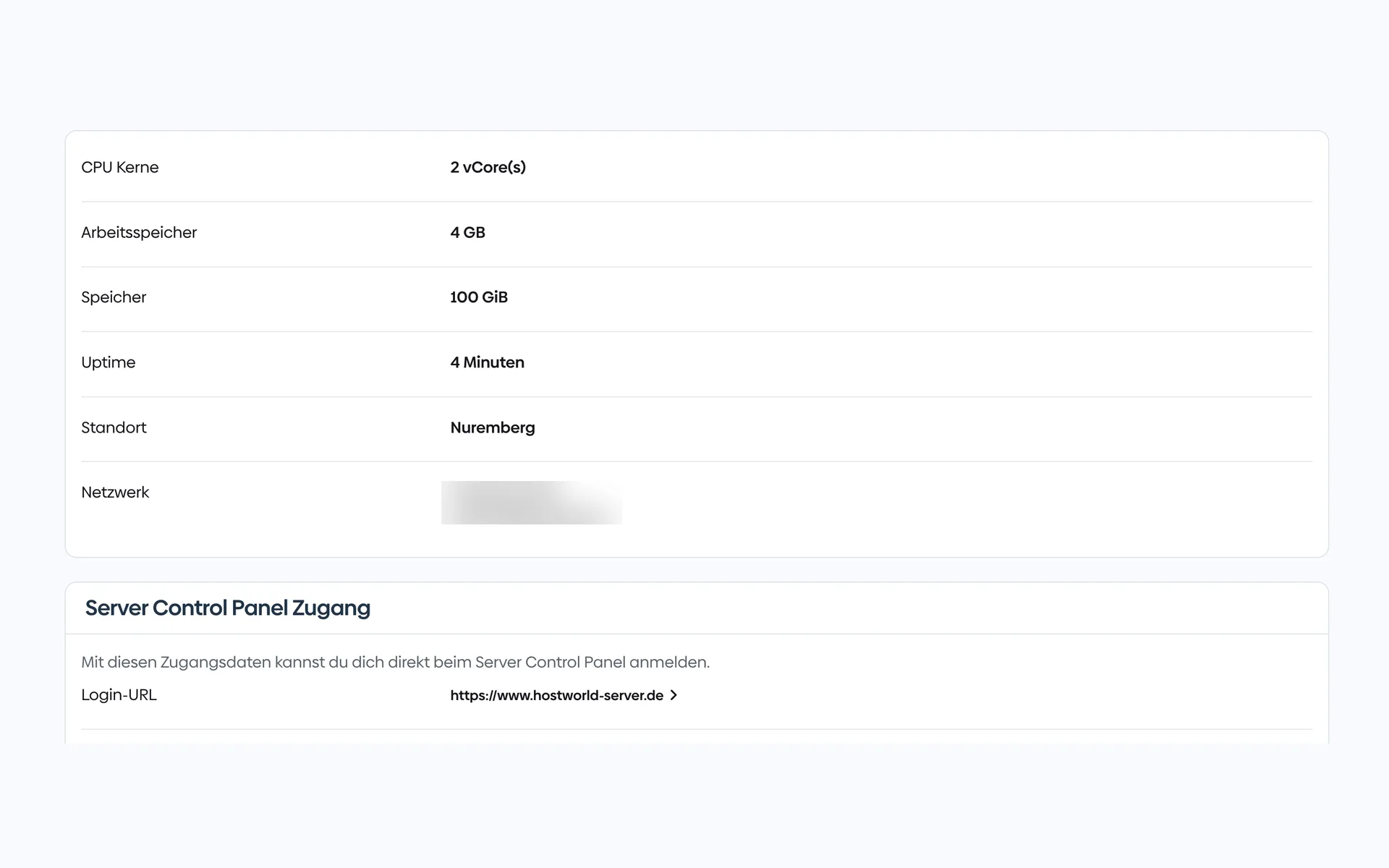
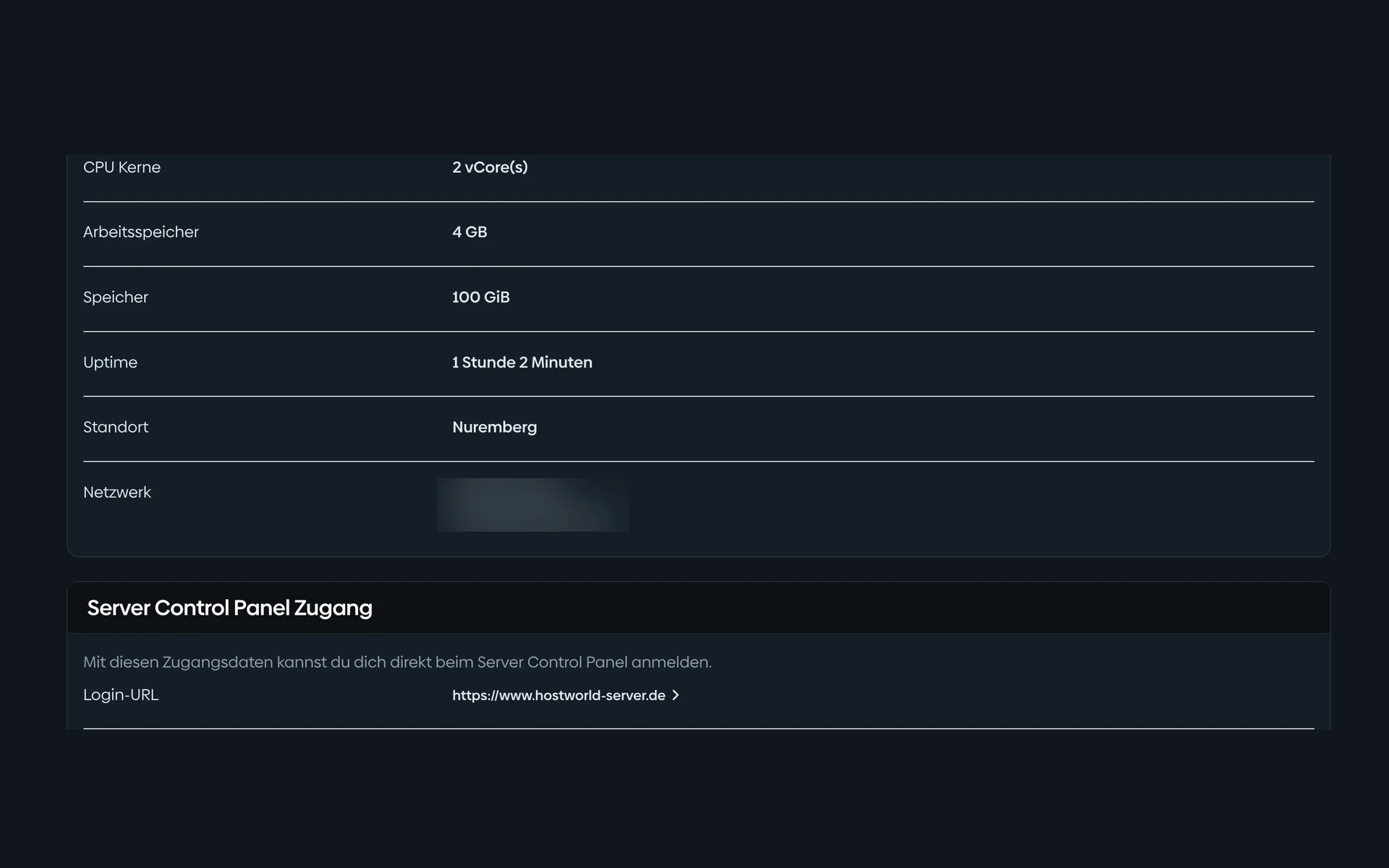
  • Overview of a virtual server in the Customer Menu with CPU cores, memory, storage, location, IP addresses, and the login details for the Server Control PanelOverview of a virtual server in the Customer Menu with CPU cores, memory, storage, location, IP addresses, and the login details for the Server Control Panel

    1 of 7

    Specs and access at a glance

    CPU, memory, storage, location, and your IP addresses are listed in the Customer Menu. From there, one click takes you to the Server Control Panel.

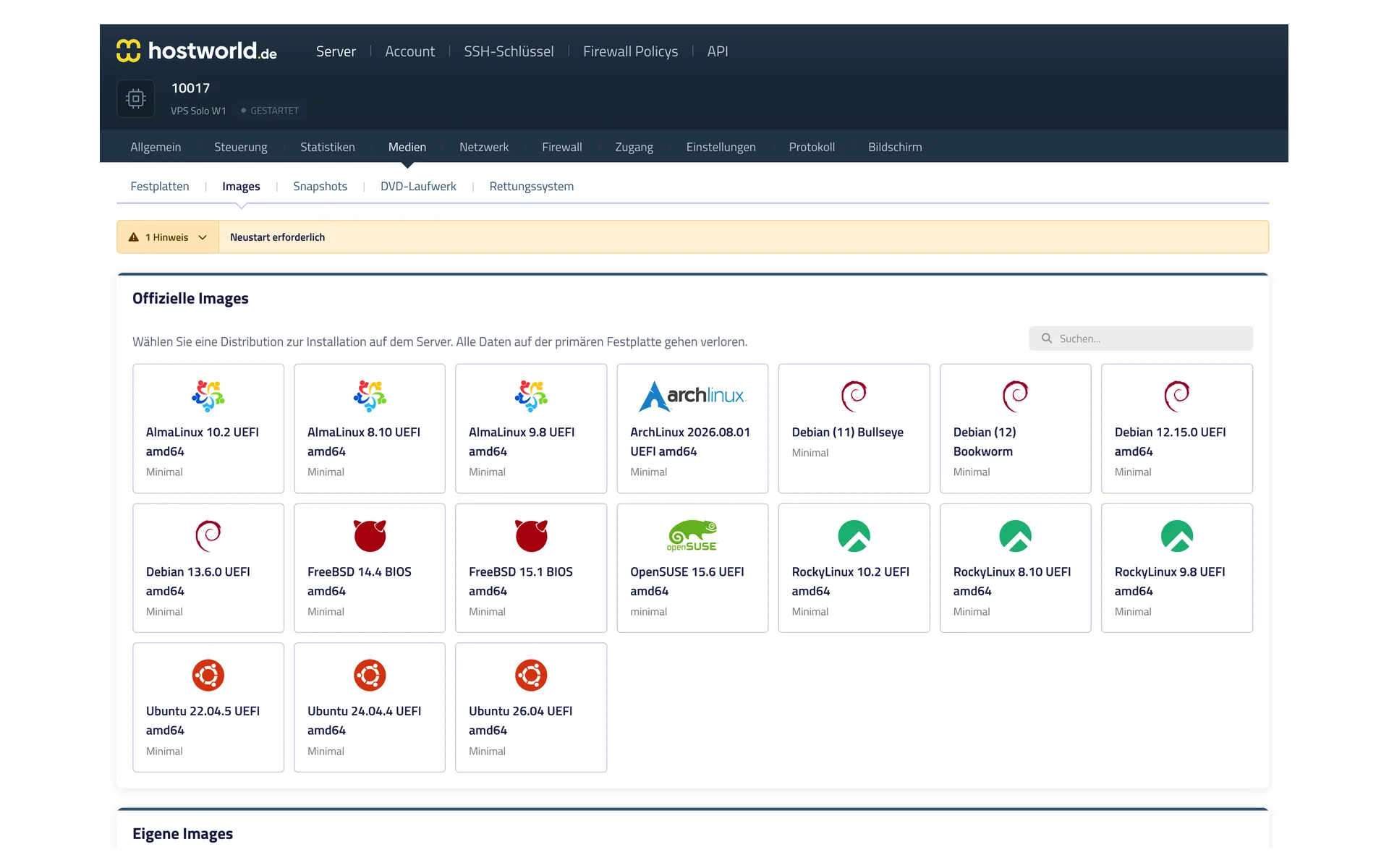
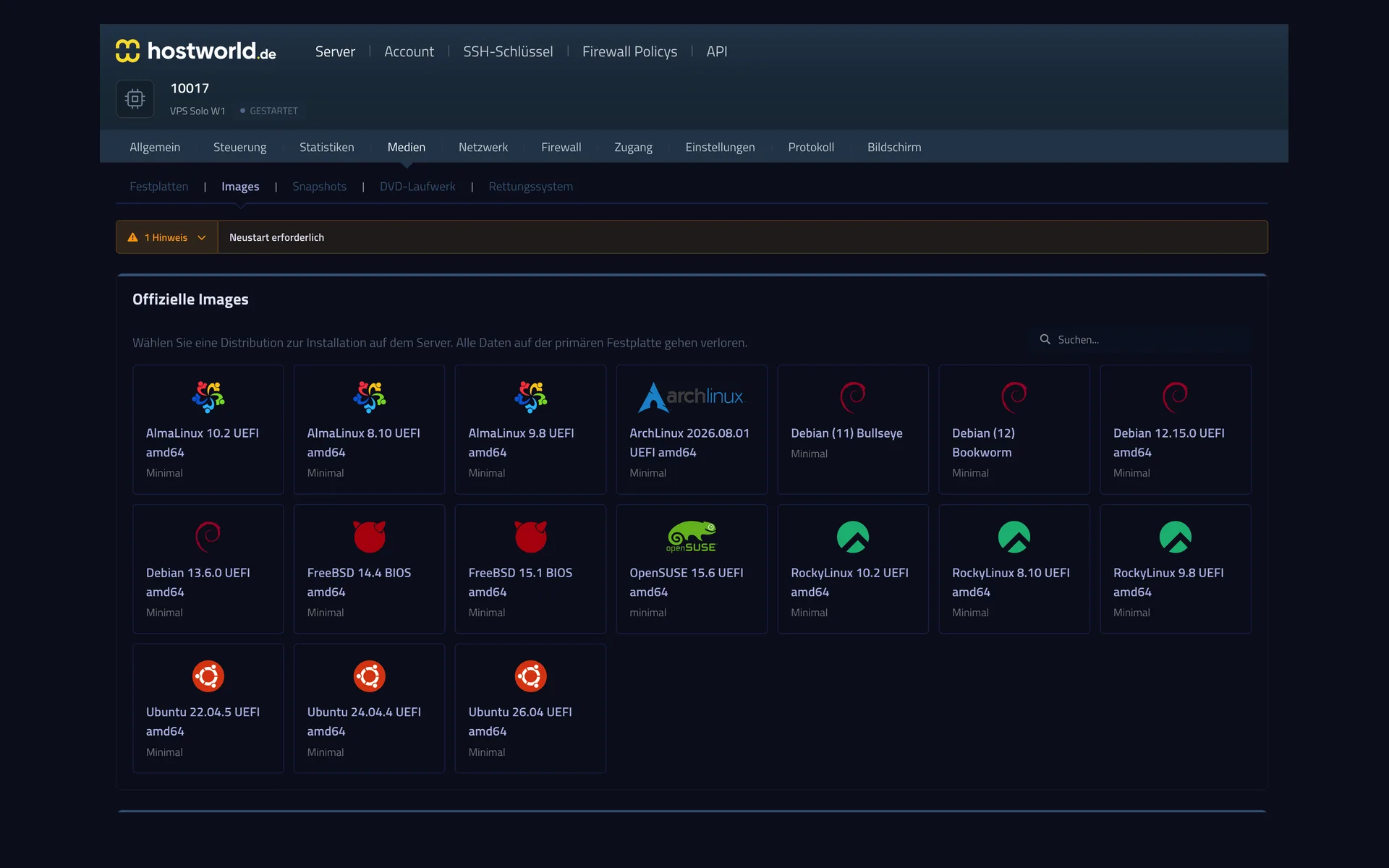
  • Selection of official operating system images in the Server Control Panel with AlmaLinux, Arch Linux, Debian, FreeBSD, OpenSUSE, Rocky Linux, and UbuntuSelection of official operating system images in the Server Control Panel with AlmaLinux, Arch Linux, Debian, FreeBSD, OpenSUSE, Rocky Linux, and Ubuntu

    2 of 7

    Choose the operating system yourself

    AlmaLinux, Arch, Debian, FreeBSD, OpenSUSE, Rocky, Ubuntu: you start the installation yourself, with no ticket and no waiting.

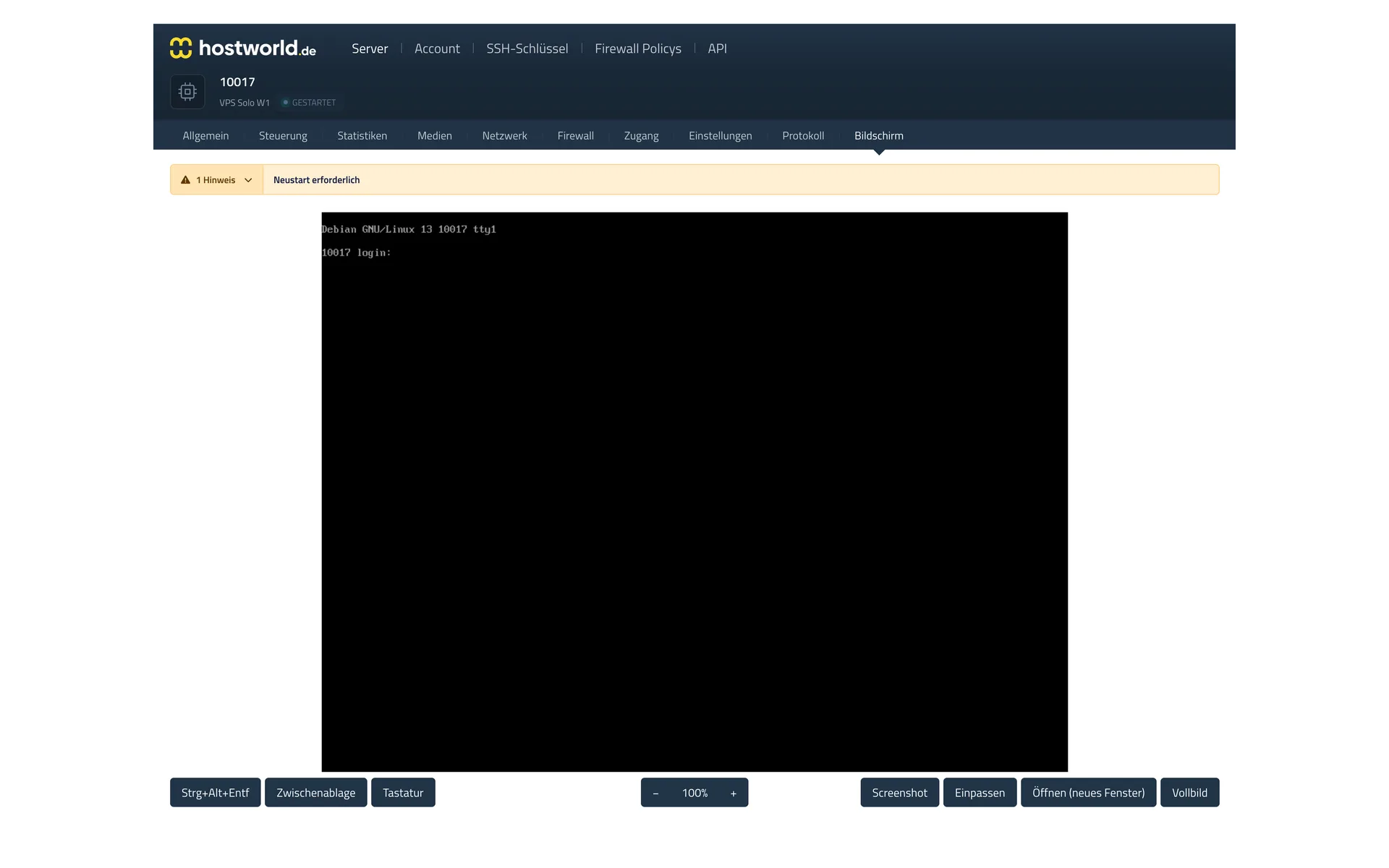
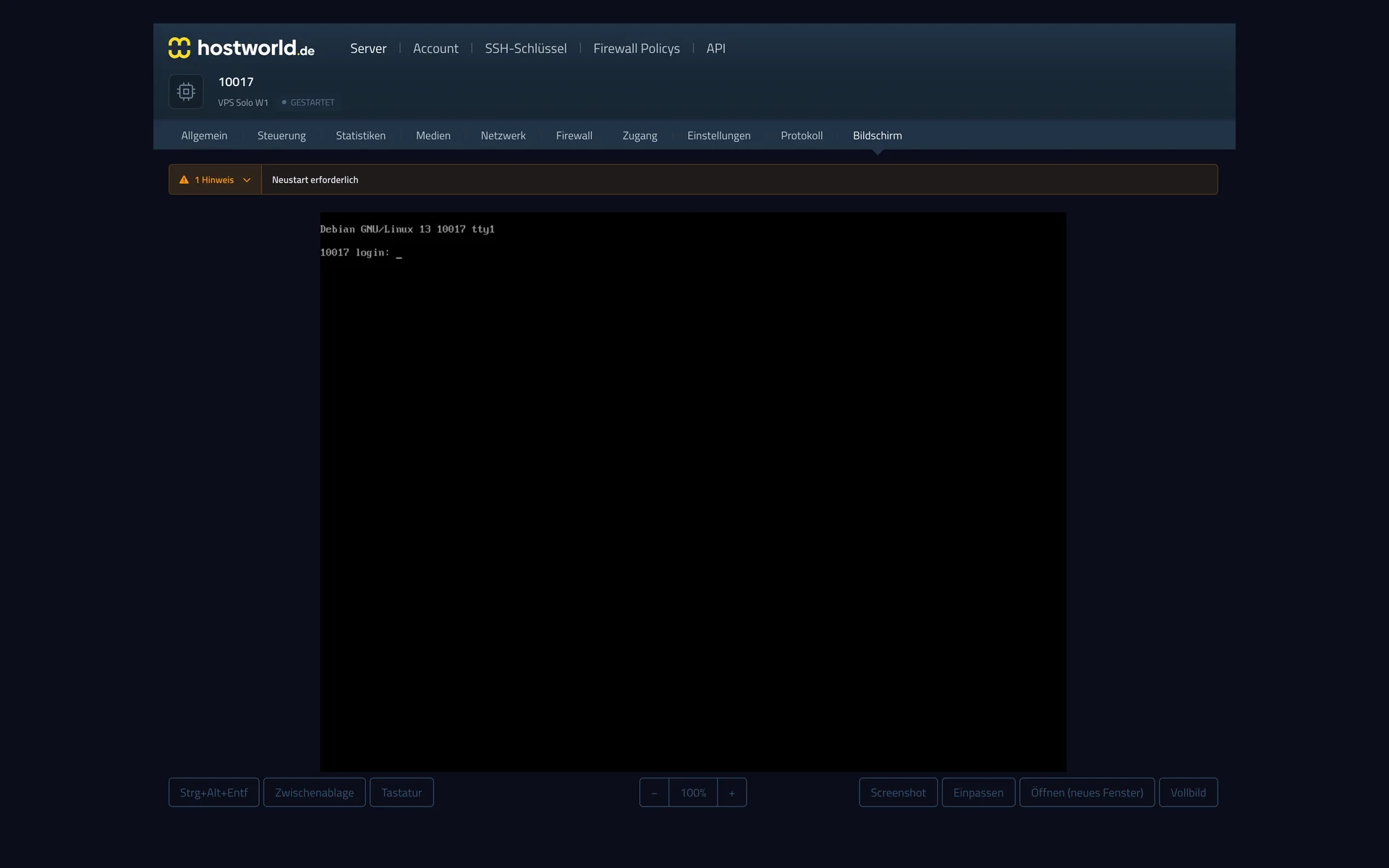
  • Web console in the Server Control Panel with the login screen of the running operating system and buttons for “Strg-Alt-Entf” (Ctrl-Alt-Del), screenshot, and full screenWeb console in the Server Control Panel with the login screen of the running operating system and buttons for “Strg-Alt-Entf” (Ctrl-Alt-Del), screenshot, and full screen

    3 of 7

    VNC console in the browser

    The VNC console shows you your server's screen right in the browser. That way you can reach your server even when it is not reachable over the internet.

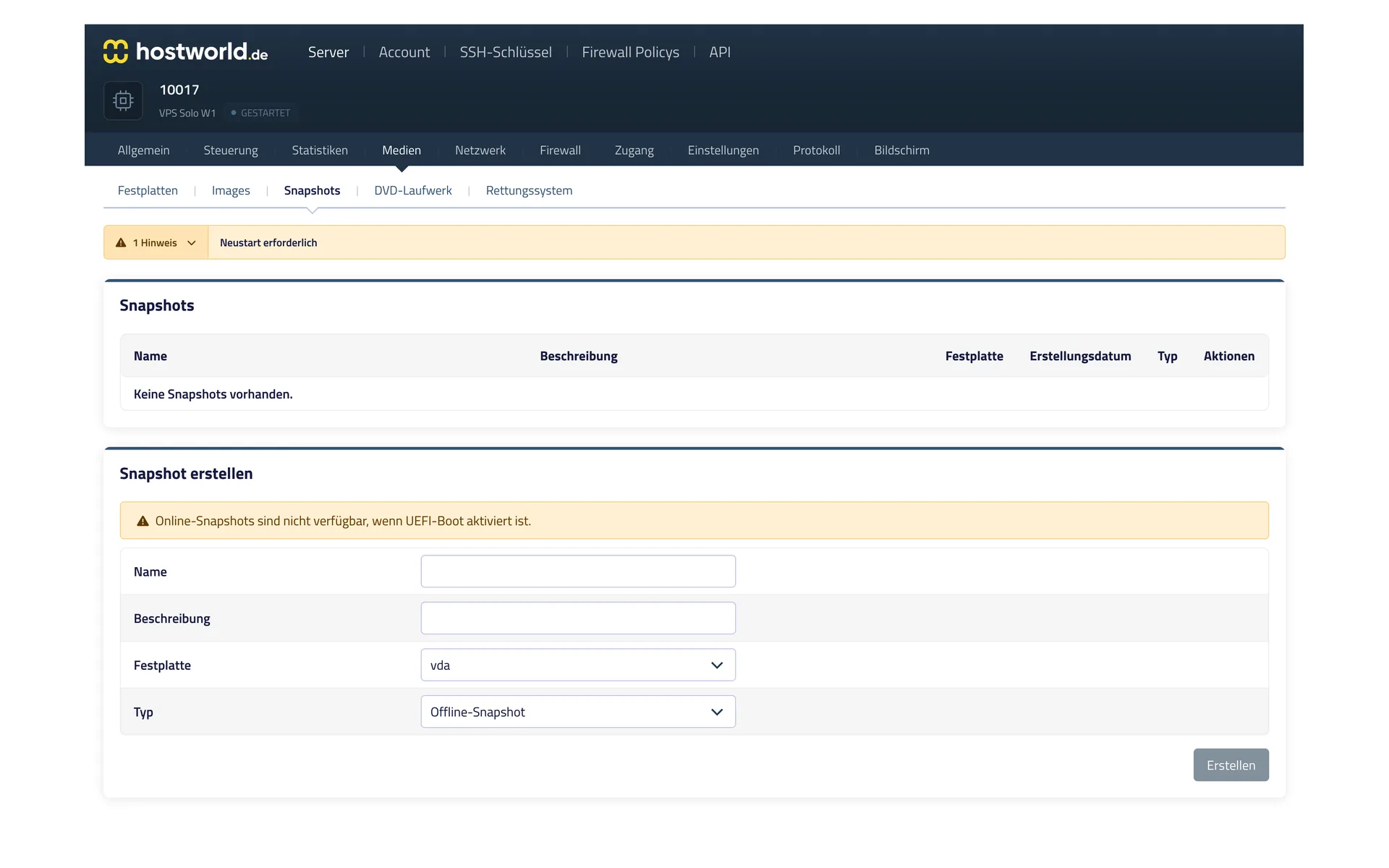
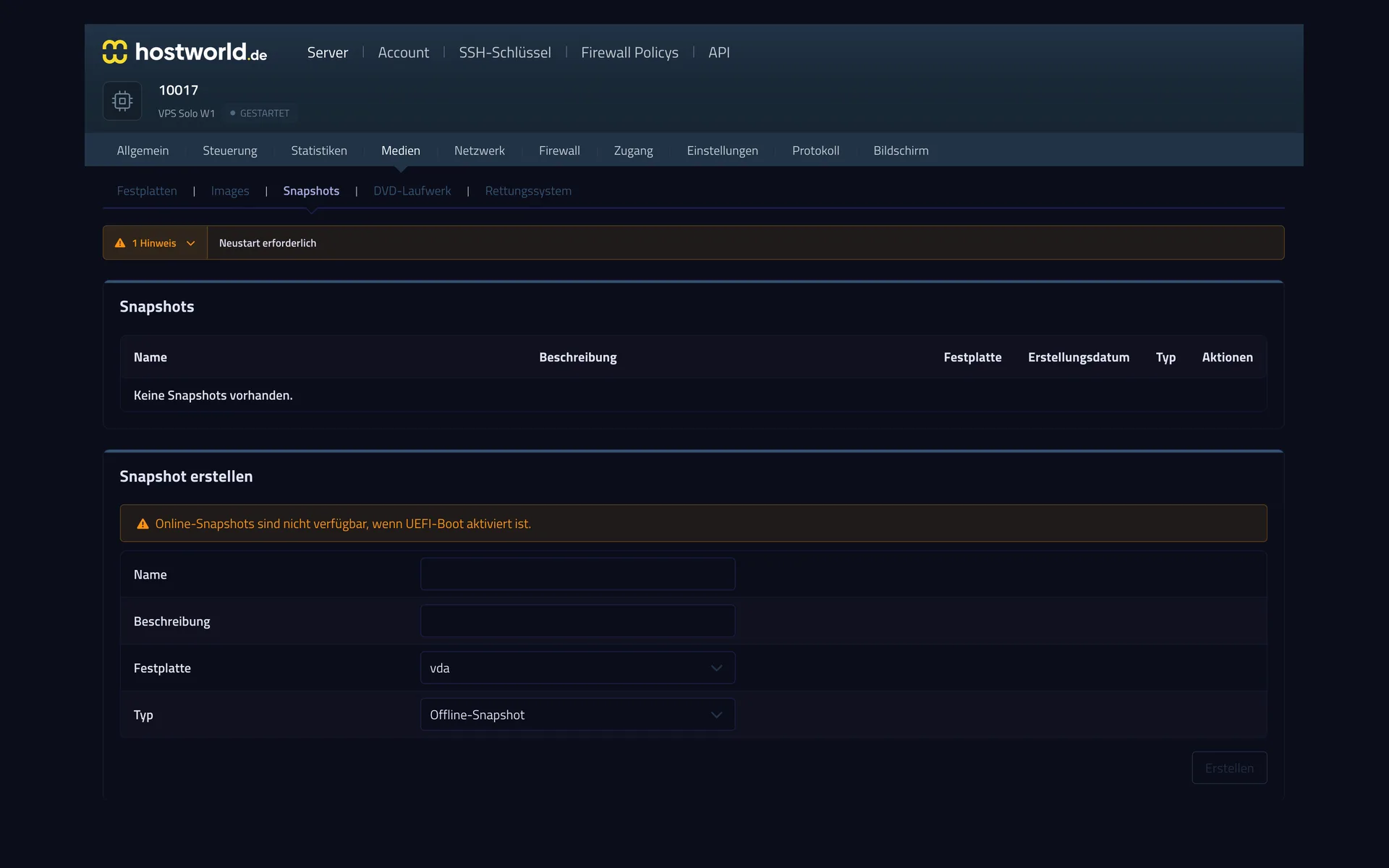
  • Snapshot management in the Server Control Panel with the list of existing snapshots and the form for creating a new snapshotSnapshot management in the Server Control Panel with the list of existing snapshots and the form for creating a new snapshot

    4 of 7

    A snapshot before you make changes

    Before an update or a risky change, capture the state of the server with a snapshot. If something goes wrong, you go back to it.

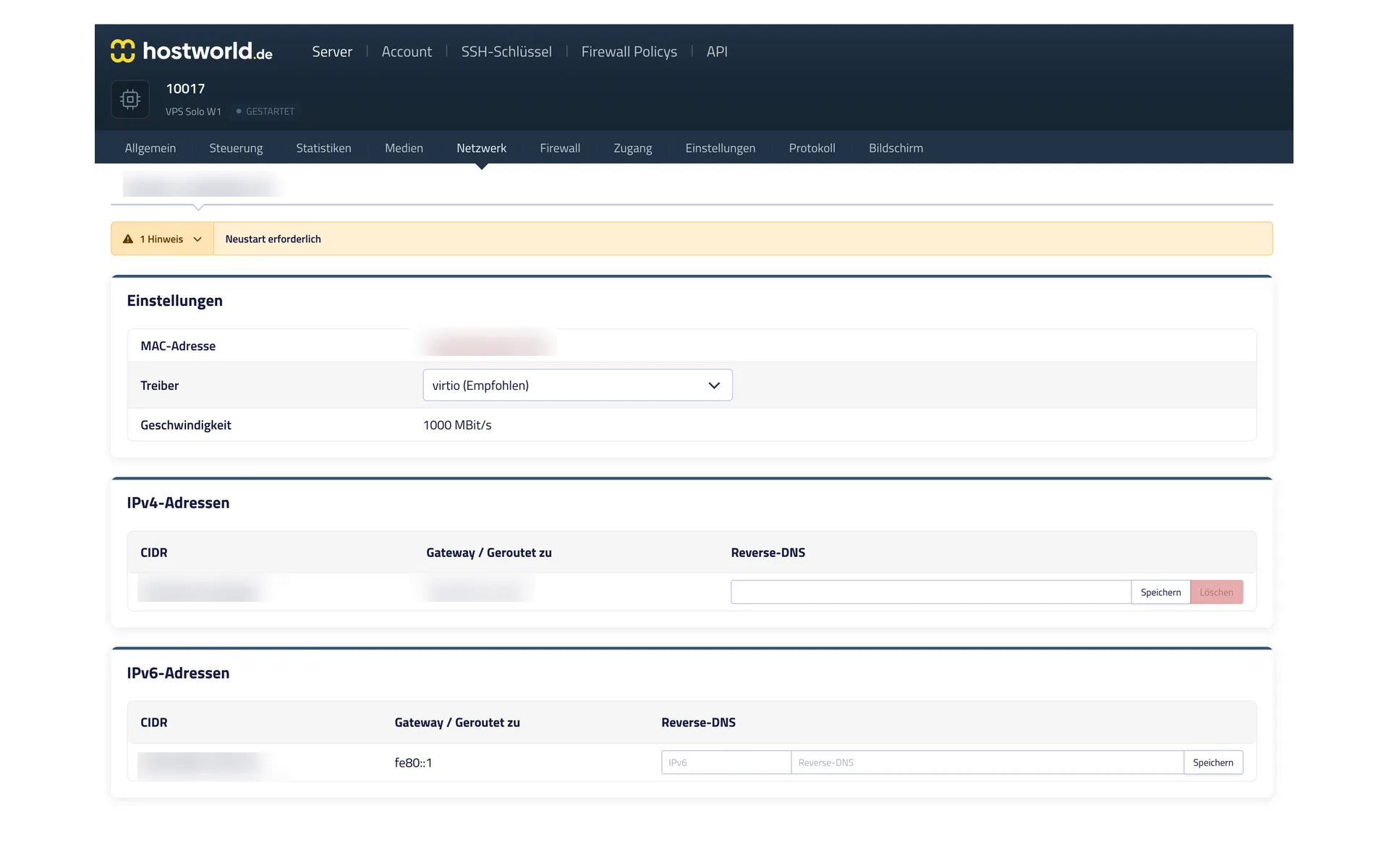
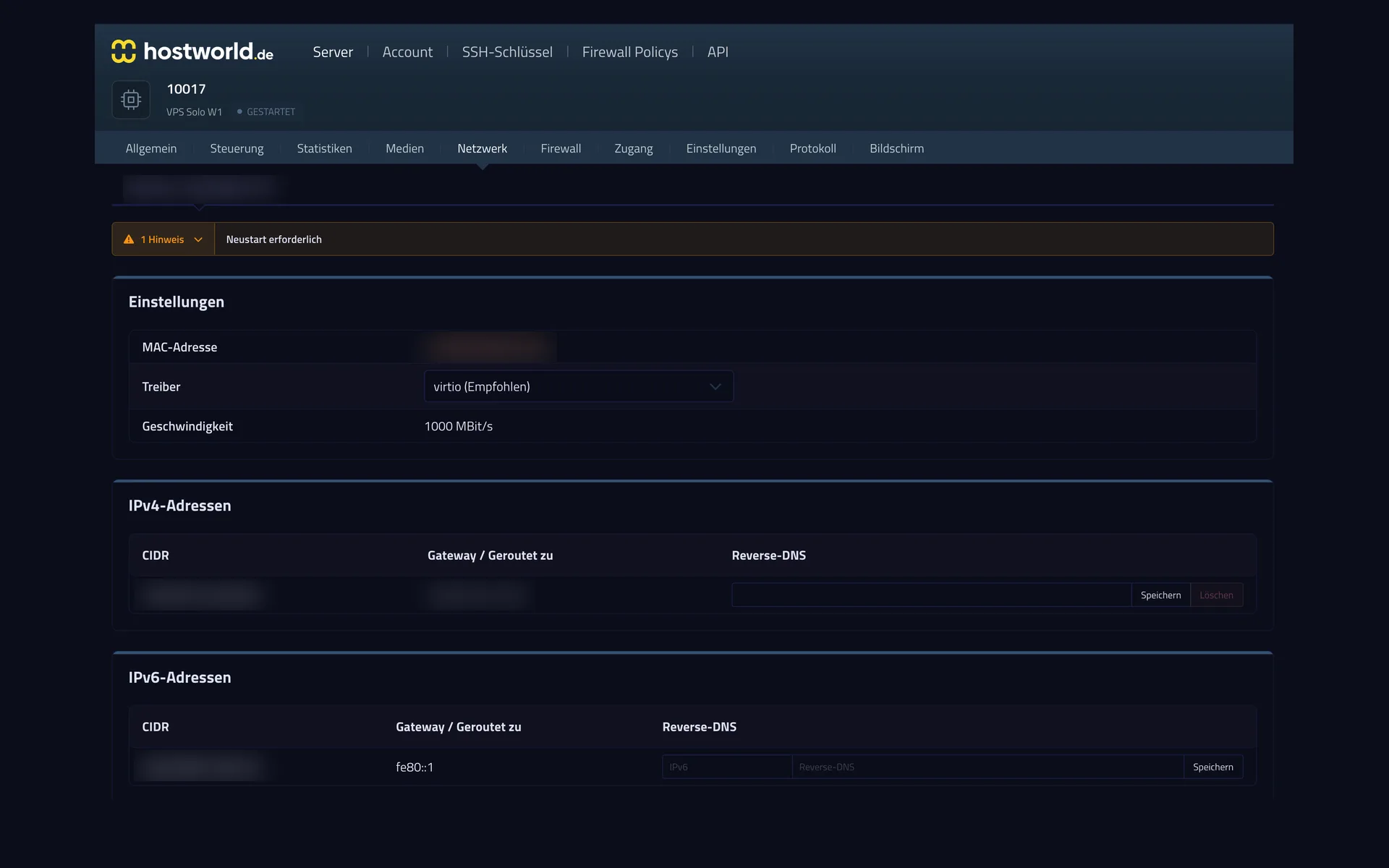
  • Network settings in the Server Control Panel with MAC address, driver selection, IPv4 address, and IPv6 prefix, including fields for reverse DNSNetwork settings in the Server Control Panel with MAC address, driver selection, IPv4 address, and IPv6 prefix, including fields for reverse DNS

    5 of 7

    IPv4, IPv6, and reverse DNS

    Every server comes with an IPv4 address and its own IPv6 network. You set the reverse entry yourself, which is often decisive for sending mail.

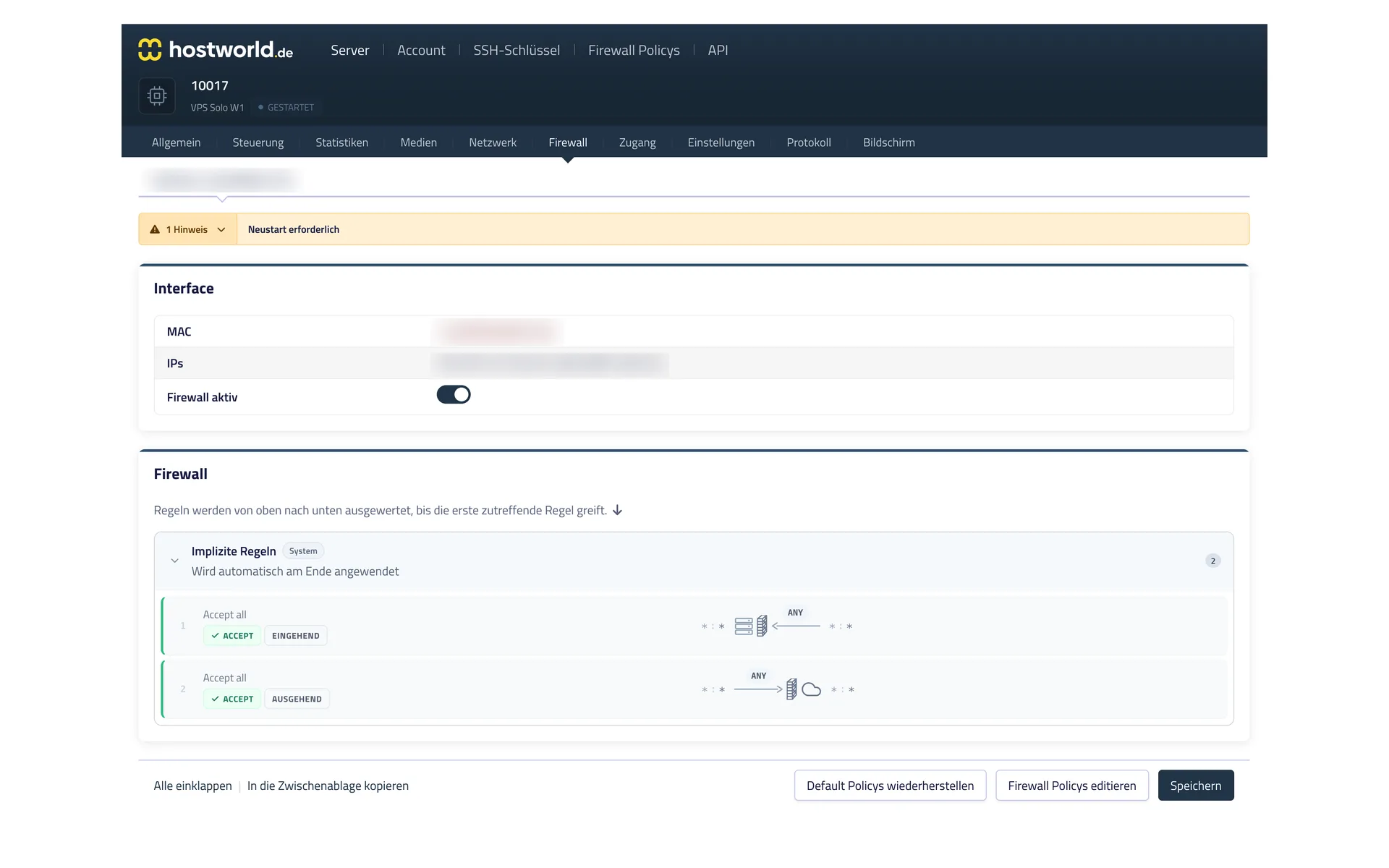
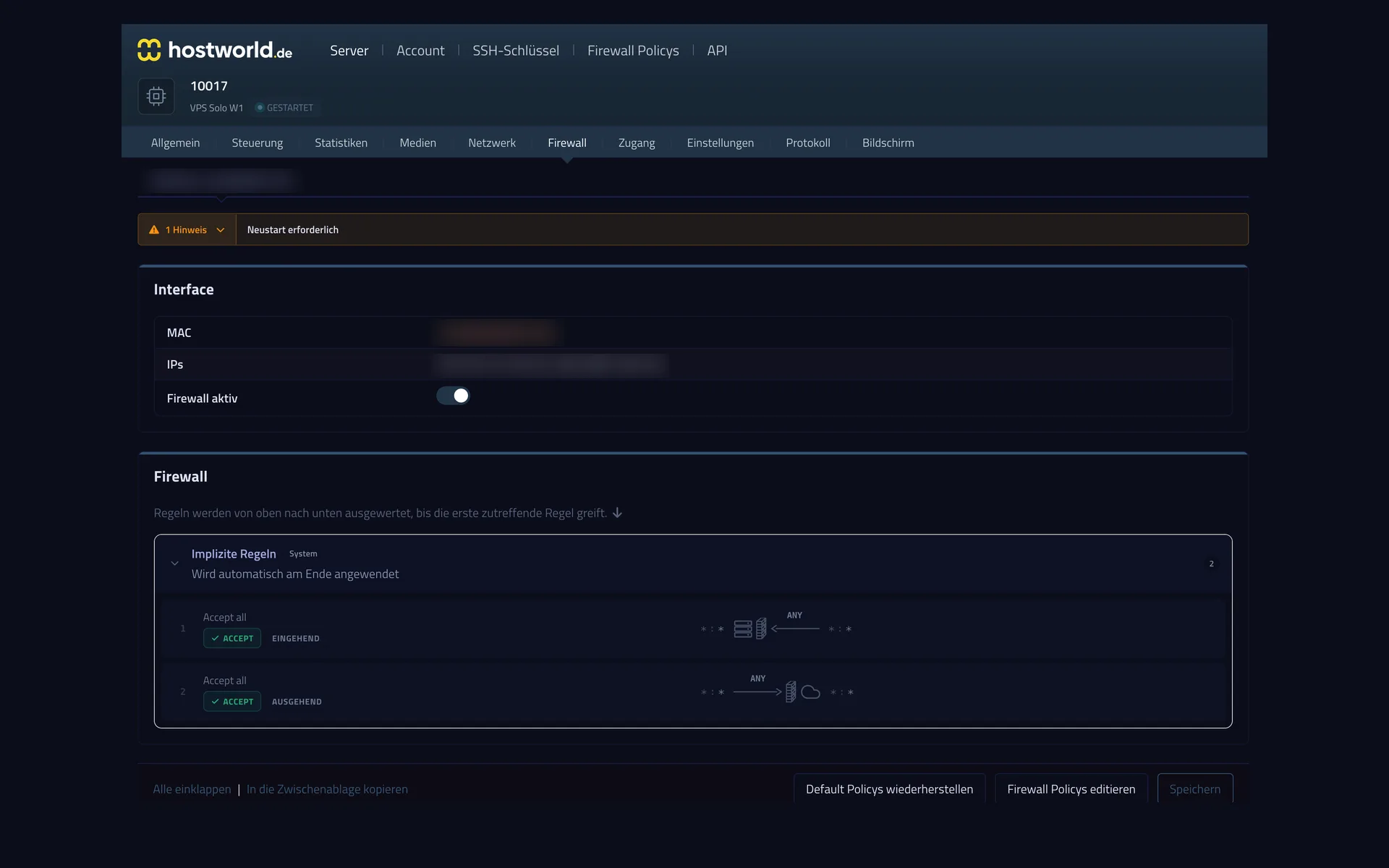
  • Firewall settings in the Server Control Panel with the firewall switch and the rules of the assigned policyFirewall settings in the Server Control Panel with the firewall switch and the rules of the assigned policy

    6 of 7

    A firewall for your server

    The firewall rules take effect in front of your server, so they also apply when something goes wrong inside the server itself. You can switch the firewall on and off at any time.

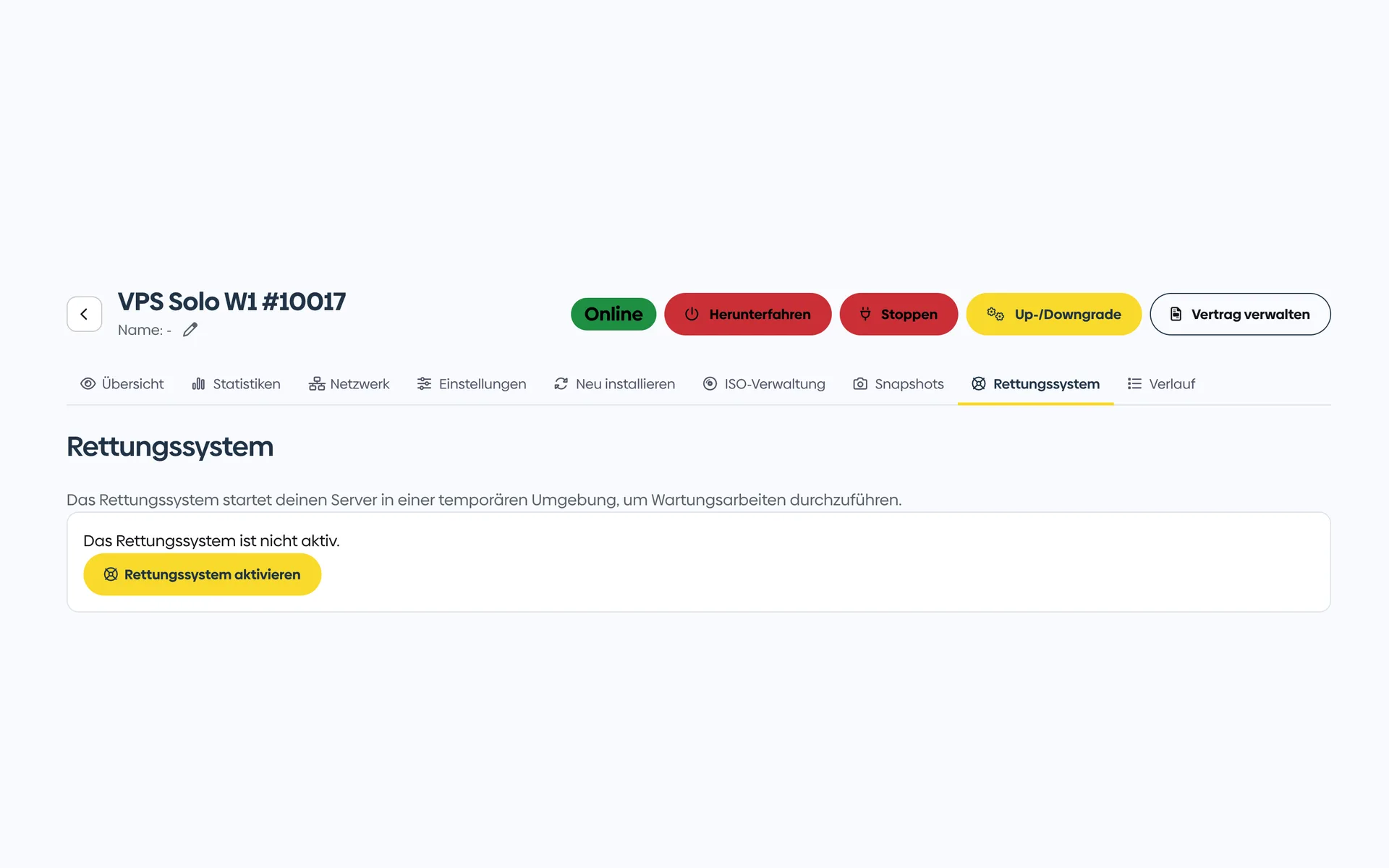
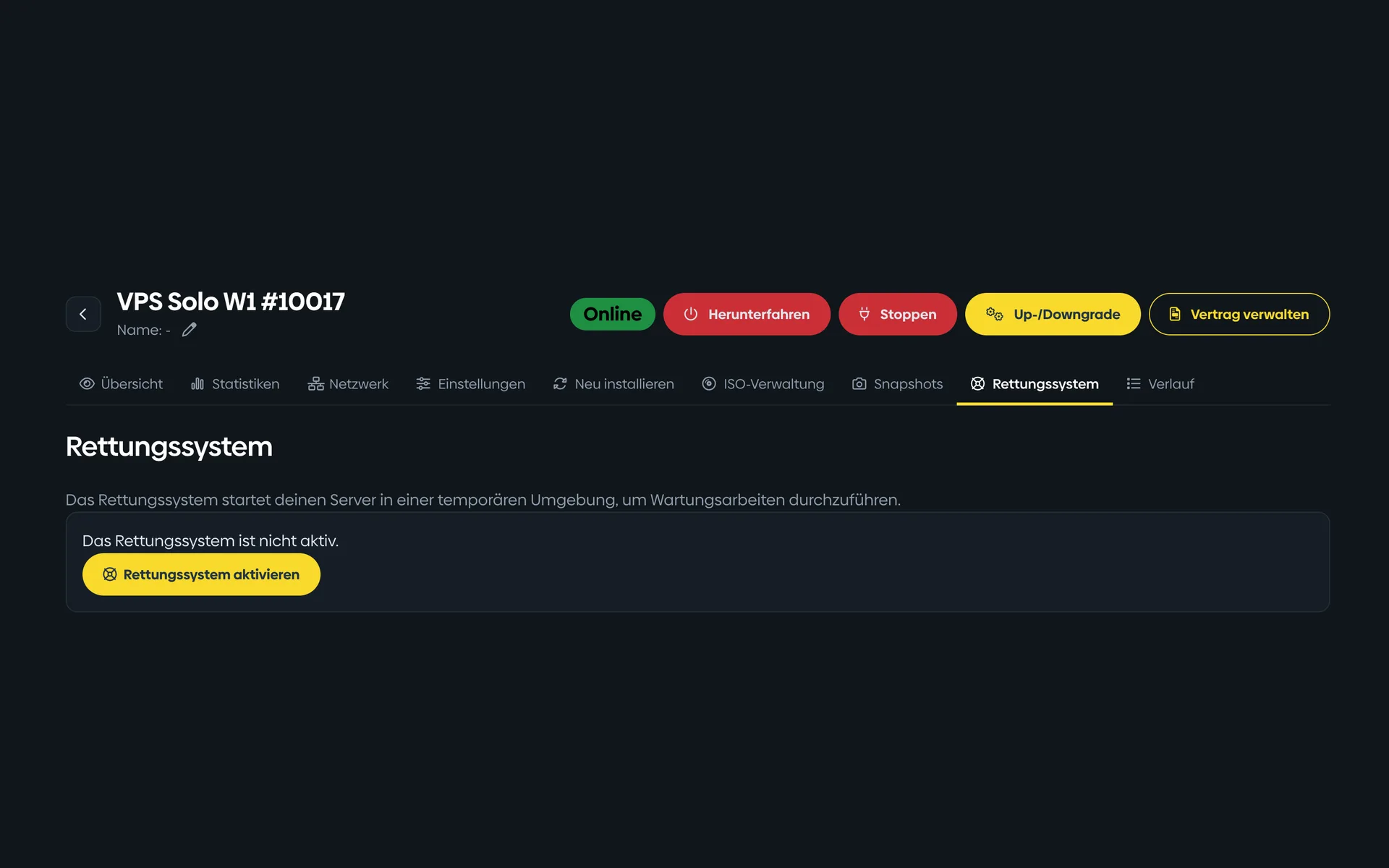
  • Rescue system in the Customer Menu with a note about the minimal Linux environment and the button to activate itRescue system in the Customer Menu with a note about the minimal Linux environment and the button to activate it

    7 of 7

    A rescue system for emergencies

    If the server no longer starts, you boot a small Linux, mount your disks, and get to your data. You activate the rescue system with one click.

Setup highlights

What is special about n8n hosting at hostworld.de

  • KVM virtualization with full root access
  • Preinstallable Linux distributions (Debian, Ubuntu, AlmaLinux, Rocky)
  • Upload your own ISO images
  • Snapshots before every major change
  • Plesk available as an optional add-on (for visual server management)
  • Personal support for setup questions
  • Servers located in Germany
  • No setup fee

FAQ

Frequently asked questions about n8n hosting

How do I install n8n on your VPS?
Recommended approach: Docker Compose with the official n8n image, behind an Nginx reverse proxy with Let's Encrypt SSL. Setup takes about 15 minutes. If you have questions, our support team helps.
Is the VPS Plus W1 enough for my workflows?
For most small to medium setups with up to about 50–100 active workflows. If you need more: VPS Max W1 with 8 vCPU / 32 GB / 500 GB for €35.95 / month.
What about the n8n license?
n8n uses the “Sustainable Use License” (fair-code). Self-hosting for your own business processes is permitted without restriction. If you want to sell n8n as a hosted service to third parties, you need a separate agreement with n8n.
Can I migrate from n8n Cloud to self-hosted?
Yes. n8n exports workflows as JSON. Workflows can be imported 1:1 into the self-hosted instance, including credentials and connections.
Do you offer automatic n8n updates?
No. The VPS is unmanaged, you handle updates yourself. With Docker it is a simple `docker compose pull && docker compose up -d`. If you want fully managed updates: Managed Server.
What about backups?
Snapshots are included (point-in-time copies). We also recommend real backups of your database, e.g. via a cron job to a Storage Server or an external backup target.
Which connection do you recommend for many webhook triggers?
The plan's 2.5 Gbit/s connection easily handles high webhook volumes. Several tens of thousands of hooks per day are no problem.

Ready to host your workflows yourself?

VPS Plus W1 configured in a few minutes. Snapshots, DDoS protection and personal support included.