Use case · Blog

Blog Hosting with WordPress

The direct route to your own blog: WordPress is installed with one click, fast loading times thanks to the built-in cache, daily backups and a domain are included. You write, we take care of the technology.

WordPress with one clickDomain includedDaily backupsServers in Germany

From €7.95 per month

WordPress

Your blog belongs to you, not to a platform

A blog of your own under your own domain belongs entirely to you, including content, design and reader data. If you write on Medium, Substack or a social media platform instead, the provider sets the rules and decides how visible your articles are.

WordPress is the most widely used website system in the world: thousands of free themes, a mature block editor and plugins for practically every purpose, such as SEO, newsletters or protection against comment spam.

We take care of the technology behind it: the WP Toolkit installs WordPress with one click, the LiteSpeed web server delivers your articles to your visitors quickly with the built-in cache, and a free Let's Encrypt SSL certificate secures your blog.
Recommended for blogs

Our plan recommendation

Our WP Solo plan is made for a single project: 50 GB NVMe storage, an included domain and WP Toolkit for management. As your blog grows, you can switch to a larger plan at any time.

Monthly term and payment, cancelable at short notice.

Recommended for blogs

WP Solo

50 GB NVMe · 1 WordPress installation

  • 50 GB NVMe storage
  • 1 WordPress installation
  • 1 domain included
  • LiteSpeed web server with LiteSpeed Cache
  • WP Toolkit with staging
  • PHP 8.3 / 8.4 / 8.5 selectable
  • Daily backups included
  • Unmetered traffic (fair use)
7.95/ month
No setup fee

Our recommendation

Why your blog runs fast and securely with us

WordPress with one click

WP Toolkit installs WordPress including database, admin account and a free SSL certificate. After a few minutes you can write your first article.

LiteSpeed for fast loading times

The LiteSpeed web server delivers your articles quickly thanks to its integrated cache. You do not need a separate cache plugin.

Staging

Test your changes safely on a 1:1 copy of your blog before they go live.

Daily backups

Your blog is backed up daily and kept for 7 days. Our support team restores it free of charge, and you can also back up yourself, e.g. before installing updates.

Free SSL certificate

Let's Encrypt SSL certificates are issued and renewed automatically. Your blog is reachable via HTTPS from the first minute.

Personal support

If you have questions, you can reach us by email or phone.

Everything in your own hands

What you can do yourself, without waiting for anyone

Install, clone, back up, and harden WordPress. These views are part of every WordPress plan.

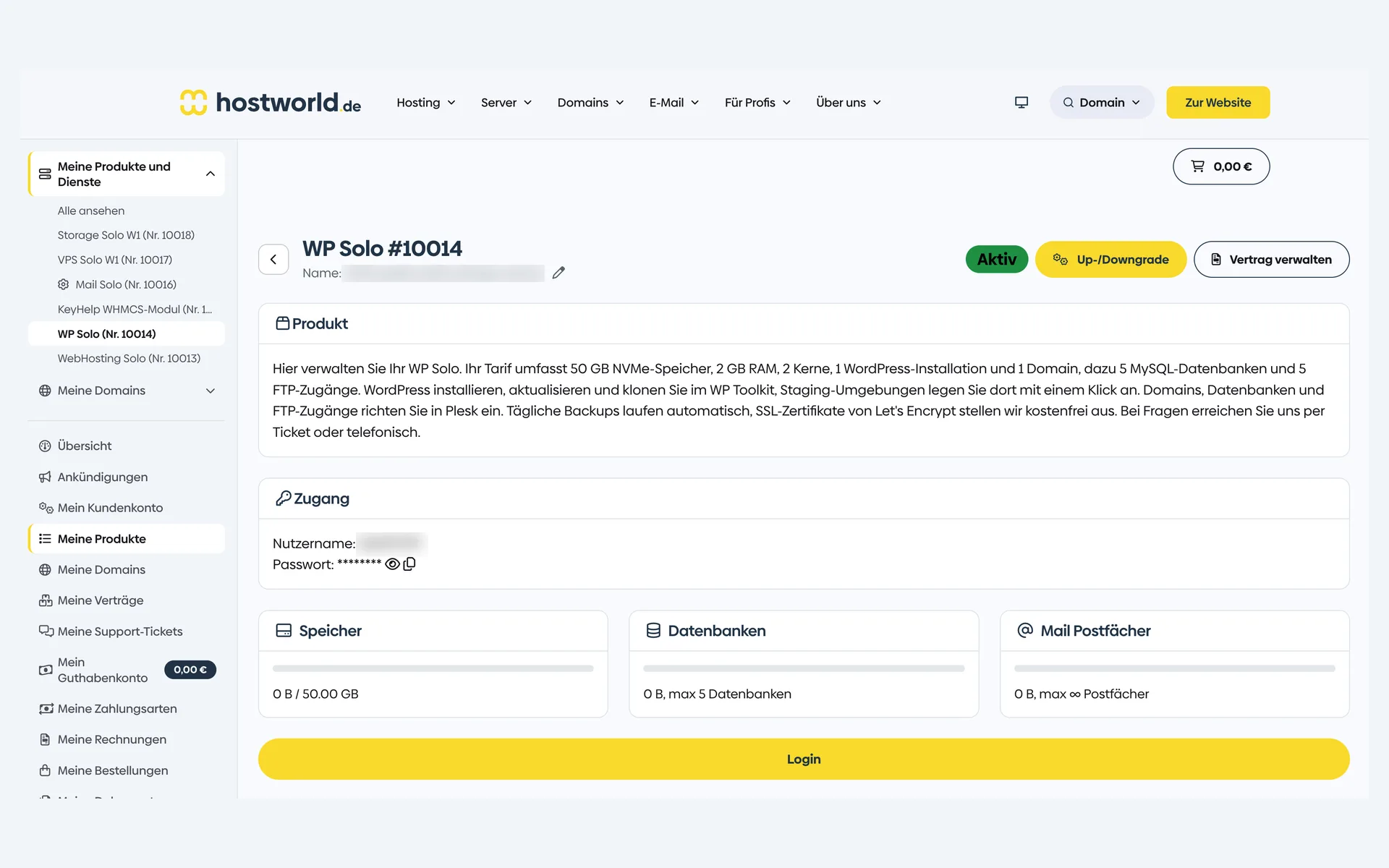
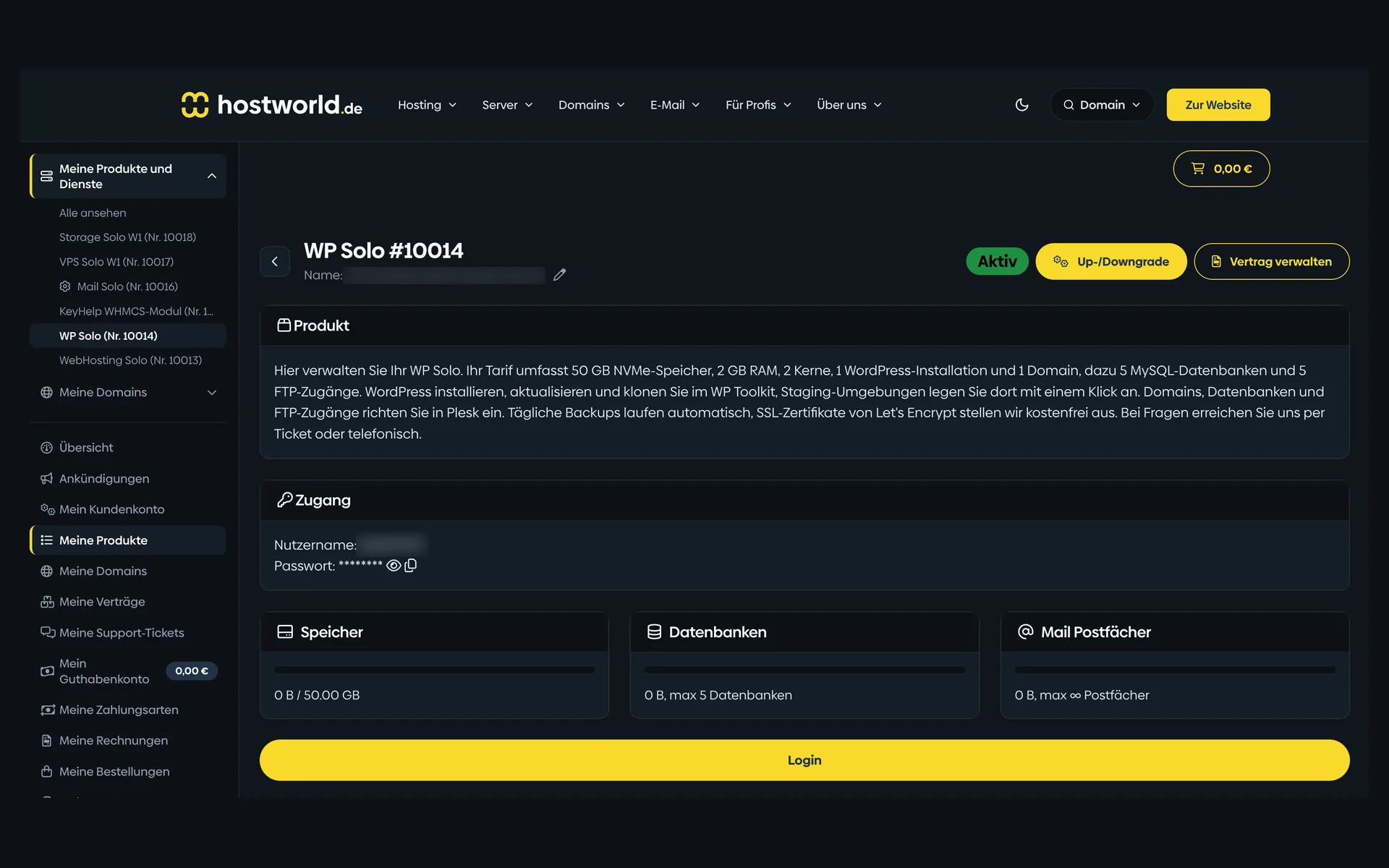
  • Product page of a WordPress plan in the Customer Menu with the plan description, login details, storage, database, and mailbox counters, and the “Login” buttonProduct page of a WordPress plan in the Customer Menu with the plan description, login details, storage, database, and mailbox counters, and the “Login” button

    1 of 8

    Plan, access, and usage in the Customer Menu

    Storage, databases, and mailboxes are shown with their current state in the Customer Menu. From there, the login button takes you straight to Plesk.

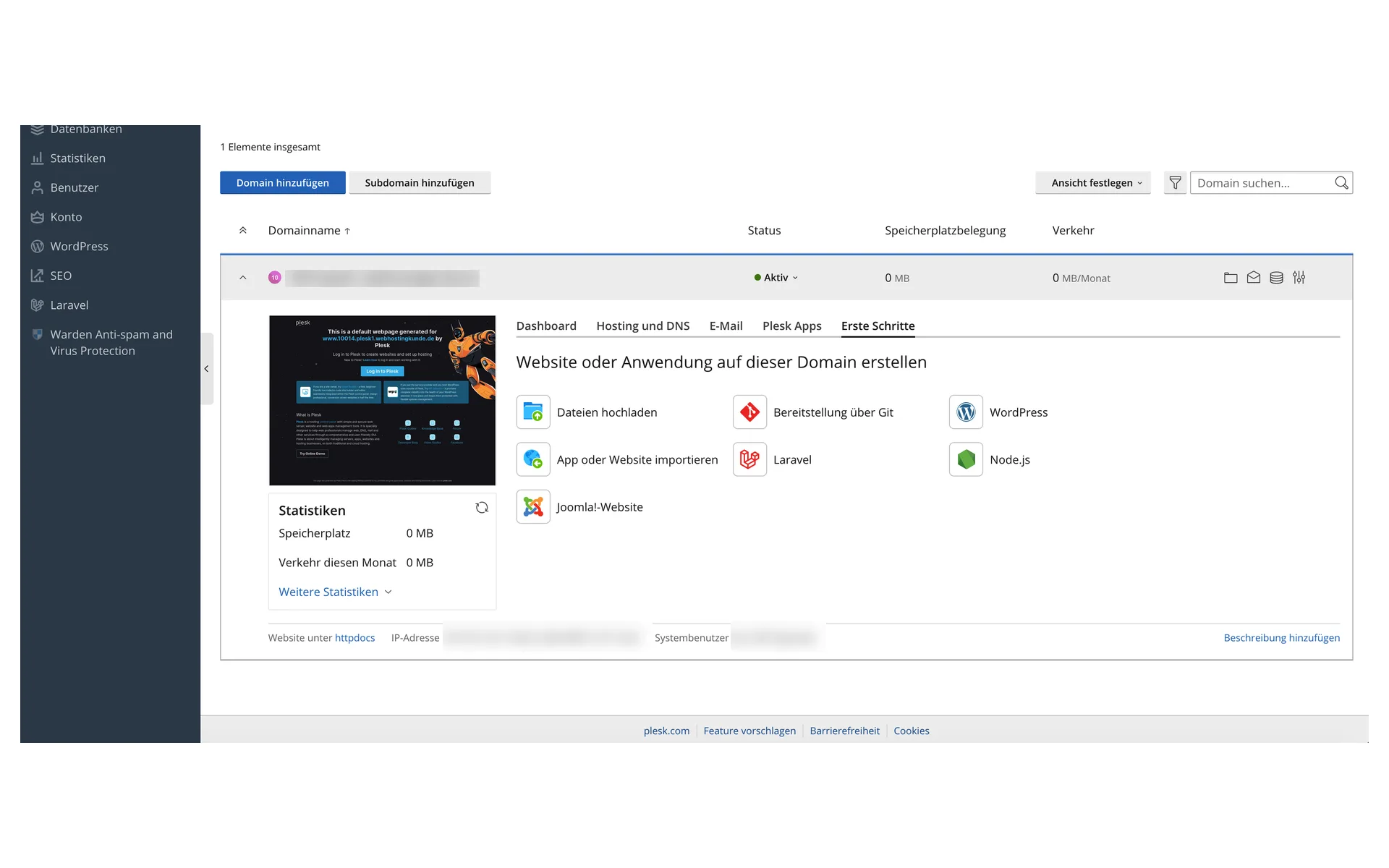
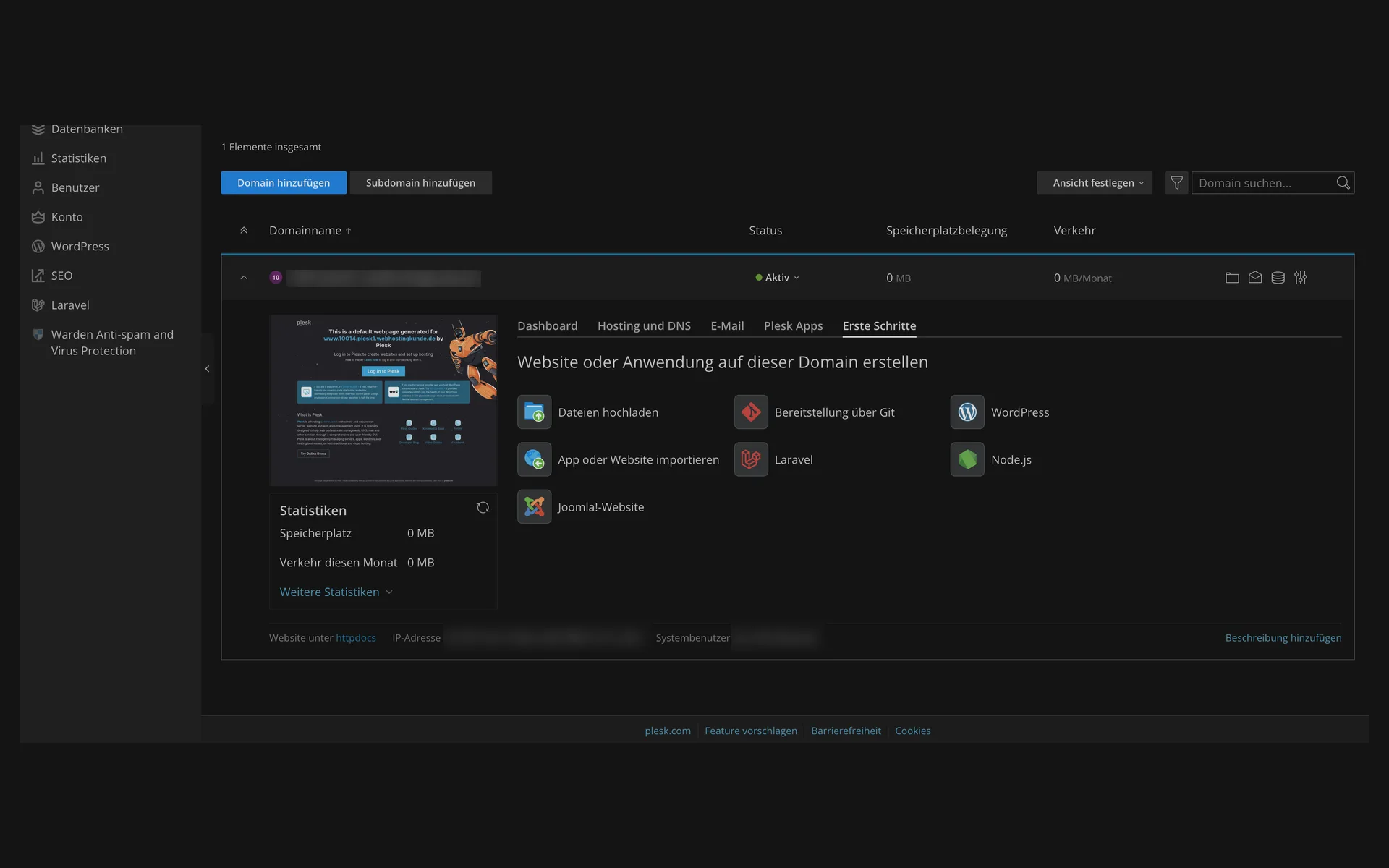
  • “Erste Schritte” (getting started) tab in Plesk with the starting points for uploading files, deploying via Git, WordPress, importing an app or website, Laravel, Node.js, and a Joomla website“Erste Schritte” (getting started) tab in Plesk with the starting points for uploading files, deploying via Git, WordPress, importing an app or website, Laravel, Node.js, and a Joomla website

    2 of 8

    Create a website, with or without WordPress

    Plesk offers the right starting point for every domain: WordPress, Laravel, Node.js, Joomla, uploading files, or importing an existing website.

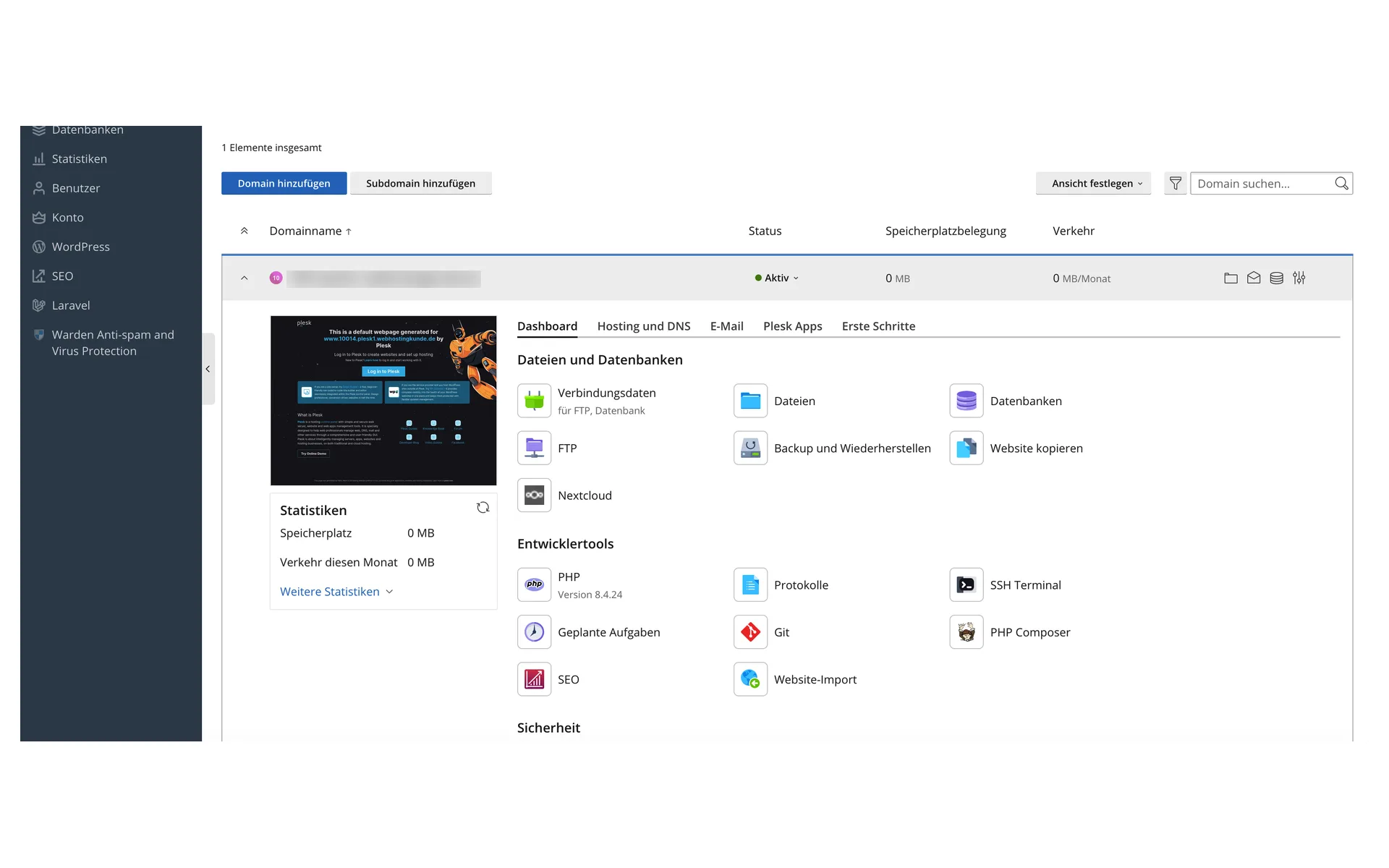
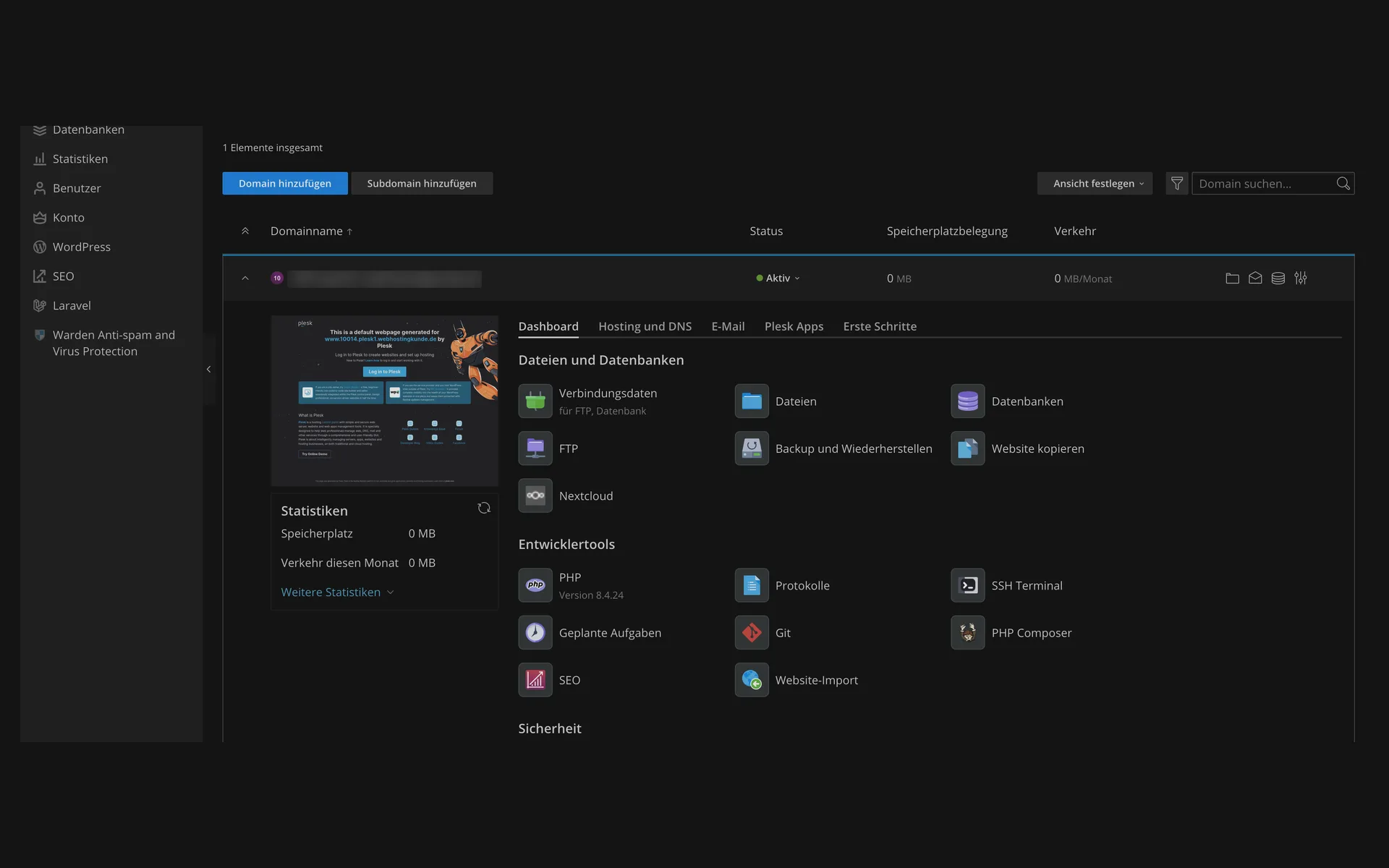
  • Dashboard of a domain in Plesk with the sections for files and databases, plus developer tools with PHP version, logs, SSH terminal, scheduled tasks, Git, and PHP ComposerDashboard of a domain in Plesk with the sections for files and databases, plus developer tools with PHP version, logs, SSH terminal, scheduled tasks, Git, and PHP Composer

    3 of 8

    Files, databases, and developer tools

    File manager, databases, FTP, plus backup and restore, all on one page. Below that: PHP version, logs, SSH terminal, scheduled tasks, Git, and Composer.

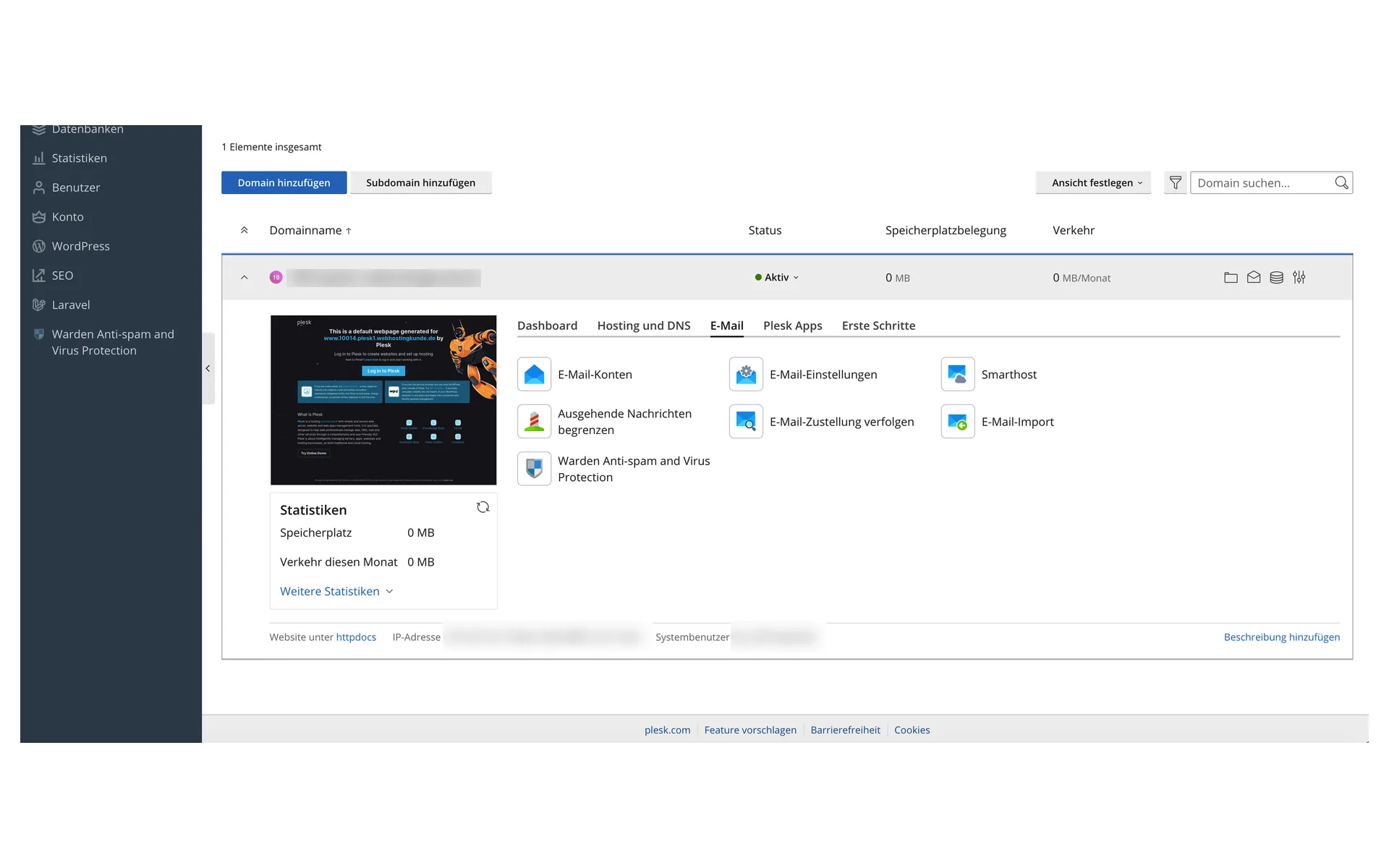
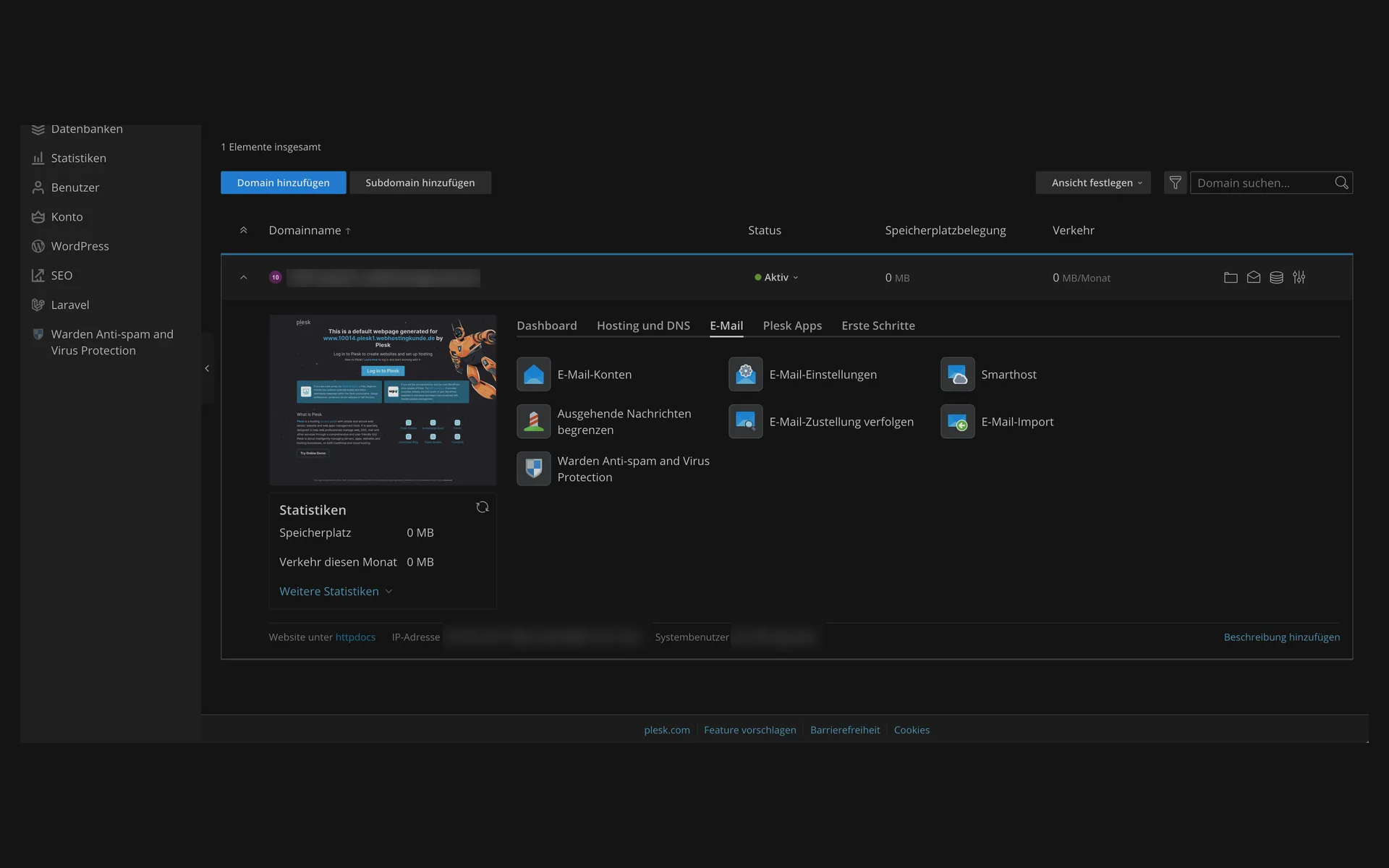
  • “E-Mail” (email) tab in Plesk with email accounts, email settings, smarthost, outgoing message limits, delivery tracking, email import, and anti-spam protection“E-Mail” (email) tab in Plesk with email accounts, email settings, smarthost, outgoing message limits, delivery tracking, email import, and anti-spam protection

    4 of 8

    Mailboxes for your own domain

    Create email accounts, adjust settings, limit outgoing messages, and track delivery. Spam and virus protection is in the same section.

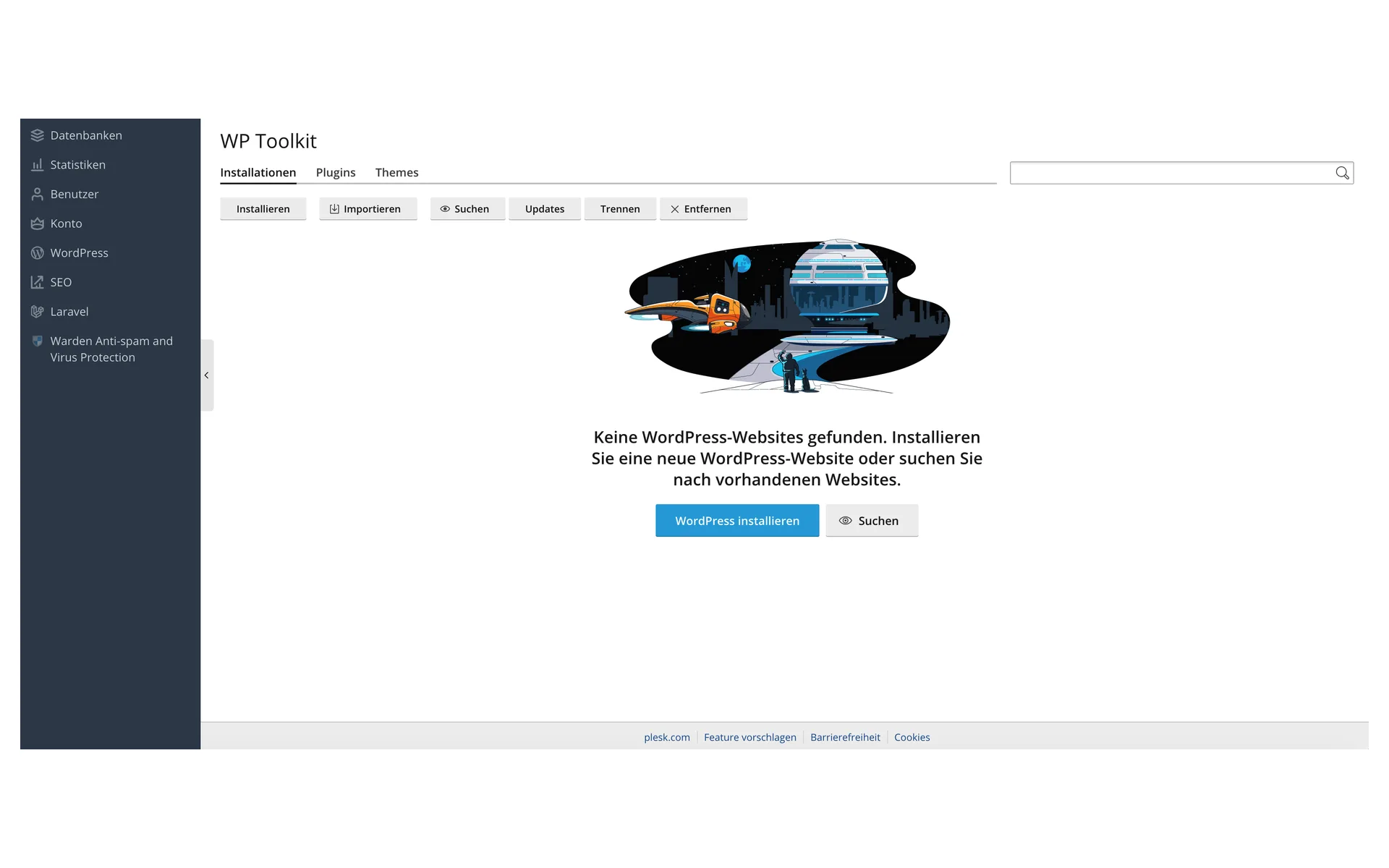
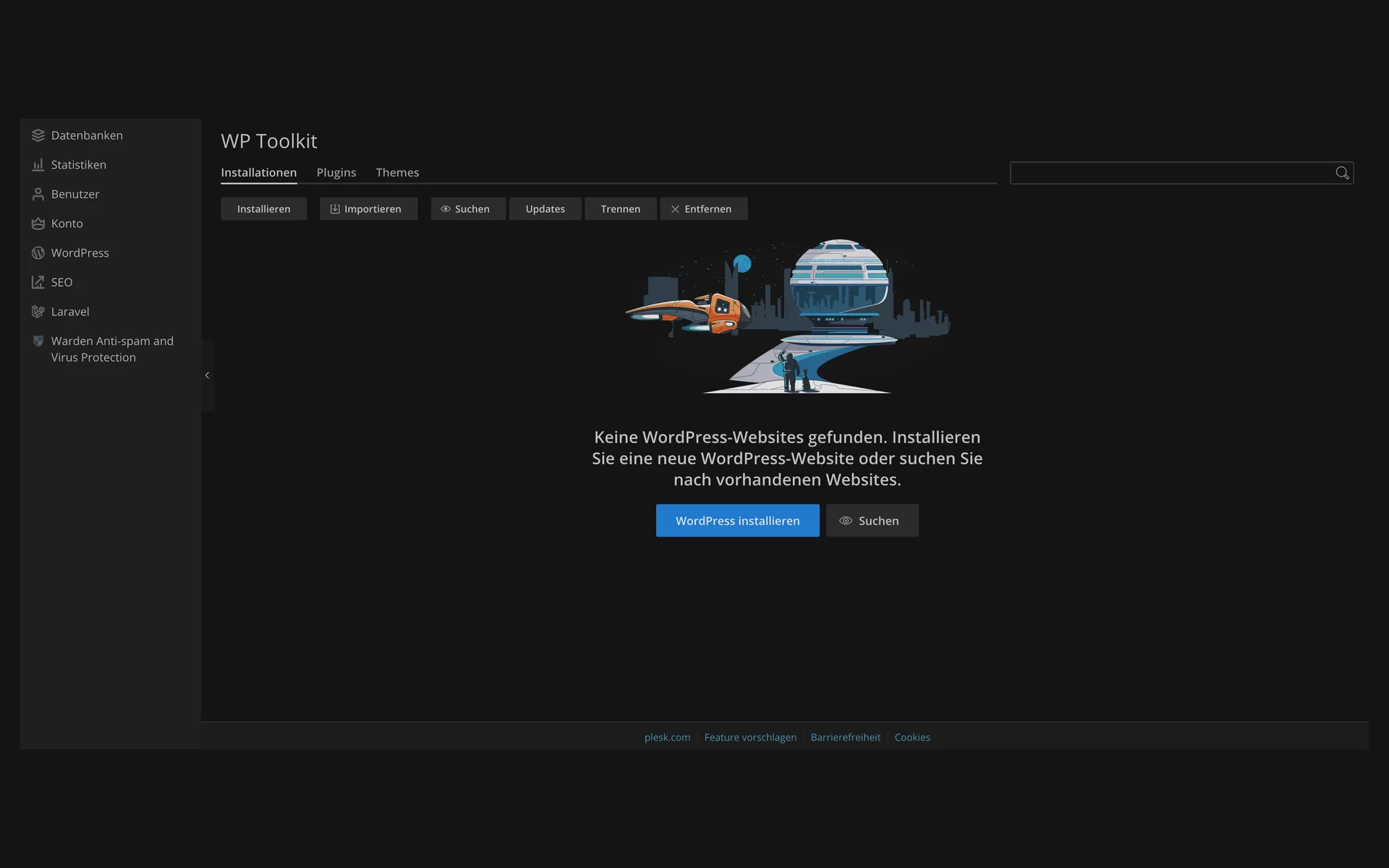
  • WP Toolkit without an installation, with the message “Keine WordPress-Websites gefunden” (no WordPress websites found) and the buttons “WordPress installieren” (install WordPress) and “Suchen” (search)WP Toolkit without an installation, with the message “Keine WordPress-Websites gefunden” (no WordPress websites found) and the buttons “WordPress installieren” (install WordPress) and “Suchen” (search)

    5 of 8

    The starting point: install WordPress

    WP Toolkit collects all WordPress installations of your package. You create the first WordPress installation with one click or import an existing one.

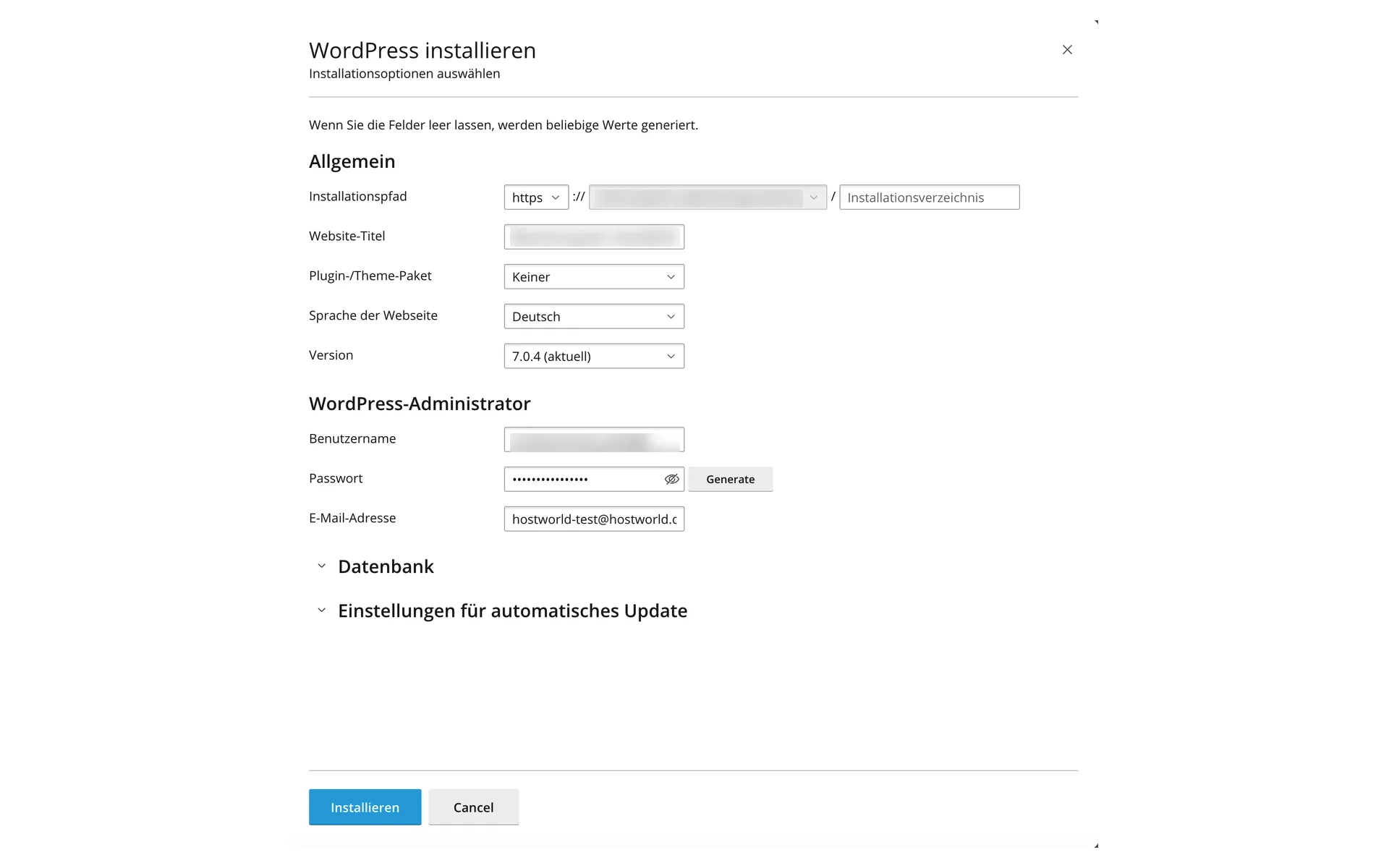
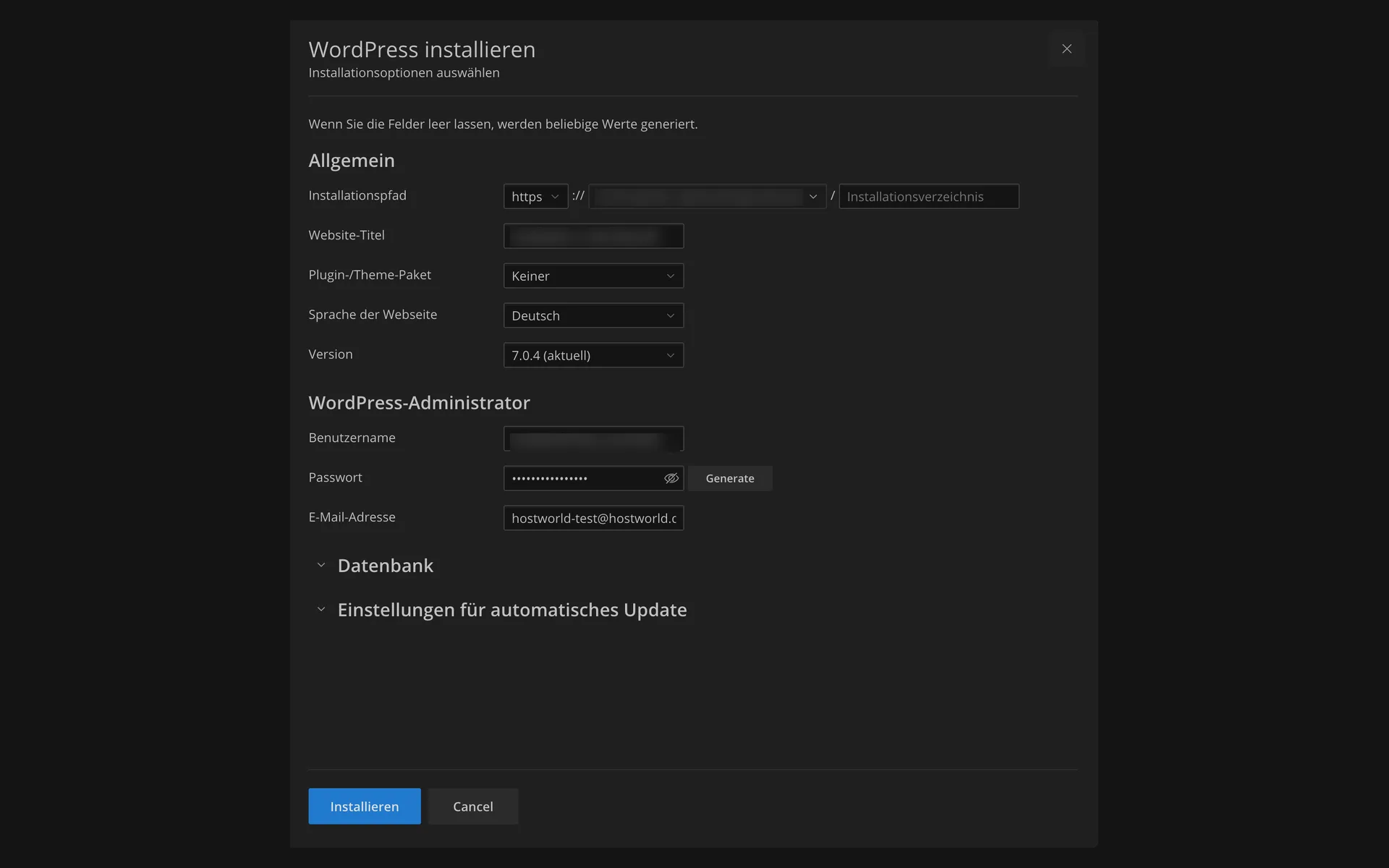
  • “WordPress installieren” (install WordPress) dialog with installation path, website title, plugin and theme set, language, version, and the fields for the WordPress administrator“WordPress installieren” (install WordPress) dialog with installation path, website title, plugin and theme set, language, version, and the fields for the WordPress administrator

    6 of 8

    WordPress in a single dialog

    Choose the installation path, title, language, and version, set the administrator, done. If you leave fields empty, Plesk fills in the values itself.

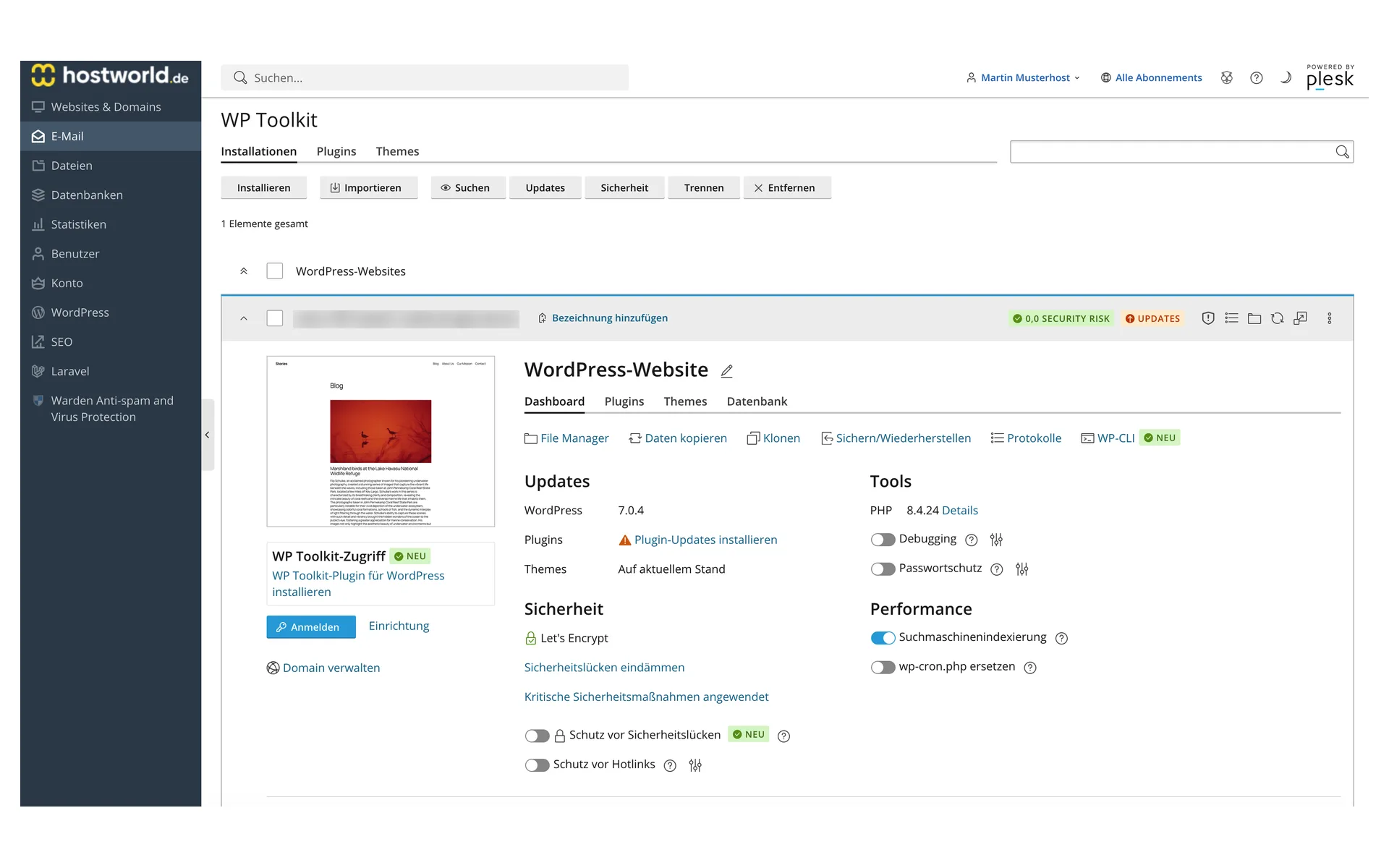
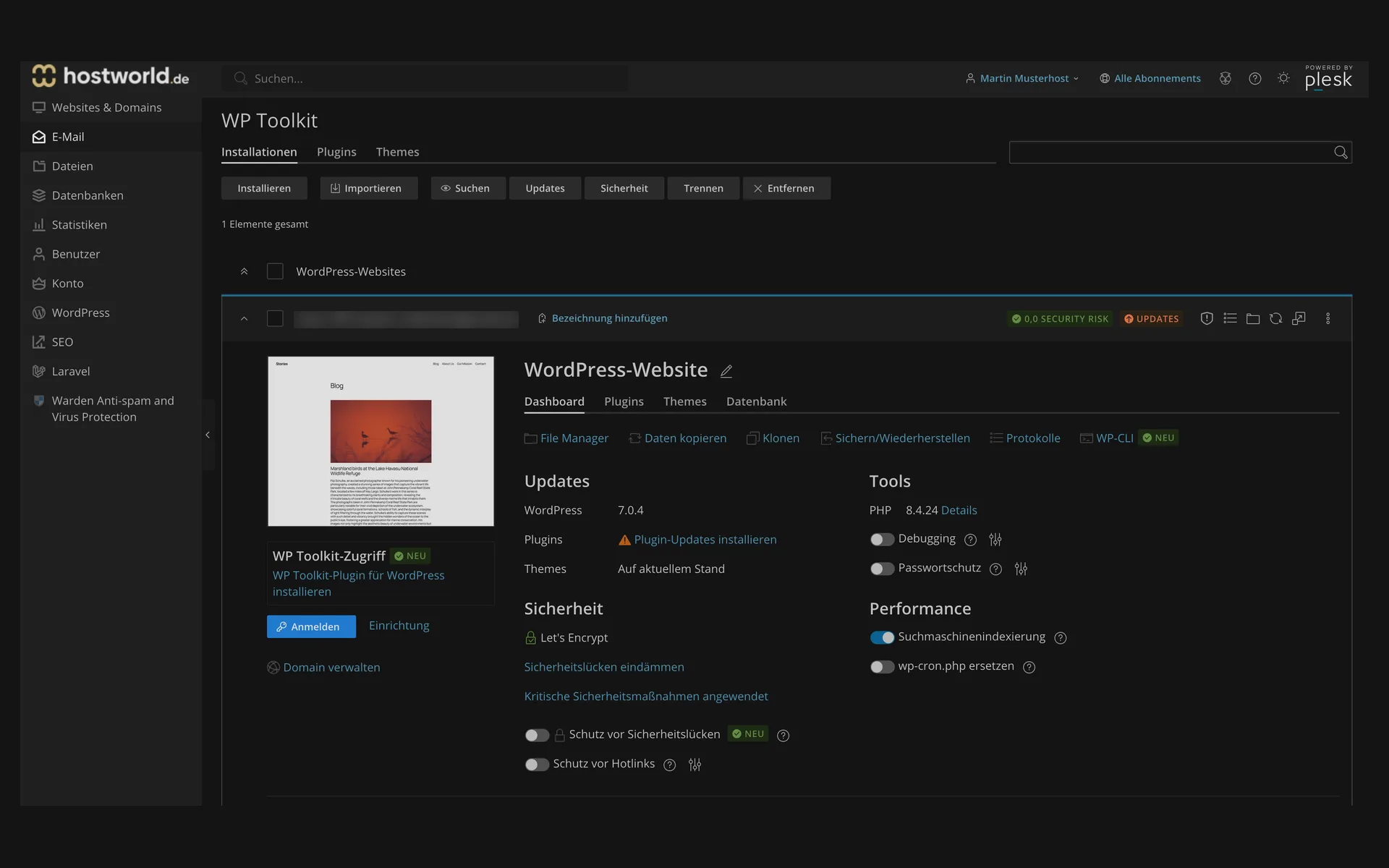
  • WP Toolkit with an installed WordPress website, updates, security status, the tools for cloning, backing up and restoring, and WP-CLI, plus the switches for search engine indexing and password protectionWP Toolkit with an installed WordPress website, updates, security status, the tools for cloning, backing up and restoring, and WP-CLI, plus the switches for search engine indexing and password protection

    7 of 8

    Clone, back up, harden, without a plugin

    From WP Toolkit you clone the website, back it up, open WP-CLI, and toggle search engine indexing or password protection. The Let's Encrypt certificate sits right next to it.

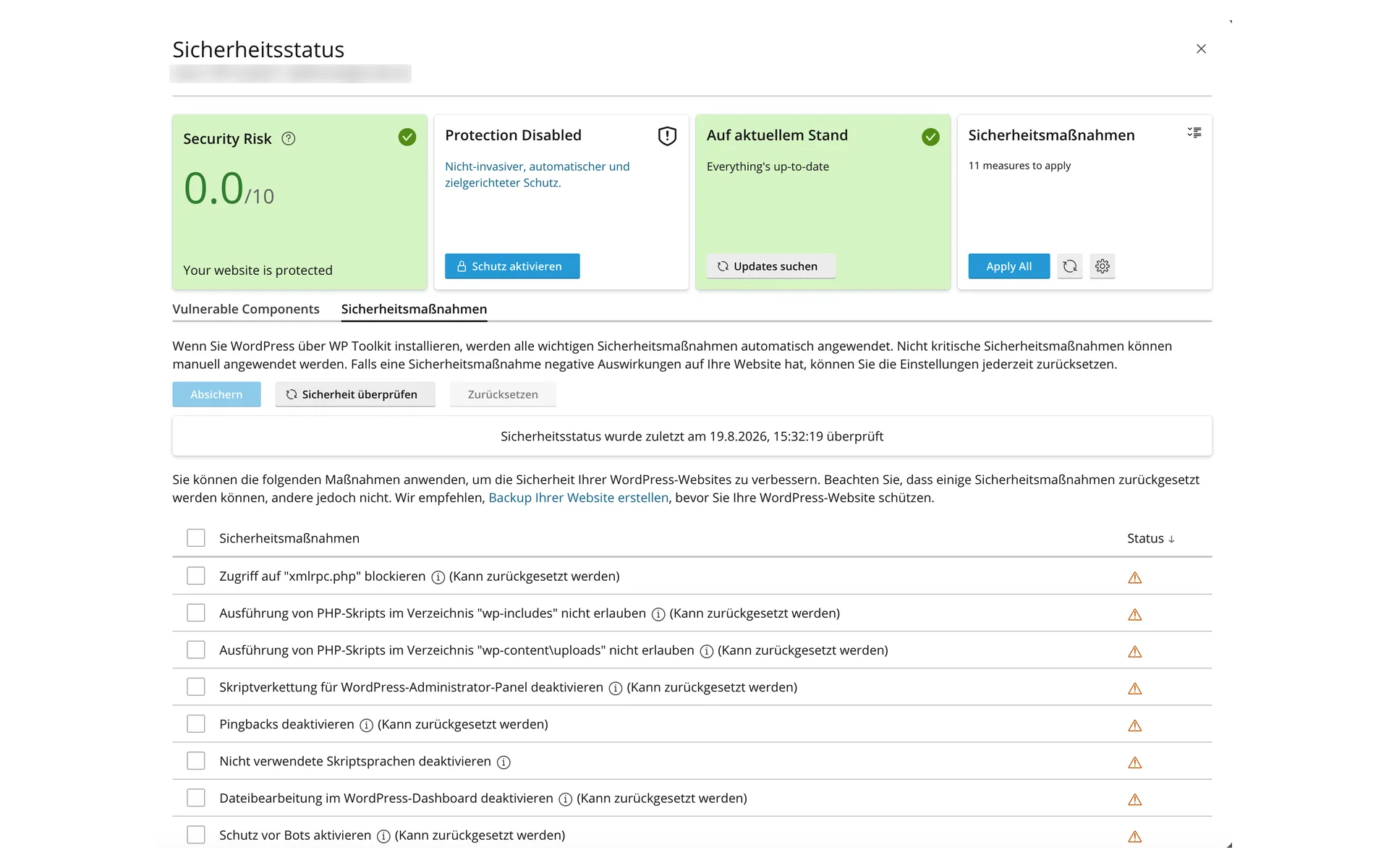
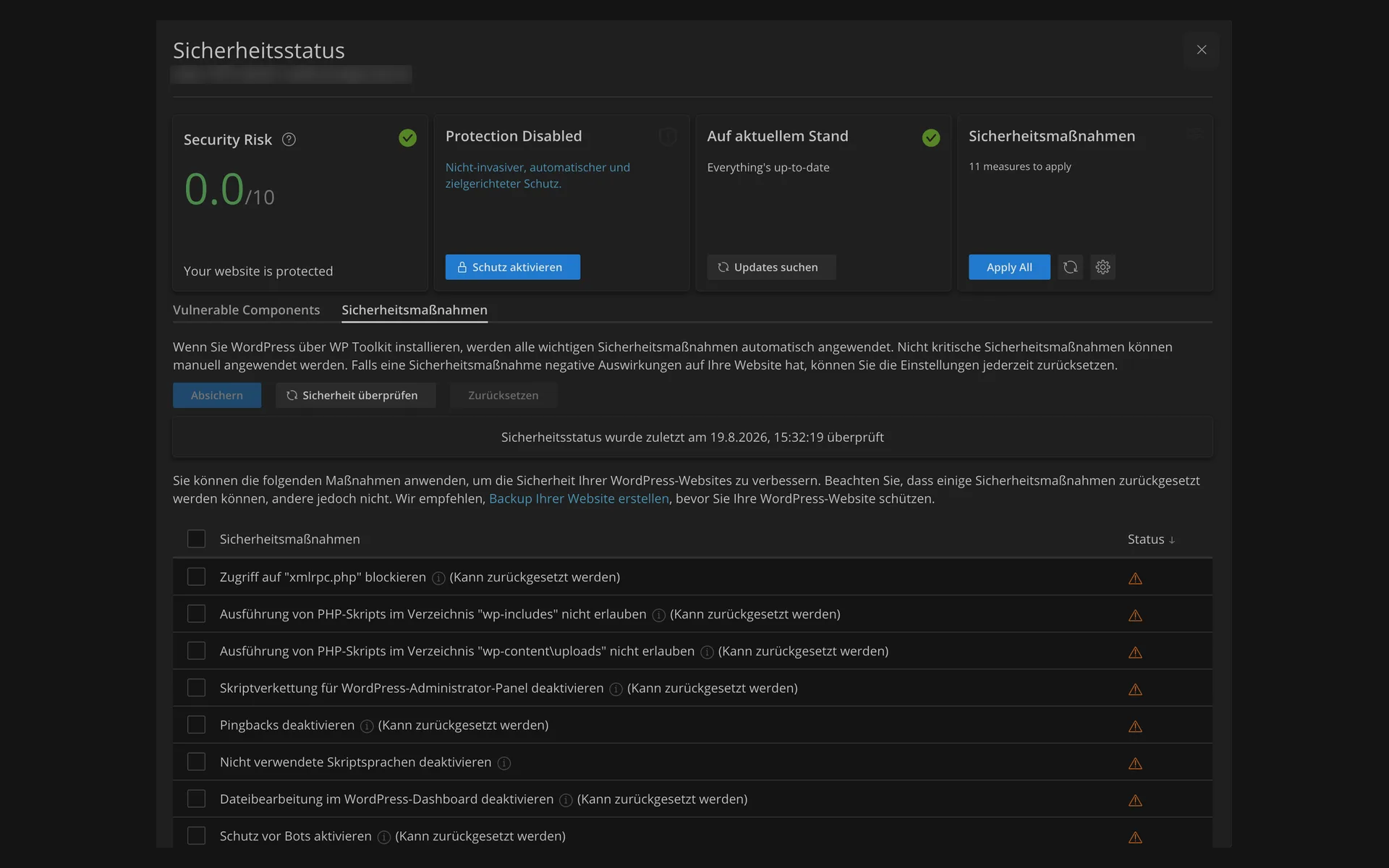
  • “Sicherheitsstatus” (security status) dialog with the risk rating 0,0 of 10, the note about eleven applicable measures, and the list of the individual security measures“Sicherheitsstatus” (security status) dialog with the risk rating 0,0 of 10, the note about eleven applicable measures, and the list of the individual security measures

    8 of 8

    Security check with one click

    WP Toolkit checks the installation and rates the risk on a scale. Below that are the measures you can apply one by one or all at once.

Email included

The right email address for your blog

Blog and email from a single source: with your included domain you set up your own mailboxes, e.g. contact@your-blog.de, accessible on your computer, on your phone or directly in the browser.

Included in the plan

What comes with blog hosting

  • WordPress installation via WP Toolkit
  • LiteSpeed web server with LiteSpeed Cache
  • 1 included domain
  • Let's Encrypt SSL, automatic
  • Daily backups, kept for 7 days
  • Servers located in Germany, GDPR-compliant
  • Website migration free of charge for private customers

FAQ

Frequently asked questions about blog hosting

Can I migrate my existing WordPress blog?
Yes. WP Toolkit includes a migration tool that takes over existing WordPress installations. For private customers we handle the move free of charge, business customers receive individual advice.
How quickly is my blog online?
You install WordPress with one click via WP Toolkit. Including database, admin account and SSL certificate, it takes just a few minutes.
Is WP Solo enough or do I need WP Plus?
For a single blog, WP Solo with 50 GB and one WordPress installation is usually enough. WP Plus is worth it if you run several projects or need more storage for images, for example. WP Plus gives you 3 WordPress installations and 200 GB of NVMe SSD storage for €13.95 / month.
Is a domain included?
Yes, the WP Solo plan includes a free .de domain. You can register additional domains at any time in the Customer Menu.
Do I need technical knowledge?
No. You handle the installation and initial setup via WP Toolkit with a few clicks. You manage new posts, pages, themes and plugins in the WordPress backend, and our support team is happy to help if you have questions.
Can I switch to a larger plan later?
Yes, an upgrade is possible at any time. Your content, domains and email mailboxes are retained.

Ready for your own blog?

WP Solo is set up quickly: WordPress with one click, daily backups and personal support included. We handle your migration, free of charge for private customers.